Transition Announcement
Contact the Insider One team to transition to the new Drag & Drop Editor if you are still using the legacy Drag & Drop Editor.
The upgraded Drag & Drop Editor is now available for a more consistent email-building experience across key email surfaces.
What's new in the upgraded version?
Unified editor experience: Use the same editor across Bulk Email, Template Library, and Transactional Journeys.
Refreshed interface: Navigate the editor more smoothly while building email content.
Mobile editing: Edit and optimize your email for mobile during the build process.
Expanded save module: Save reusable modules that include custom blocks, such as recommendation modules.
AI image generation: Generate images directly within the editor while designing emails.
Email size indicator: See real-time email size as you build.
HTML and AMP preview: Preview HTML and AMP output within the editor.
AMP error highlighting: Identify AMP issues directly in the editor.
Gmail annotations support: Add Gmail annotations to improve how your emails appear in the inbox.
Canvas resizing: Resize containers by dragging them directly on the canvas.
Expanded gradient support: Apply gradient backgrounds to structures, containers, and the Button, Spacer, and Social Networks blocks. Set a gradient in the global button styles to apply it to all buttons.
Searchable version history: Add names and tags to versions, search for them (in English), and restore a version or restore it as a new one from the three-dot menu.
Separate mobile settings: Set a separate banner image size, borders, stripe content borders, and background image positions for mobile without changing the desktop layout.
More styling controls: Adjust banner text line height, write right-to-left text, change button icons on hover, round the corners of video custom images and AMP Accordion titles, use spacers as small as 1 px, and set padding for individual or selected table cells.
AI content in 100+ languages: Create and translate content in more than 100 languages with AI features. AI Translate keeps your merge tags intact.
Keyboard shortcuts: See shortcuts in element tooltips. Press L to open Structures & Modules, and Shift + L to add a new structure.
Improved image gallery: Use Iconify icons, drag images from the gallery into your email, and see right away whether an image added through the Image Path field can be edited (PNG and JPG only).
You can use Insider One's new Drag & Drop Editor to build beautifully designed emails. 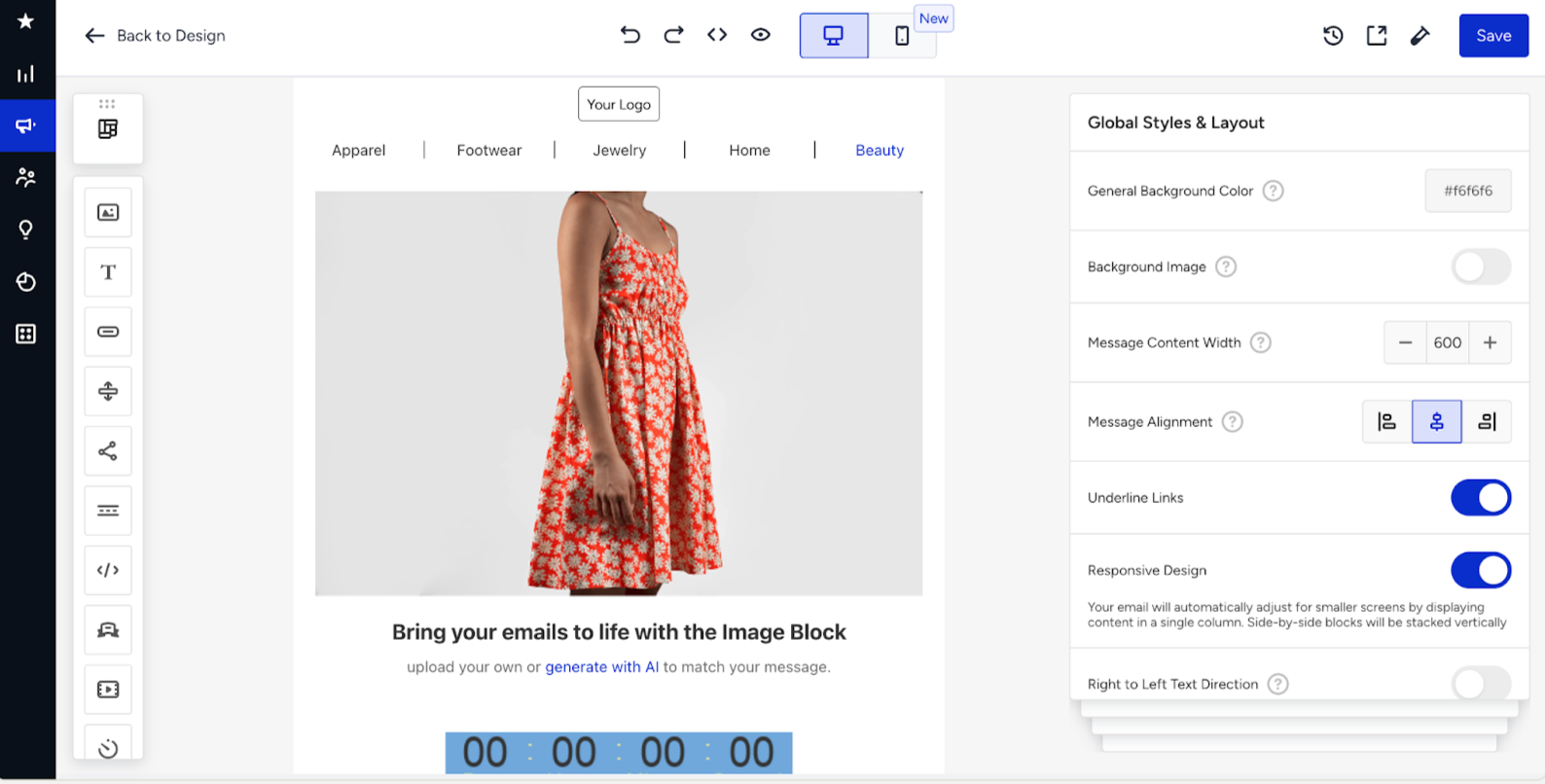
You can follow these topics to create and personalize your emails with images, buttons, timers, different backgrounds, conditions, dynamic content, and test your email before sending it to your users.
Saved modules will be automatically transferred after transitioning to the new Drag & Drop Editor editor. This migration process is being managed together with the Stripo team. However, if users switch back from the new editor to the old version, these modules will not be visible in the legacy editor.