You can build your first Email template with the new Drag & Drop editor in two ways:
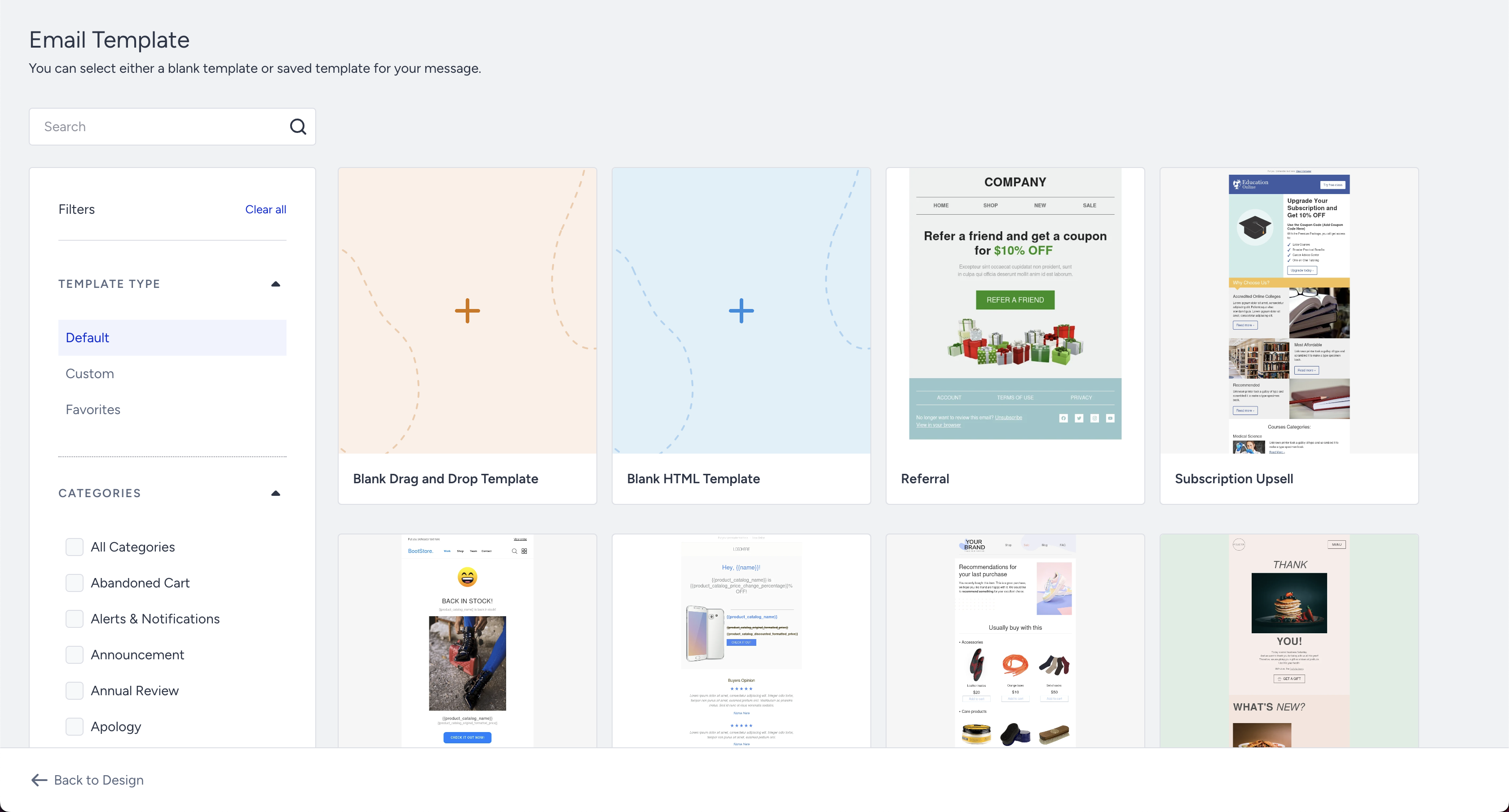
- Edit one of the email templates from the template store
- Start your design from scratch using the default editor template
Edit one of the email templates
To use the prepared email template option on the Design step, click the Select Template button.
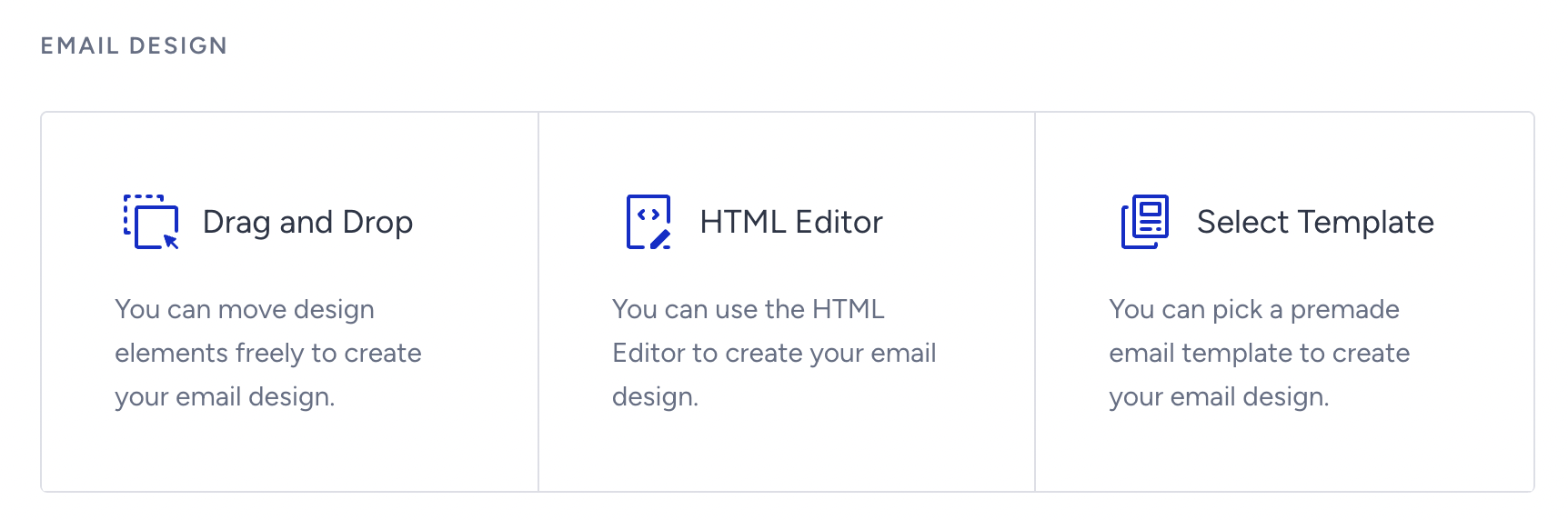
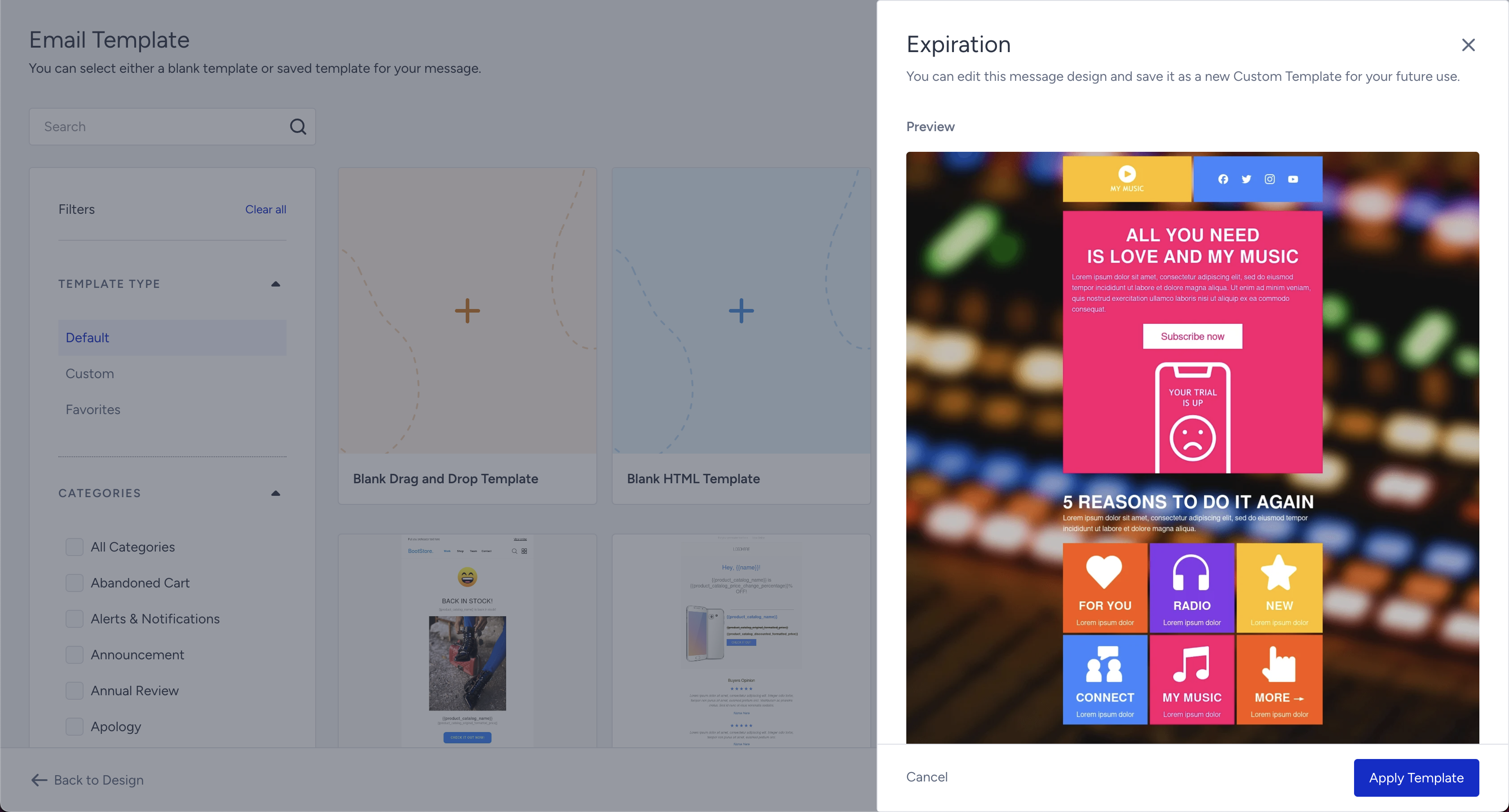
This is the easiest and most convenient way to build emails. You only need to choose the template you like, customize it to fit your brand design, insert your URLs, and replace the sample images with your own.
Start your design from scratch
To edit the draft template in the editor, select the Drag and Drop option.
.png)
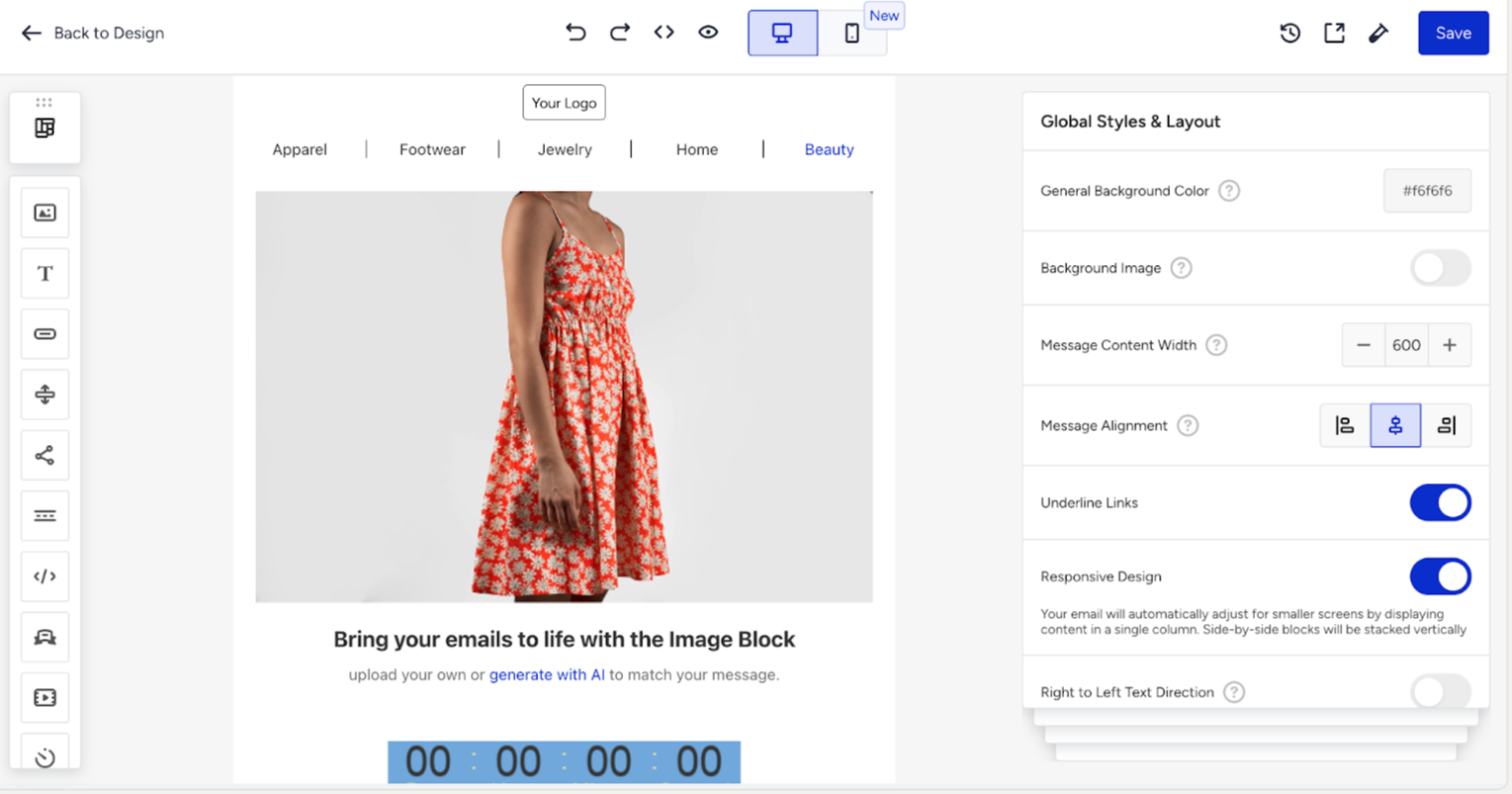
You can customize the elements of your email following the respective guides.