Once you complete designing your email, you can preview your content in different resolutions.
To preview your email:
1. Click the Email Preview button at the top of your email design.
2. Select the resolution you want to preview: web, tablet, mobile.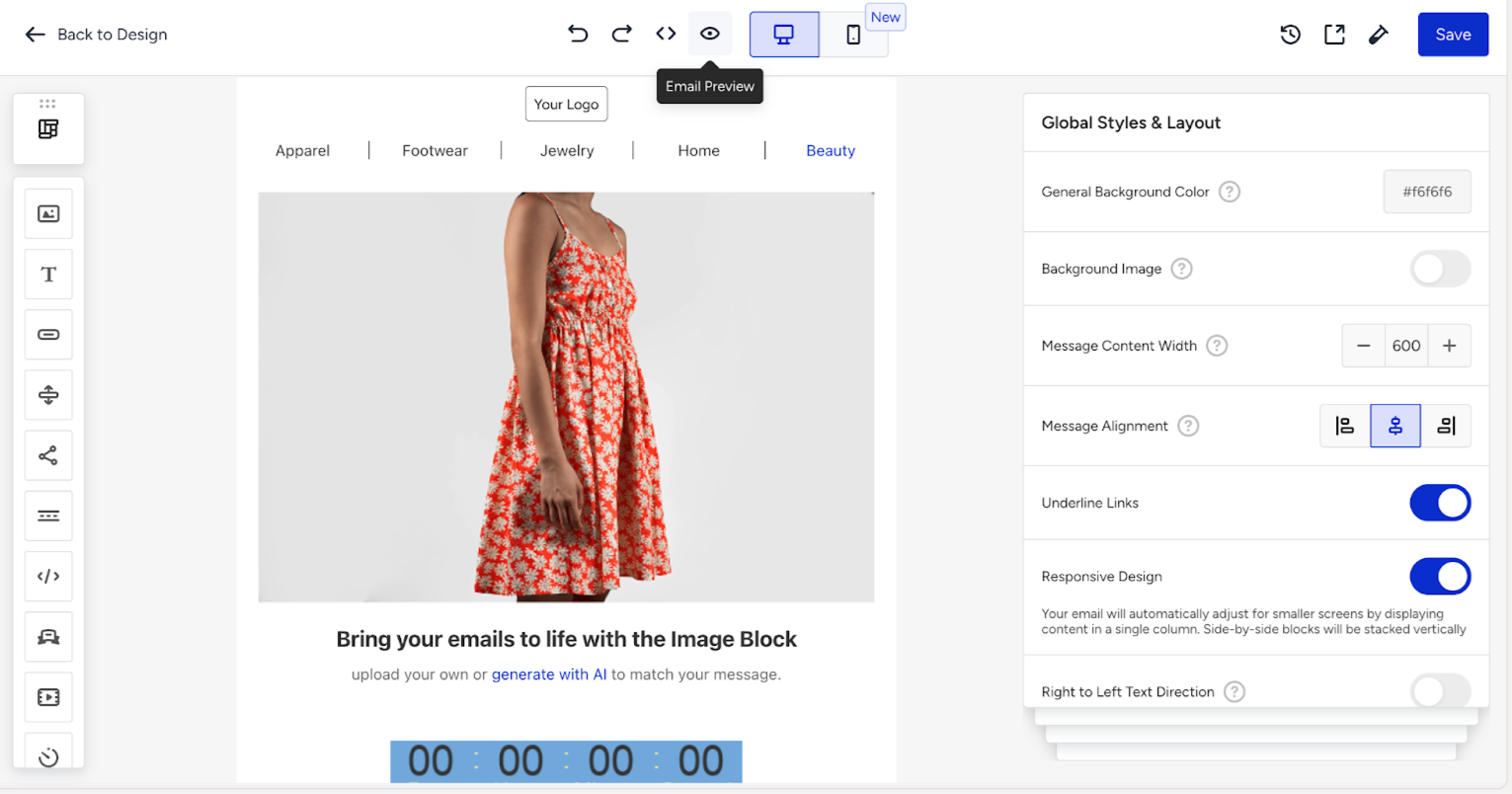
The Preview button allows you to switch to preview mode, in which you can see how the email will look on desktop and mobile devices. You can find two types of preview: AMPHTML and HTML.
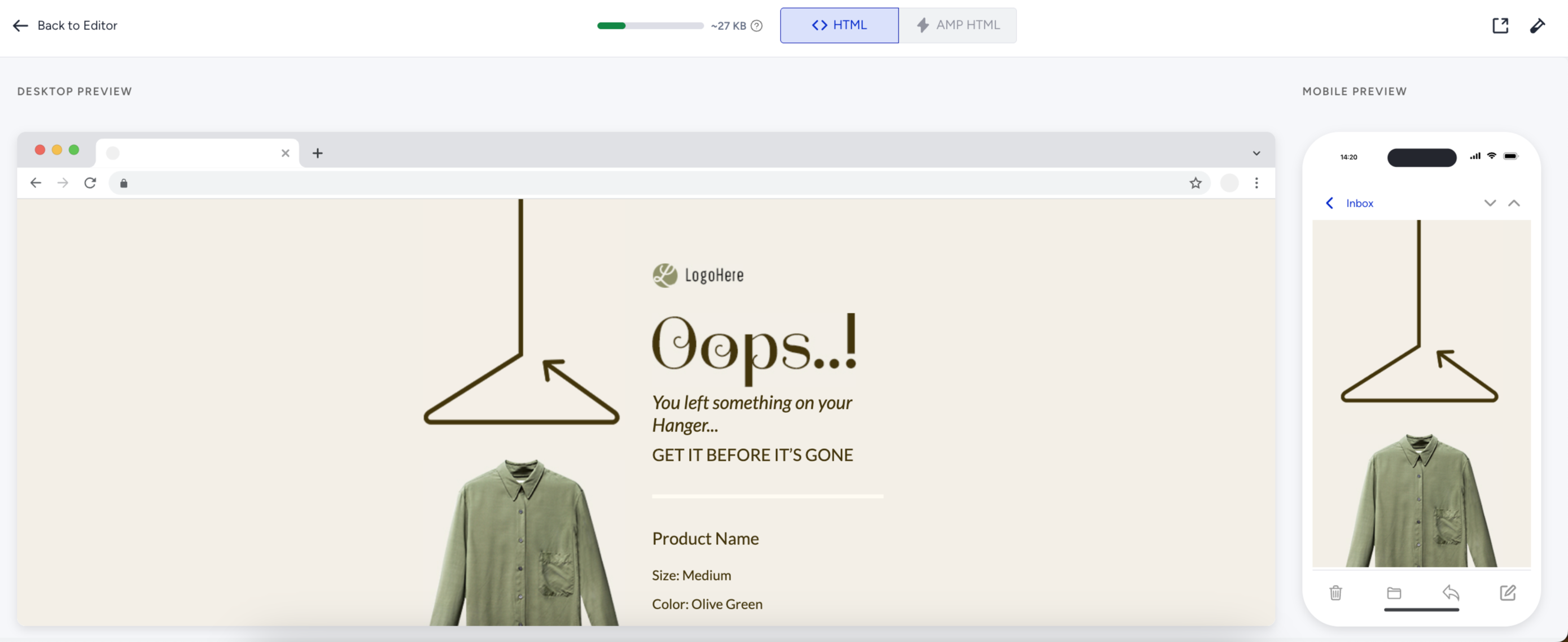
HTML preview lets you see how your recipients will see your template on desktop and mobile devices. AMPHTML preview lets you see how your recipients will see your template with AMP content on desktop and mobile.
You can go back to editing or save this step.