Activation Time controls when your campaign goes live. You can launch a campaign immediately or schedule it for a future date and time, based on your account's configured time zone. This setting applies across all campaign types and determines both the start of campaign delivery and the point from which goal conversion windows begin to count.
Getting the activation time right is particularly important for time-sensitive campaigns such as flash sales, seasonal promotions, or product launches, where delivery outside the intended window directly affects performance. If you are coordinating campaigns across multiple time zones or regions, verify your account time zone before setting the activation time to ensure your campaign reaches users at the correct local time.
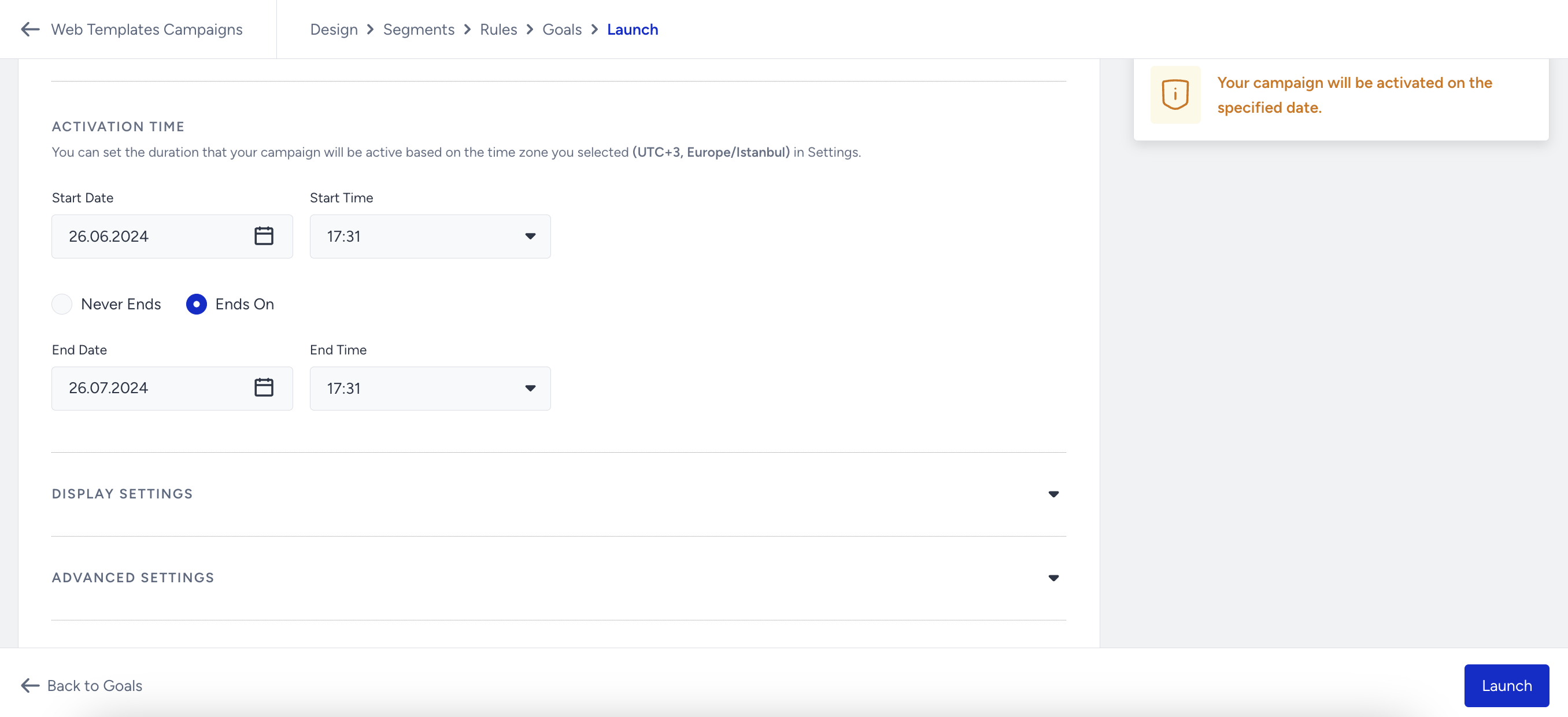
If you see a different time zone on the Activation Time, please select the correct time zone under Account Settings.
If you want to schedule your campaign for a future date, select the date and save it in Active status. In this case, you will see the campaign status as Scheduled on the listing page.
To test the campaign, the start date and time should not be earlier than the current date and time. If they are, no change will be applied.
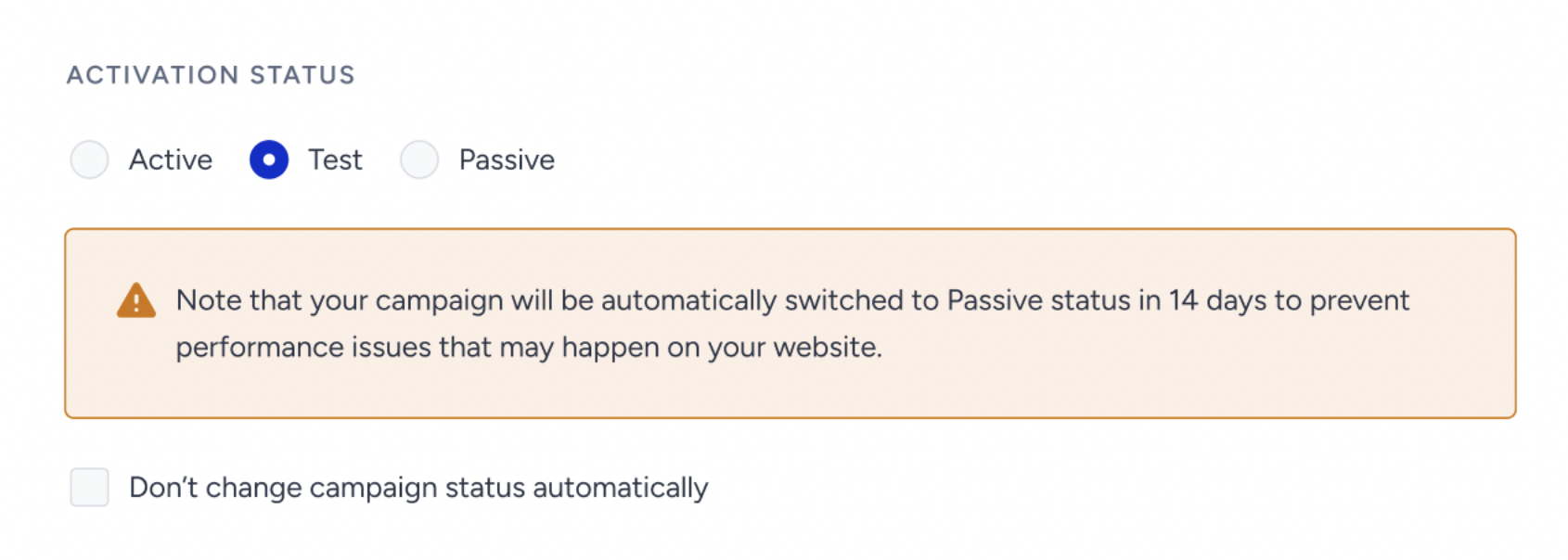
As of February 19th, 2025, Test campaigns will be automatically deactivated after 14 days if their status is not updated. To prevent this, you can select the appropriate option in the Launch step.
This change applies only to newly created Web Templates, Onsite Experiment, InStory, Category Optimizer, Smart Recommender, and Eureka campaigns. Existing campaigns will not be affected.
When selecting the Test status in the Launch step, a warning message will indicate that the campaign will be deactivated in 14 days.
To disable automatic deactivation, simply check the box below the warning.
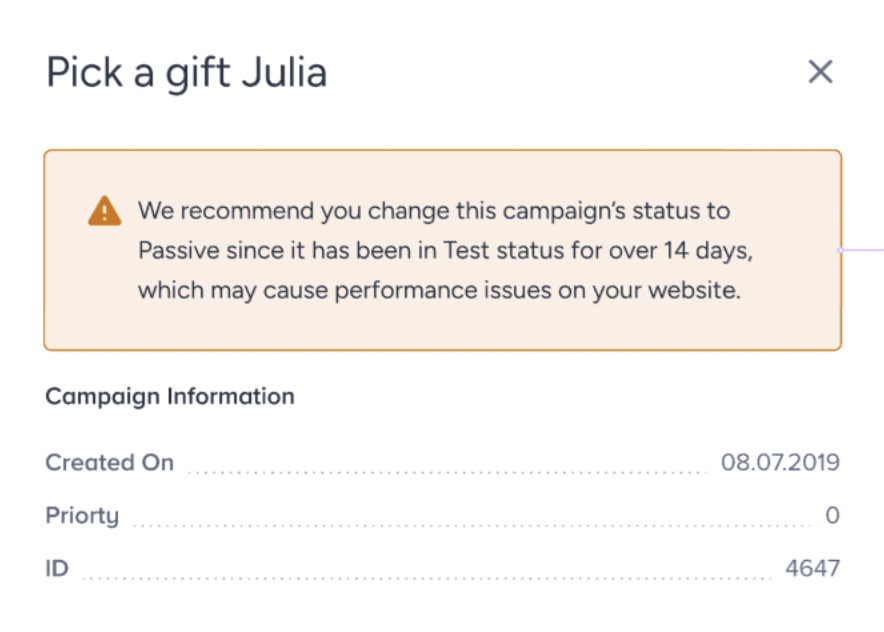
For campaigns that remain in Test status beyond 14 days, an informational message will appear in the Details Modal on the listing page.