Under Advanced Settings, depending on your campaign type, you can configure your collected data and campaign priority when launching your campaign.
Send campaign results
You can periodically send the campaign results (collected leads, survey replies, etc.) to an email address. For example, you can use this option if you have a Feedback or a Lead Collection campaign. You can use the Email settings for any campaign that exports results or user data/replies. You can send results periodically and/or when new data is added.
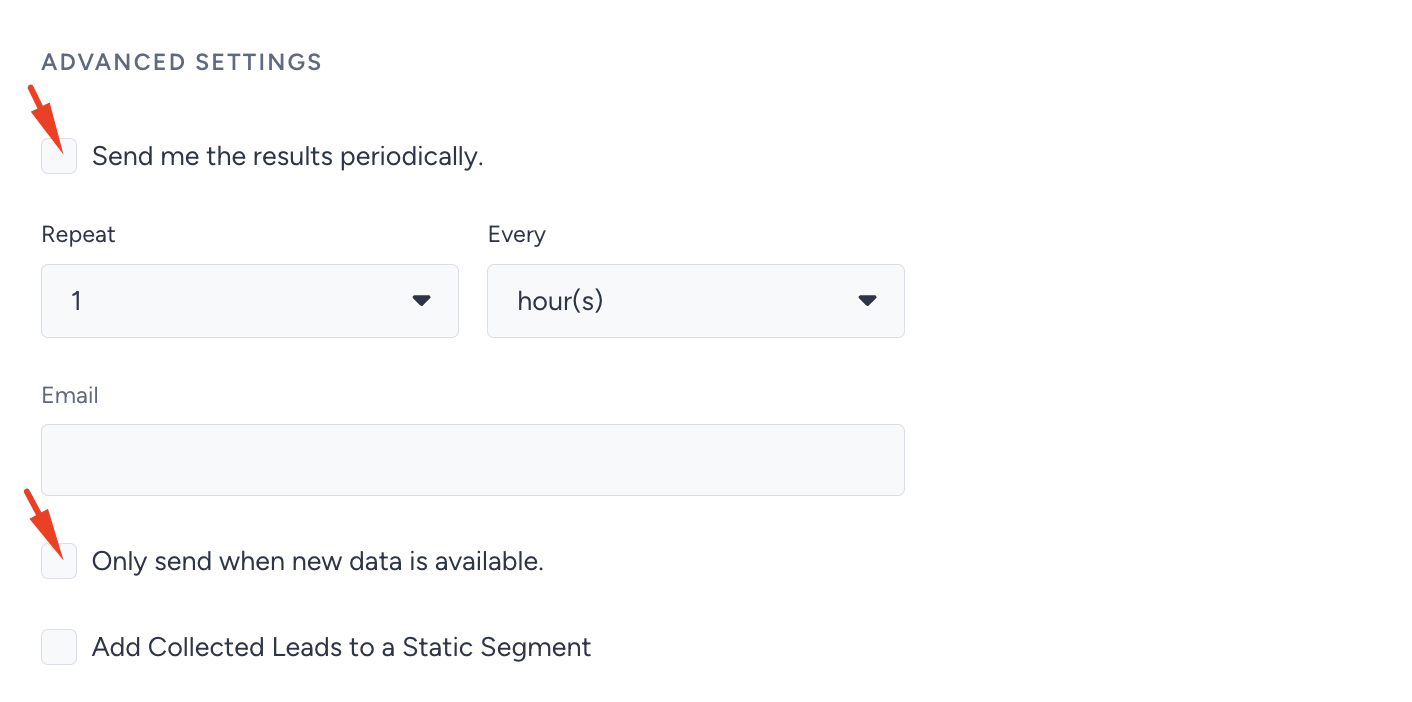
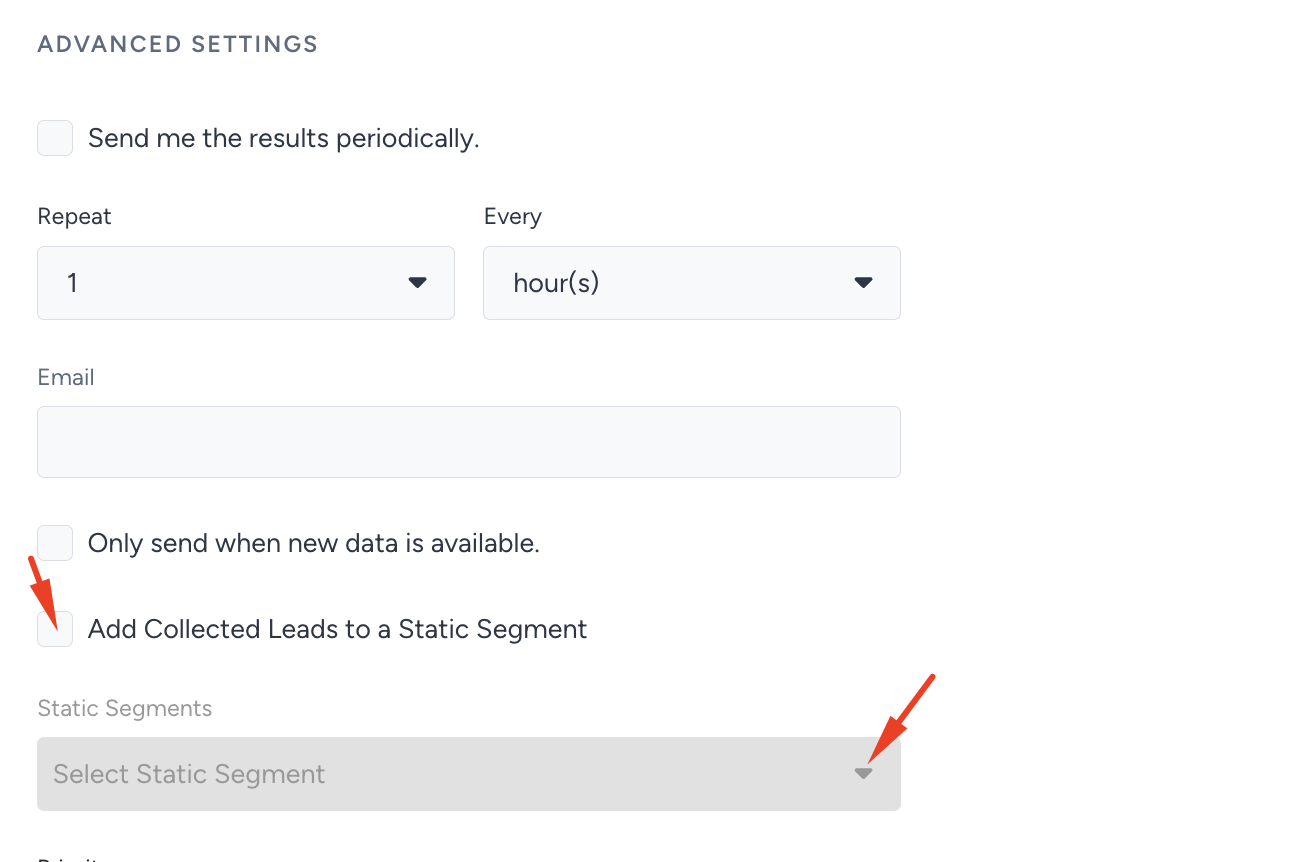
Add collected leads to a Static Segment
If you want to send leads from campaigns to Insider Ones' Static Segments, enable the Add collected leads to a Static Segment checkbox and select the list from the dropdown.
Set priority
Priority lets you control the order in which multiple campaigns appear within an on-page template. For example, if you have 10 active campaigns and want 3 of them to display in a specific order, you need to assign priorities across all your campaigns. This feature is supported only in on-page templates, not inline templates.
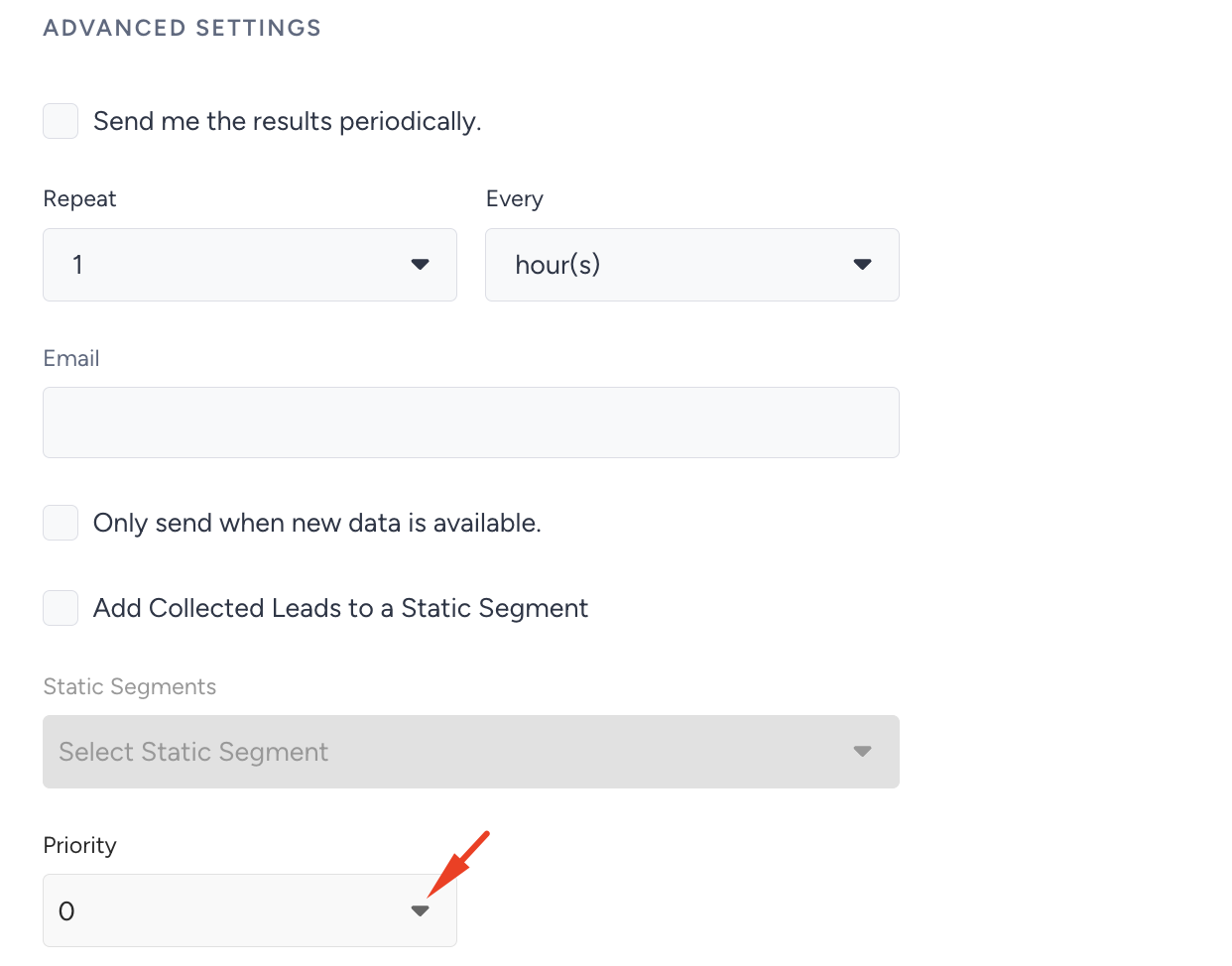
Setting priority works on ranking. The lower the number you set, the higher the campaign's priority. For example, you have two visible campaigns. Users will see Campaign A first if you set Campaign A to 1 and Campaign B to 10. If their priority is 0 or equal, users will see the campaign with an earlier creation date.