Campaign language defines the language used for system-generated and default text elements within a campaign, ensuring the campaign is displayed correctly to visitors based on the active language version of your website.
Select the campaign language that matches your website’s active language version so that the campaign appears correctly to visitors. When creating or launching a campaign, ensure you select the language defined in the system rules.
The default language is selected.
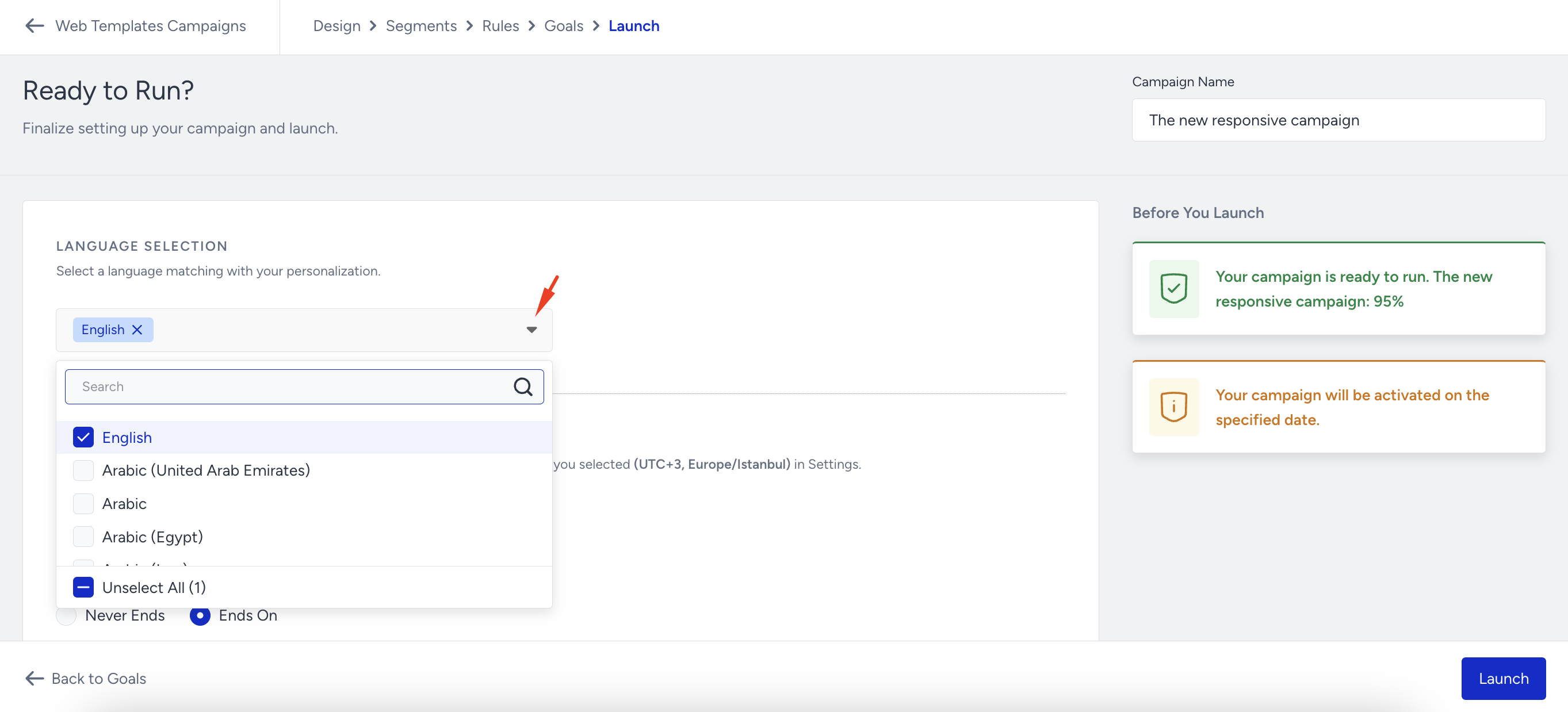
If your campaign is a language-independent design and you want to release it for multiple languages, you can select All Languages.
Countdown elements have time labels such as Day, Hour, Min, and Seconds. The text of these labels is dynamically translated based on the selected language in the Launch step. For instance, if you choose English, the campaign displays x hours, y minutes, or z seconds to users on your website.