You can build your first Email template with the new Drag & Drop editor in two ways:
Edit one of the prepared email templates
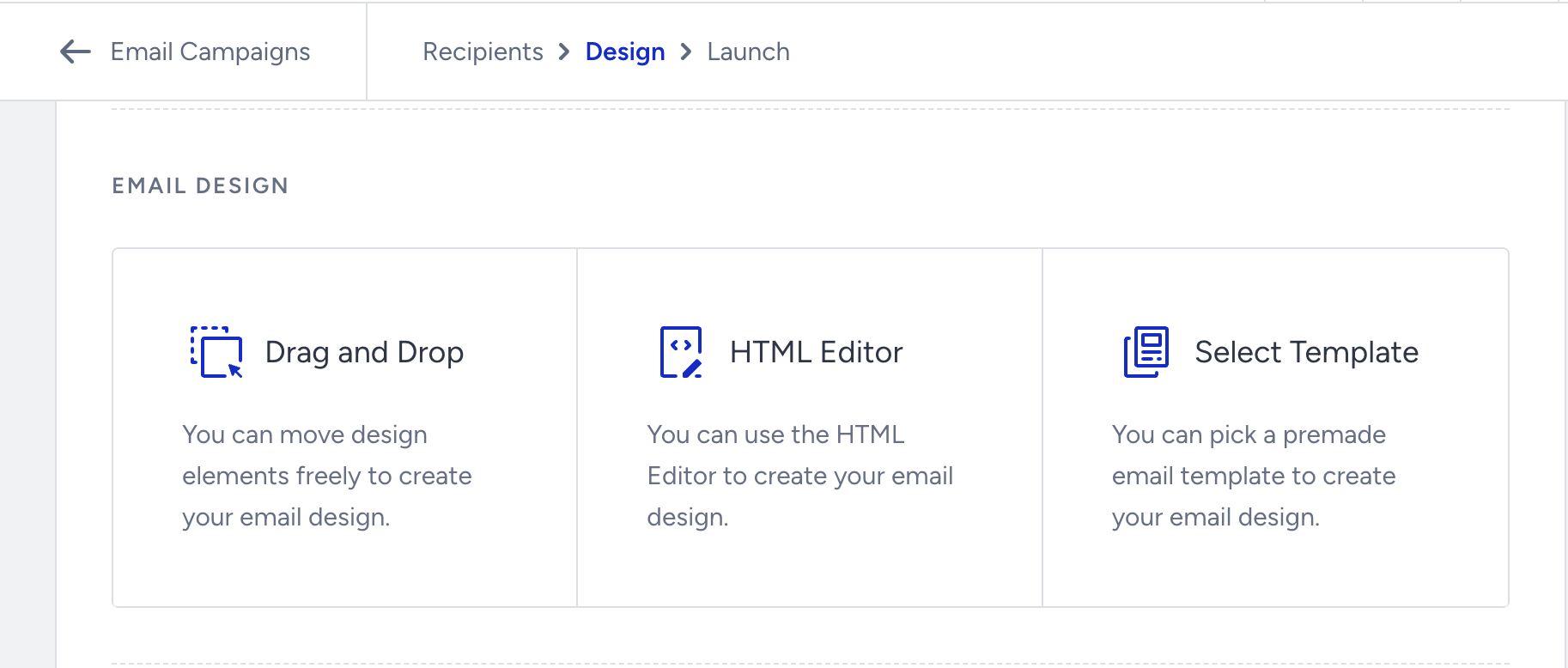
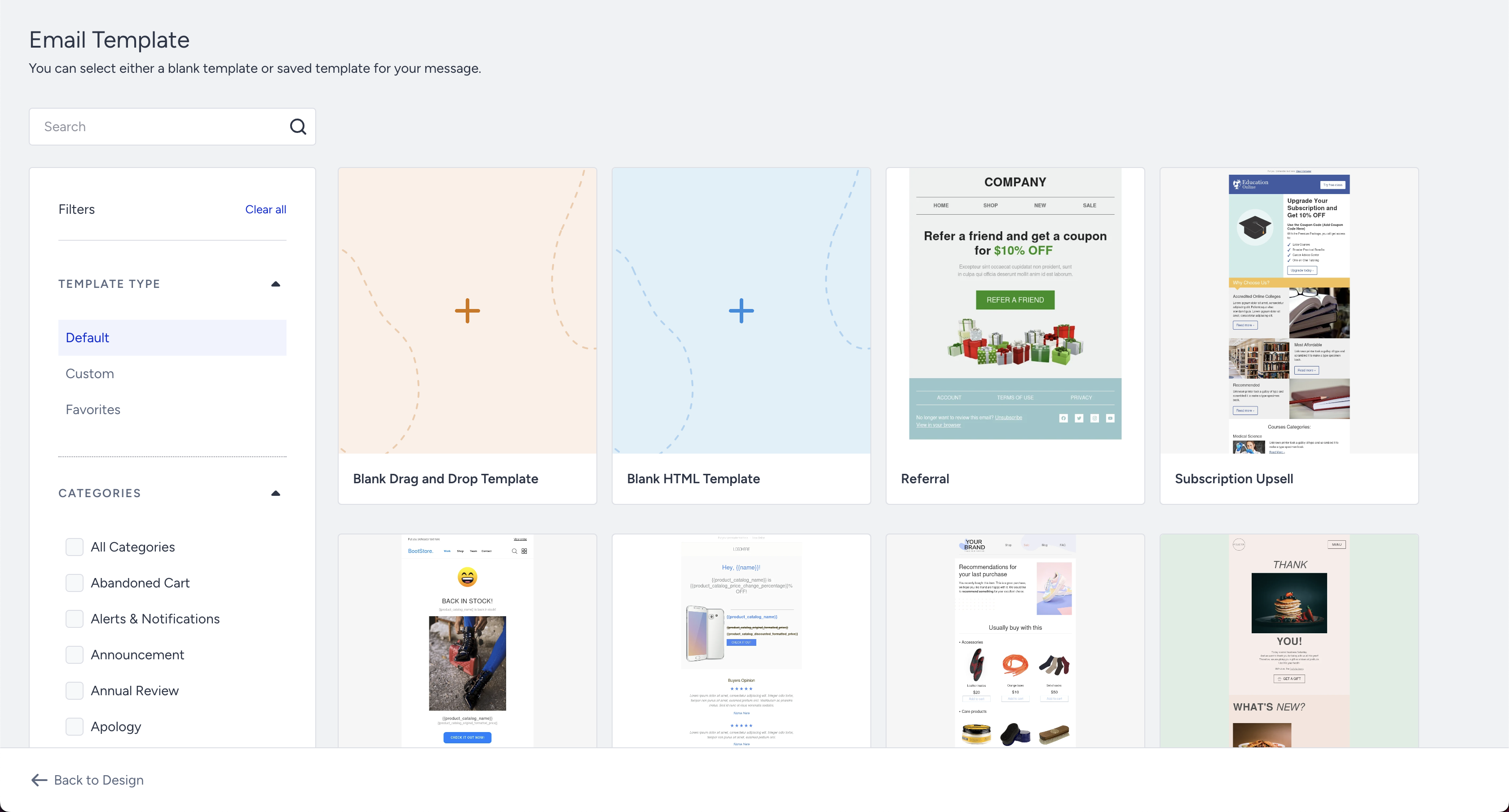
To use the prepared email template option on the Design step, click the Select Template button.
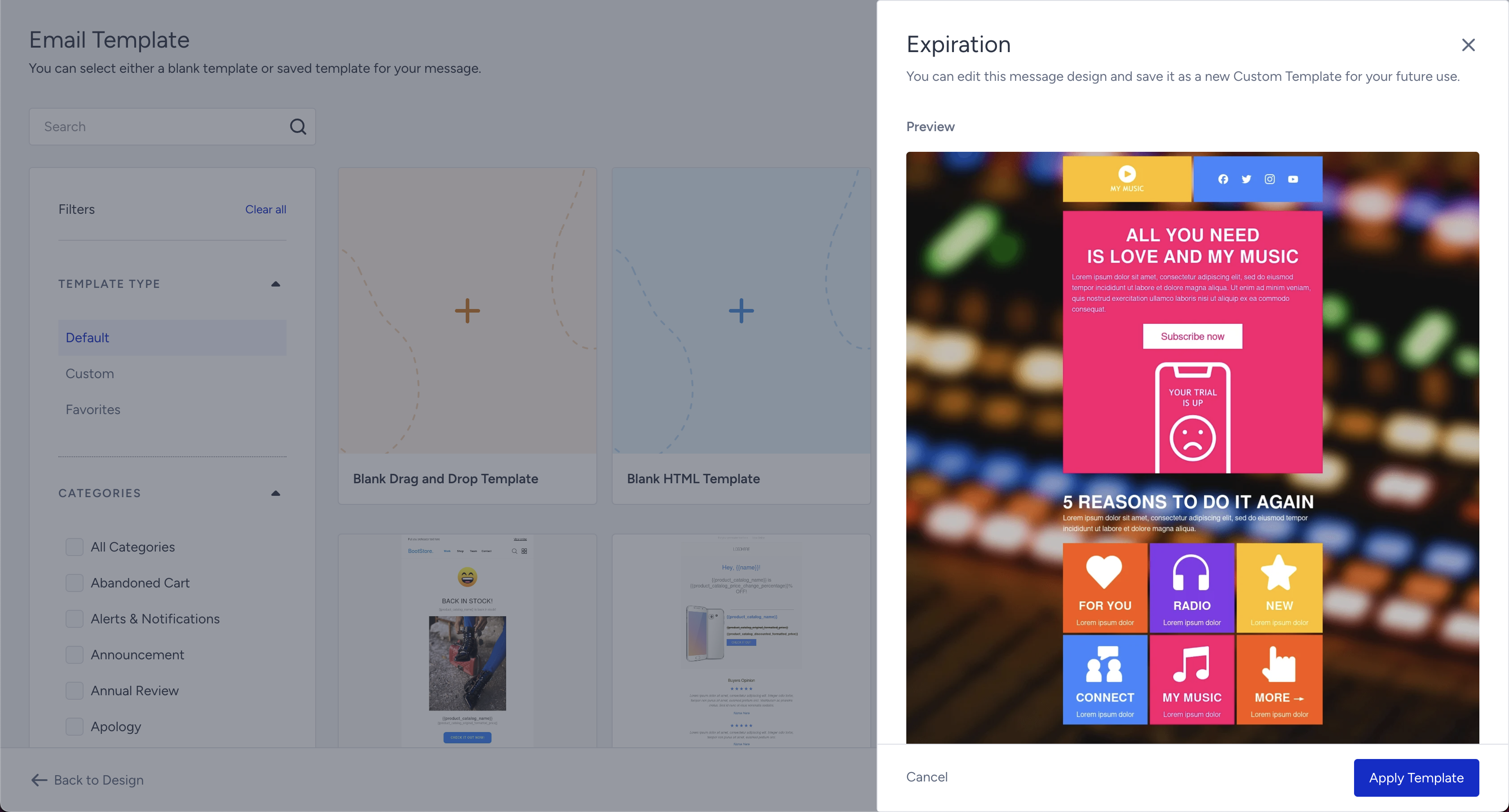
This is the easiest and probably the most convenient way of building emails. You only need to choose the template you like, customize it so that it fits your brand design best, insert your URLs and replace our images with yours. That’s it. Your email is ready!
Start one from scratch using the default template
To use the prepared email template option, on the Design step, click the Drag and Drop button.
.png)
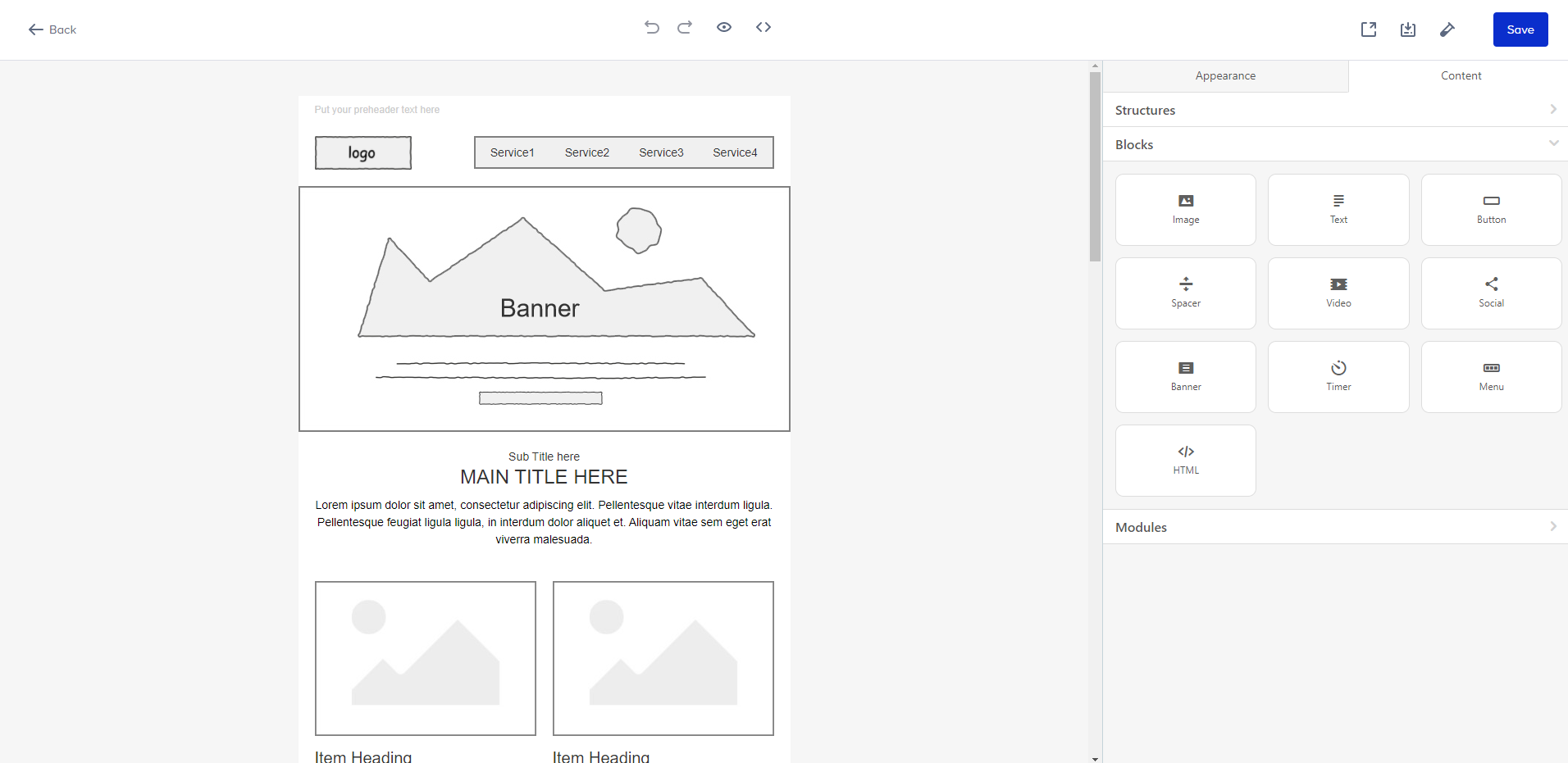
Create your email following these guides depending on your needs:
- General settings
- Configuring headings
- Building a header
- Configuring text settings
- Personalizing content
- Adding images
- Editing images
- Building banners
- Image rollover effect
- Adding videos
- Adding call-to-action buttons
- Building content modules for products
- Building countdown timers
- Adding a spacer
- Inserting social networking icons
- Building email footer
- Configuring background color and image
- Email rendering on mobile devices