Once you have designed your journey, you can select which status to launch it. The following status options define whether your journey is visible to eligible users.
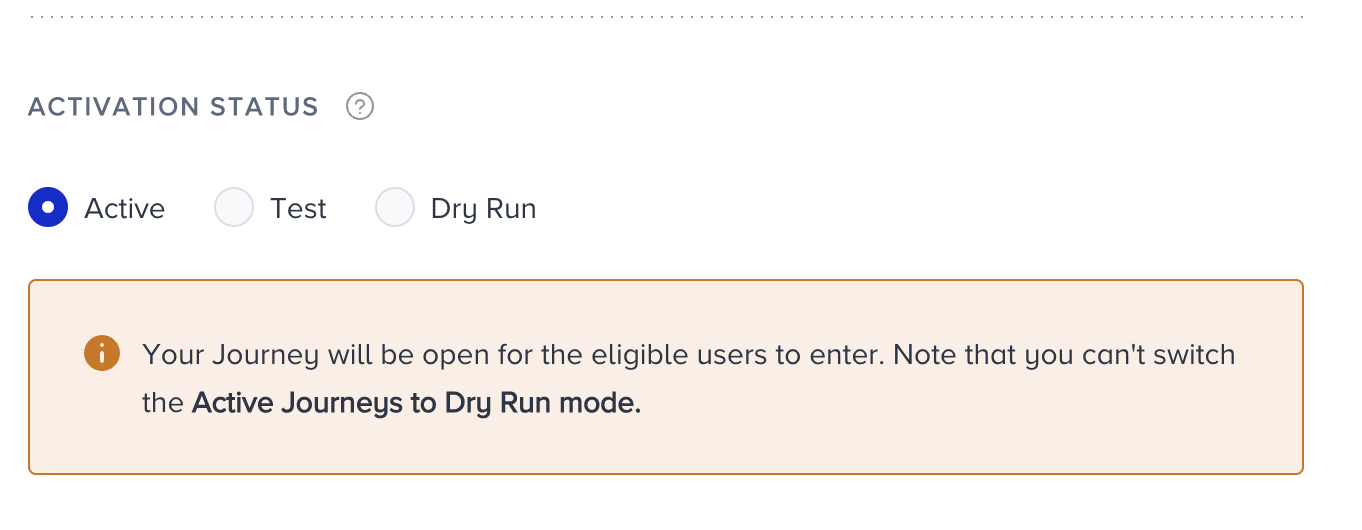
The available activation statuses are:
Active
Active means your journey is live, and eligible users can enter it. The journey can track all the progress and users' actions. Also, the analytics are populated. On your listing page, you will see this journey with a green Active label.
Test
Test means that your journey is in test mode. In this case, your journey will be active, but only users who use the test function can enter it. The test function can vary based on your starter element in the journey. On your listing page, you will see this journey labeled in orange as 'Test'.
You can always change your journey status to Test.
Dry Run
A dry run is a simulation that lets you see what would happen if you launched the journey. It is one of the test options before launching your journey. In Dry Run mode, real users enter the journey by meeting the starter rule or condition, yet no user receives a message from the channels, and no action is taken for any user. This option helps you see how many users enter the journey and how they are distributed across the flow and its elements. Also, you can interpret how many users are reachable on a particular channel. A dry run lets you refine your journey before launching it to all users.
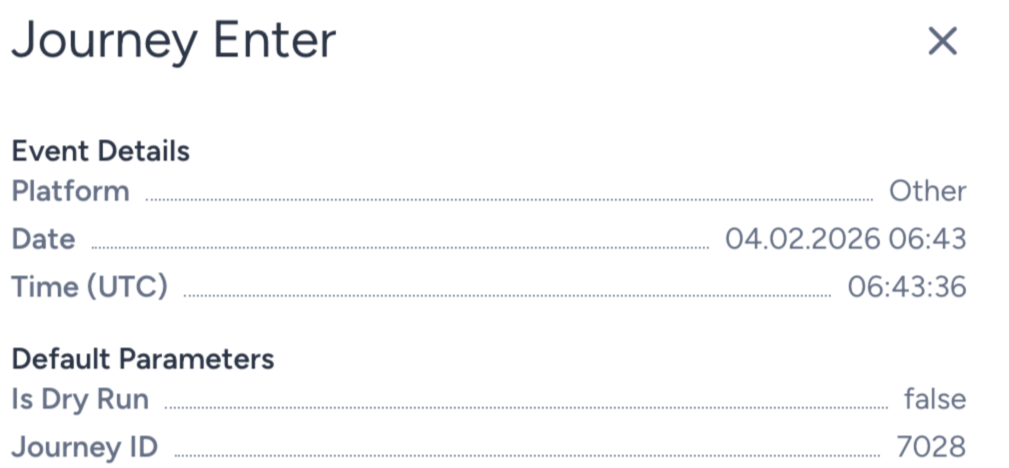
The Journey Enter event has Is Dry Run as a default event parameter. A user who enters a journey on dry run gets true for this parameter's value.
On your listing page, you will see this journey with a blue Dry Run label.
Passive
This status represents two cases. Either this journey is stopped on purpose, or it ended due to its pre-configured end date and time. No user can enter this journey anymore.
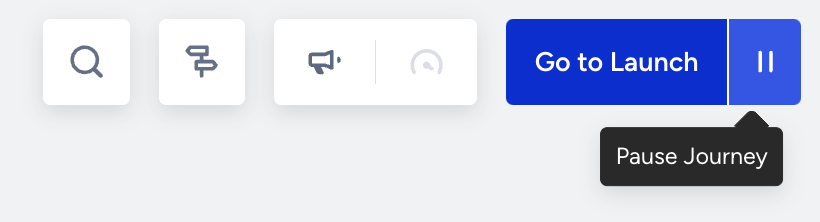
Users in the journey flow are dropped from the journey once it is paused, and cannot resume it even if you reactivate the journey. However, if a user is in a Wait element, they are dropped once the Wait period ends. If you reactivate and launch the journey while users are still in the Wait element, they continue in the flow once the Wait period ends, as usual.
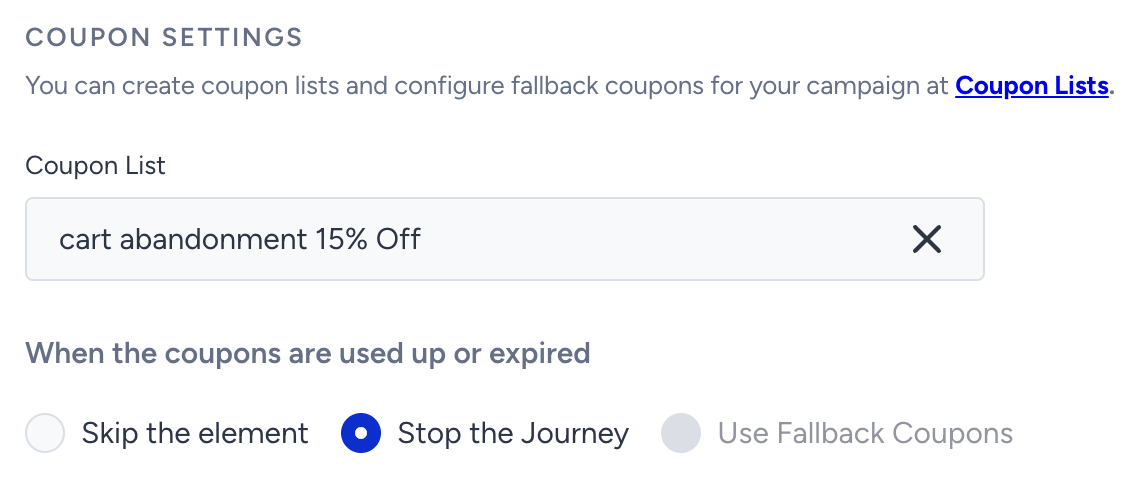
Also, you can still see the analytics of this journey when it is passive.
On your listing page, you will see this journey with a red Passive label.

Sunset
Sunset means that you're closing the entrance gate to the journey. In this status, no new user can enter the journey. Users who are already in the journey can proceed on the journey flow. On your listing page, you will see this journey with a purple Sunset label.
Draft
Draft is the default status assigned when you create a new journey. It means the journey is part of the design process. All edits and changes are automatically saved when the journey is in draft mode. You cannot launch your journeys when they are in draft. On your listing page, you will see this journey with a grey Draft label.
See which status you can apply to a journey.
| Current status | To be |
|---|---|
| Draft | Test, Dry Run, Active |
| Test | Dry Run, Active, Passive |
| Dry Run | Active, Test, Passive |
| Active | Test, Passive, Sunset |
| Sunset | Active, Test, Passive |
| Passive | Active, Test |
Activation Time
You can define what date and time the journey starts and ends.
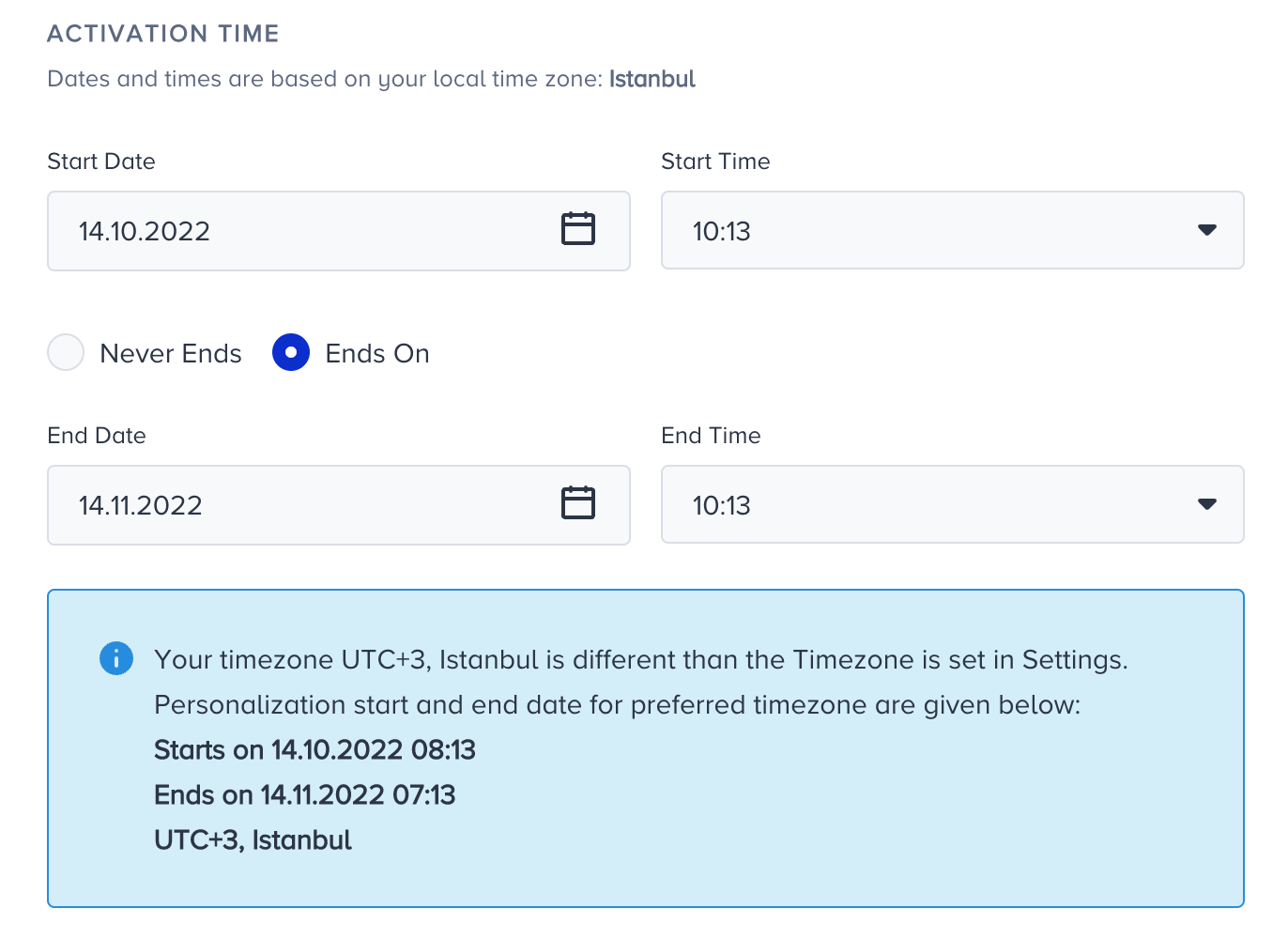
If your journey doesn't need to stop, like a non-stop journey, such as a cart abandonment journey, you can select the “Never Ends” option to not stop your journey on a specific date and time.
Once you configure the activation status and time for your journey, you can proceed with the other launch settings.