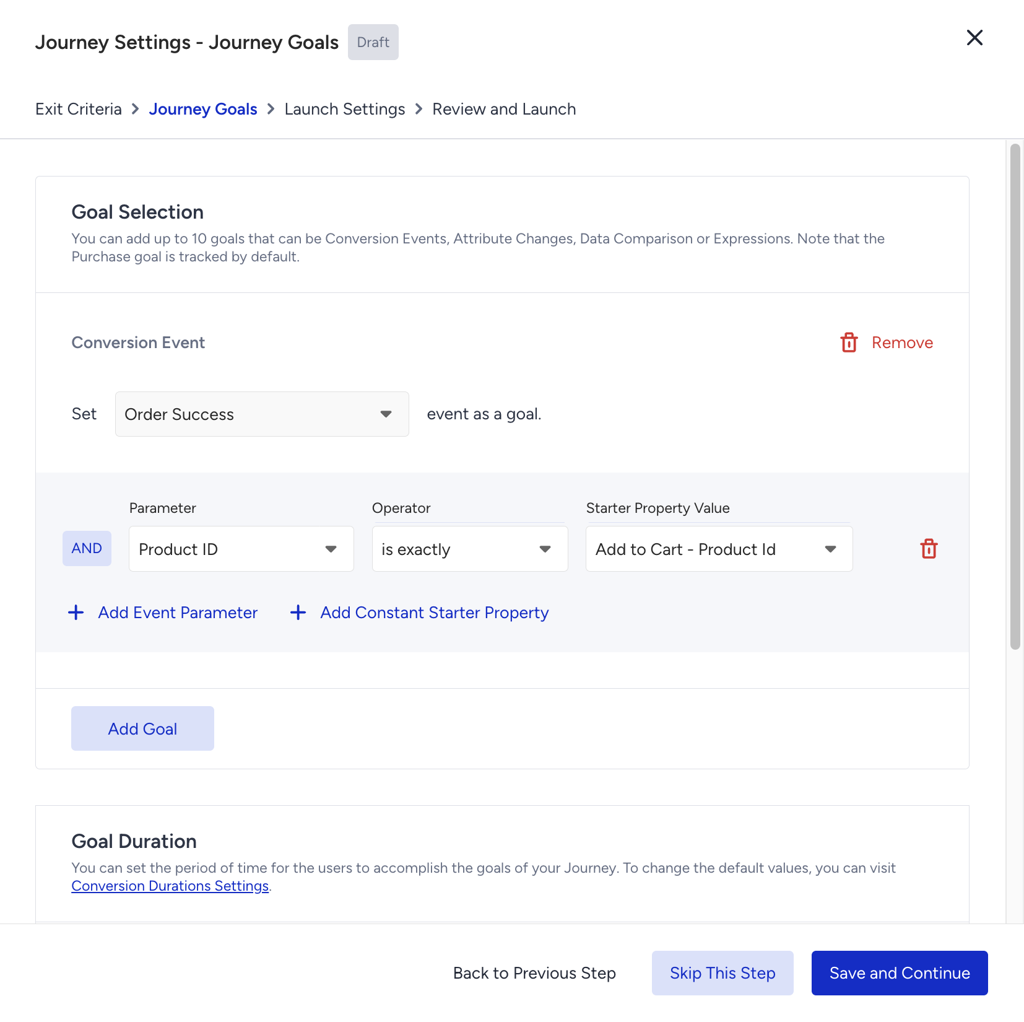
You can define the goal you expect users to perform after receiving a message through the journey. You can use your previously created default and custom events and attributes to define goals and their parameters.
The Journey Goals option is available in the Go to Launch modal. When you click Go to Launch, the modal opens and allows you to select your conversion event using either default or custom events. You can also define a conversion goal using default or custom attributes. In this case, a change in the selected attribute will be treated as the conversion event.

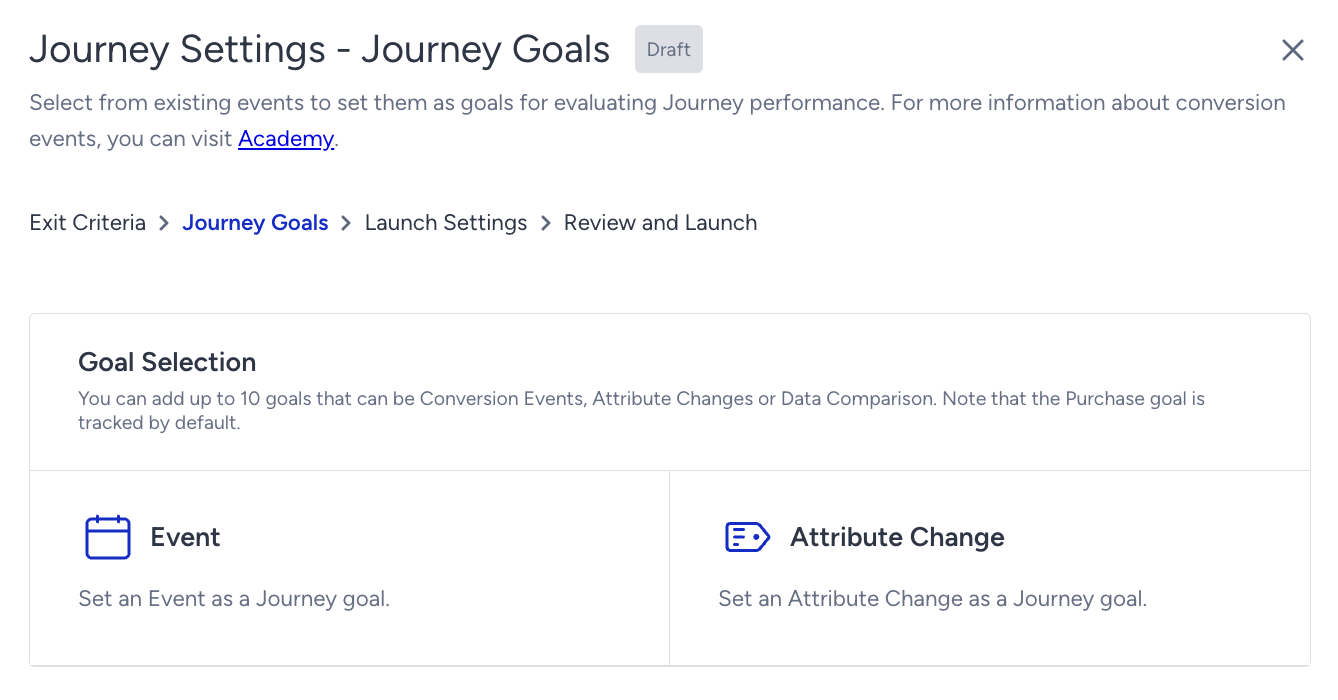
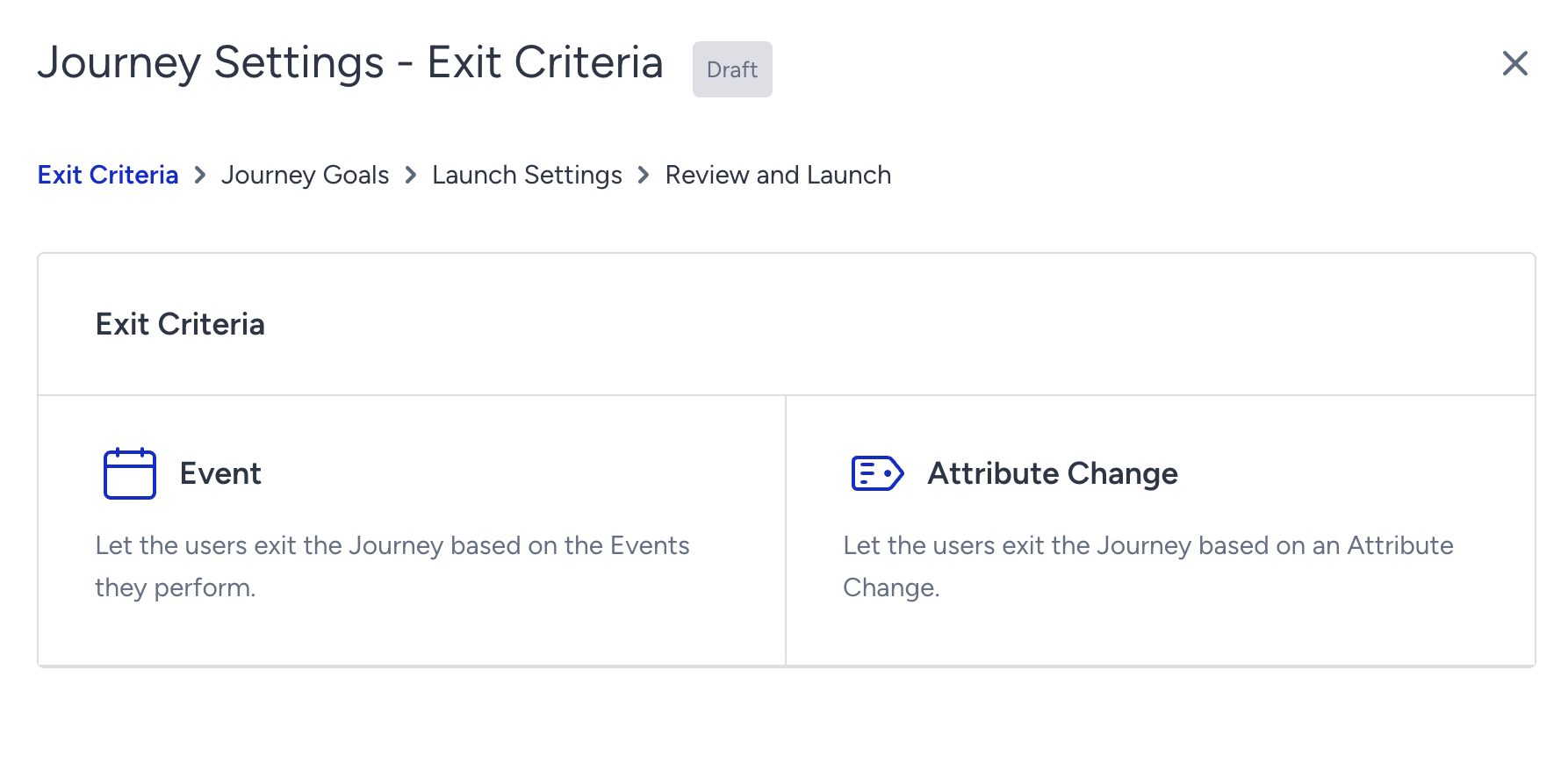
You can select up to 10 goals, which can be events or attribute changes.
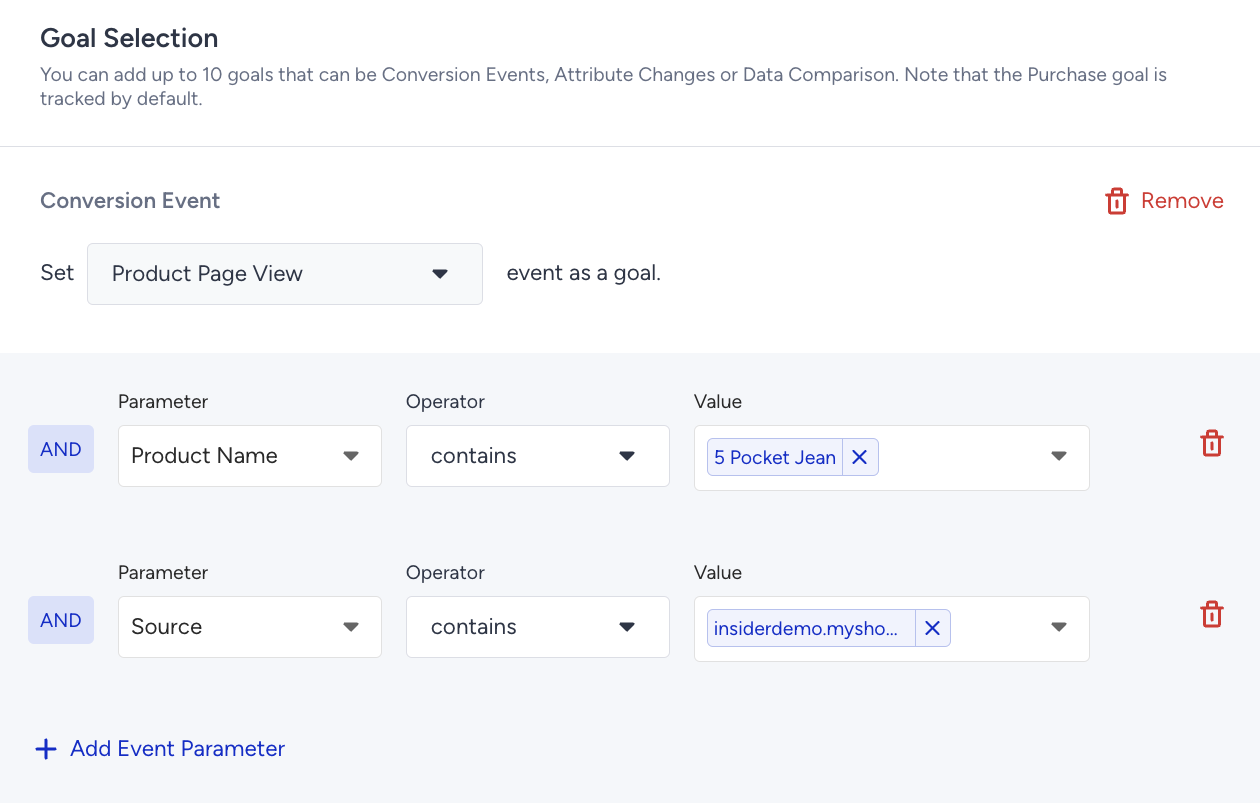
Event: When a user performs the event within the attribution duration, it is counted as a conversion. Event parameters that belong to a single event are connected with the and operator.
Attribute Change: When a user’s attribute changes from one value to another within the attribution window, it is counted as a conversion. You can choose the conversion to be counted when the attribute changes:
- From any value to any other value,
- From any value to one given value, or
- From one given value to another given one.
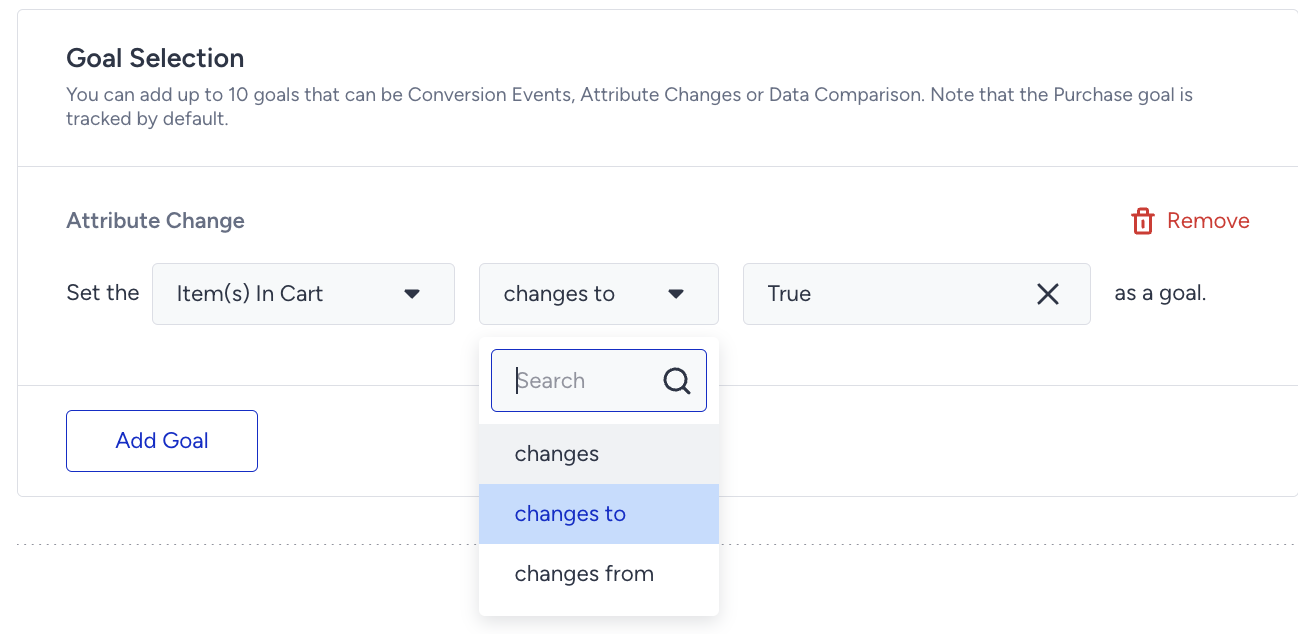
Refer to Use an Array of Objects in Journey Elements to use an Array of Objects in the goals.
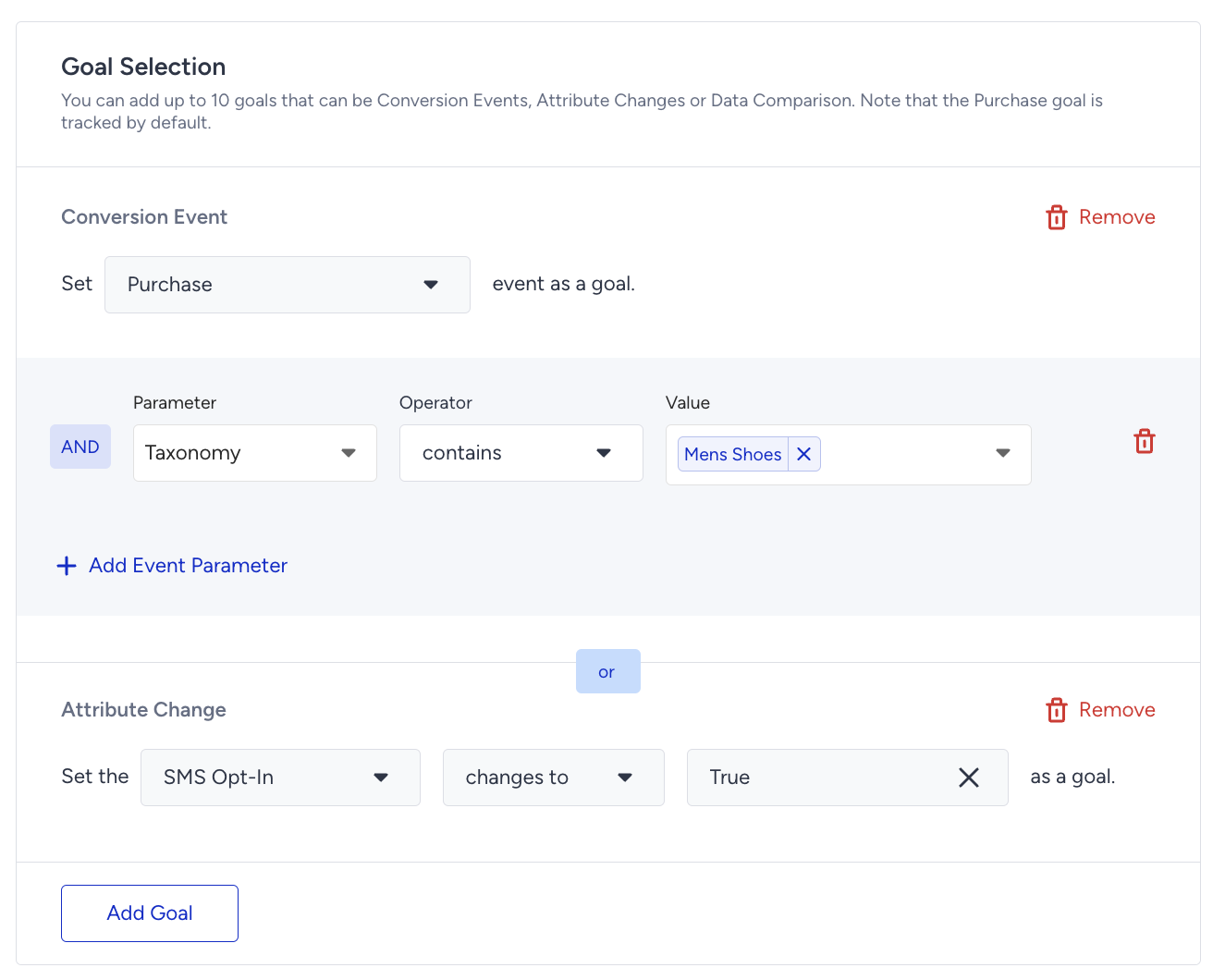
On the next step, you will define the Goal Duration, which determines how long Architect should track conversions after a user interacts with any campaign in the journey. This duration directly affects the attribution model. The attribution window begins when a user clicks or views a message in the journey and remains open for the time you specify. If the user completes the goal after this window closes, it will not be counted as a conversion.
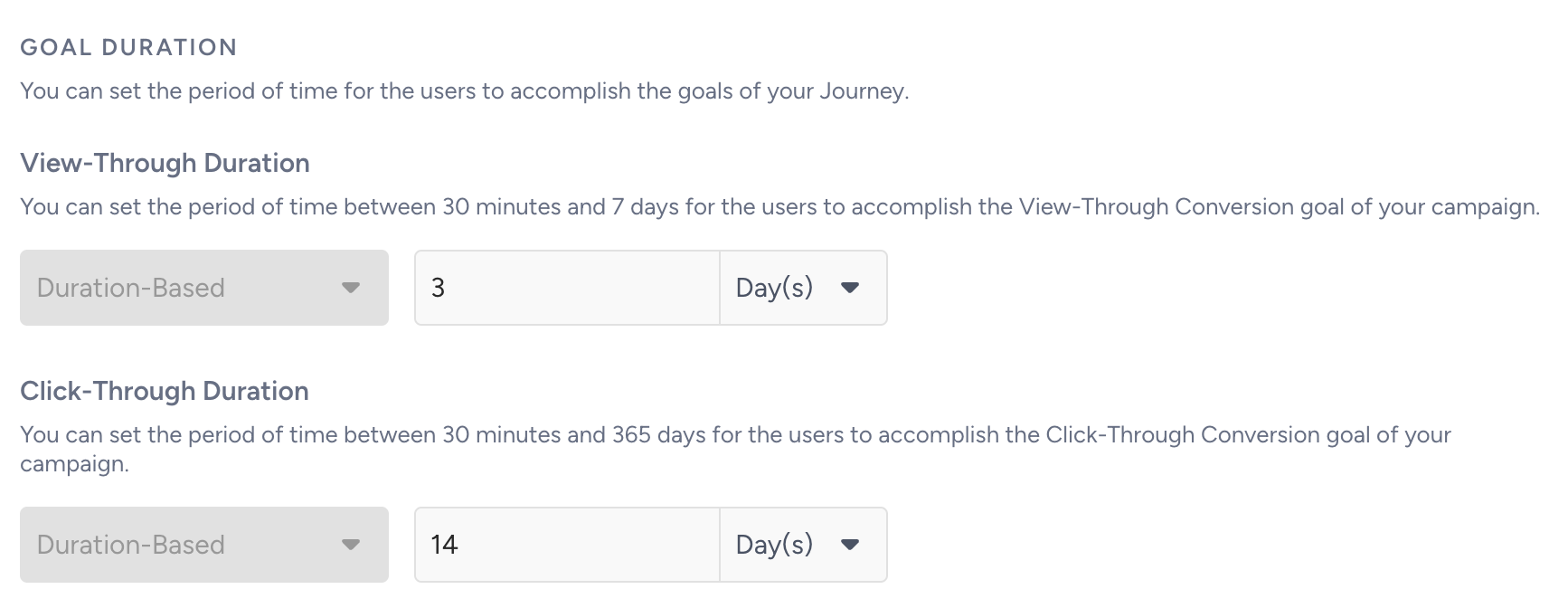
Architect comes with default goal durations of 14 days for Click-through and 3 days for View-through. You can adjust these durations for each journey based on your business needs.
If these defaults values do not fit your overall strategy and you prefer new baseline values for all journeys, you can update them via Settings > Inone Settings > Conversion Duration Settings. The changes will apply only to newly created journeys and active journeys will keep their existing durations.
You can set the following ranges:
- Click-through: 30 minutes to 30 days
- View-through: 30 minutes to 7 days
After you create a conversion goal, Architect begins tracking it immediately. You can monitor the results across several areas: Overall Architect Analytics, Journey Analytics, Channel Analytics, and Live Statistics on the canvas.
Each conversion goal and any event parameters or attribute values you define will appear in the Conversion Goal dropdown, making it easy to switch between goals and analyze their results.
Constant journey goals
When the journey uses an On Event, On Dynamic Date, or On Business Event starter, you can count a conversion only when the goal event carries the same value as the one that started the journey. Add a Constant Starter Property Value to the goal condition, then choose the parameter, the operator, and the held Starter Property Value. This attributes a conversion to the specific product or detail that brought the user in, rather than to any occurrence of the goal event.