Journey Language lets you take users on a journey only if their language matches the one you select in the launch settings.
The All Languages option is selected by default. You can change it based on the language of your website or mobile application. 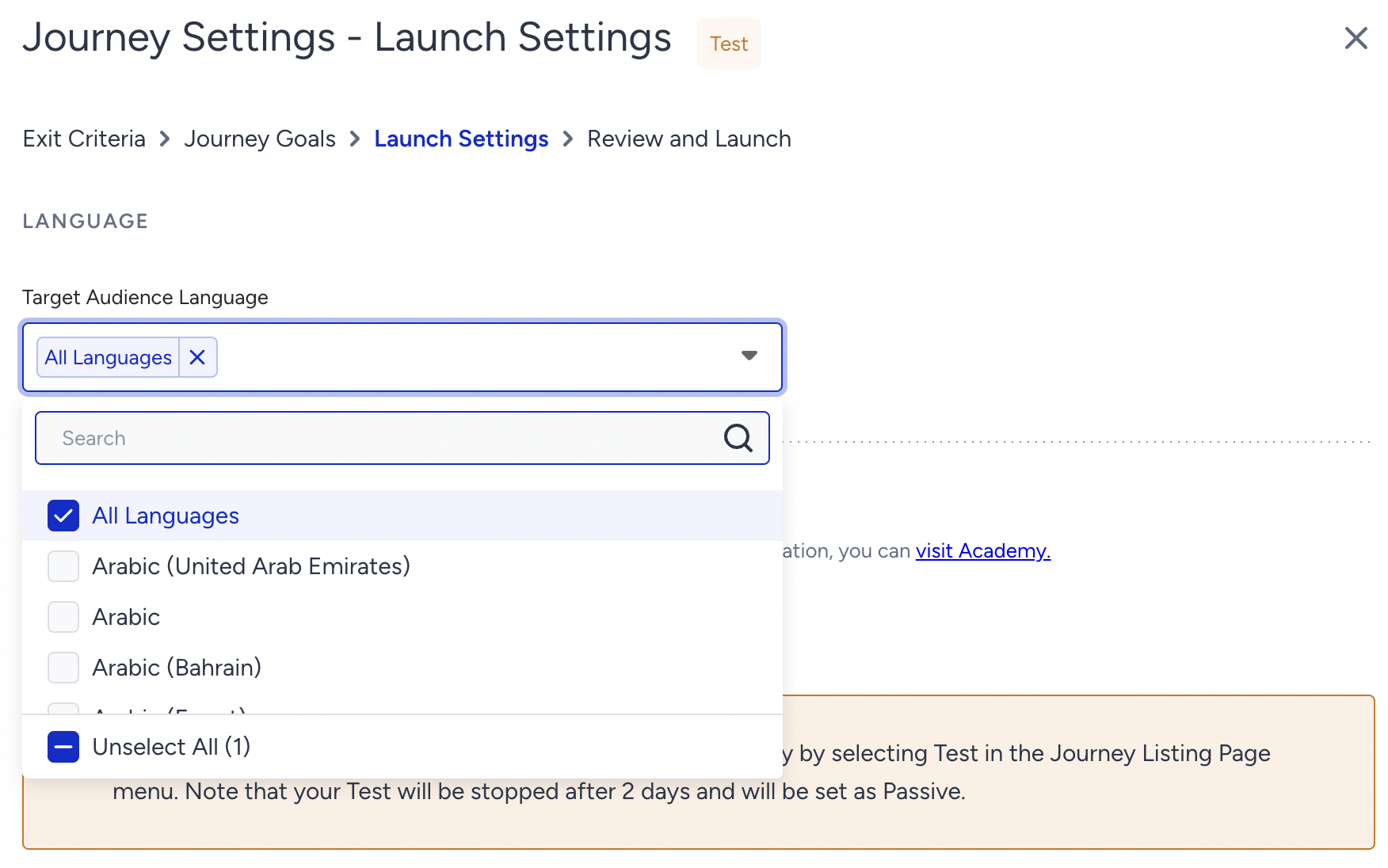
your title goes here
If you pass data from your tool to Insider One via Upsert User Data API and do not send the “language” information of your users, you need to select All Languages. On the other hand, if you select a specific language but the user does not have that language attribute, the user cannot enter the journey.
your title goes here
If you select a language for which a user does not have a language attribute, this user cannot enter the journey.
Once you select your language, proceed with the other journey launch settings.