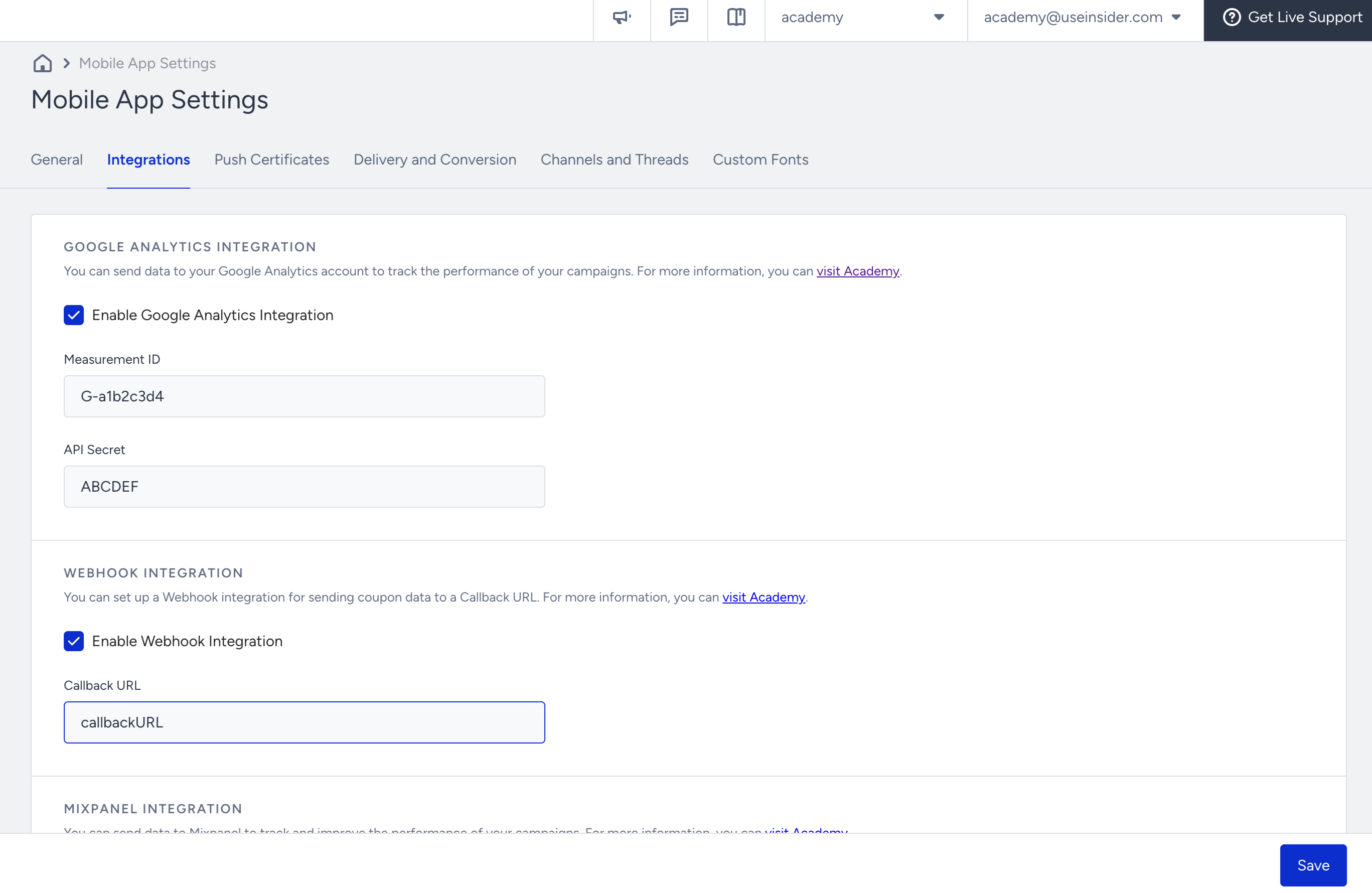
Integration settings help you enable integrations for Google Analytics, Webhook, and Mixpanel, and generate API keys.
You can click your username > Settings > Mobile App Settings to reach this page.
Google Analytics Integration
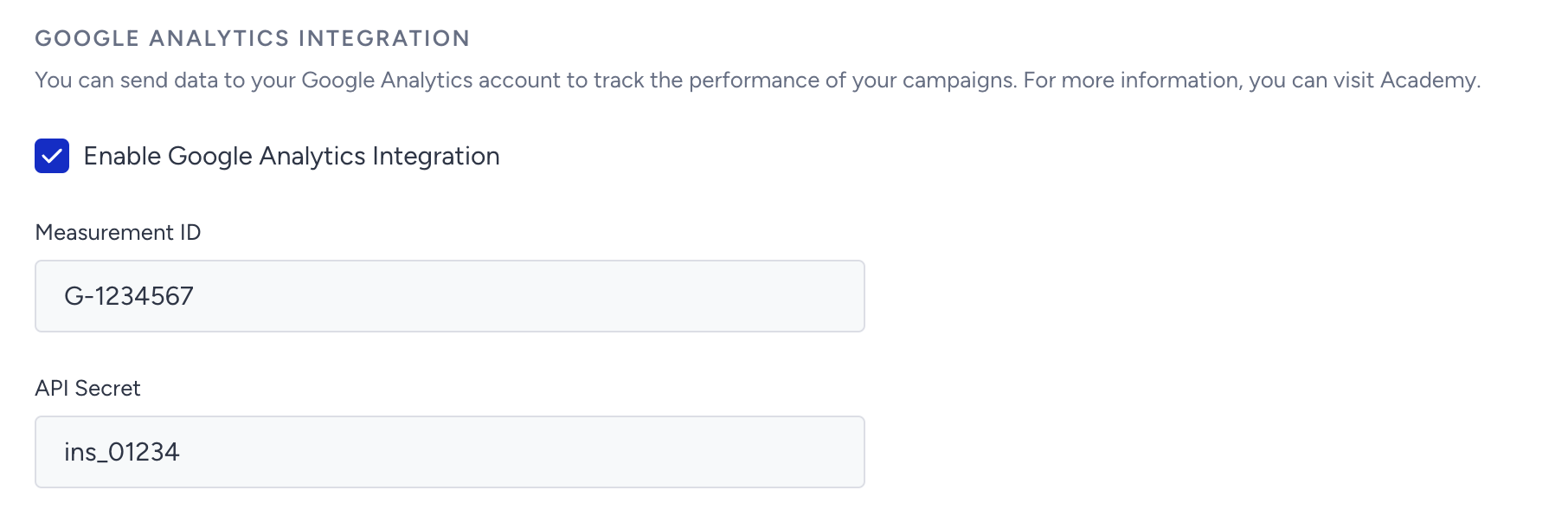
You can add your Google Analytics Measurement ID and API Secret to send InApp and App Push Events to Google Analytics.
Webhook Integration
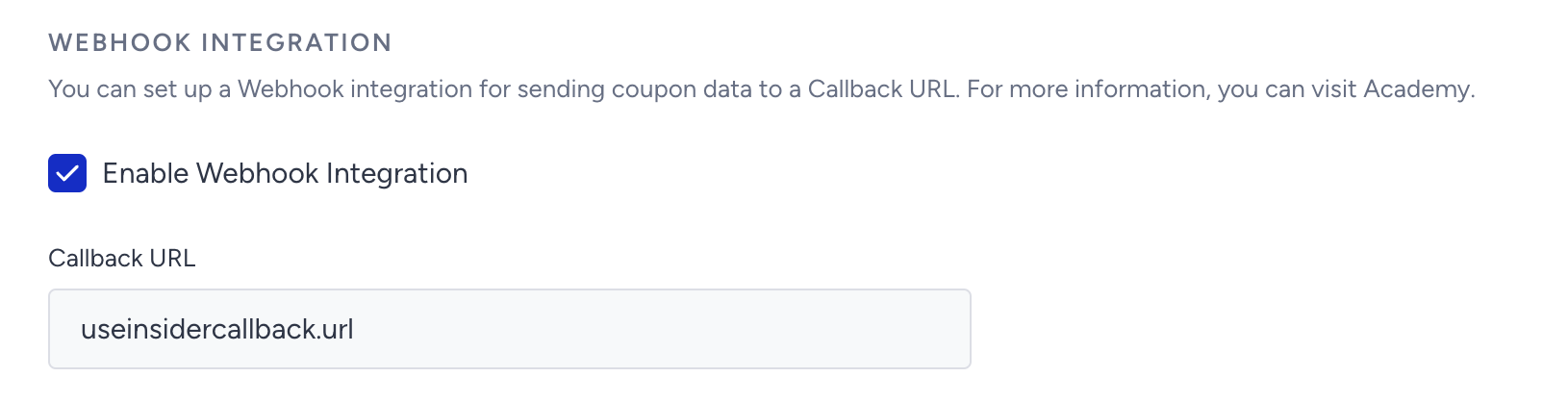
You can send your coupon data to the callback URL you enter.
Mixpanel Integration
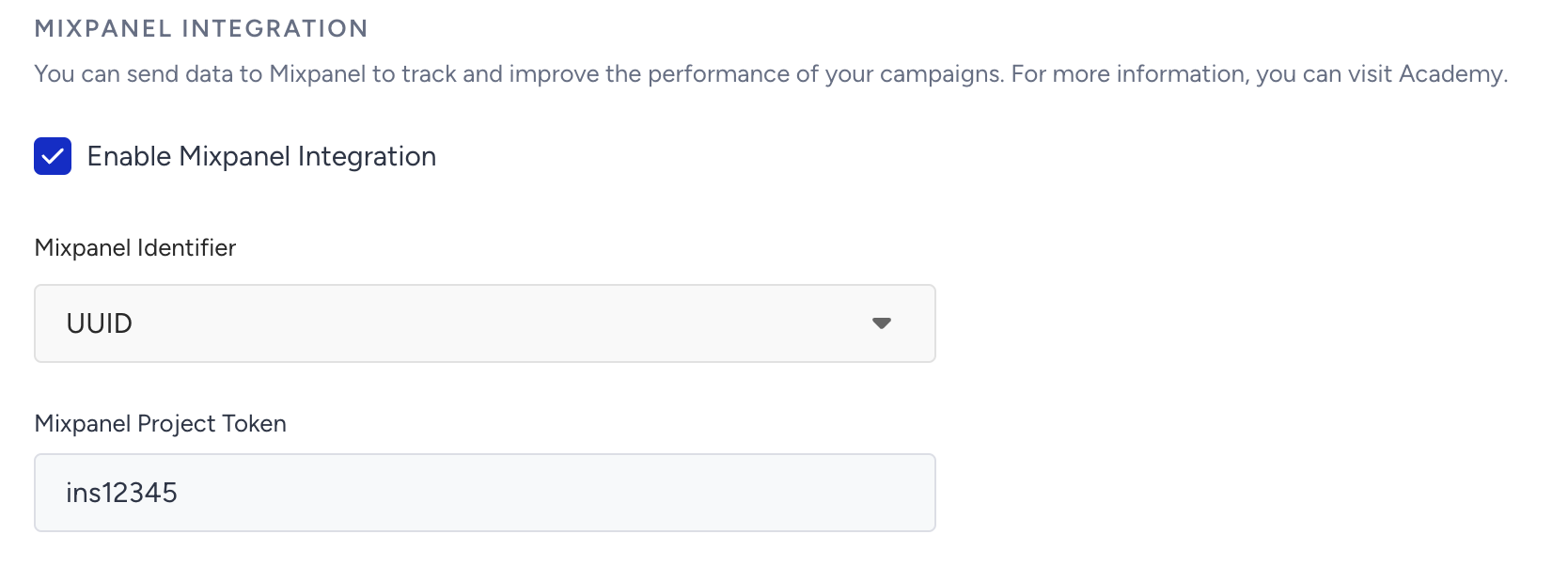
You can use this section to complete the integration to pass Insider events to Mixpanel.
- You can add your Mixpanel project token from your Mixpanel dashboard.
- You can select an email address, phone number, or UUID (unique user ID) as an identifier to match your users with those in Mixpanel.
API Keys
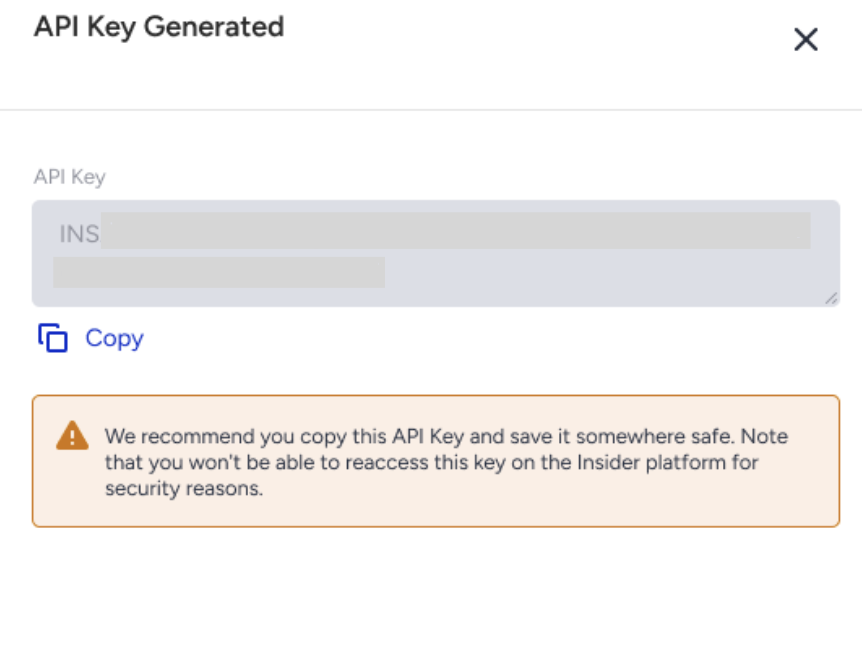
You can generate a webhook API key to use in mobile webhooks.
You can generate API keys for mobile app APIs through Inone Settings > Integration Settings.
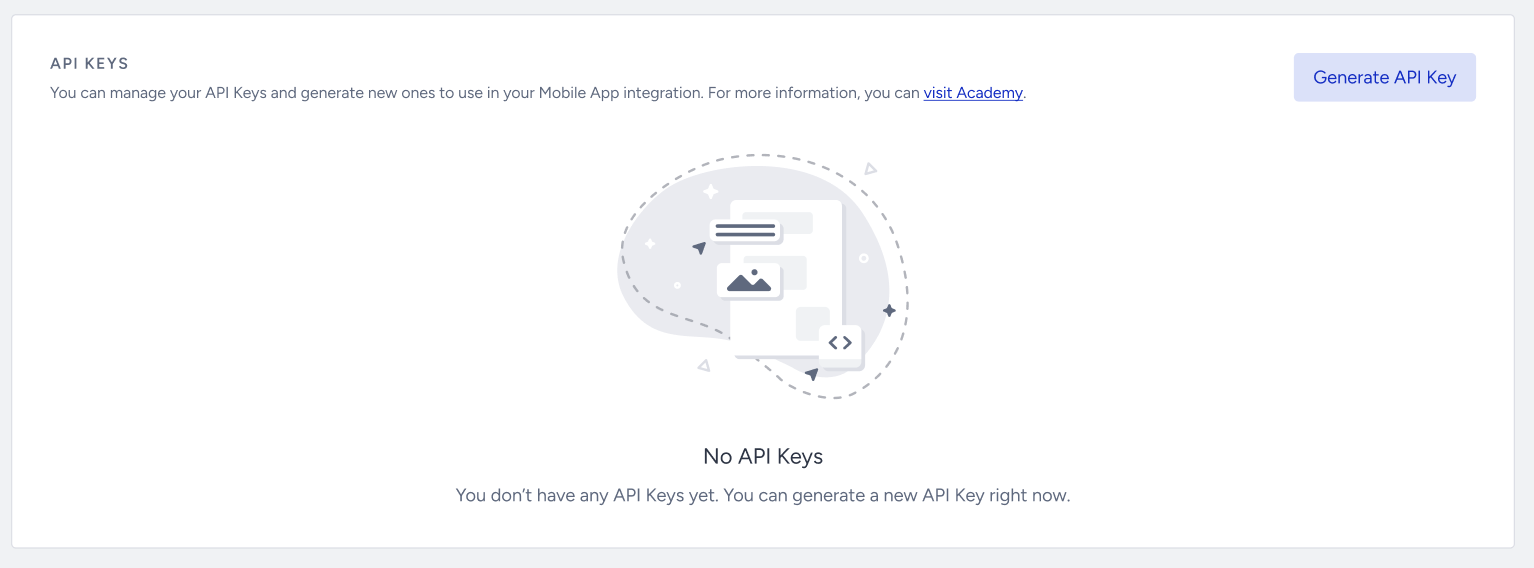
1. Click the Generate API Key button.
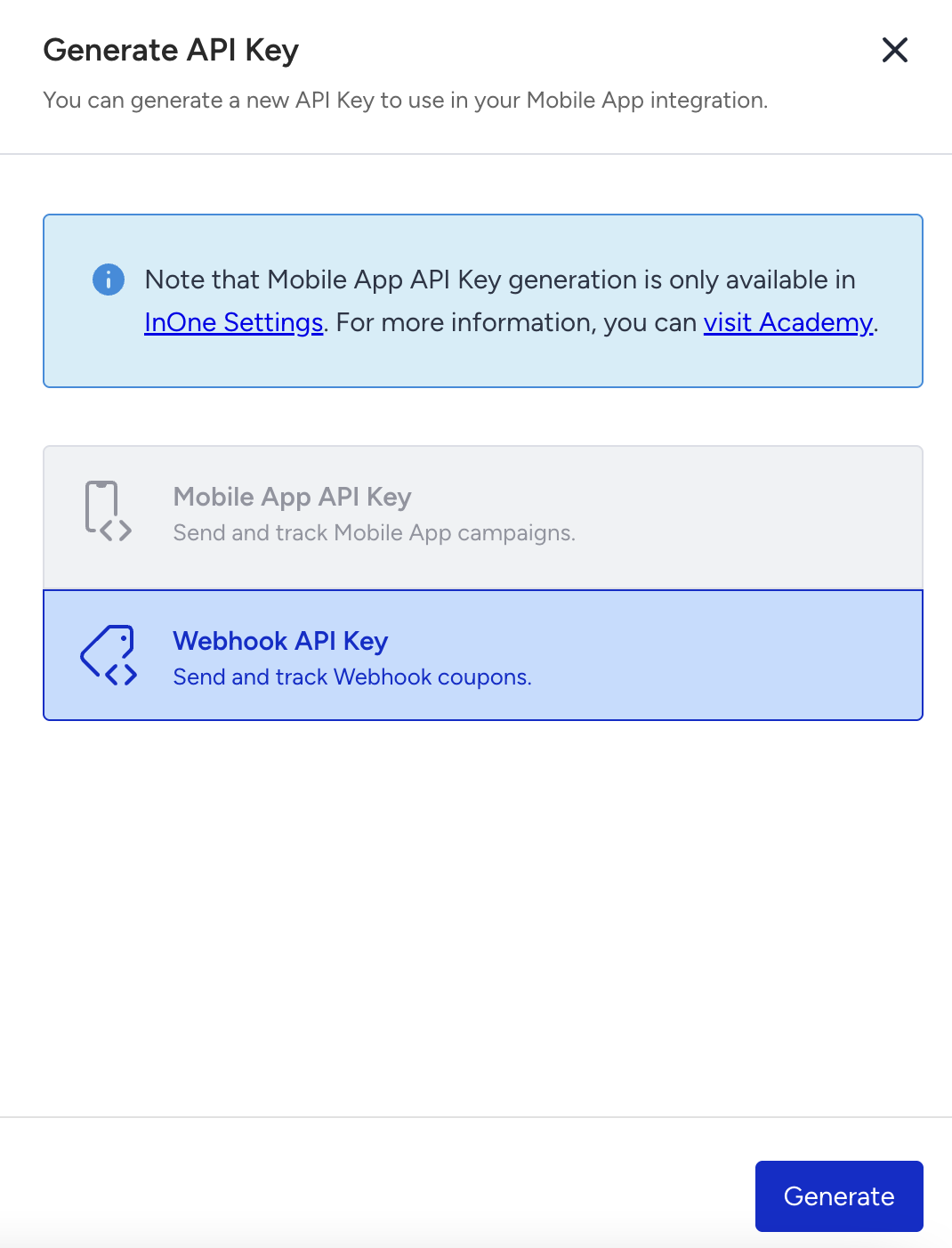
2. Select the Webhook API Key and click the Generate button.
3. Click the Copy button to copy the generated API key.