Sharing coupon data helps you track which coupon is provided, which user receives it, and which campaign offers it. Accordingly, you can take any necessary actions on your end.
Insider shares a campaign's coupon data via a webhook you provide. This applies specifically to campaigns where you upload coupon codes.
This process requires two steps:
Webhook integration for coupons
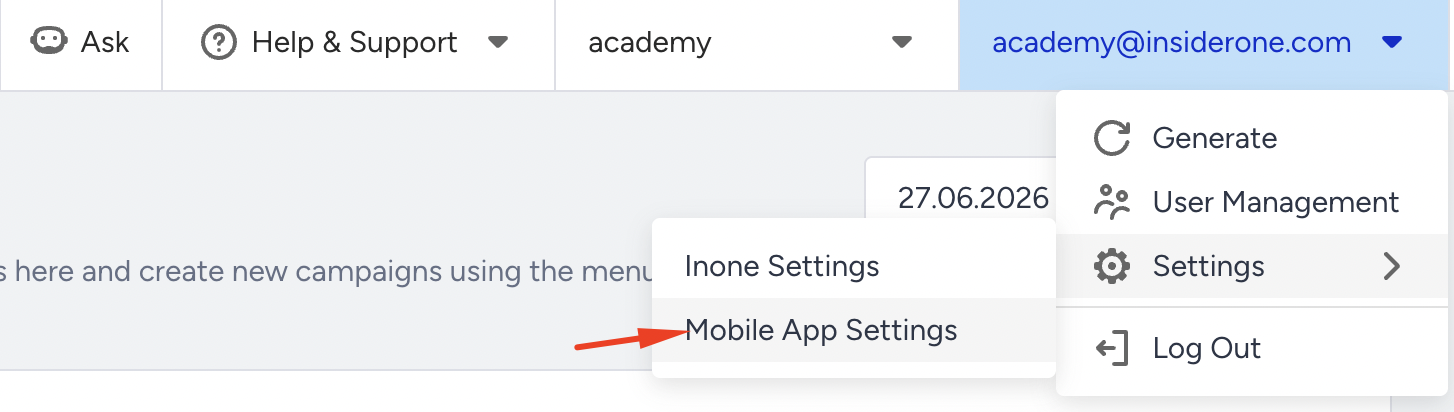
Go to Settings > Mobile App Settings > Integrations.
2. Check the Enable Webhook Integration box.

3. Add your callback URL.

4. Click the Save Changes button to complete this step.
Webhook callback on campaign options
1. Go to the Edit Campaign Options step of the campaign creation flow.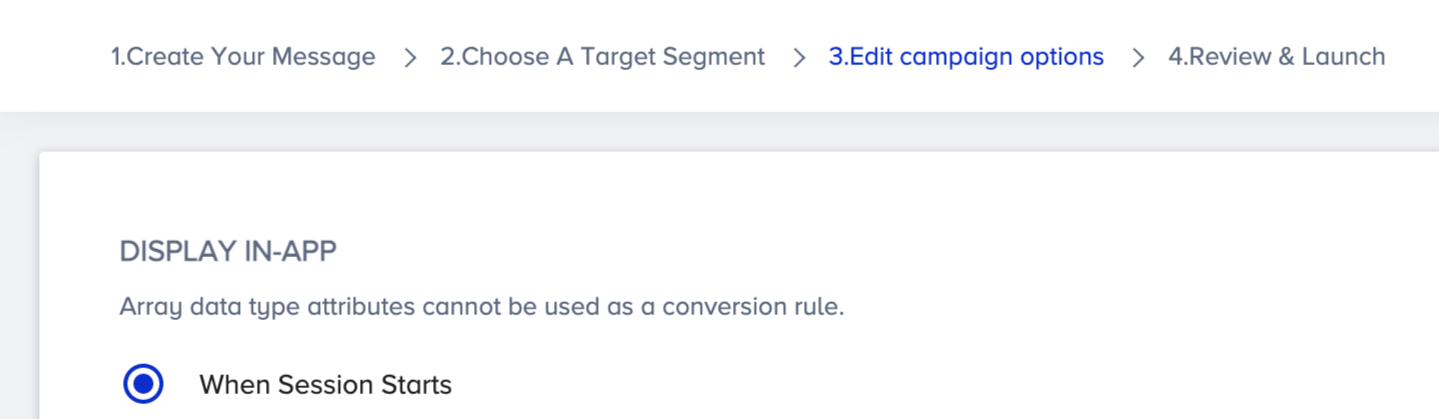 2. Check the Send Coupon Data via Webhook box to trigger the callback URL to receive information of the users along with the coupon code they received, their variation ID, and campaign ID.
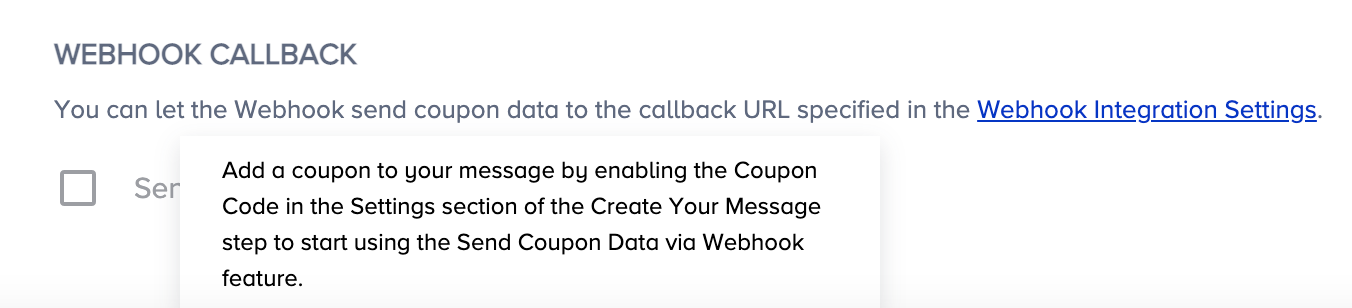
This option is available in every campaign where you upload coupon codes.
This operation is saved only for the respective campaign and does not affect any other campaign. You can also enable it in the campaign options for multiple campaigns.
Sample Response
Below is a sample response you can receive on the callback URL you added in the settings.
{
 "inapp_id": 63,
 "variat_id": 148,
 "coupon_code": "coupon",
 "udid": "25cf2aa1cf567475",
 "identifier_value": "sample@useinsider.com",
 "identifier_key": "em"
}
The coupon data is sent to the callback URL in real time. The system will send the coupon data to the respective callback URL whenever a user receives a coupon code from the campaign where you add coupon codes and enable the webhook integration.