You can add custom fonts that you want to use in your app templates to your account.
Administrator role is required to upload a custom font. The uploaded custom fonts can be used in basic in-app templates.
Navigate to Settings > Mobile App Settings.
Go to the Custom Fonts tab.
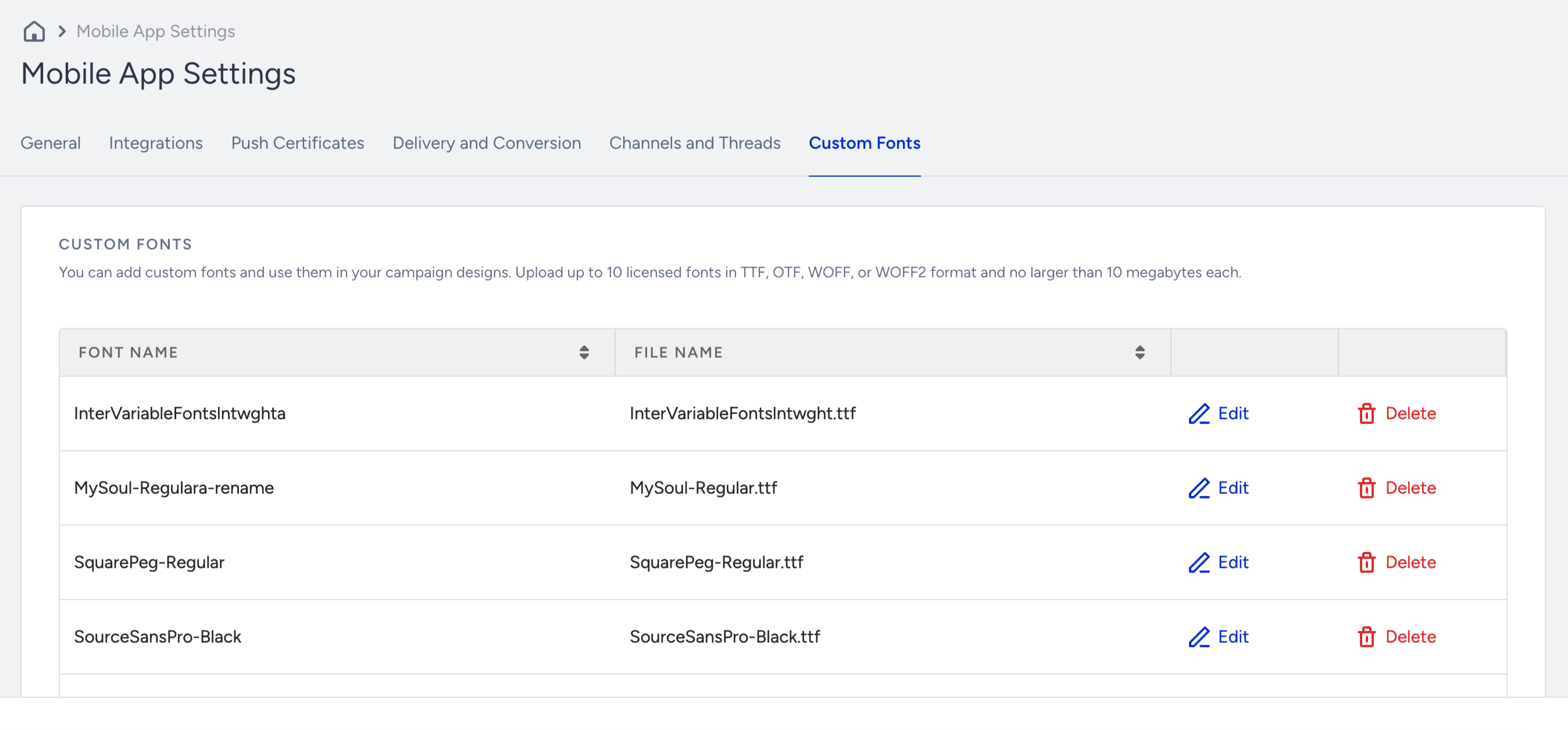
Upload your custom font file in TTF, OTF, WOFF, or WOFF2 format.
You can upload up to 10 licensed fonts.