After entering the campaign name, you will proceed to the Segments step to define the user segment for the app card.
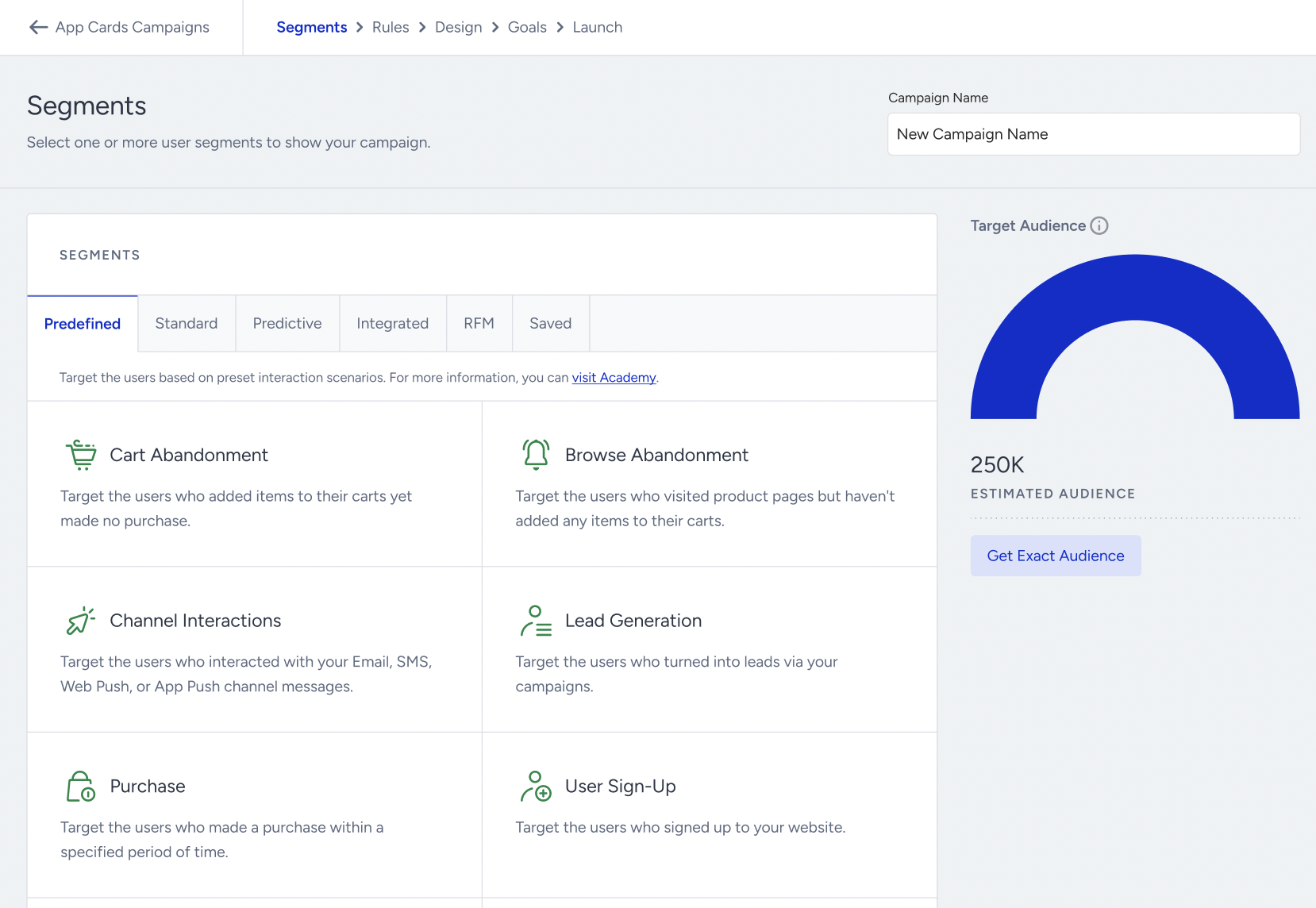
You can use the following segment options:
Once you select segments, a count bubble will appear next to the segment component, displaying the estimated number of users targeted by the campaign. You can click the Get Exact Audience button to get the exact count.