Once you have prepared your campaign, you can configure the activation status, campaign group access, and campaign tags, and add notes to your campaign in the Launch step.
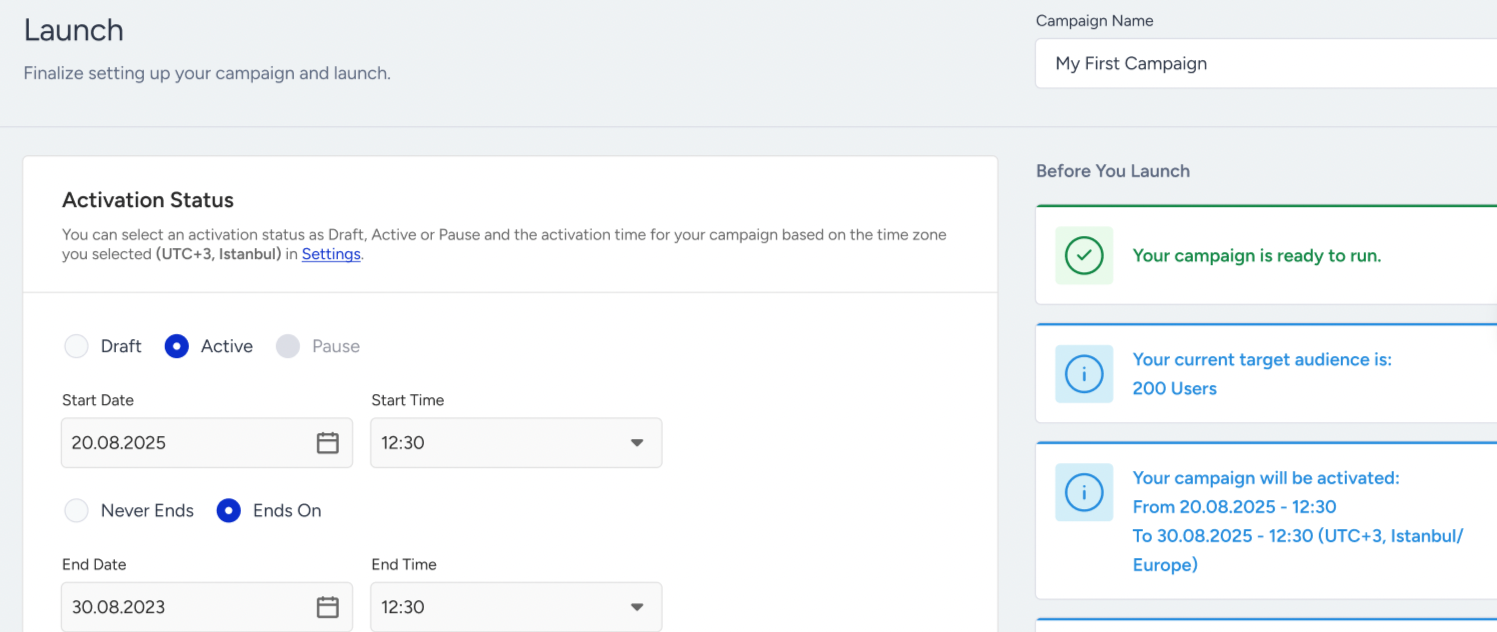
Activation Status
Activation Status allows you to define the campaign’s state and control its duration in three options:
Draft: Campaign is being created or edited, not yet live.
Active: Campaign is live, delivering messages according to its configuration.
Stopped: The campaign will be removed from all users and will not be sent to any user. This cannot be undone.
At the Launch step, you can set the campaign to Draft, Active, or Stopped. The Scheduled, Paused, Sunset, and Completed statuses you may see on the listing page are applied automatically based on the campaign's start/end dates and actions taken.
If the campaign reaches the selected end date and you do not stop it manually, its status becomes Completed. If you set a future start date, the campaign appears as Scheduled until it goes live.
Campaign Group Access
If the group-level access feature is enabled, you can assign groups to a campaign to define which users are eligible to view the campaign and its analytics.
Categories
You can assign categories to your app cards, such as promotions, sale, onboarding, etc., on the Launch step. These categories are also delivered to the device as part of the card payload sent to the SDK. This allows you to read the category of each card on the application side and build custom behaviors accordingly, such as displaying a different banner for promotion cards, organizing the inbox into category-based tabs, or showing content from specific categories only to certain users. Categories are not required. You can save and launch a campaign without assigning any categories.
The Campaign Tags are used only on the panel and are not delivered to the device. Categories, on the other hand, are included as part of the card content delivered through the SDK.
.png)
You can create new categories or select previously created ones from the same interface. Selected categories are displayed as removable chips.
Once created, a category is permanently available within your account, and you can select it from the dropdown in future campaigns without needing to recreate it.
Category names must be between 2 and 15 characters long. Names must be unique within a panel and are case-insensitive. For example, "Promo" and "promo" are treated as the same category, and duplicate names are not allowed.
A maximum of five categories can be assigned to a single campaign. Once this limit is reached, the message "You've selected the maximum number of categories." is displayed, and the add control is disabled. Removing a category chip enables adding new categories again.
You can add or remove categories while editing a campaign. Since categories are resolved dynamically when card content is retrieved through the SDK's getCampaigns call, any updates are immediately reflected for users.
Each row on the App Cards campaign listing page includes the campaign's categories, and a Categories filter has been added to the filter modal. In the campaign details modal, categories are displayed as read-only chips.
Campaign Tags
You can create and assign up to six tags to each campaign. Campaign tags make it easier to categorize, filter, and manage campaigns efficiently.
App Cards Campaign Duplication
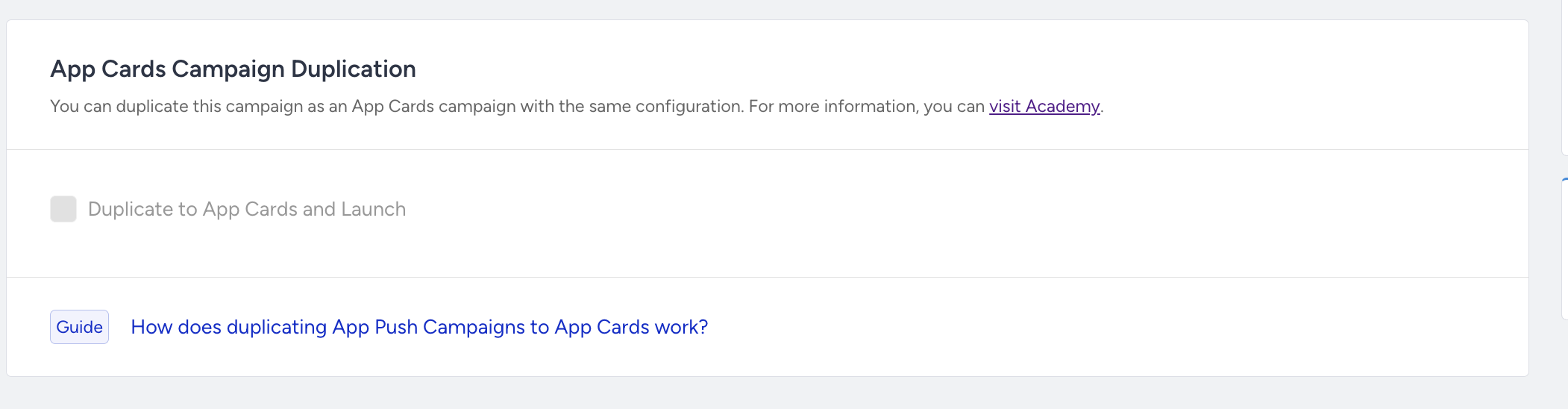
When you create a Single App Push and check the Duplicate to App Cards and Launch box, the system automatically creates an App Cards campaign with the same name and activates it at the same time as the App Push campaign. This eliminates the need to create a separate App Cards campaign from scratch to deliver the same content in the app's inbox/message center. With a single checkbox, the campaign is published to both channels simultaneously.
Supported campaign types
This feature is available only for Single App Push campaigns when the Activation Status is set to Send Now or Send Later.
If the campaign status is Draft or Pause, the section is disabled. However, the selected checkbox state is preserved and restored automatically when the activation status is changed back to Send Now or Send Later.
The following campaign types are not supported:
Conversion
Cart Reminder
Geofence
Recurring App Push
What is duplicated?
The generated App Cards campaign automatically inherits the configuration of the source App Push campaign.
Campaign name: The App Cards campaign uses the same name as the App Push campaign.
Content: The push notification's Message Title, Message Description, and images are used as the App Cards content. For Carousel and Slider layouts, only the first card is copied to the App Cards campaign.
Variants: All A/B variants and their distribution percentages are inherited from the App Push campaign. Any personalization implemented with Liquid Syntax also works the same way in the App Cards campaign.
Segment, Goals, and Launch settings: These configurations are automatically copied.
Push-specific prefilters, such as the push opt-in requirement, are not applied to the App Cards campaign. Since users do not need to opt in to receive App Cards, the same segment may result in a larger target audience.
In the Control Group Configuration section, you can also choose which App Cards variant is shown to users in the campaign's control group.
App Cards delivery is independent of push notification delivery. Even if a user has disabled push notifications, they can still receive the App Card, and an impression is recorded in App Cards analytics.
Duration (card visibility)
Because App Cards campaigns require a visibility duration, it must be configured in this section.
Show the message for X Days: The card remains visible for 1 to 90 days after delivery to the user.
Show the message until: The card remains visible until the selected date and time. The specified date and time must be later than the campaign's activation time.