To learn more about the active campaign limits when using UCD Segments, contact the Insider One team, as limits may vary.
Some data used to segment users in web campaigns is stored in Local Storage and is not available in the Unified Customer Database (UCD). As a result, the segments available through browser-based methods and UCD may differ.
To ensure flexibility, Web Templates and Onsite Experiment campaigns offer dual segmentation. This allows you to choose whether to segment using browser-based data or UCD segments. That’s why the segment selection screen for these campaigns may look different from that of other campaign types.
Choose Segmentation Method
When you land on the Segment step, you will see the UCD segment by default. You can select any segment based on your campaign needs.
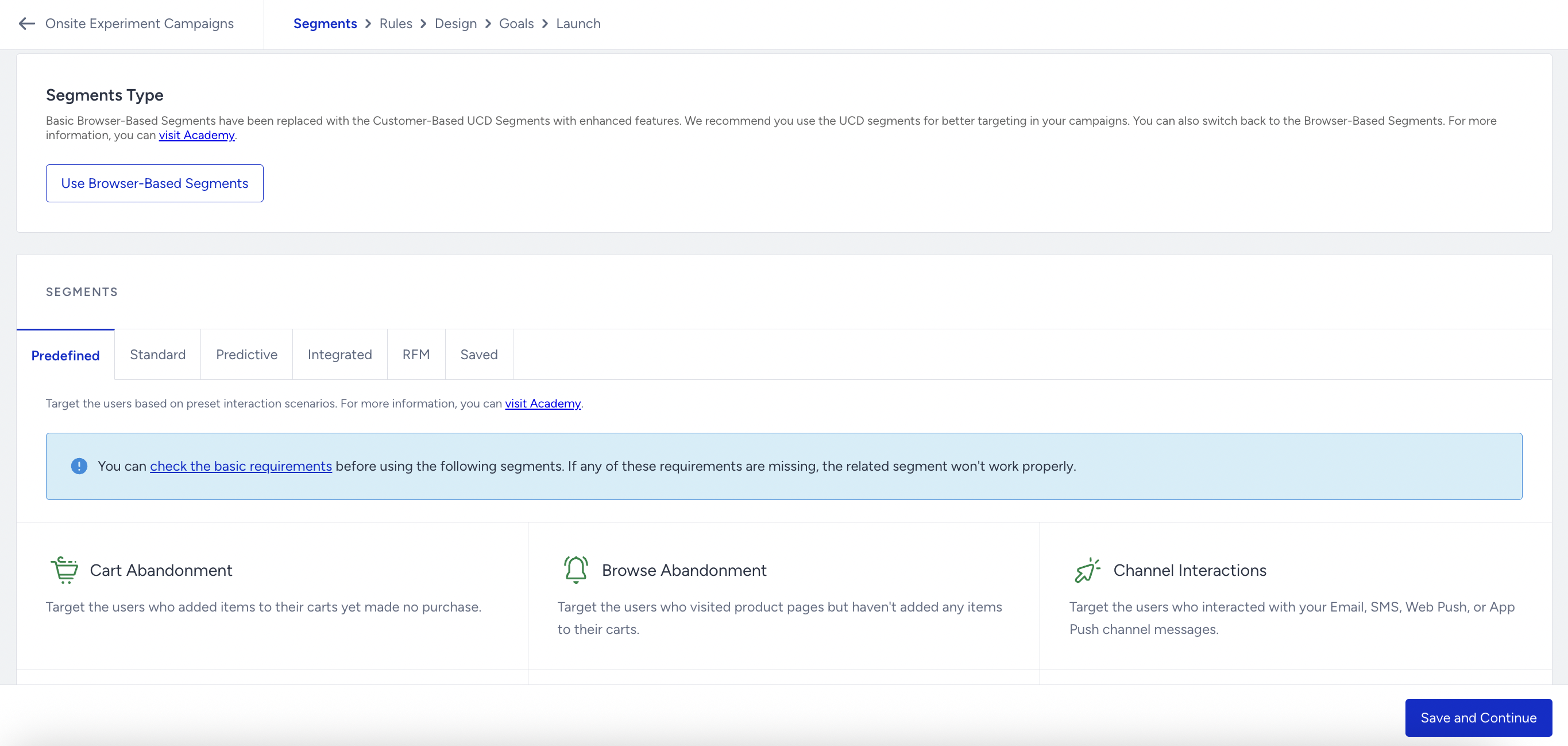
The available segment options are:
Saved Segments
If you want to use some of the Browser-Based segments, click the Use Browser-Based Segments button. However, you cannot merge UCD segments and Browser-Based segments within the same campaign; instead, you must use either UCD segments or Browser-Based segments. For this reason, the previously selected segments are automatically cleared when the segment type is switched.
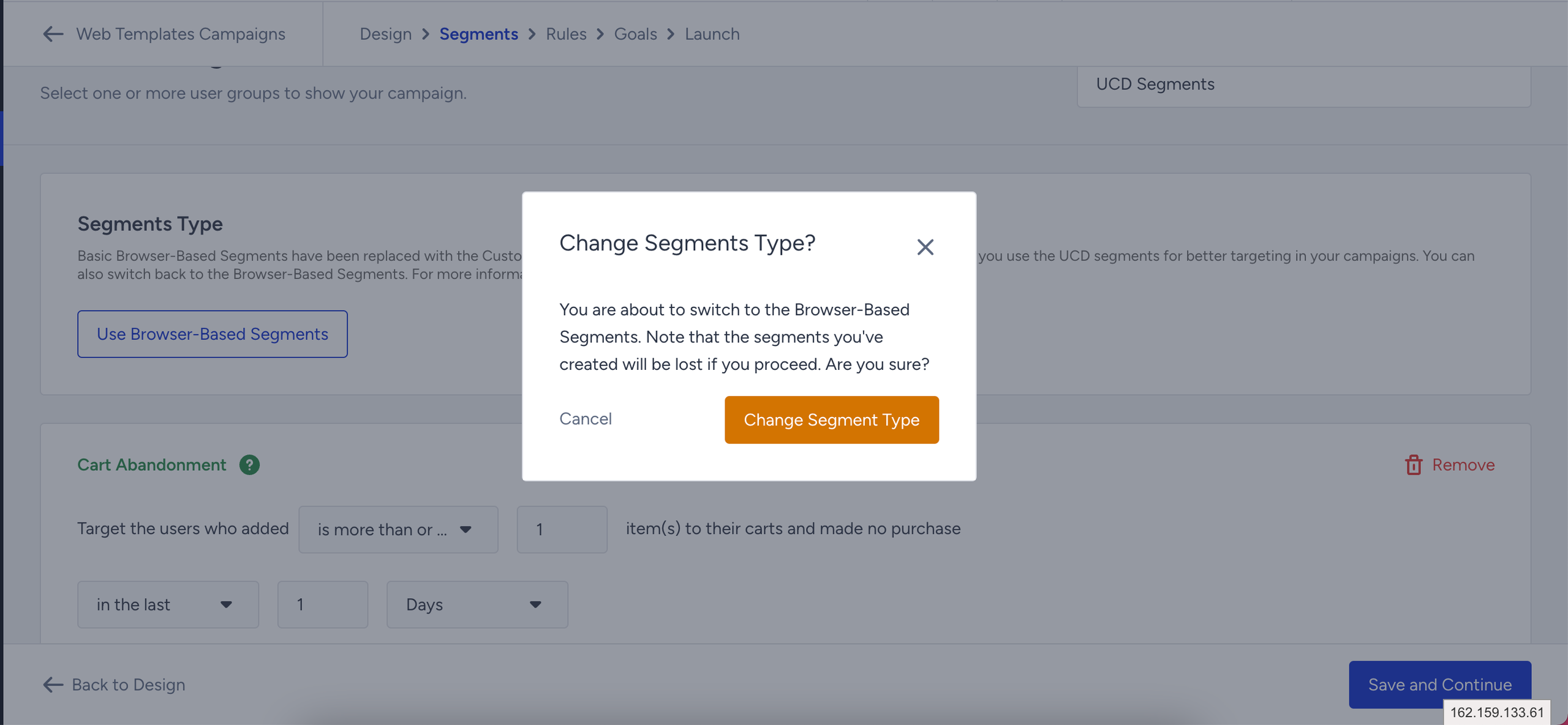
This means you can use the full capacity of the UCD Segments or the Browser-Based segment. However, you cannot use segment users on web campaigns based on UCD data and local storage simultaneously.
Understanding Segment Logic and Access
Segment logic evaluates available user segments at the start of each session. In other words, any actions taken during the session will not affect the user's segment in real time.
A session is considered ended when the user closes the browser/tab.
A session is considered ended when the user remains inactive on the website for 30 minutes or more.
Changes to the Insider user ID during a session
Ordinary actions during a session do not refresh UCD segment eligibility in real time. However, if the Insider Tag’s user ID changes during the session, the tag requests UCD segment eligibility again using the new user ID.
Refreshing segment eligibility does not necessarily display a campaign immediately. The refreshed eligibility can be used in a subsequent campaign evaluation after the UCD response has been received and saved.
This exception applies to a change in the Insider Tag’s user ID, not simply to an update to a profile attribute or identifier.