A starter element helps you start building your journeys. It can be a user action or an attribute that matches users to a segment or rule that lets them into your journey.
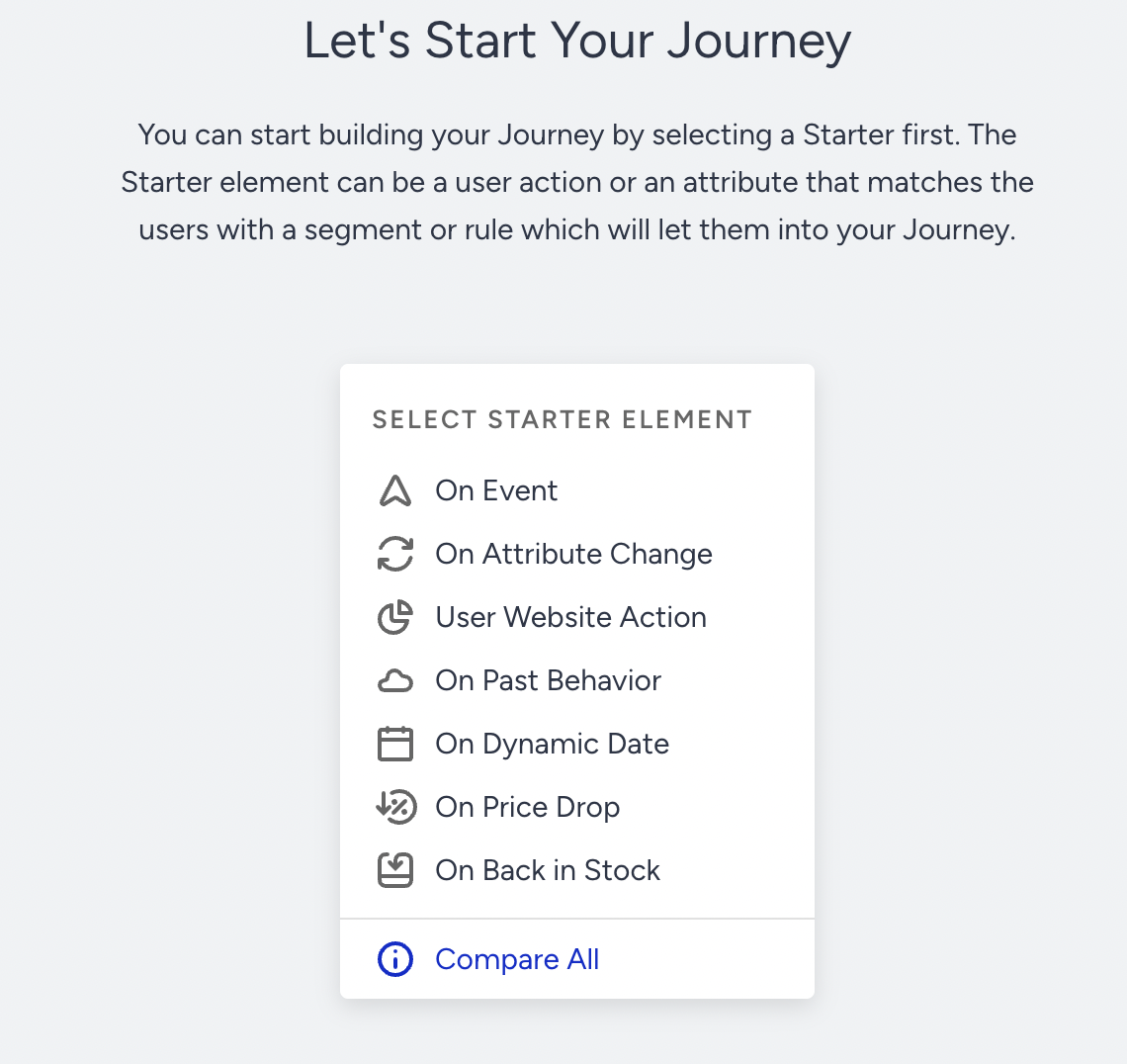
You can use one of the following starters to take your users into the journey:
- On Event
- On Attribute Change
- User Website Action
- On Past Behavior
- On Dynamic Date
- On Price Drop
- On Back in Stock
Comparison of Starters
Starter elements enable marketers to create marketing journeys for various use cases. With their unique properties, they provide a wide range of possible combinations. The table below displays "when to use" tips and use cases for each starter element.
| Starters | When to Use | Use Cases |
|---|---|---|
| On Past Behavior | Takes in users based on their past events. This starter is not real-time. | Win Back, Targeting Users in Predictive Segments (Likely to Purchase, VIP) |
| On Event | Takes in users in real time when an event has happened. | Welcome, Cart/Browse Abandonment, Lead Generation |
| User Website Action | Takes in users based on their actions collected from OnSite. | Web User Registration, Page Visit Follow Ups |
| On Dynamic Date | Takes in users before, on, or after a date connected to the user. | Birthday, Flight Reminder, Subscription Expiration |
| On Attribute Change | Takes in users in real time when their attribute changes to a certain value (from an empty value or a certain value). | User Scoring, Opt-in Change |
| On Price Drop | Takes in users in real time when the price of an item they viewed or purchased has dropped. | Price Drop, Payback, Wishlist Price Drop |
| On Back in Stock | Takes in users in real time when an item they viewed or purchased has restocked. | Back in Stock, Wishlist Back in Stock |