User Website Action, commonly called a real-time website behavior trigger, consists of the Segments and Rules tabs. You can use all InOne segments and rules in this starter. Whenever a user matches the segment(s) and rule(s) you select, they will enter the journey.
This article explains the following:
The User Website Action starter works every minute. This means that when a user matches the selected segment and rule, they will enter the journey after one minute.
This starter works only on the website. To trigger users based on their segment in a mobile app or any other platform, use On Event, On Attribute Change, or On Past Behavior starters. However, rules are not available to use in On Past Behavior.
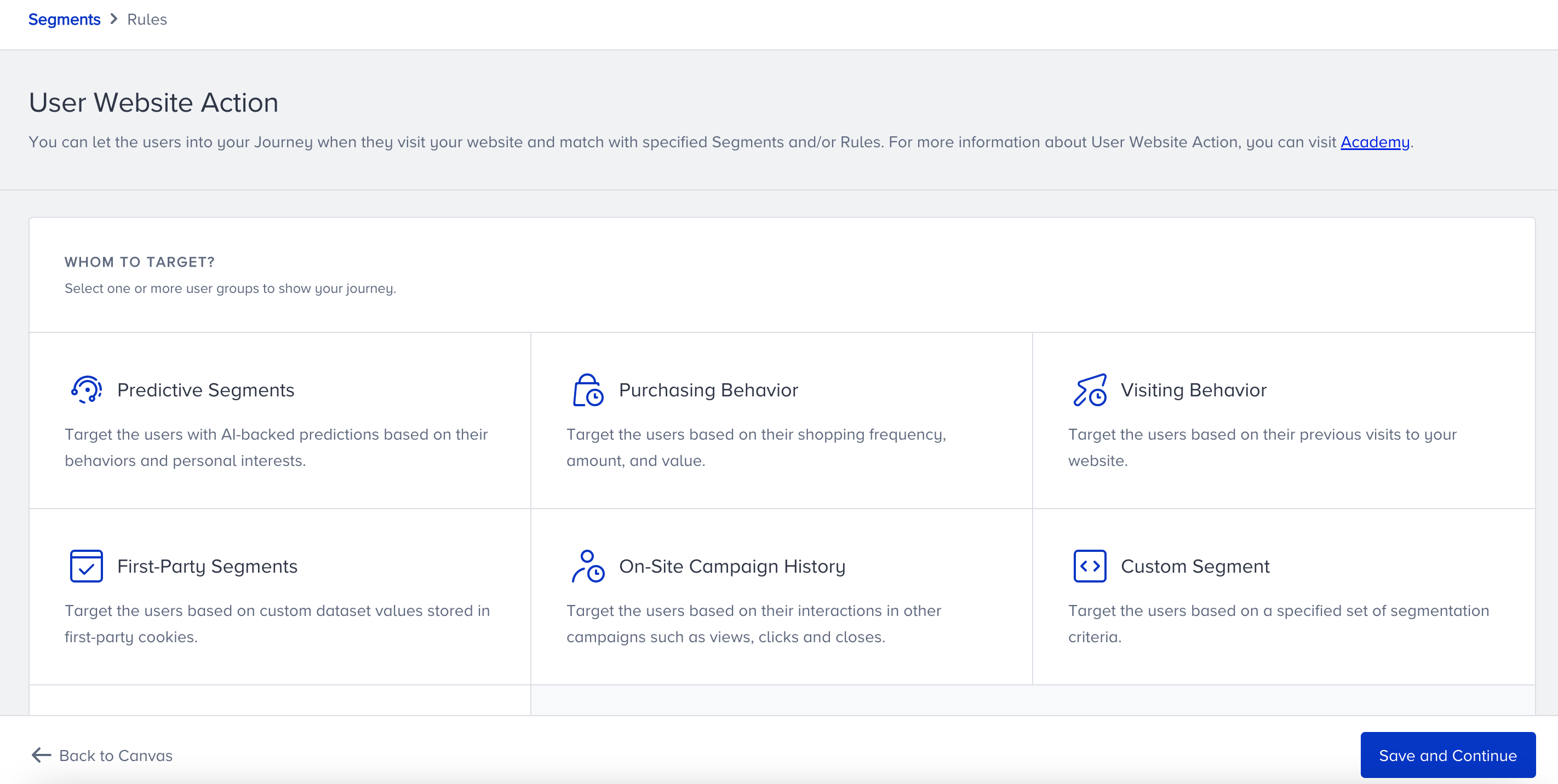
Segments
You can’t use Homepage view and mobile open events in the User Website Action starter without selecting a rule.
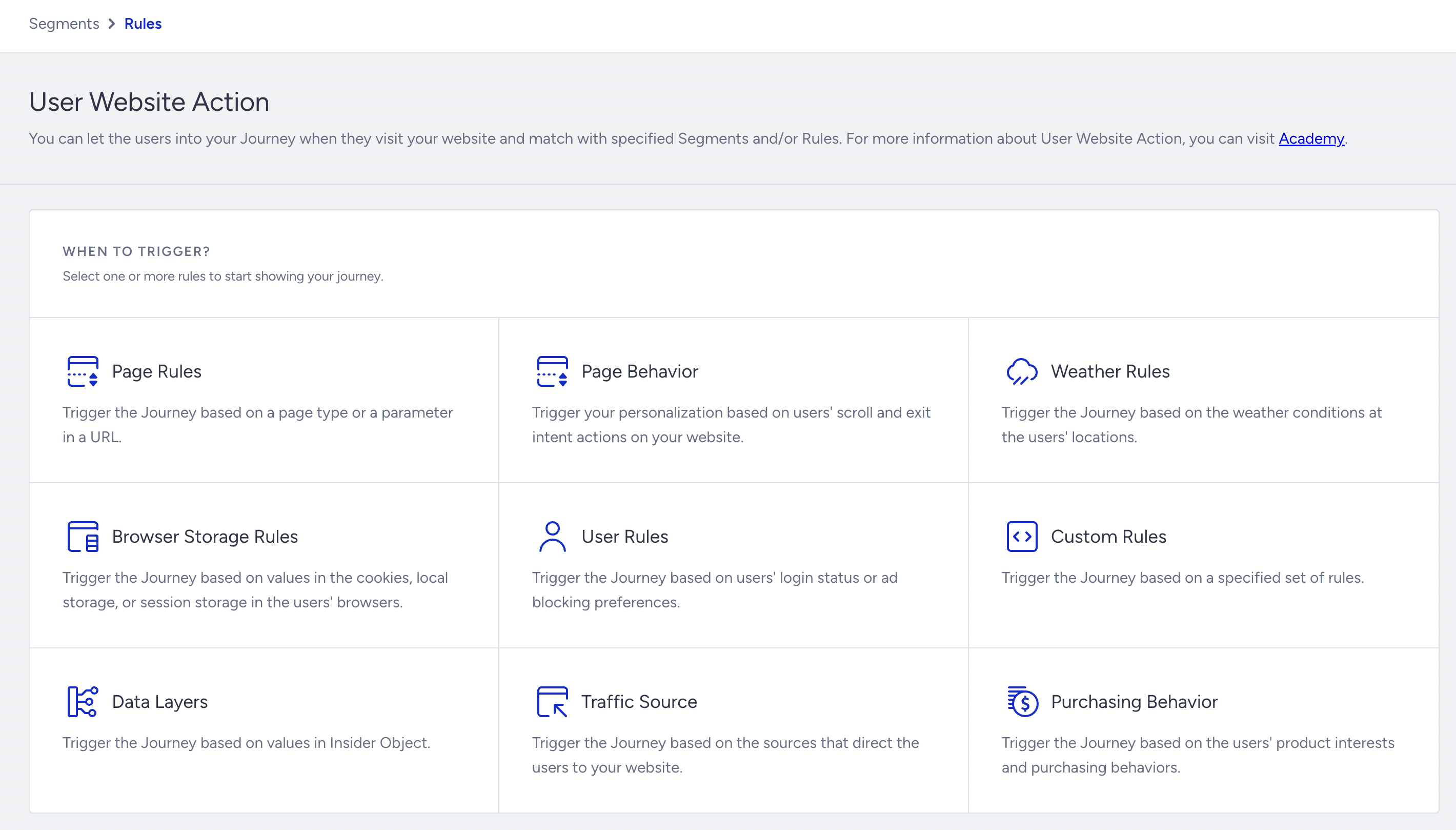
Rules
Tips and tricks
Consider the following items before creating a journey with this starter element.
If you don’t want to use a segment, you can proceed without selecting one. You need to choose a rule to save this starter.
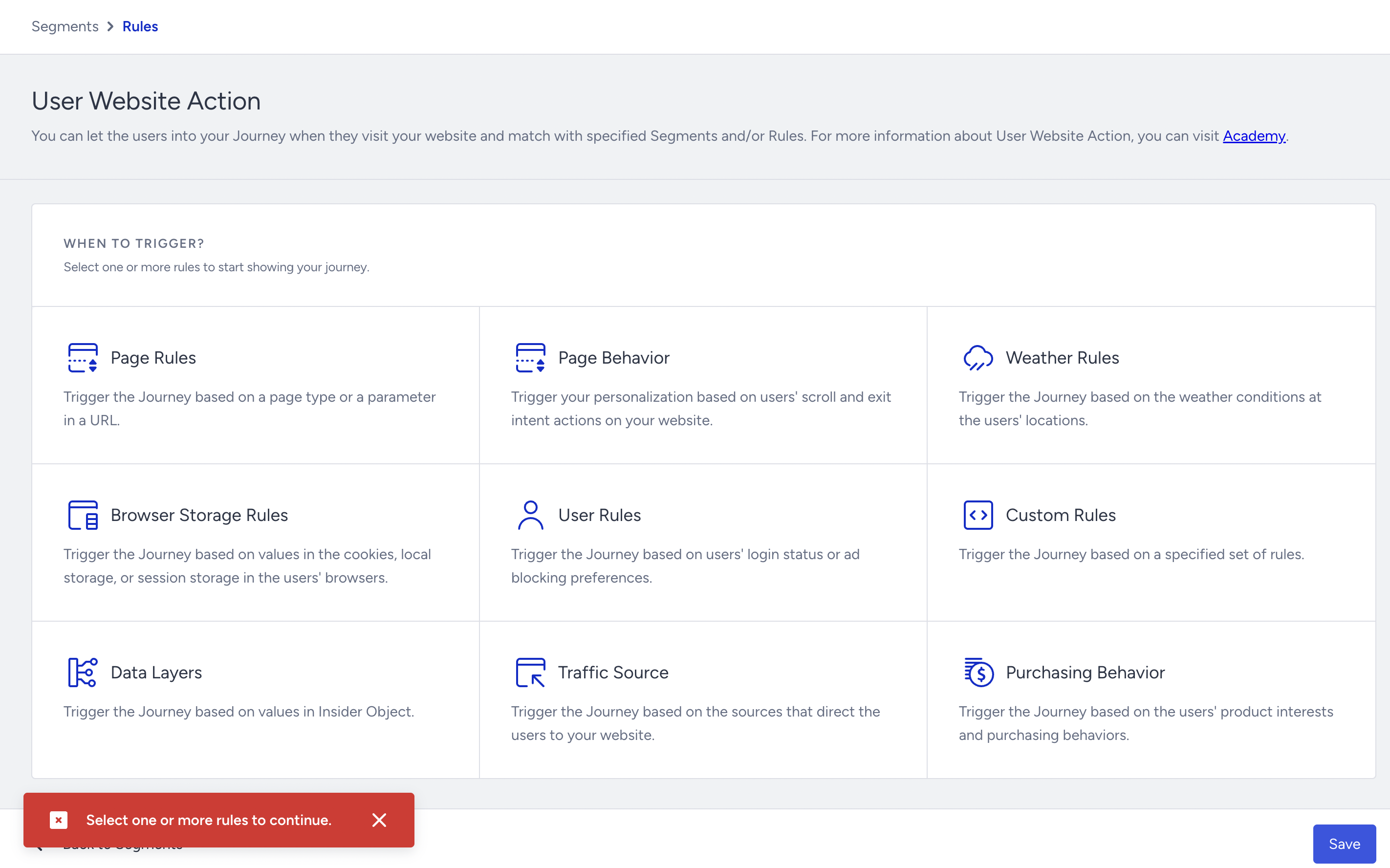
You can also have a custom segment and a custom rule. They need to be ready before you select them in the starter.
You can combine multiple segments and rules.
Users should come to the website and meet the starter condition to enter the journey through this starter.
The "purchase count" and "last purchase amount" segments work when there has been at least one purchase. You should not set purchase count = 0 or last purchase amount = 0.
Use cases
With the User Website Action starter, you can:
Target users who are likely to churn,
Target users who visited the cart page and have items in their cart,
Target users whose average order value is 100,
Target users who logged in and are interested in a category when the weather is rainy.
Requirements
Before creating a journey with this starter element, ensure you have completed the following requirements.
Insider Tag integration should be completed.
Insider One should map out your website.