Email Segmentation divides your customers into smaller groups based on predetermined criteria to send personalized emails accordingly.
The video below briefly explains how to segment your audience.
If this video does not load in your region, you can watch it on our YouTube Channel.
Available Email Segments
The available segments on which you can divide your customer lists are:
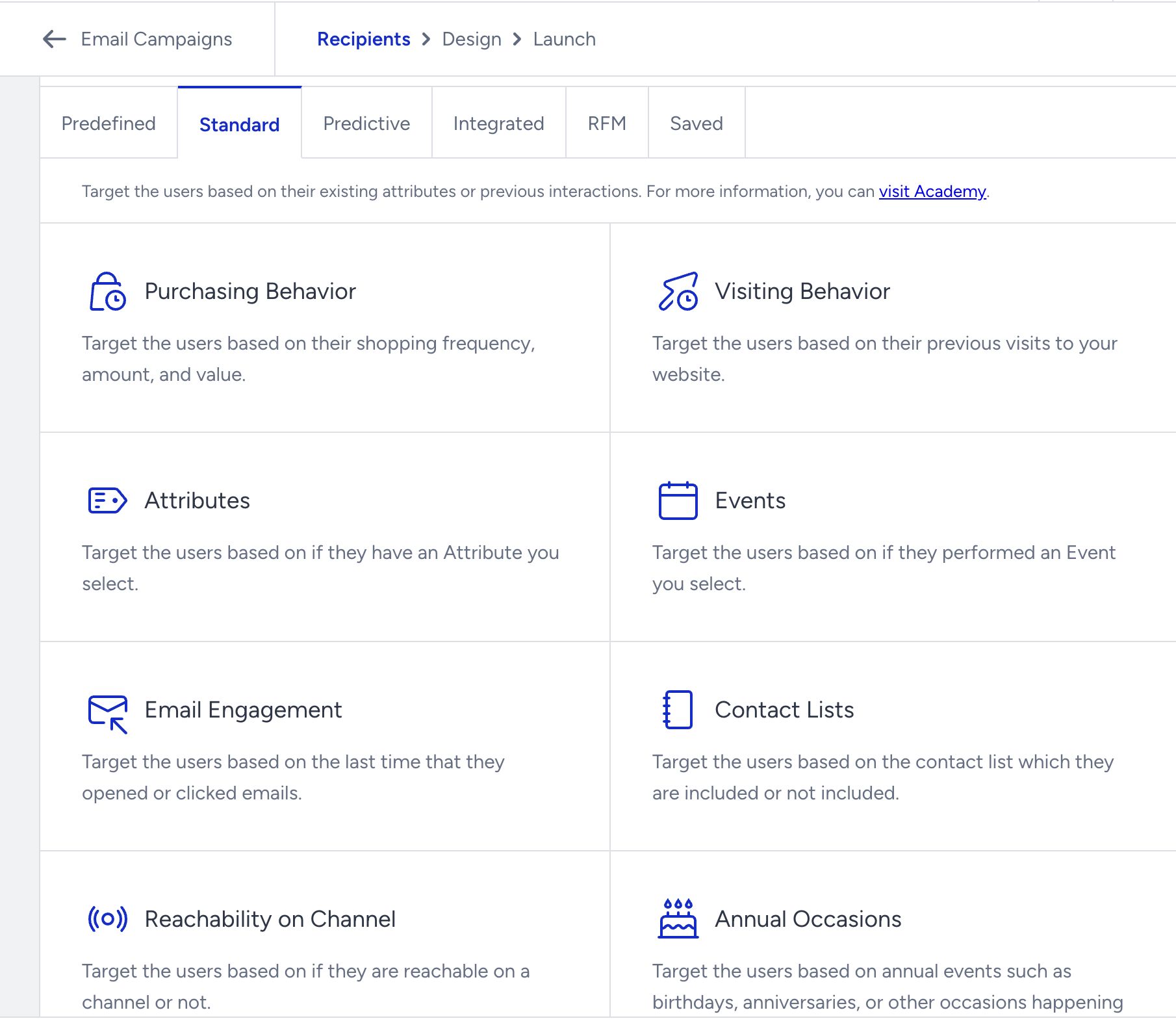
Email Events
Email events create segments based on the email clicks, opens, or subscription rate.
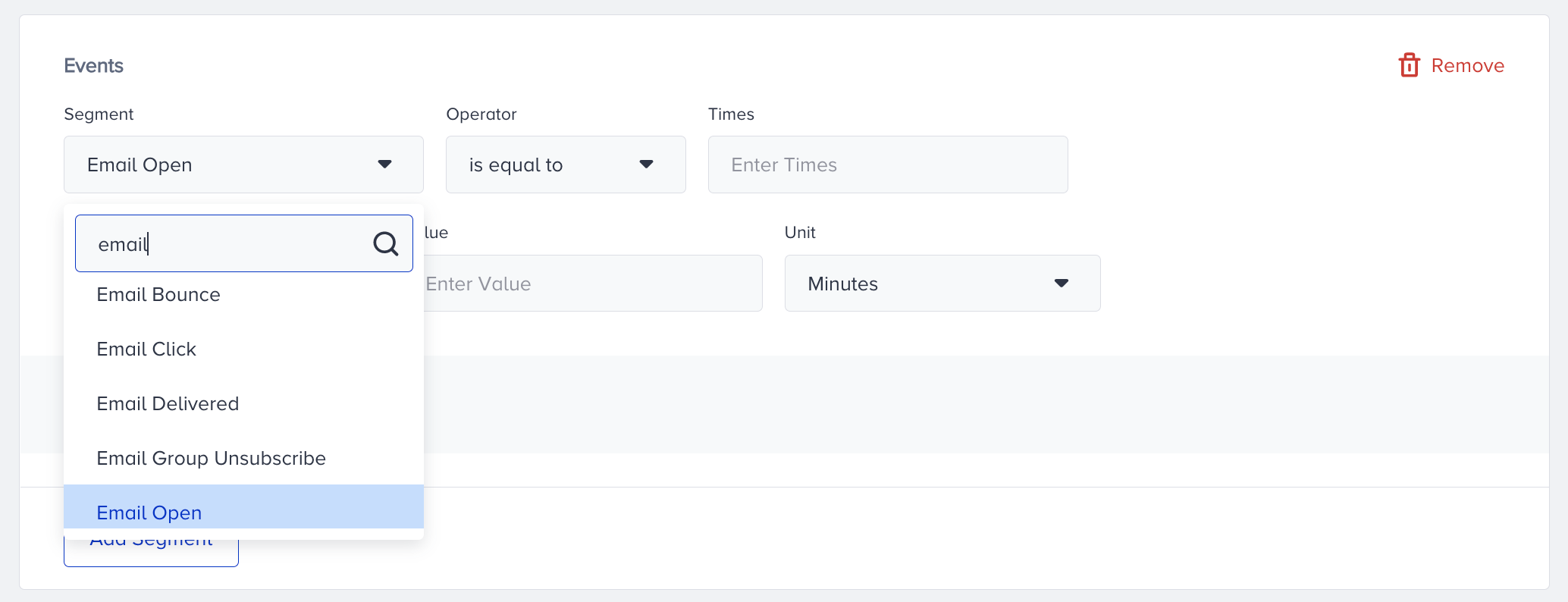
Email Open
This event indicates that an email campaign has been opened.
Variation ID: Variation ID of the email campaign that is opened
Source: Source of the email, either Email or Journey
Email Unsubscribe
This event indicates an unsubscribe from all email campaigns.
Variation ID: Variation ID of the email campaign that users unsubscribe from
Source: Source of the email, either Email or Journey
Email Group Unsubscribe
This event indicates an unsubscribe from an email campaign group.
Variation ID: Variation ID of the email campaign that users unsubscribe from
Source: Source of the email, either Email or Journey
Email Click
This event indicates a click on an email campaign.
Variation ID: Variation ID of the email campaign that users clicked on
Source: Source of the email, either Email or Journey
URL: URL that is clicked on in the campaign
Email Delivered
This event indicates the delivery of an email campaign.
Variation ID: Variation ID of the email campaign that users receive
Source: Source of the email, either Email or Journey
Email Bounce
Variation ID: Variation ID of the email campaign sent to users, but bounced.
Source: Source of the email, either Email or Journey
Reason: Reason for email bounce
Type: Type of email bounce (hard, soft)
Email Spam Report
Source: Source of the email, either Email or Journey