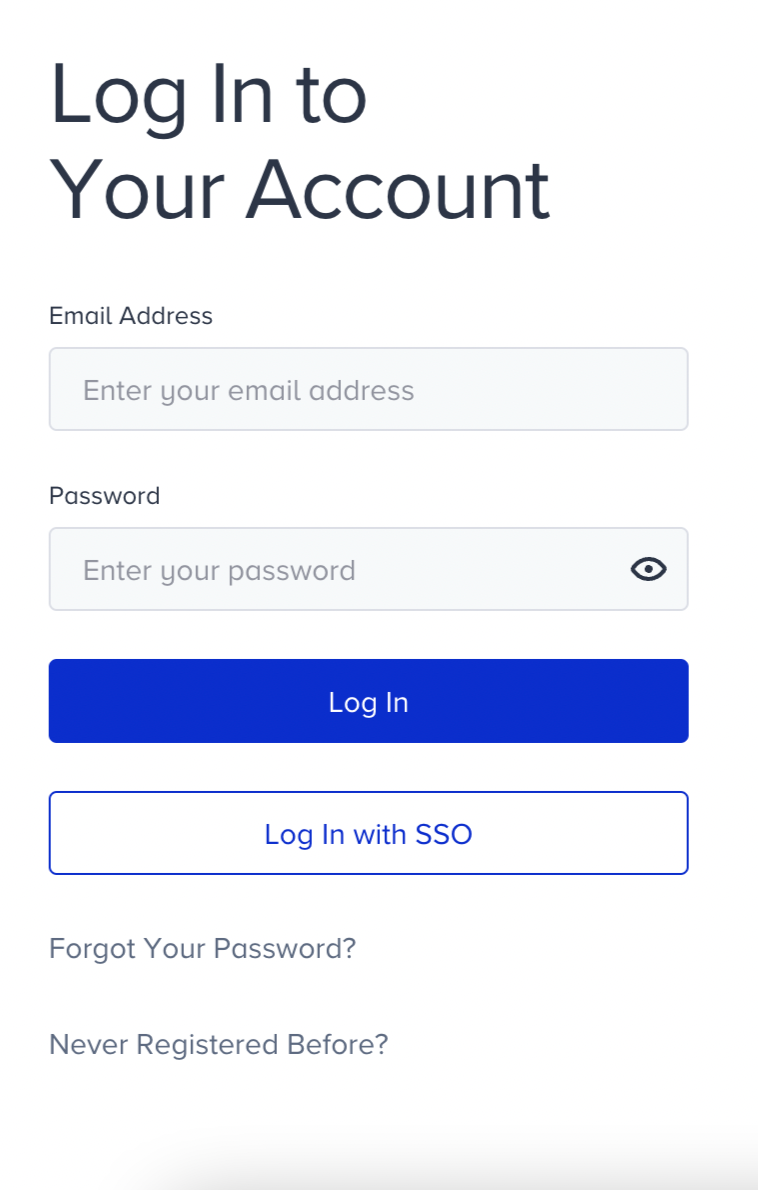
When your administrator adds you to Insider One, you receive an invitation email. Follow the steps below to complete your registration (also known as signing up for Insider One or activating your InOne account) and access the InOne panel.
Step 1: Find your invitation email
Check your inbox for an email from Insider One with the subject line containing your invitation. This email contains the link required to complete registration.
If you have not received the invitation email:
Ask your administrator to resend the invitation from User Management.
Check your spam or junk folder.
Refer to the User Management FAQ article for additional troubleshooting steps.
Step 2: Start registration
In the invitation email, click Complete Registration.
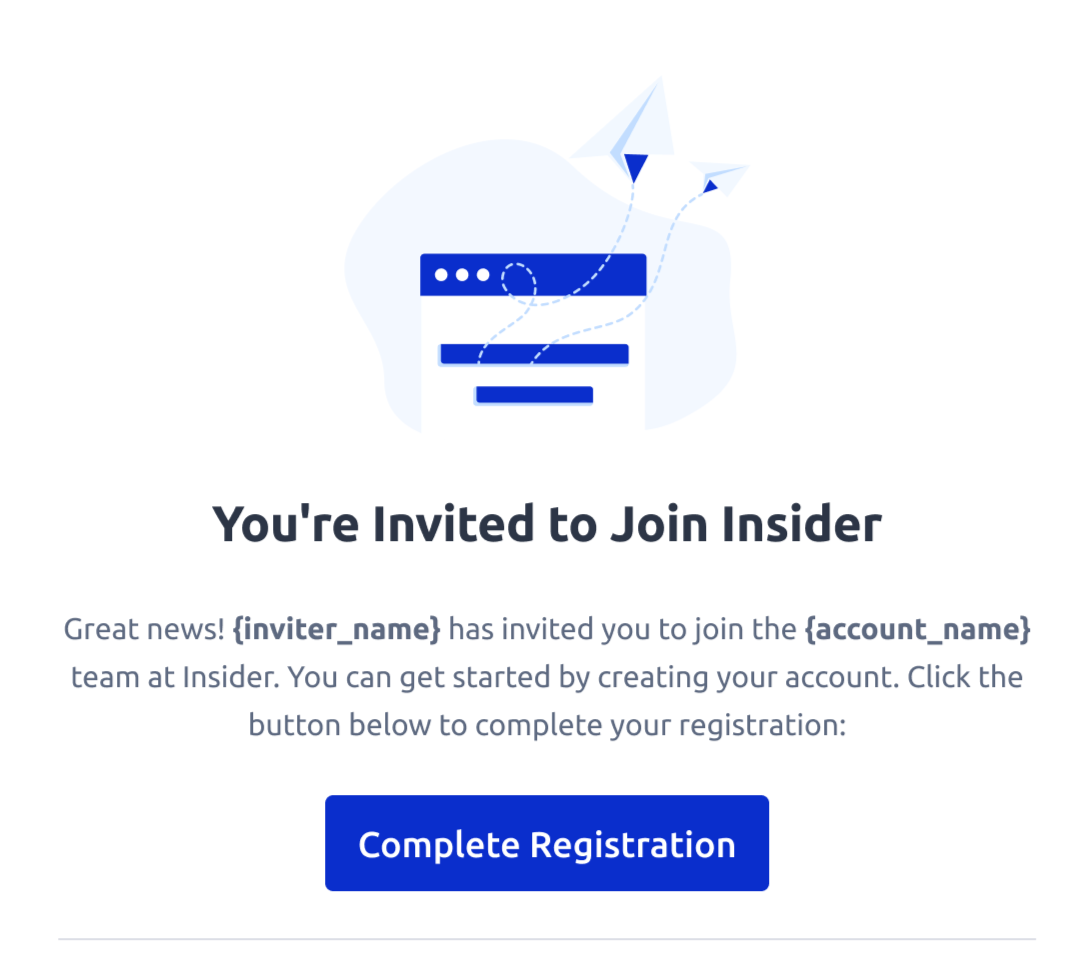
You must complete registration within 7 days of receiving the invitation. If you are approaching the deadline, Insider One will send a reminder email.
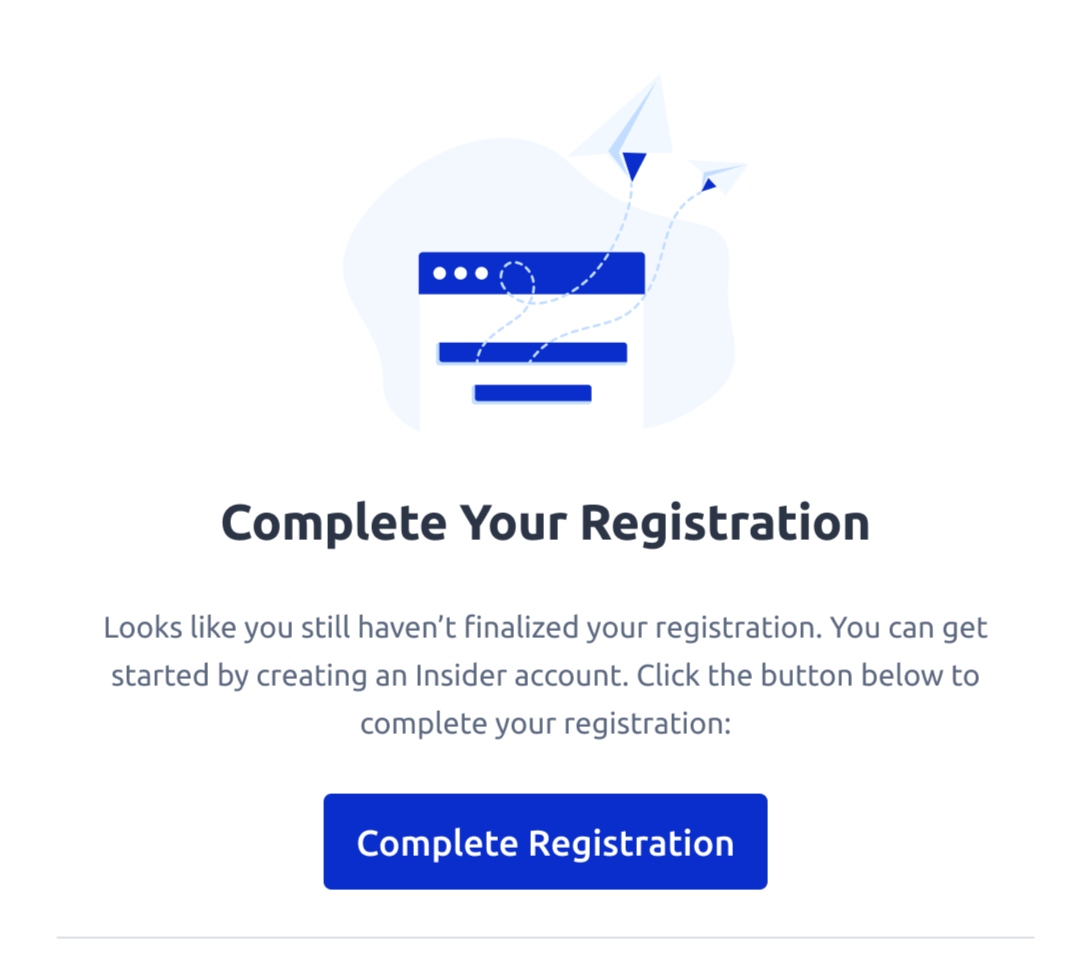
If your invitation has expired, contact your administrator to send a new one.
Step 3: Create your account
On the account creation page, fill in the following fields:
Enter your Name and Surname.
Set a password that meets the requirements.
Click Complete Registration to finalize your setup.
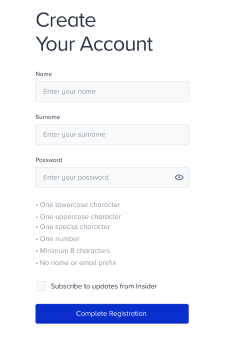
You can optionally select Subscribe to updates from Insider One to receive product news and announcements.
Step 4: Log in
Once registration is complete, log in to the InOne panel using the email address and password you set during registration.
Use one of the following login URLs:
https://inone.useinsider.com/login: Standard login page for all accounts
https://{yourpartnername}.inone.useinsider.com: Partner-specific login URL. Replace {yourpartnername} with your InOne account name. Use this if your administrator provided a direct login link.