An InOne account is blocked after six consecutive incorrect password attempts. This is a security measure to protect against unauthorized access. A blocked user cannot log in using their password or One-Time Password (OTP) until the account is recovered.
How the block works
Before the sixth failed attempt, the user sees a warning message indicating how many attempts remain.
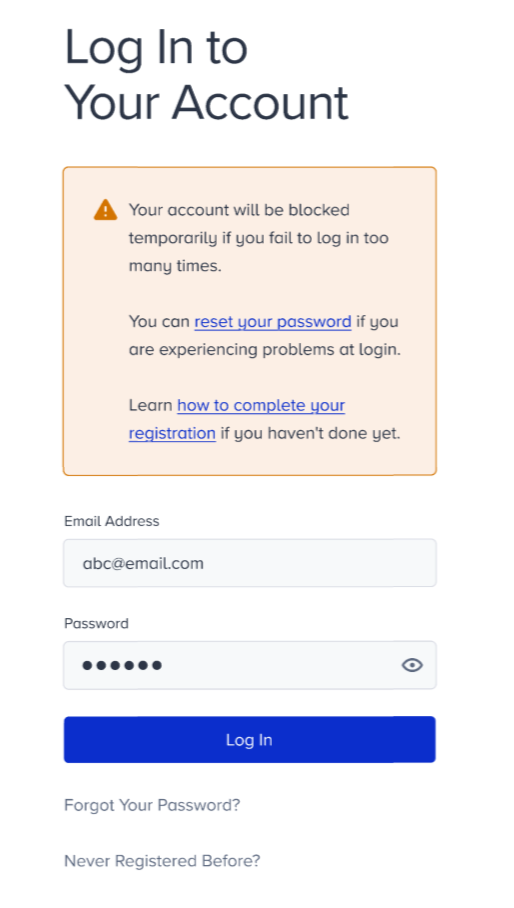
After the sixth failed attempt, the account is temporarily blocked for two hours.
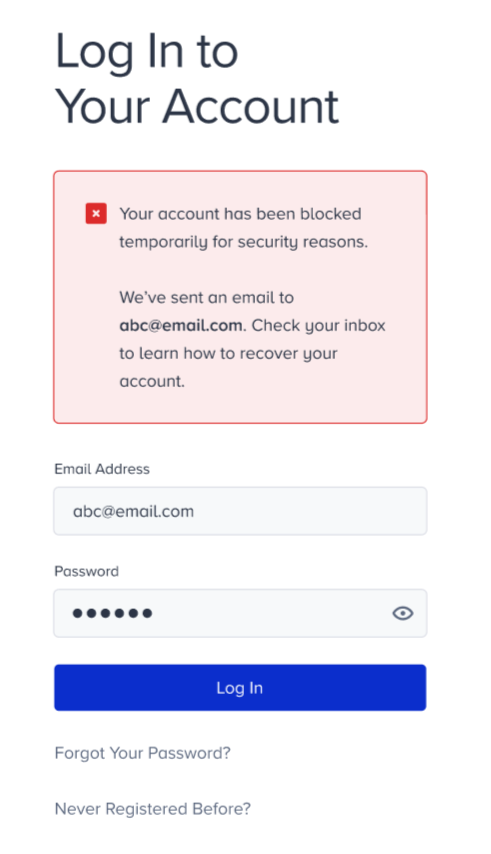
The user cannot log in for two hours after the account is blocked. A password reset email is sent automatically to the user's registered email address.
Recovery flow
The following steps apply to the locked user.
Check your registered email address for a password reset email from Insider One. The email may take a few minutes to arrive. Check your spam or junk folder if it does not appear in your inbox.
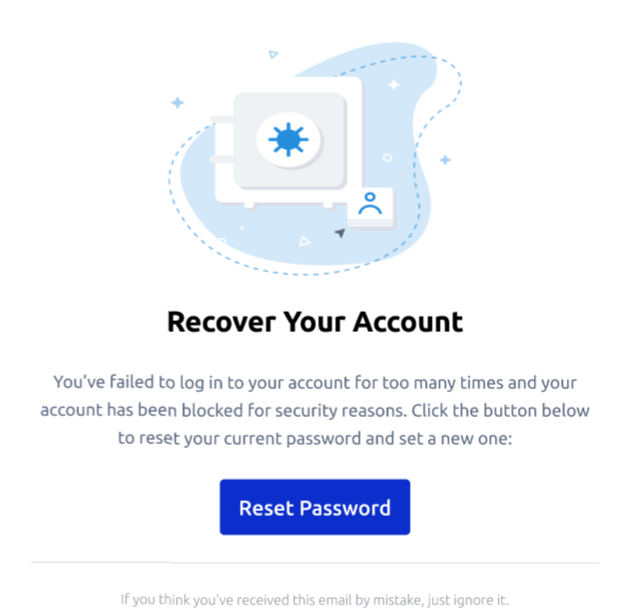
Click Reset Password in the email.
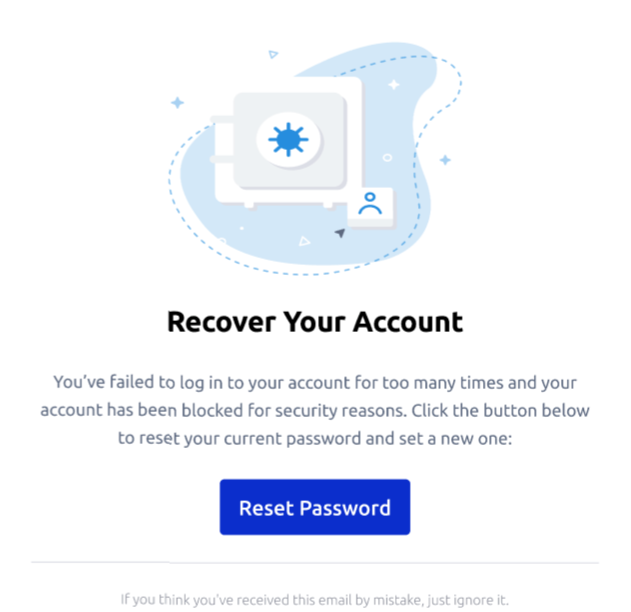
Set a new password on the reset page.
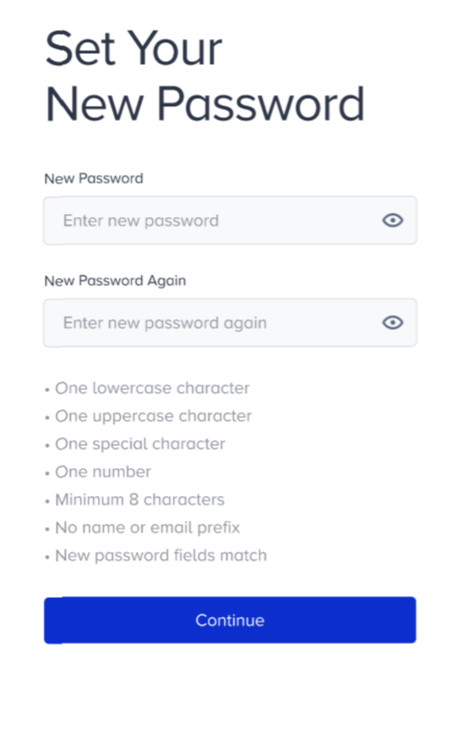
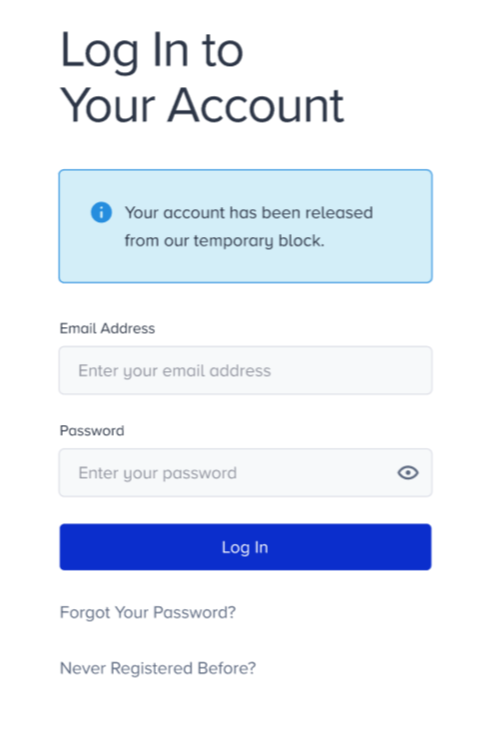
Log in to the InOne panel with your new password.
Consecutive lockouts
If an account is blocked three times consecutively, it is permanently blocked and cannot be reopened automatically. This is a permanent security restriction.
If this occurs, the Administrator must contact the Insider One team or submit a support ticket to restore the account.
For Administrators
If a user in your panel is locked and unable to recover their account independently, you can assist by:
Confirming the user's registered email address so they know where to look for the reset email.
Checking whether the account has been locked consecutively three times. If so, submit a support ticket on the user's behalf.
Reviewing the user's account status in User Management.