Suggested reading:
Now that you are ready to explore Insider One's Growth Management Platform’s advanced capabilities to boost value for your brand, you can follow the instructions here to see how to log in to your account, also known as signing in to the InOne panel, if this is your first time.
Log in to your account
Enter your email address and your password in the respective fields.
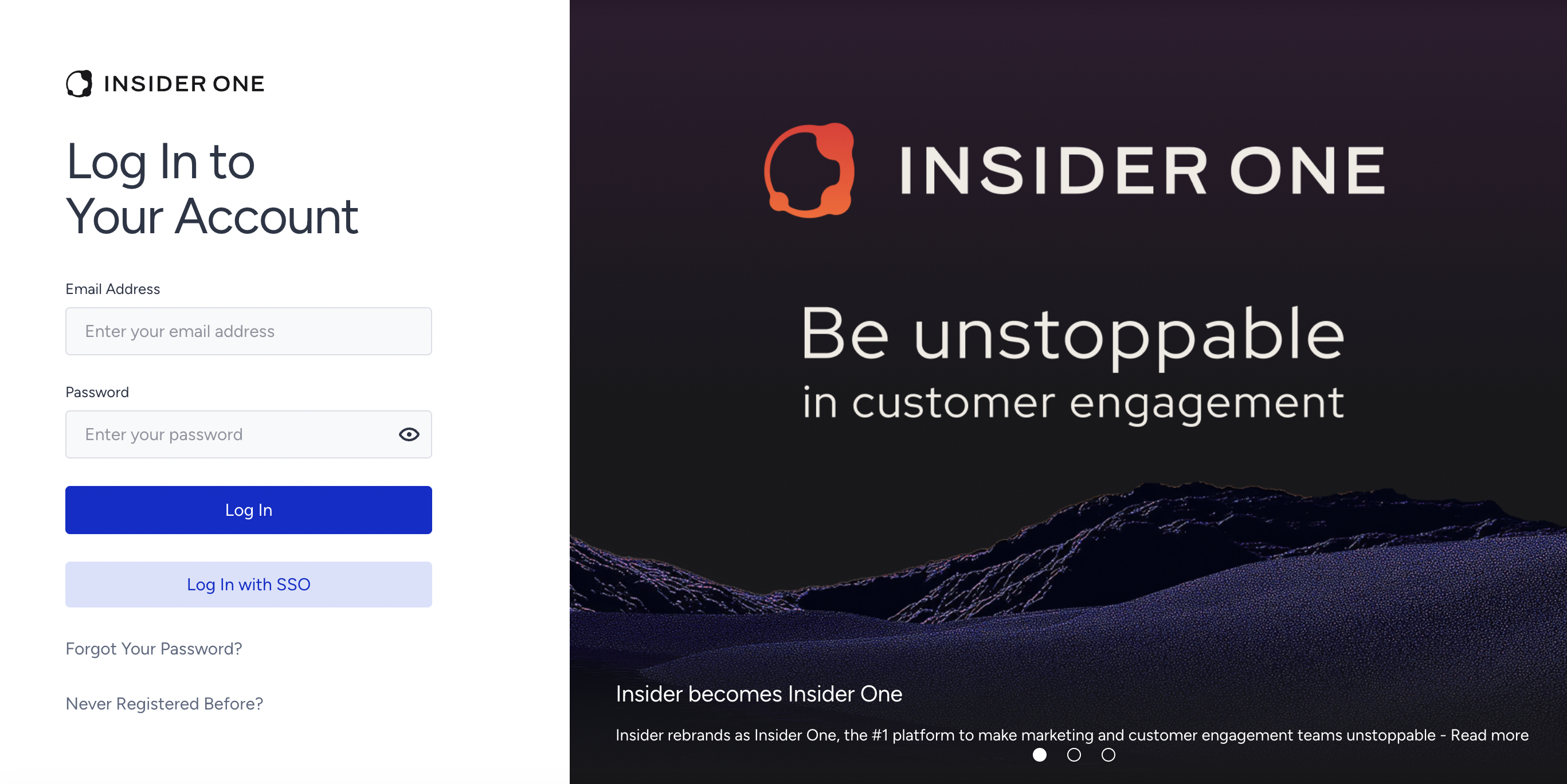
Click Login to log in to your account.
Lastly, on this page, you can read more about the latest news about Insider One on the slider next to your Login screen.
Reset your password
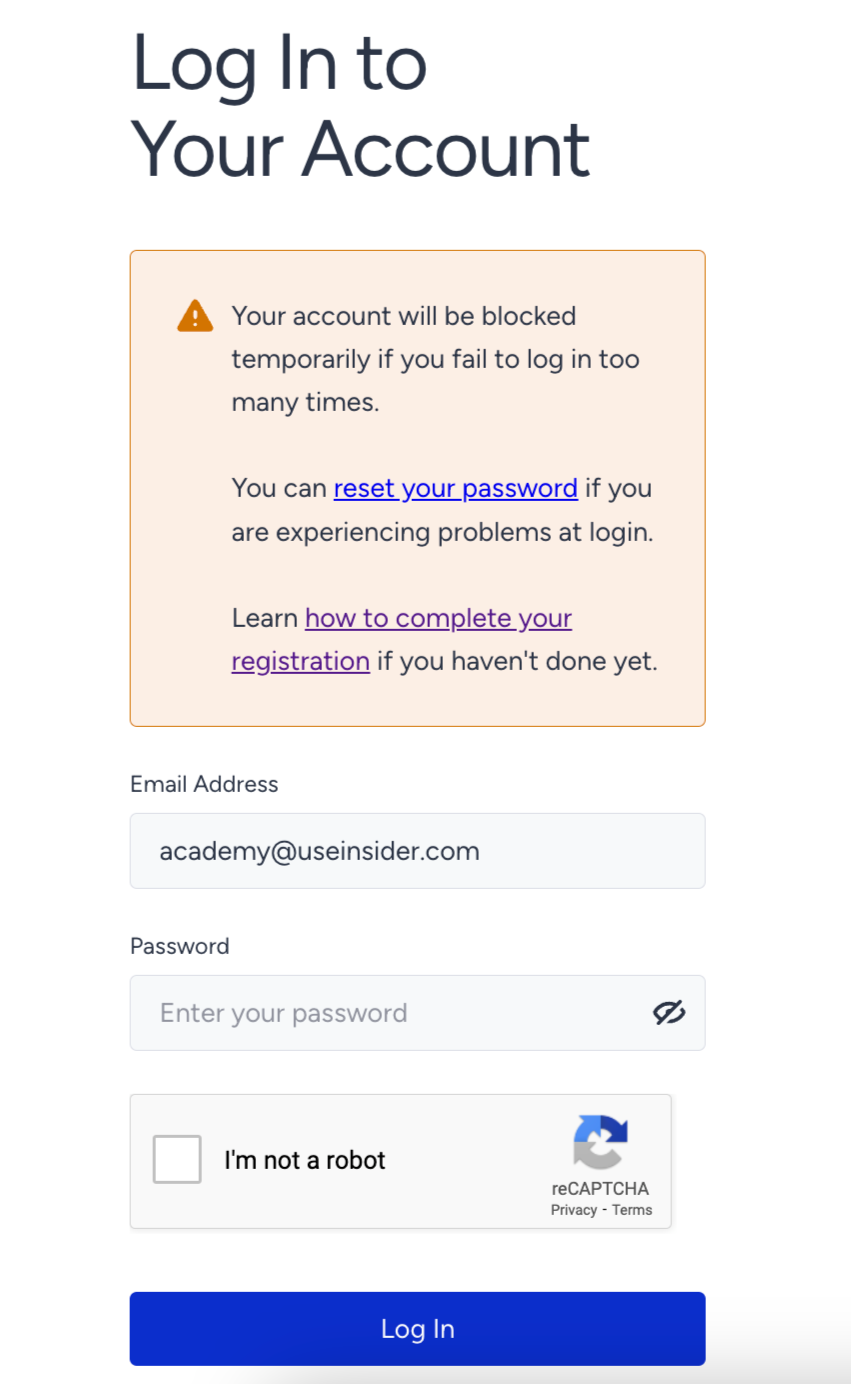
If you enter an incorrect password twice in a row when attempting to access the InOne panel, a warning will appear. If you suspect you have forgotten your password, initiate a password reset process.
Click on Reset Your Password within the warning message.
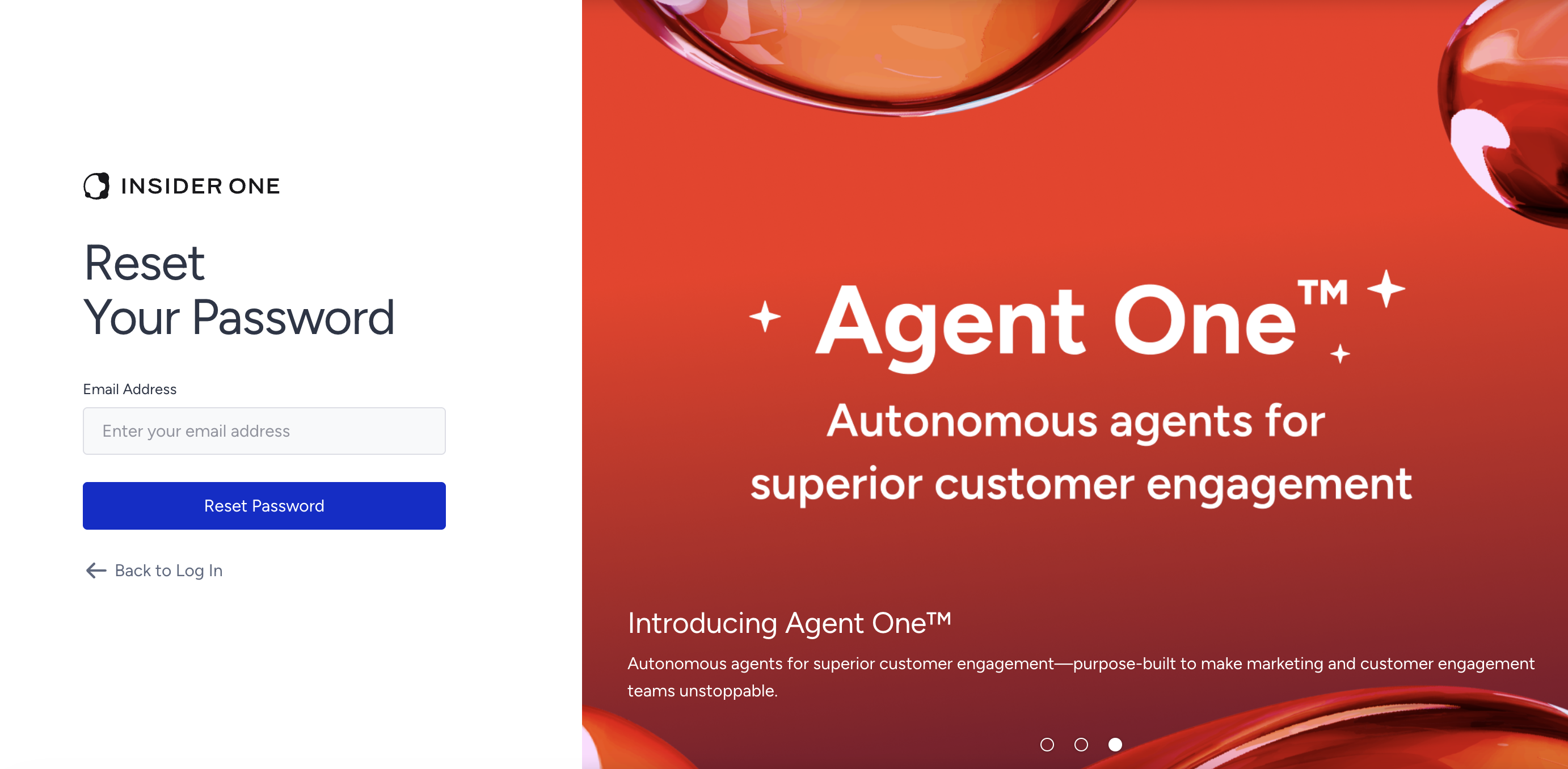
Clicking Reset Your Password will take you to the "Reset Your Password" page. Enter your email address and click the Reset Password button.
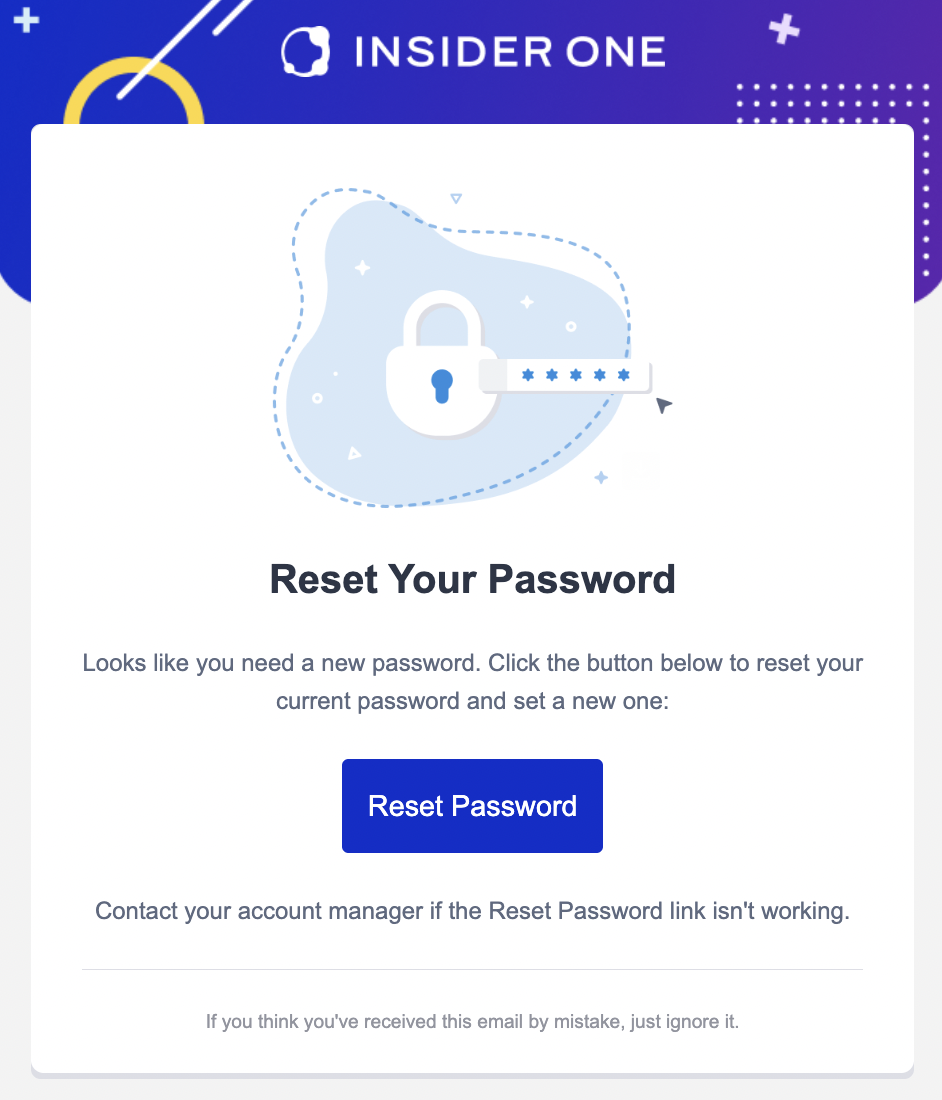
Then, you will receive an email to reset your password. Click the Reset Password button to set a new one.
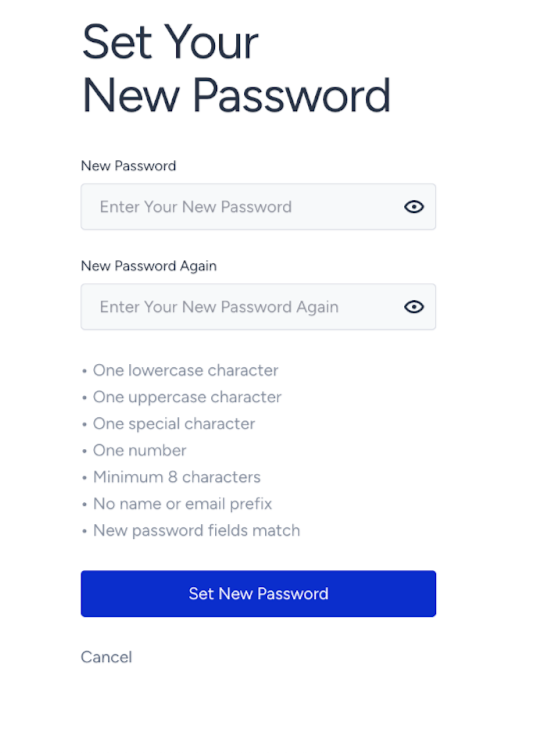
Create your new password according to the requirements and click the Set New Password button.
If you enter the wrong password six times in a row, your account will be automatically locked for 2 hours. Additionally, you will automatically receive an email to facilitate the account recovery process and create a new password.