Suggested readings: Global Unsubscribe & Preference Center, Create Unsubscribe Pages
Once you add your unsubscribe links to your email campaign, you can test it via a test email.
To see what the unsubscribe link looks like in your email:
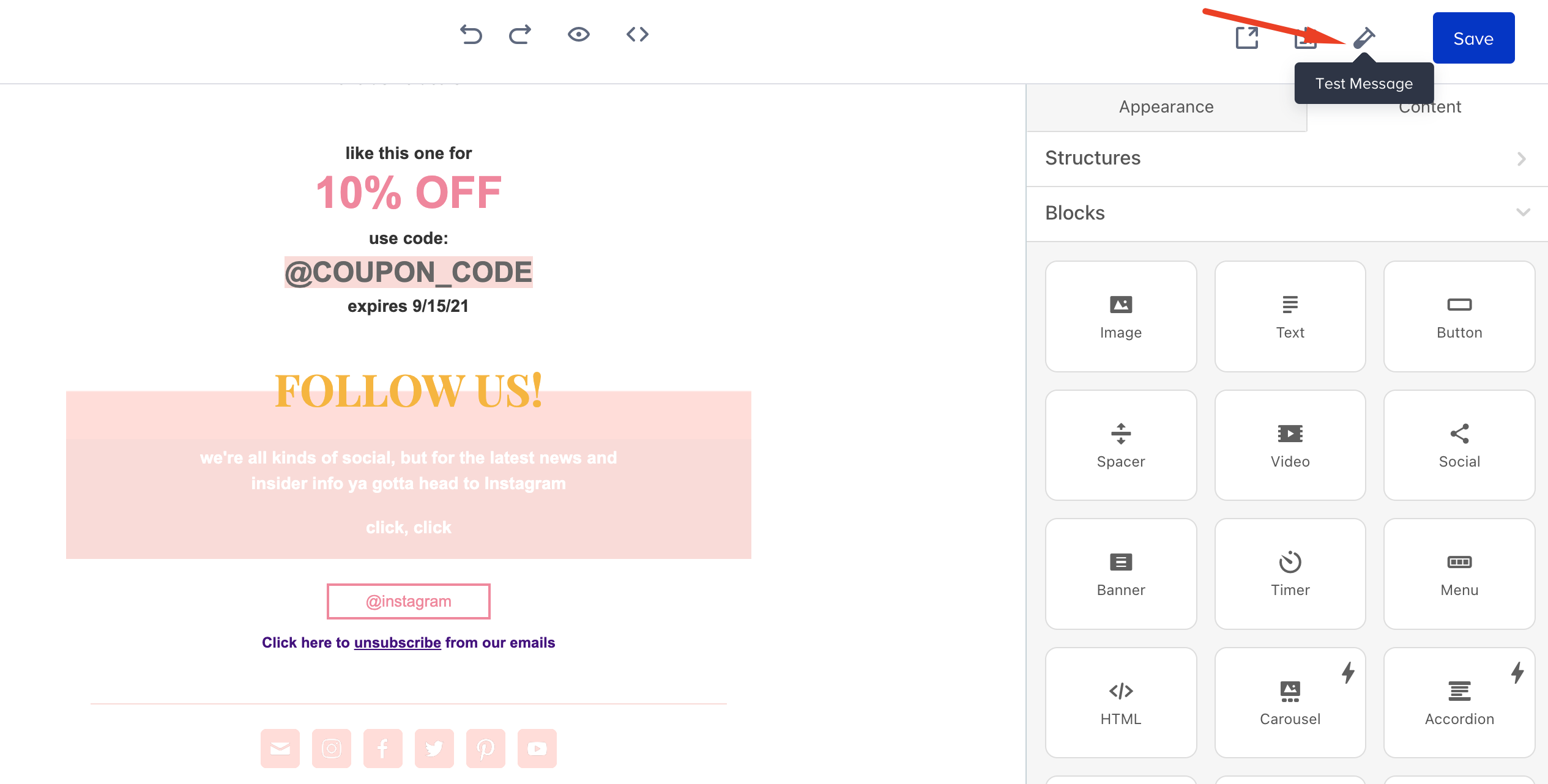
- Click the Test Message button at the top of the page to send yourself a test email.
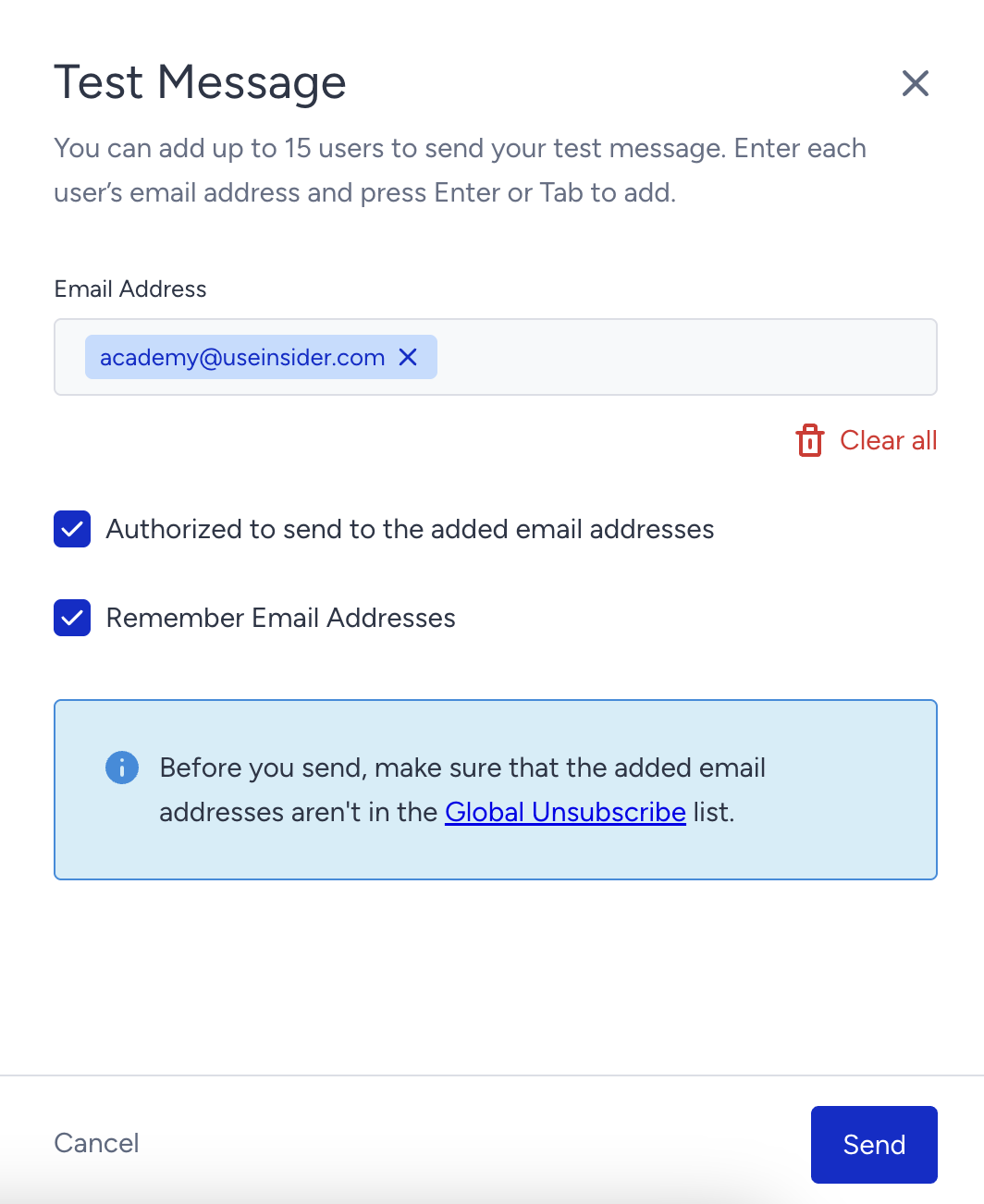
- Add your email address and check the "Authorized to send to the added email addresses" box. If you want to use the email addresses later, check the "Remember Email Addresses" box.
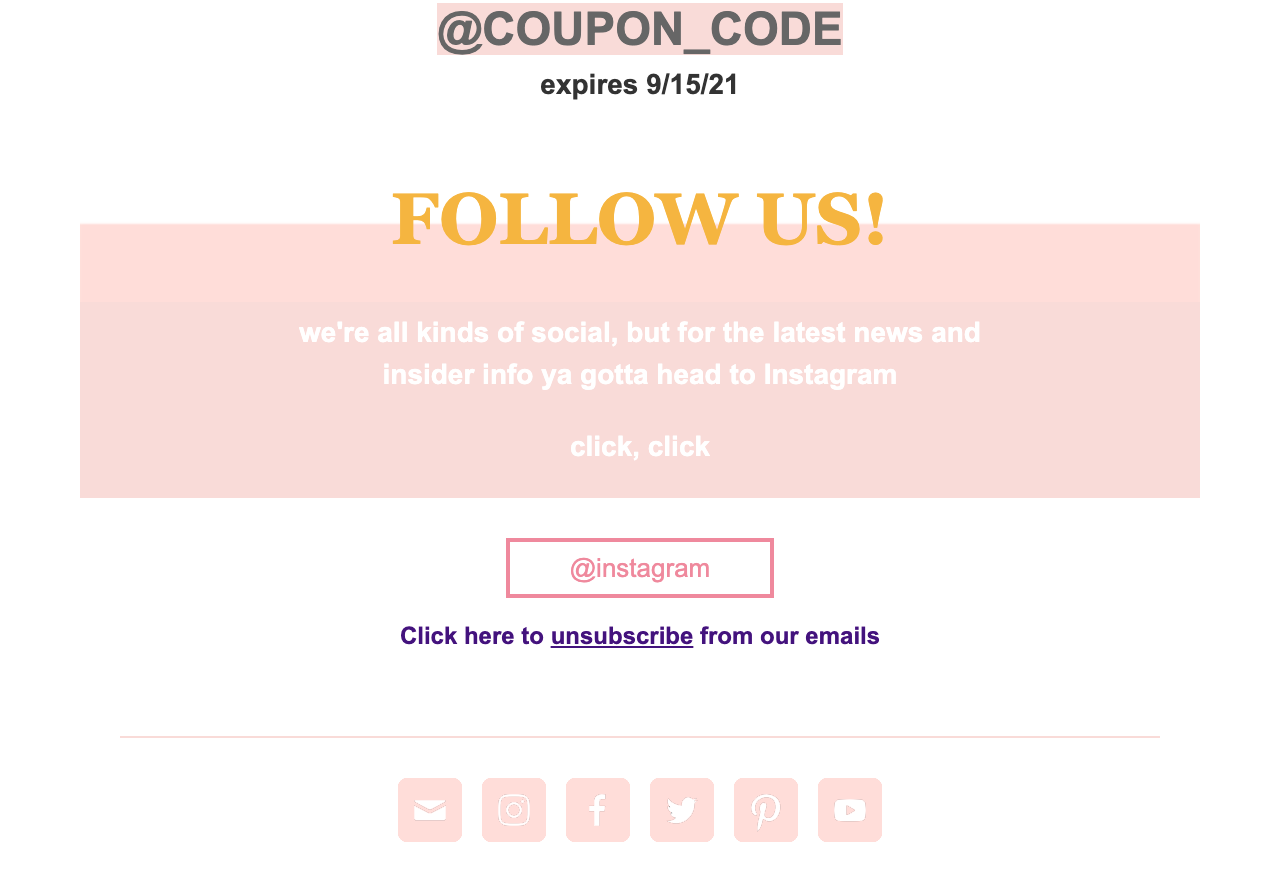
- Go to your inbox to open the test email, and click the Unsubscribe button.
- Clicking the Unsubscribe button will redirect you to the Unsubscribe Page you designed.
Your title goes here
Once you click the Unsubscribe button on the page, you will unsubscribe from your email messages. Click the Resubscribe button to receive your emails.
Video: Testing Unsubscribe Pages
The following video shows how to test the unsubscribe pages in your emails.