Once a user unsubscribes from your emails, they are added to the unsubscribe lists. You can reach these lists in Audience > Suppressions.
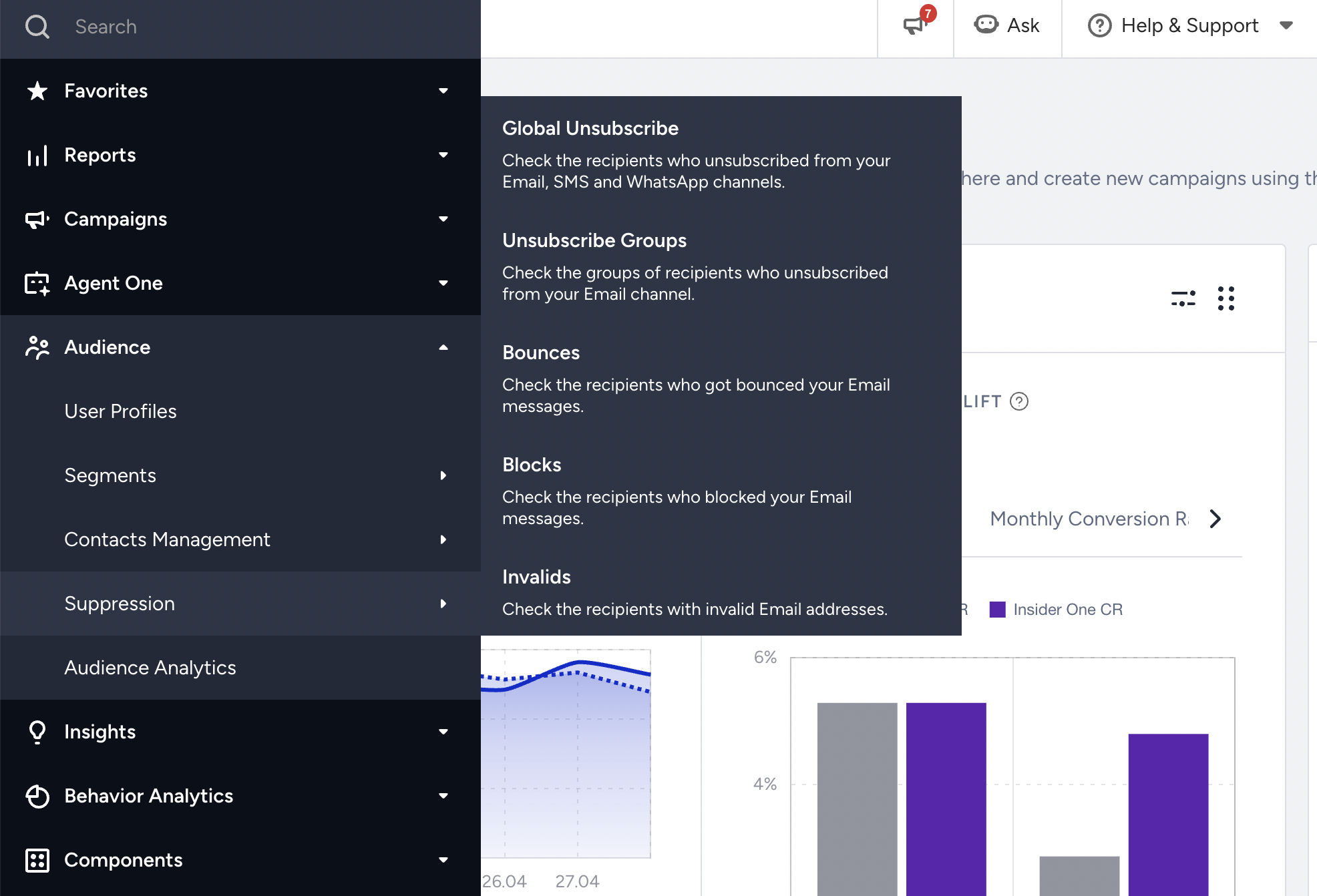
You can find the respective user by their email address on the Global Unsubscribe page.
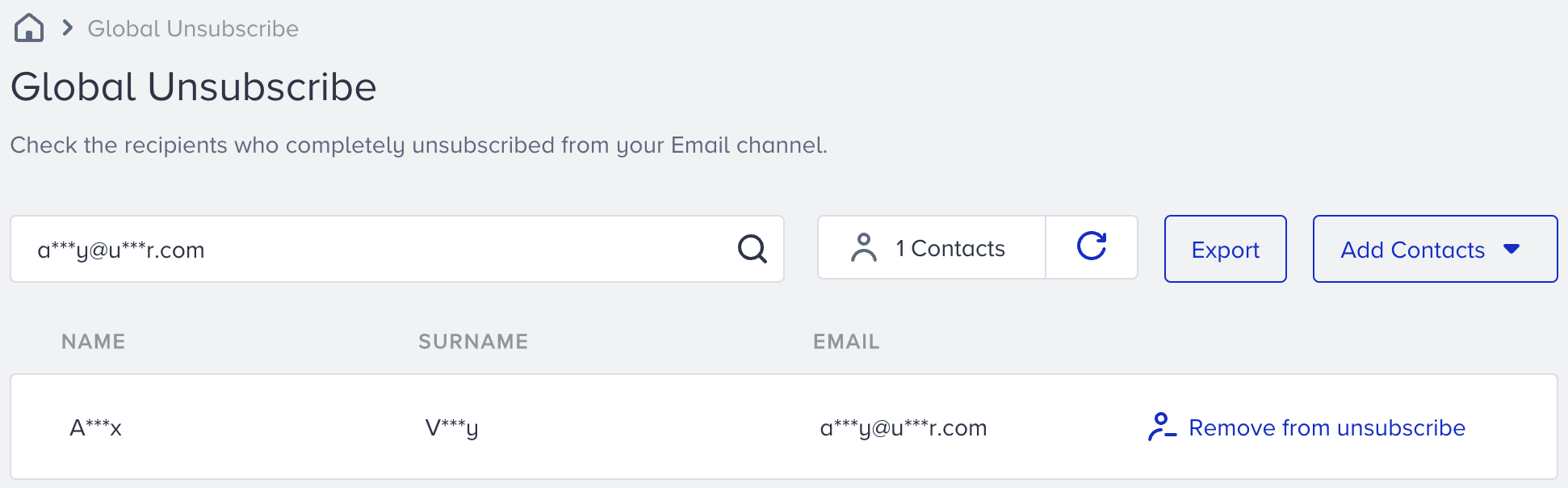
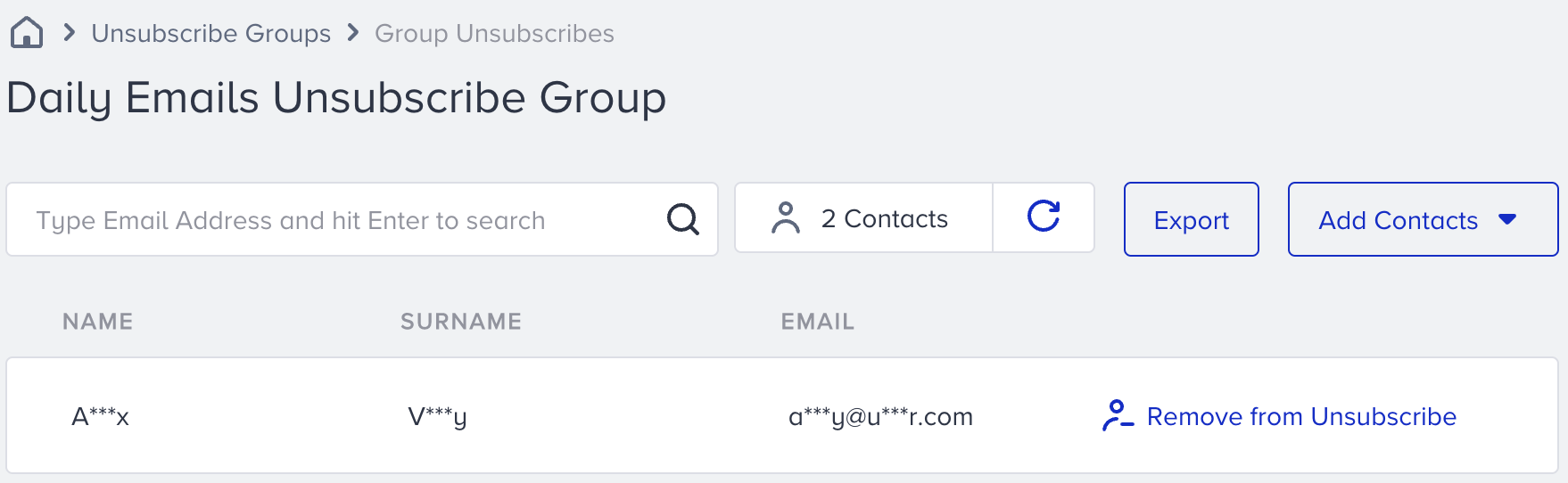
You can also see the unsubscription status of recipients on the user's profile page via Audience > User Profiles.
Once you find the user by their email address, you can go to Overview > All User Attributes.
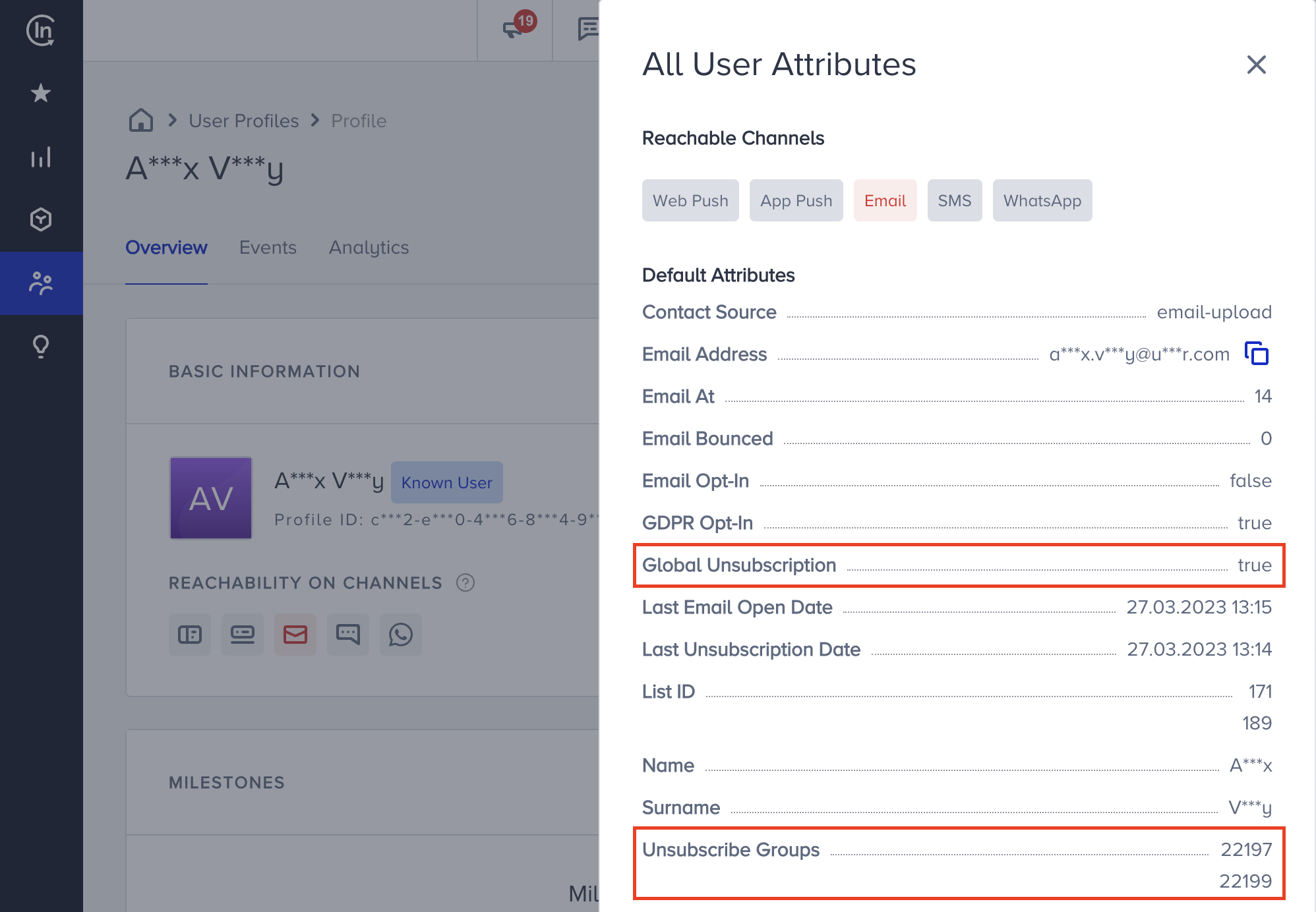
You can see user's email reachability, global unsubscription, and unsubscribe groups information on their profile.
To exclude your group unsubscribed recipients from your email campaigns, you can use one of the following methods:
Create an unsubscribe group standard segment
The Unsubscribe Groups segment enables you to segment your group unsubscribed recipients from your email campaigns. It helps avoid sending email campaigns to users who do not want to receive certain types of content. You can create an unsubscribe group segment to exclude your unsubscribed user from emails.
Create a contact list of unsubscribers
You can export recipients that are unsubscribed from the group and create a contact list with them.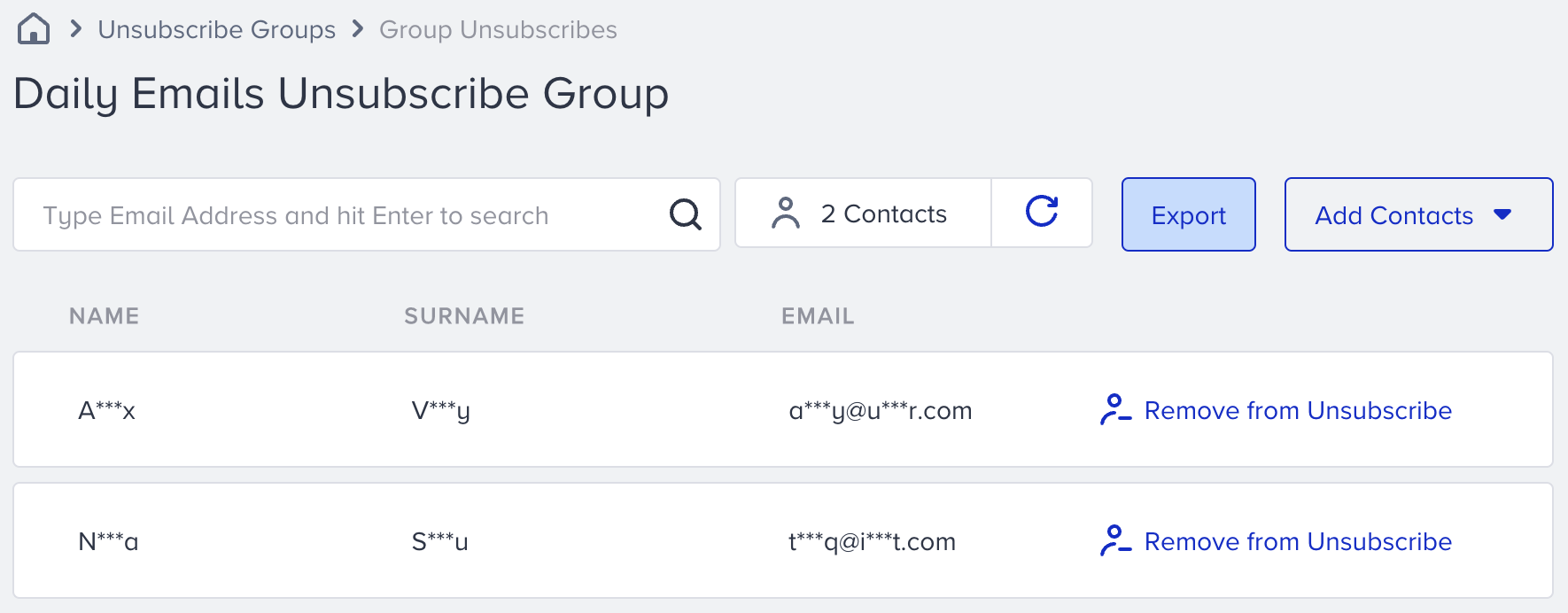
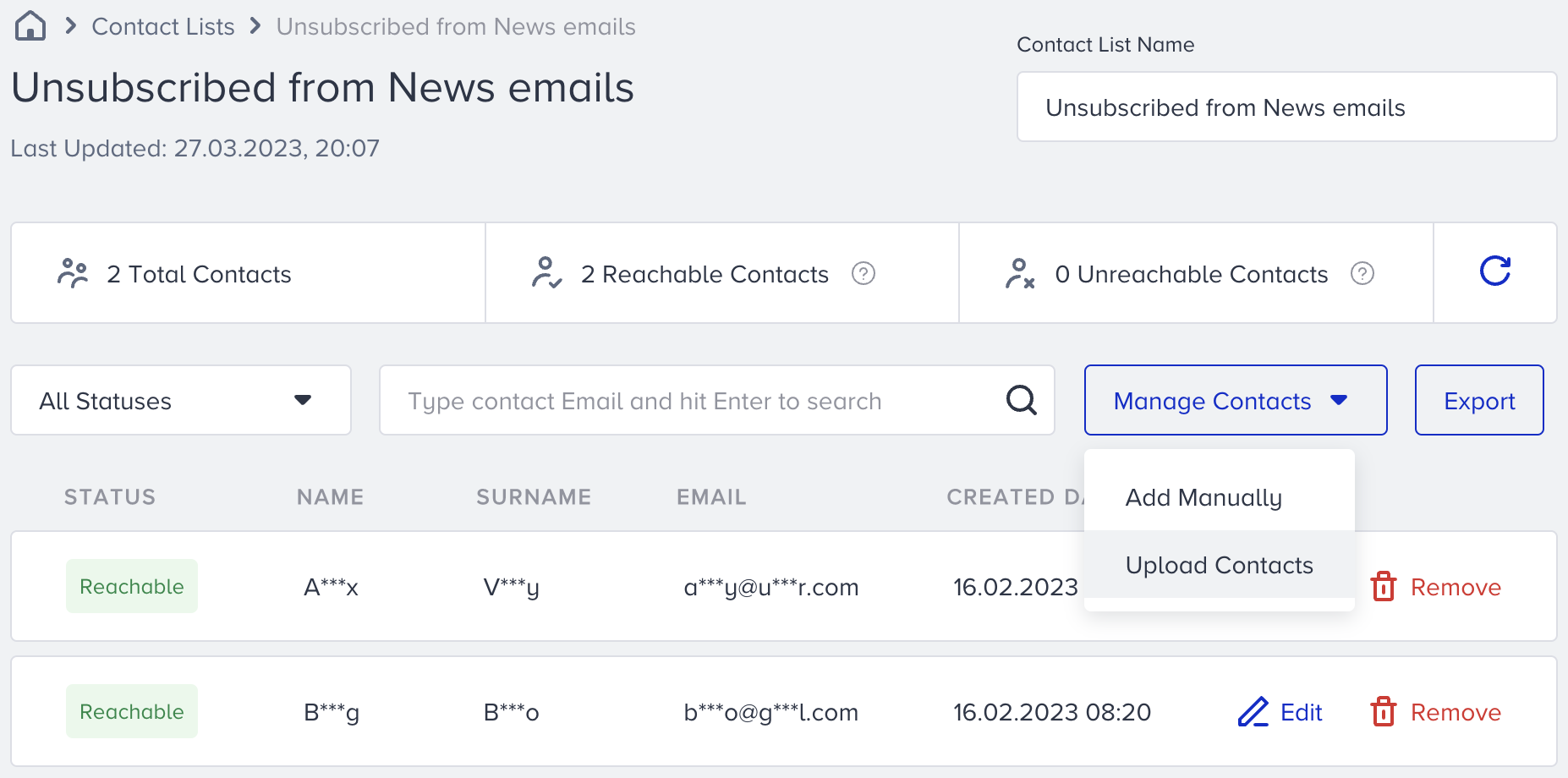
On the Recipients step of your email campaign, you can select the contact list you created for the Exclude Recipients field and launch your campaign.
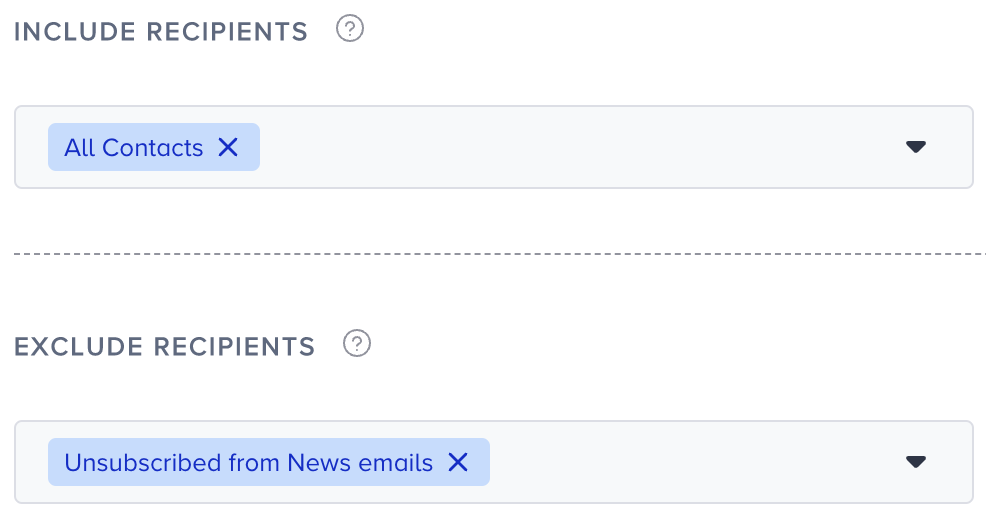
Global unsubscribers are excluded by default. The example above shows a list of unsubscribers from a specific campaign being excluded.