Double opt-in is a process where users need to confirm their phone number to be added to your SMS list and receive SMS communications. This double confirmation ensures their subscription to your subscriber base. Implementing double opt-in in SMS marketing is an effective way to maintain GDPR compliance and keep your subscriber list accurate and engaged.
To use double opt-in, contact the Insider One team to enable it for your account first.
To enable the Double Opt-In for SMS,
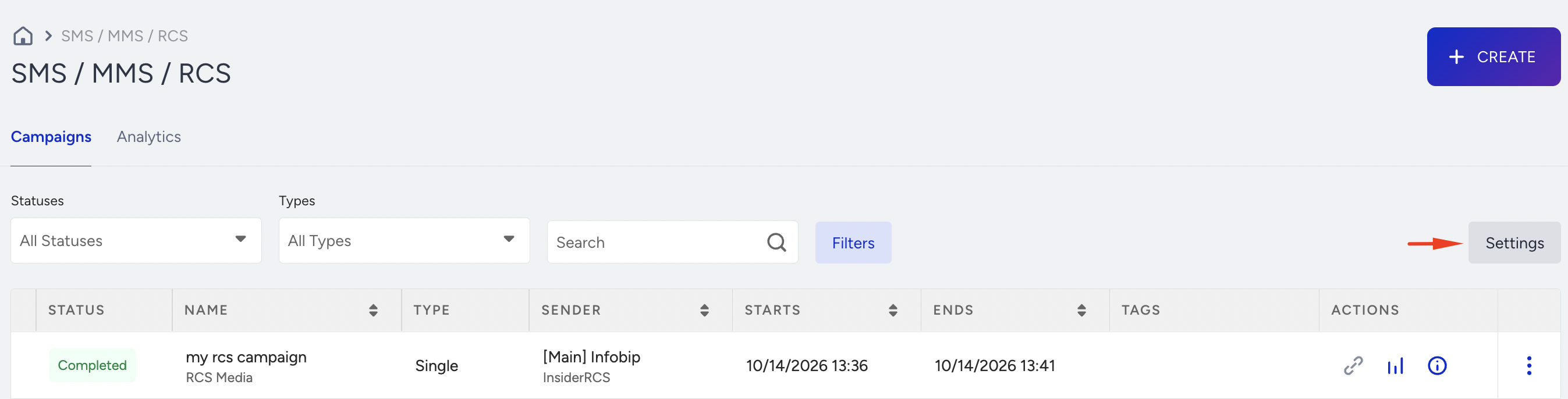
Navigate to InOne > Campaigns > Messaging > SMS/ MMS/ RCS and click Settings.
Under the General tab, check the Enable Double Opt-In checkbox. When you enable it, the Double Opt-In option will be required for your SMS messages.
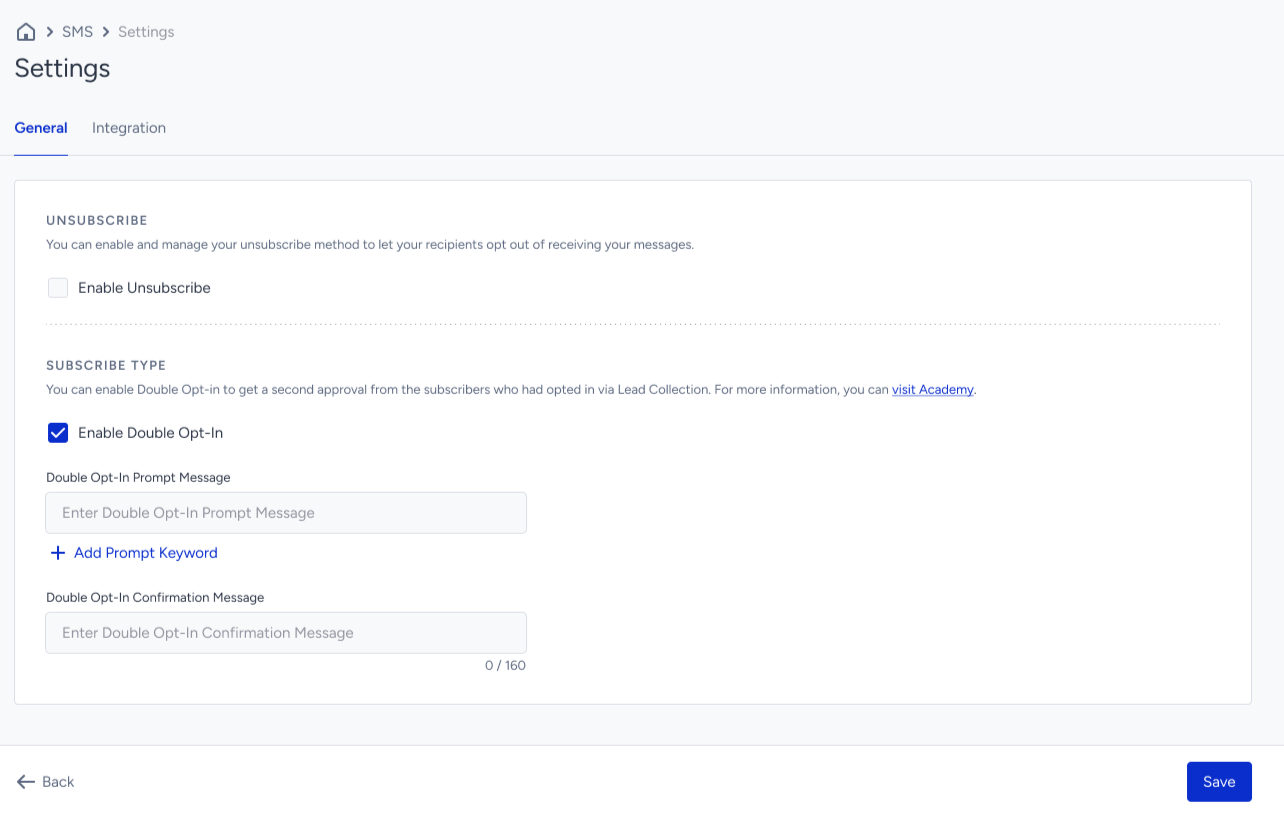
Enter the Double Opt-In Prompt Message and the Double Opt-In Confirmation Message with the Prompt Keyword provided.
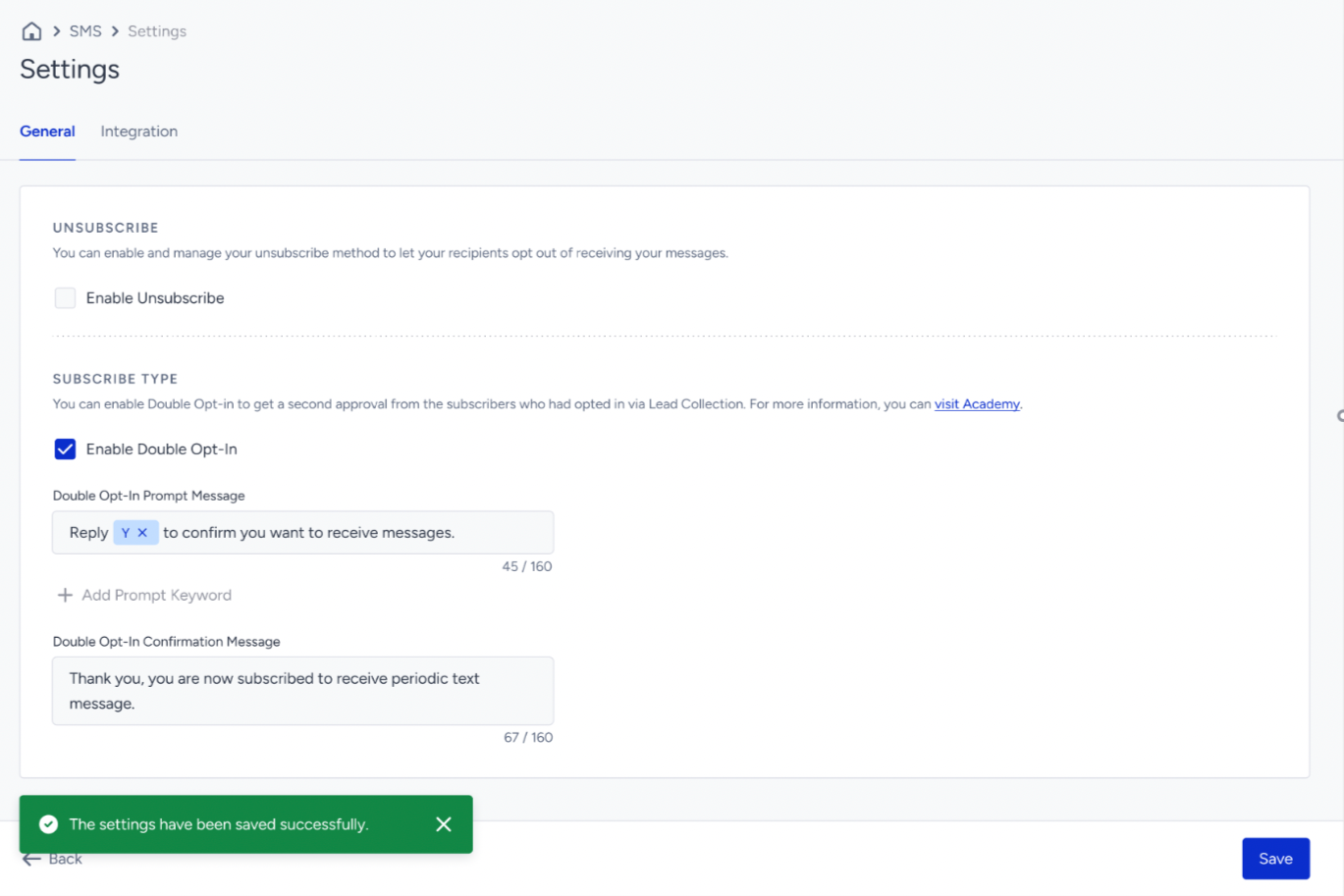
Save your configurations.