Once you configure double opt-in in Email Settings, Insider One automatically generates a double optin event in the InOne panel. This event indicates whether to send a double-opt-in email to users who have recently registered on your website.
You can send this event to Insider One using one of the following methods:
When the double optin event is sent to Insider One, your users will start receiving emails to confirm their email addresses. When a user confirms their email address, the email double optin attribute will return true, and the user will be eligible to receive marketing emails from the Insider One's InOne panel.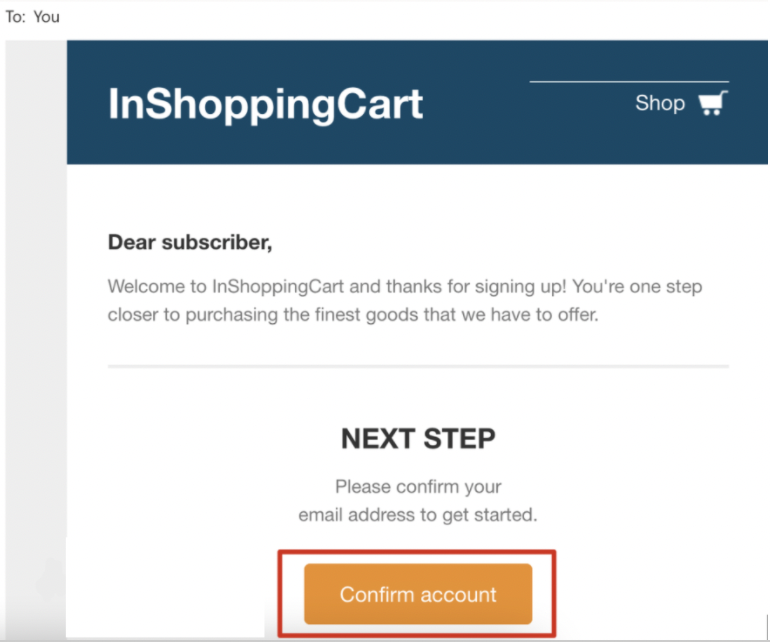
The double opt-in link does not expire by default. However, it will become invalid if you change the confirmation page URL in your settings.