In the campaign creation flow, the final step is Review & Launch.
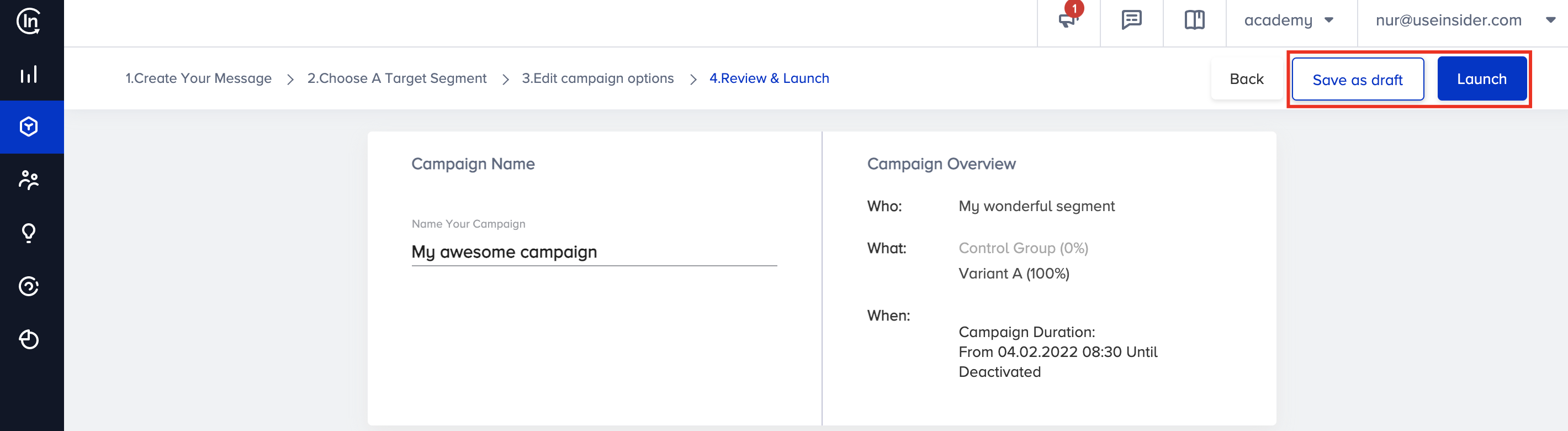
This step offers Campaign Name and Campaign Overview details.
- Campaign Name: Name your campaign before saving it.
- Campaign Overview: Confirm the Who, What, and When details of your campaign.
You can navigate to the respective step via the breadcrumbs if you want to change any step.
Once you ensure your campaign is ready to launch in your application, click the Launch button.
If you want to return and make changes to your campaign, click the Save as draft button.