Insider Onboarding Center, also known as the guided setup wizard for new InOne panel accounts, walks you through the steps to configure your settings and integrate the required integrations for the features you will use.
Once your InOne account is created and you receive an invitation email from the Insider One team, you can access your panel via the link in that email.
To reach the Insider Onboarding Center:
Log in to your InOne account.
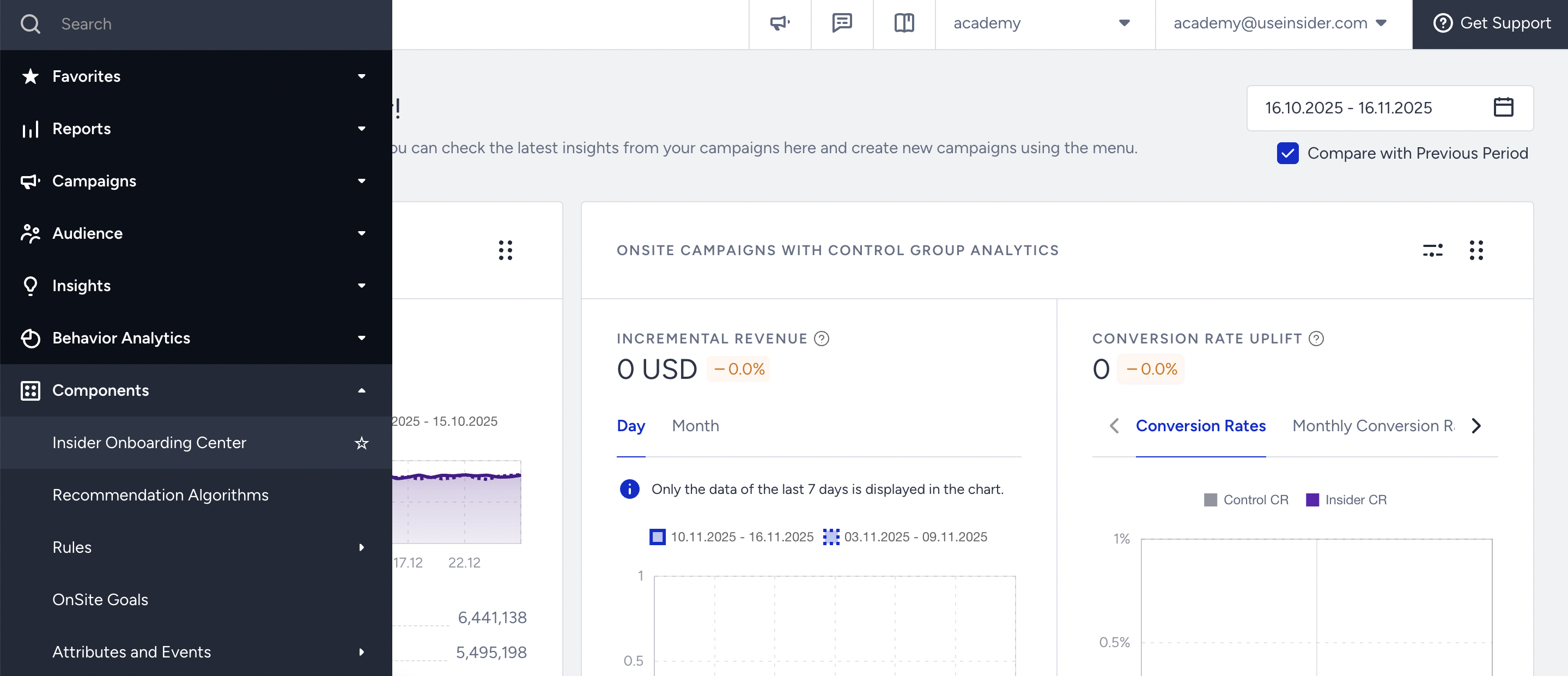
Navigate to Components > Insider Onboarding Center on the left menu.
With the Onboarding Center, you can complete the following configurations: