OnSite Analytics displays analytics for onsite campaigns. You can see the performance of each variation and control group along with the following summary metrics:
Incremental revenue
Incremental conversions
Conversion rate
Conversion rate uplift
Click the Check OnSite Analytics on the dashboard to view the metrics of your OnSite Campaigns with or without Control Group.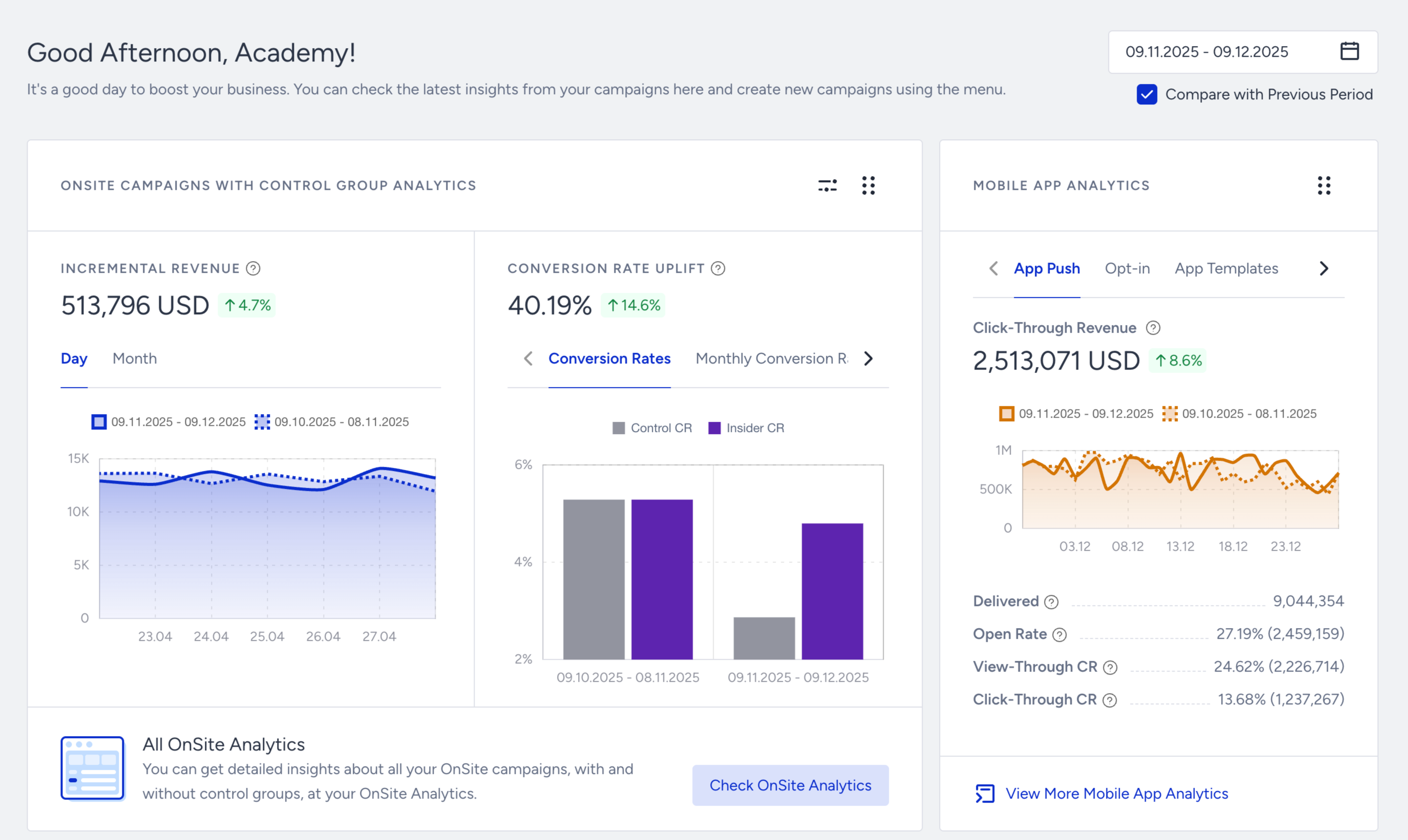
If the control group or variation has 10 or more impressions, it is displayed in the OnSite Campaigns with Control Groups. If a variation without a control group has 10 or more impressions, it is displayed in the OnSite Campaigns without Control Groups.
If the control group has less than 10 impressions, it is displayed in the OnSite Campaigns without Control Groups.
Even if you have an A/B test, any control group with less than 10 impressions is displayed as 100% personalization.
While on this page, you can navigate between the campaigns with or without control groups.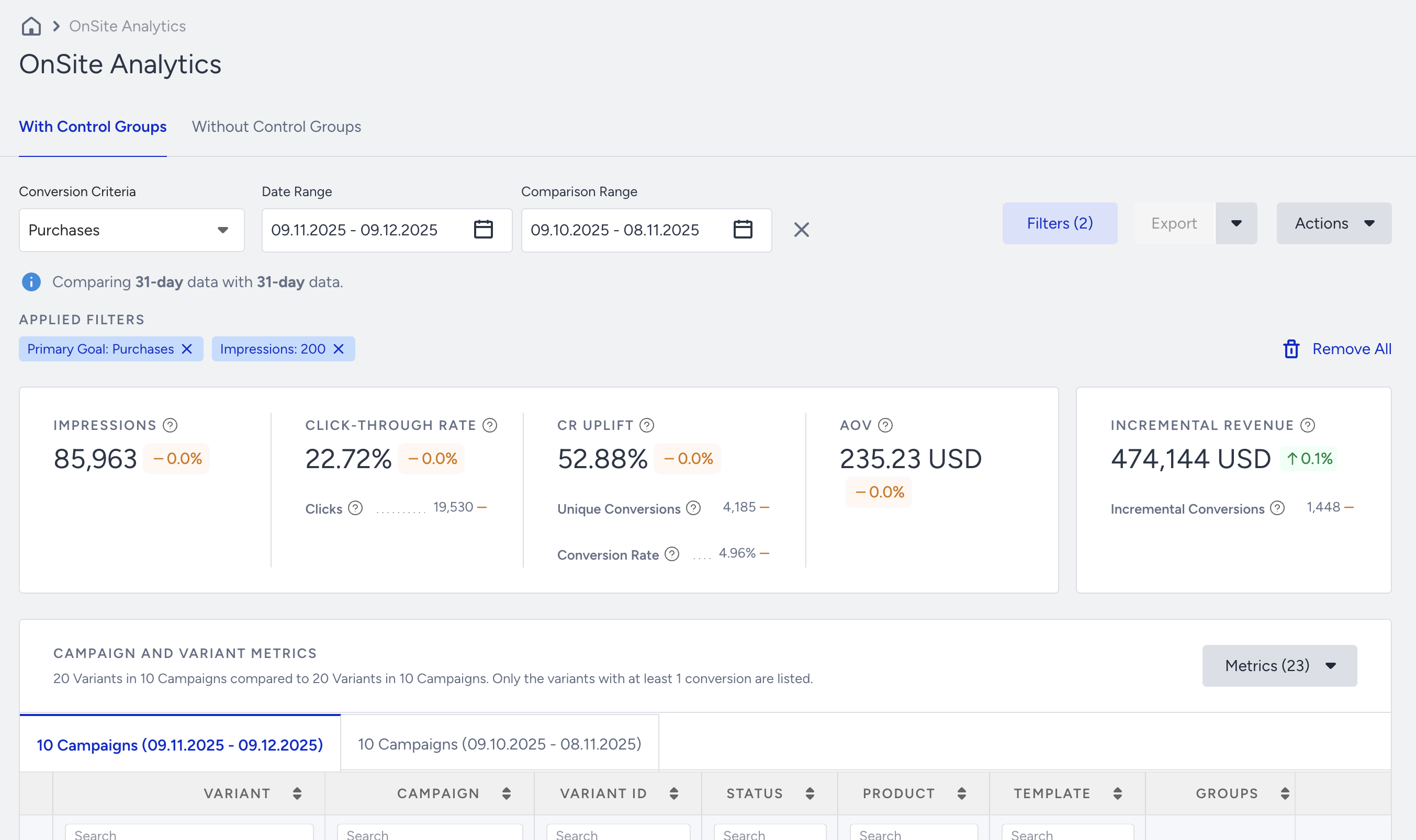
On this page, you can select goals to see the metrics for that goal, filter your results to see a narrowed-down group of campaigns, and export your results.
Click the menu button against each variant or control group to take the following actions:
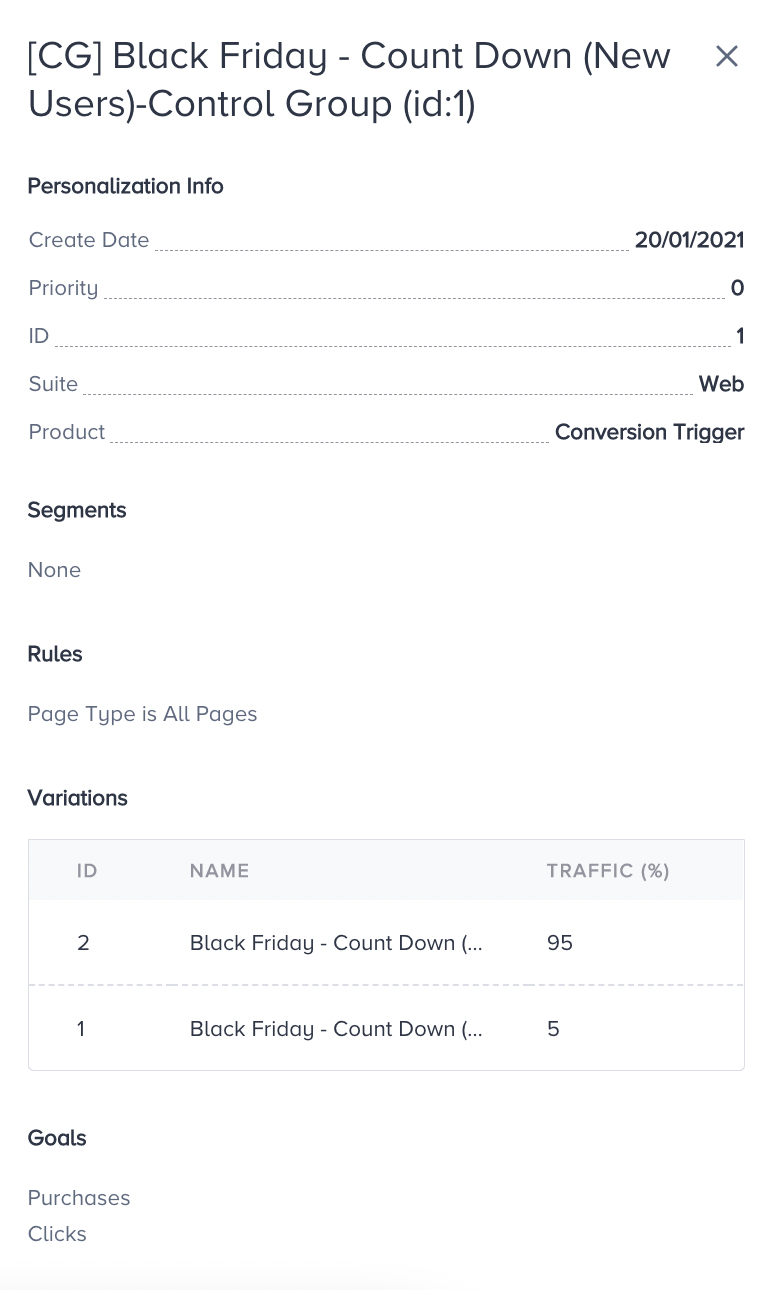
Details: Displays more information related to your personalization.
Statistics: Redirects you to the comprehensive statistics page of the respective variant.
Exclude: Hides the variant from the table. You can unhide it any time.