Conversion Criteria selection lets you view conversions, conversion rate, conversion rate uplift, incremental conversions, and significance relative to the selected criteria. For example, if you select clicks, the conversion rate shows the click-through rate (CTR).
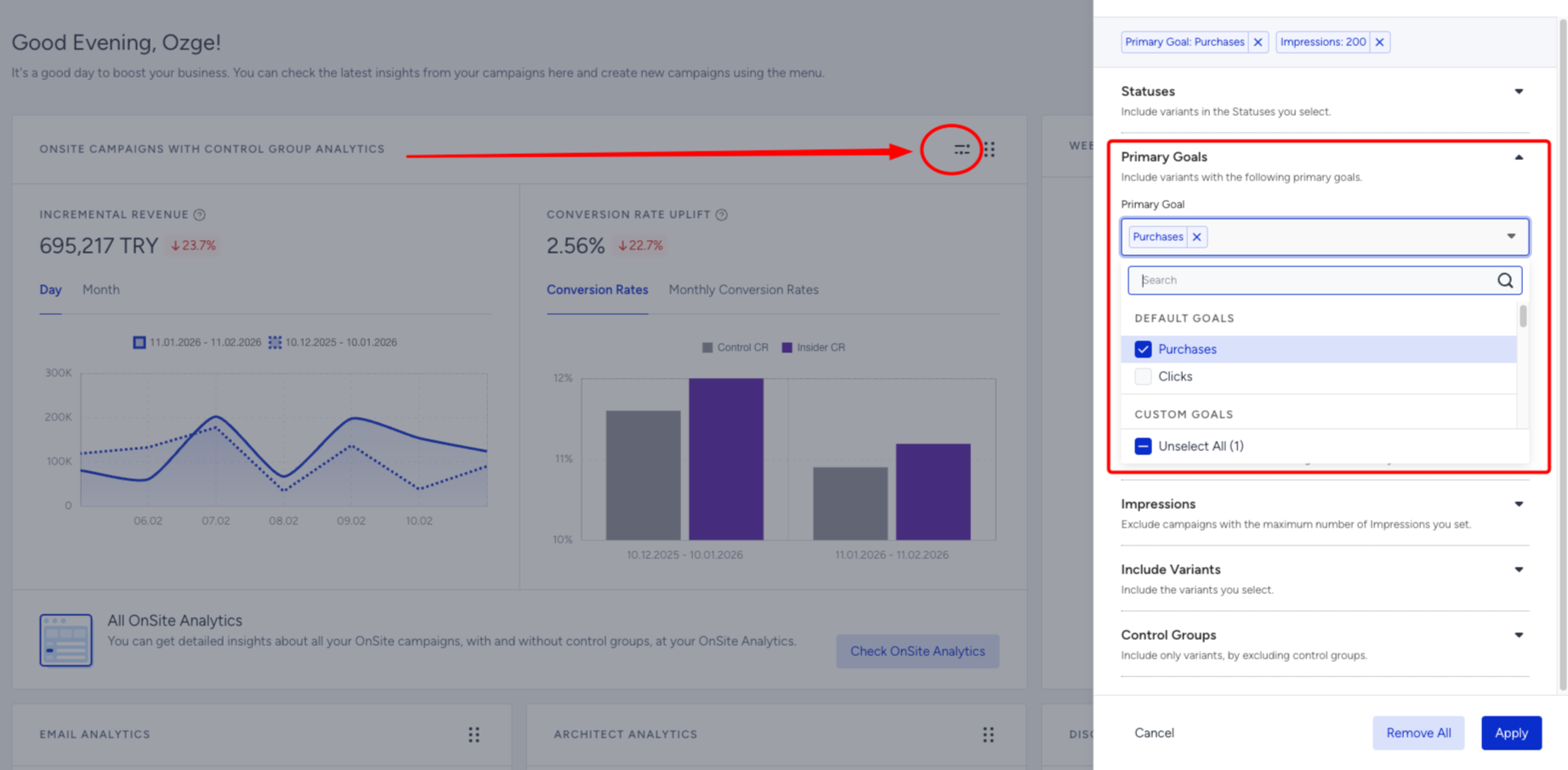
Make sure you view the correct campaigns on the dashboard using the Primary Goals and Secondary Goals filters.
The selected criteria should have at least 1 conversion for campaigns to be listed on the dashboard.
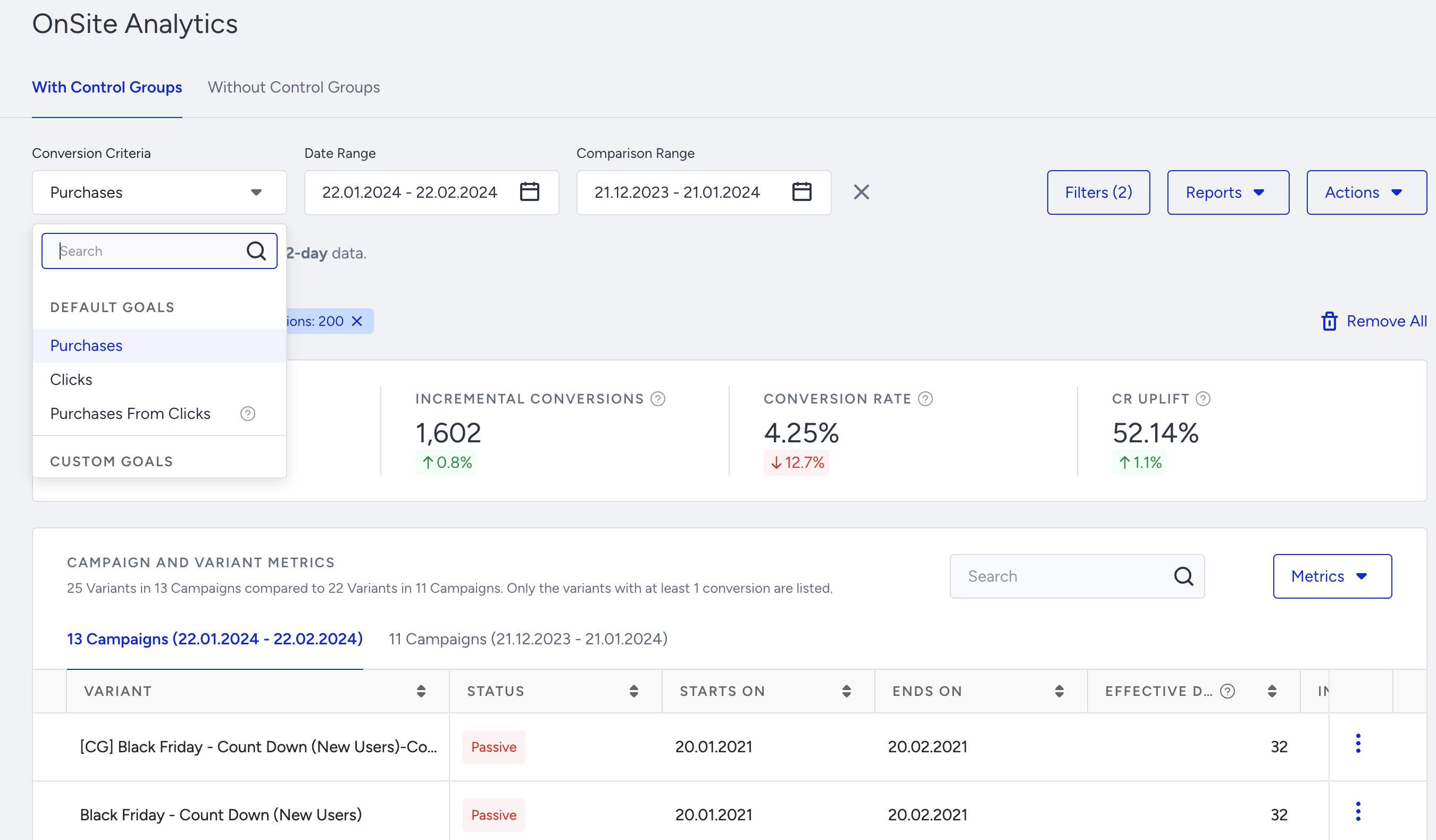
The primary goal and second goal selection fields in the filters should not be confused with the conversion criteria selection field. It filters your campaigns as you build them based on the primary and secondary goals you have selected. You can view your analytics without applying any conversion criteria.
In some cases, the incremental revenue for the Purchases From Clicks goal might be more than that of the Purchases goal. For example, if your control group has no corresponding clickable element, your conversion rate would be 0. According to the formula of the incremental revenue metric, if the conversion rate of the control group equals 0, then the revenue of your variation group will be equal to your incremental revenue. For this reason, the incremental revenue when you select the Purchases From Clicks goal seems higher than when you choose the Purchases goal.
You can also click the Filters button on the Executive Summary Dashboard page to see the summary based on different goals.