Email Campaigns page lists all your previously created email campaigns.
You can navigate to Campaigns > Messaging > Email and directly land on this page.
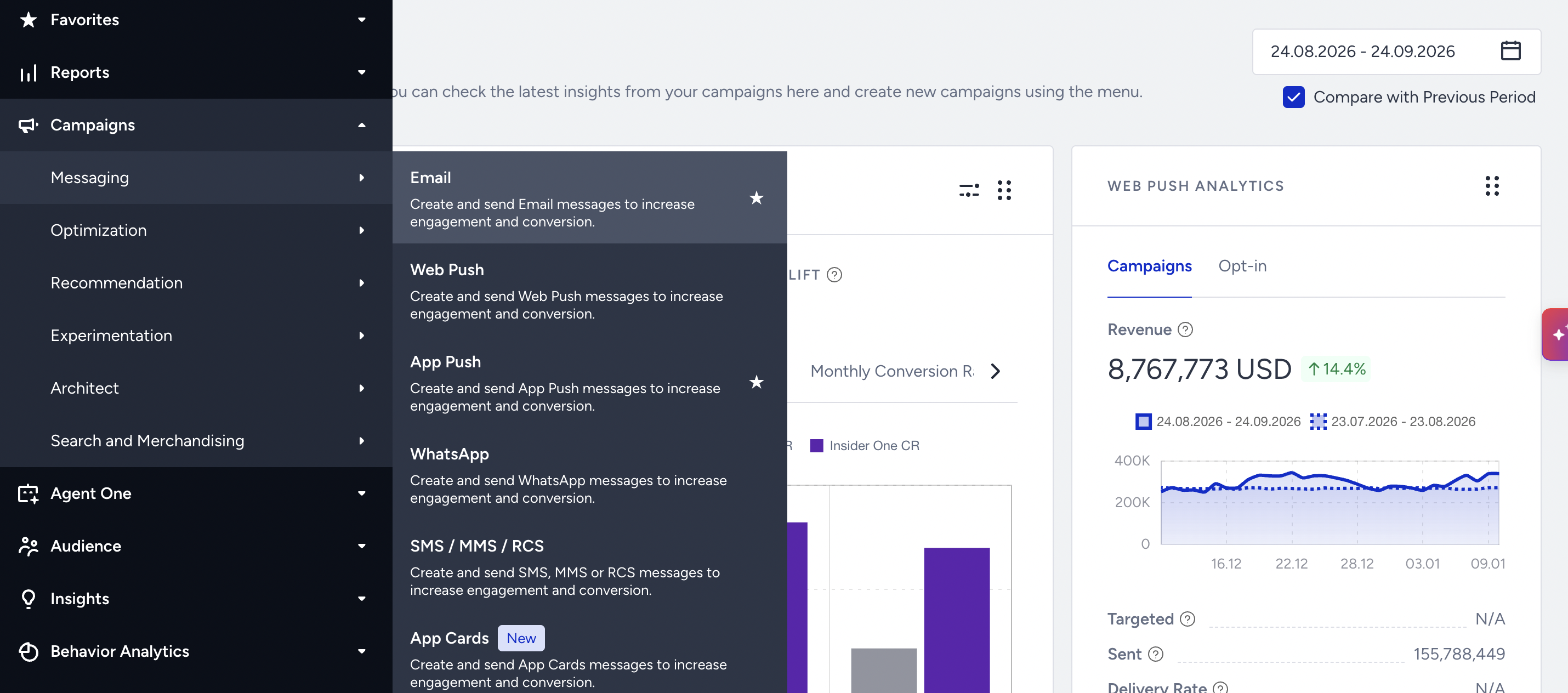
You can use the email campaigns page to perform the following operations:
Create email
You can click the Create button to start creating an email campaign.
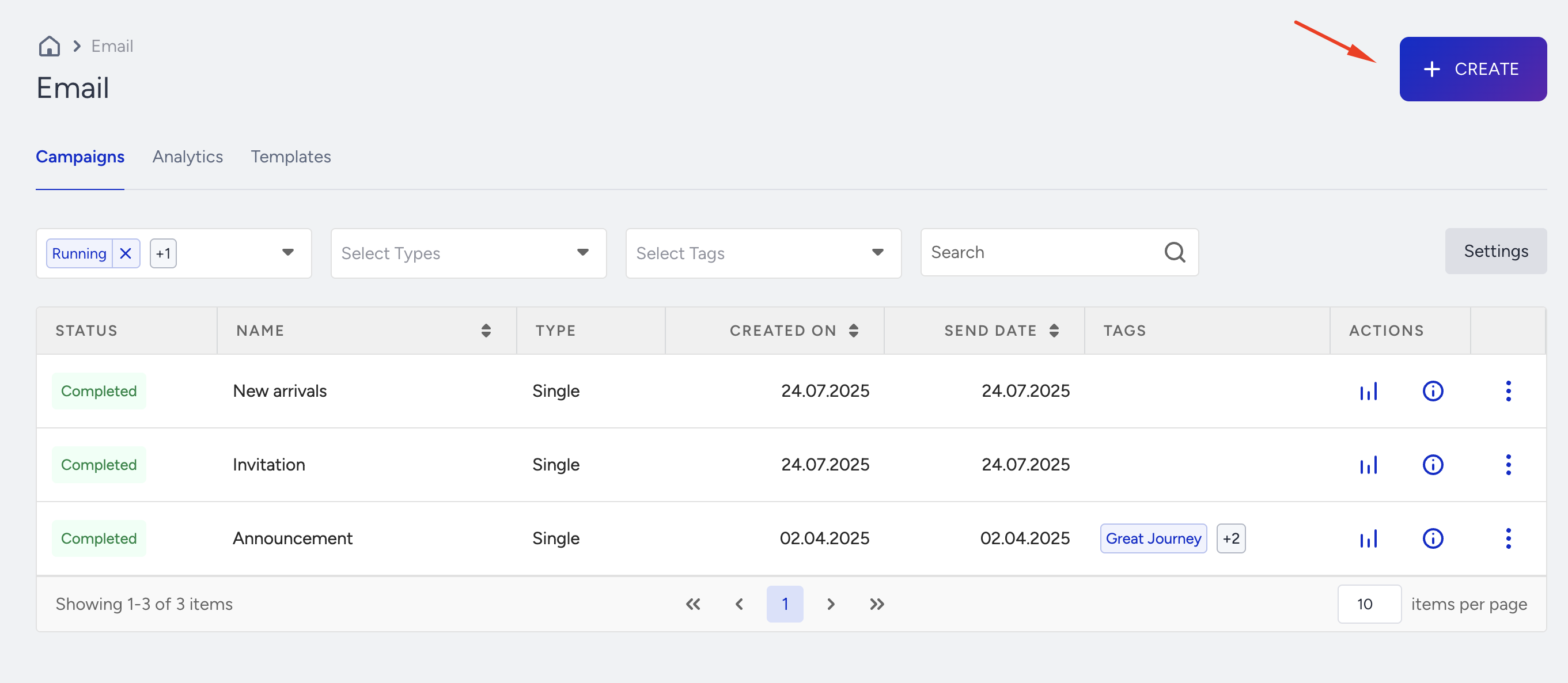
Read more on Creating an email.
Filter & list campaigns
You can filter and list your campaigns based on their statuses, types, and tags.
Statuses
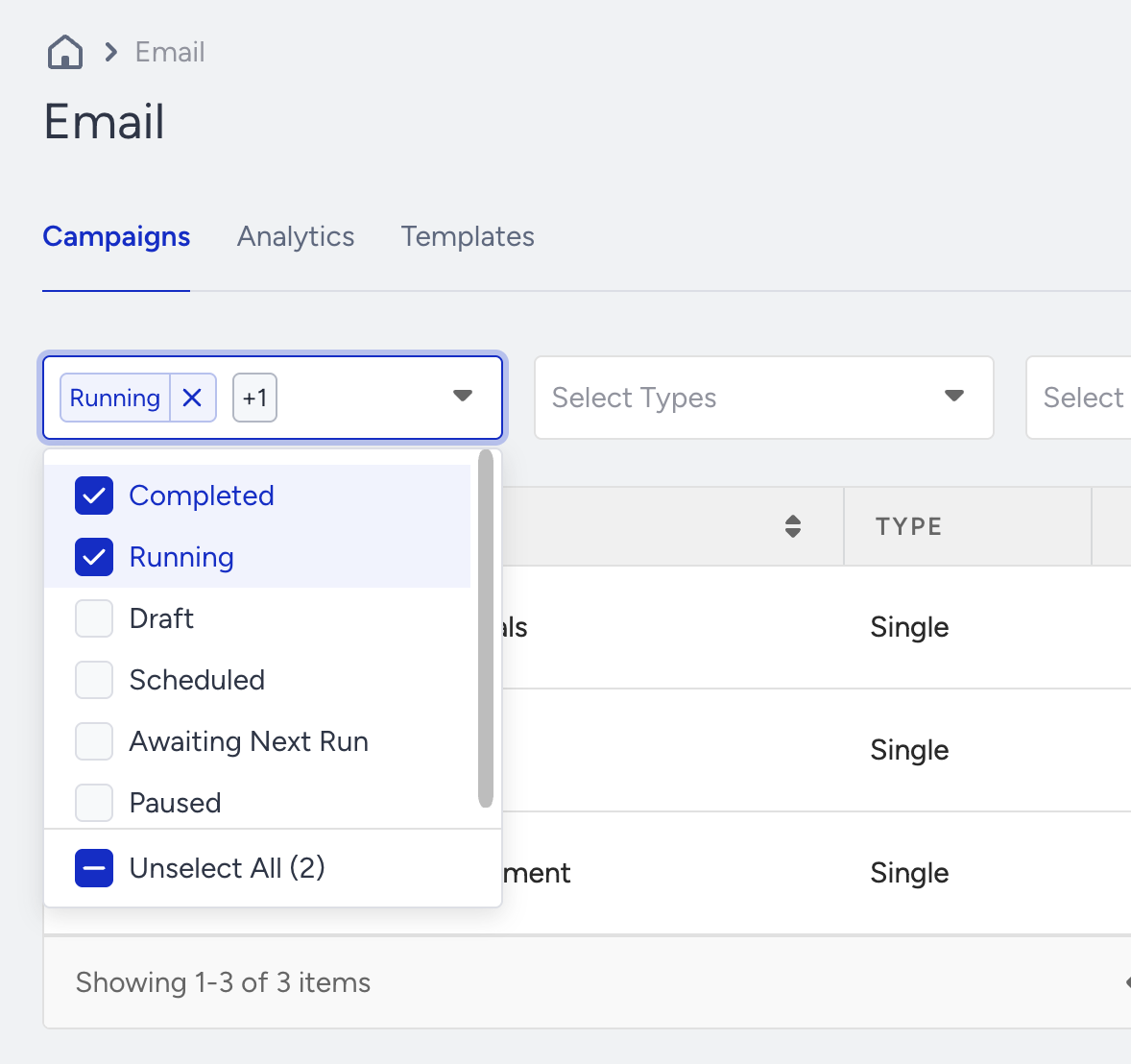
Draft: Email campaigns that you work on and make changes on. These campaigns are editable.
Completed: Email campaigns that are sent to the recipients. These campaigns are not editable.
Scheduled: Email campaigns that will be sent at a future date and time. These campaigns are editable till they are completed. If you edit them, you should re-configure their scheduling settings.
Running: Email campaigns that are being sent to the recipients at the time being. These campaigns are not editable.
Awaiting Next Run: Recurring campaigns that await the next time they will be sent. These campaigns are editable. If you edit them, you should re-configure their scheduling settings.
Paused: Email campaigns that are no longer active. These campaigns are editable. If you edit them, you should re-configure their scheduling settings.
Types
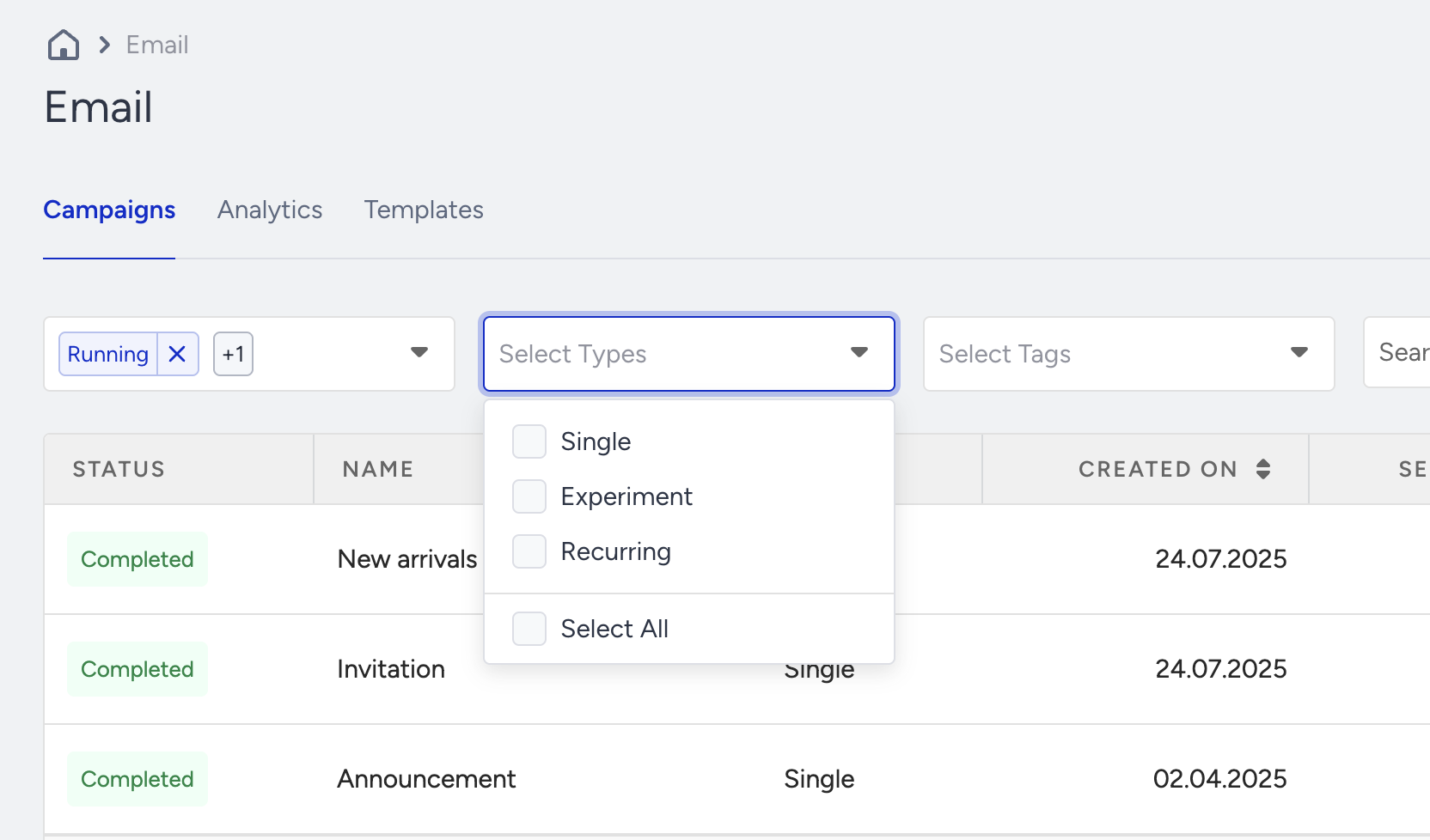
Single email: One-time emails that you send to the recipients
Experiment email: Emails that you can create as A/B testings
Recurring email: Emails that you can send on a daily, weekly or monthly basis
Tags
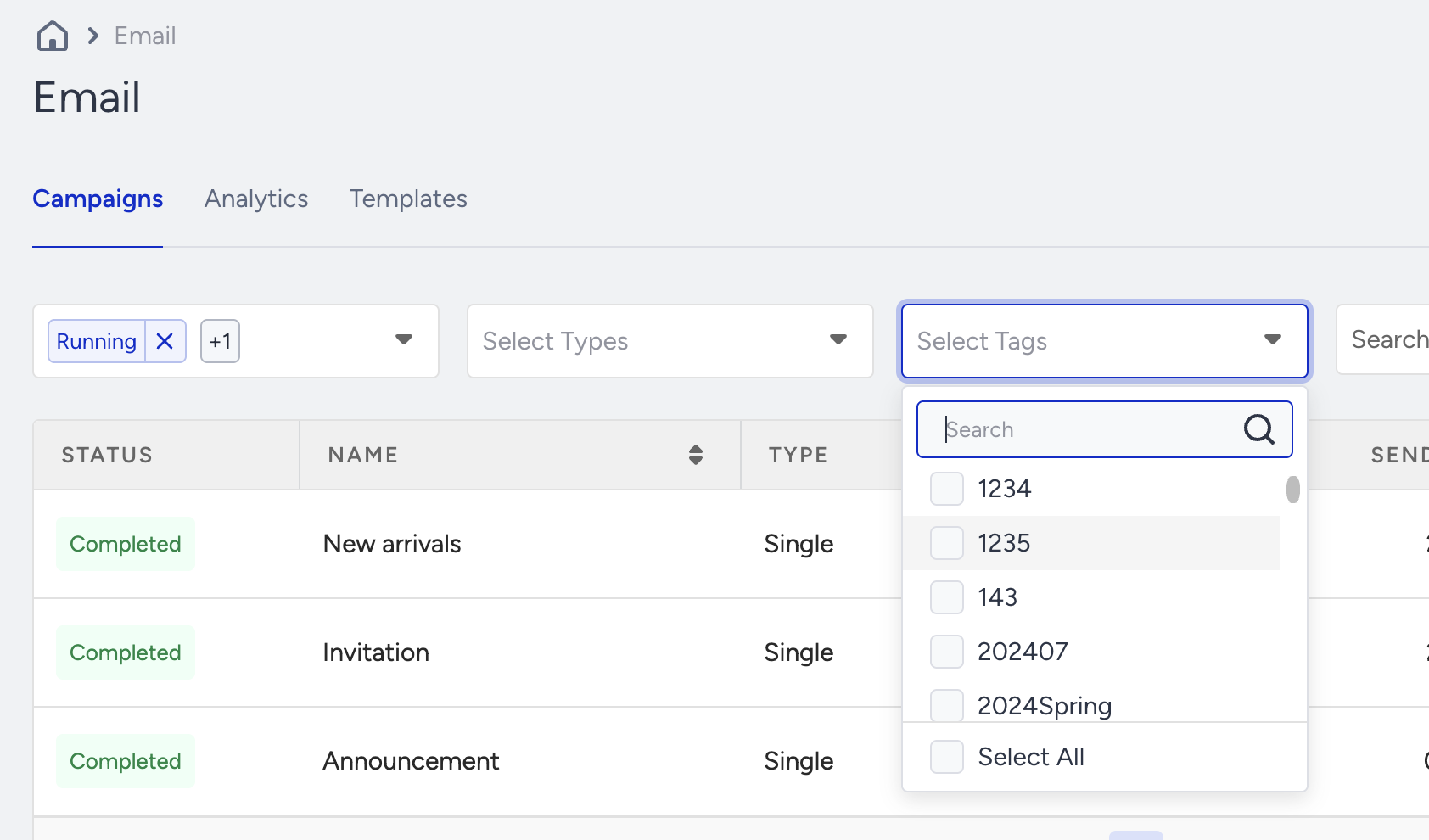
You can filter and list your email campaigns based on the tags that you assigned to them before.
Search campaigns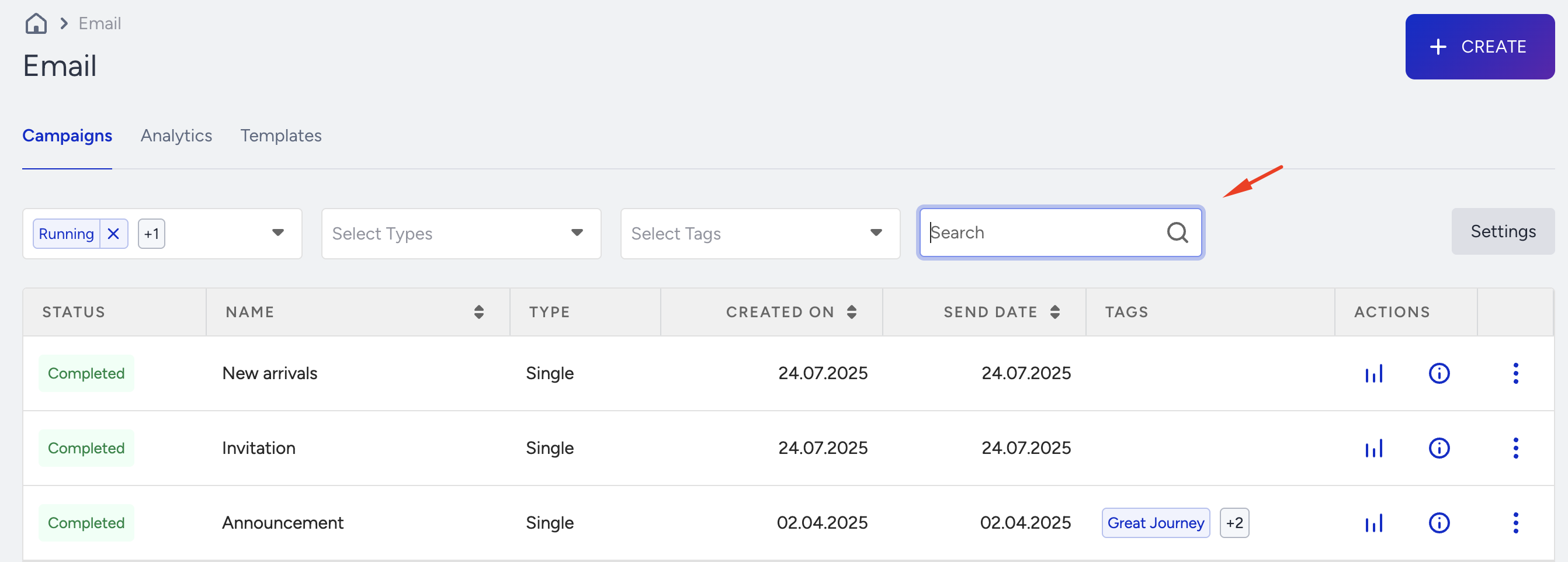
You can search your email campaigns by their names or their campaign IDs.
Sort campaigns based on Created On/Send Date
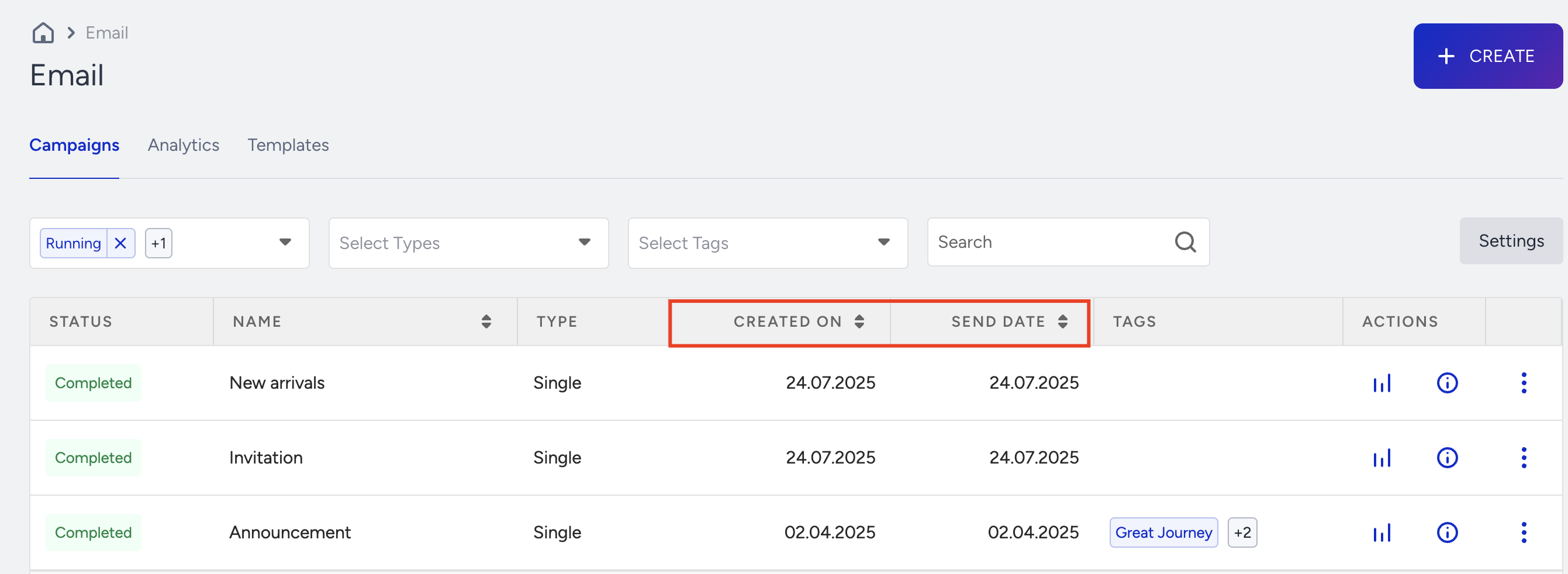
You can sort your email campaigns based on the date you created them or the date you sent or will send them.
Created on and Send Date are based on your time zone selection. You can configure your time zone in account preferences.
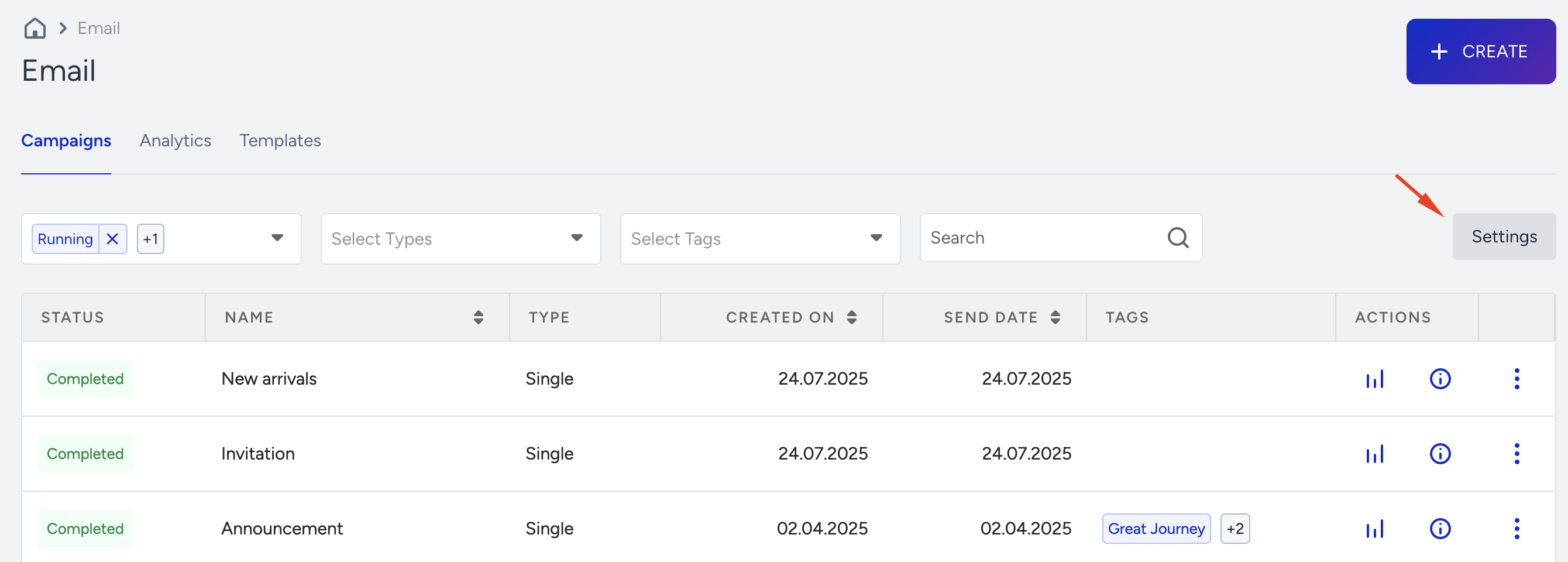
Configure Settings
You can go to the Settings page to configure your Email Settings.
See analytics for each campaign
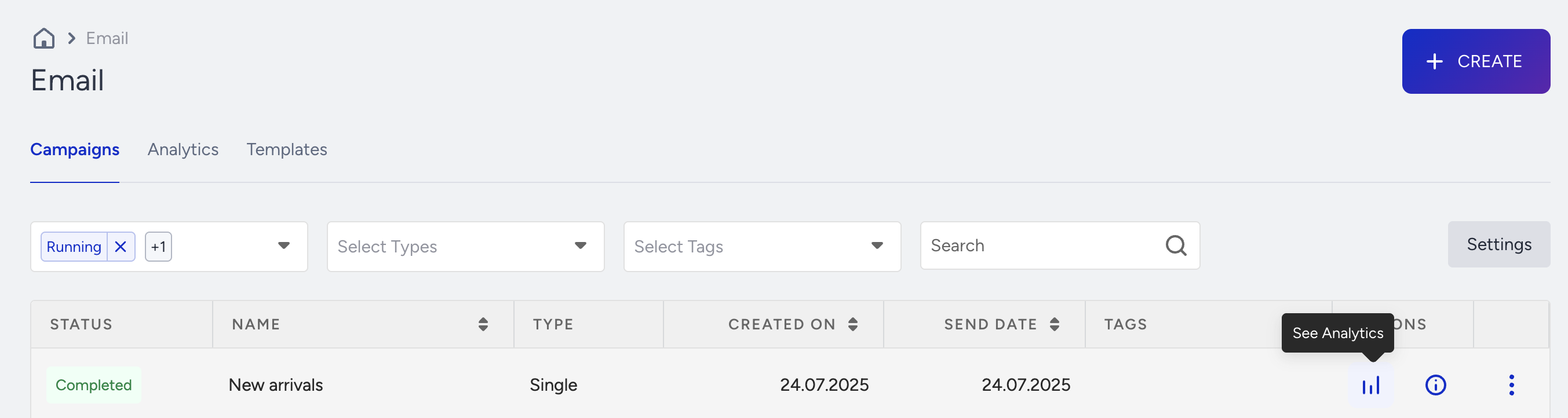
You can click the Analytics icon to see the campaign analytics for each campaign.
See details of campaigns
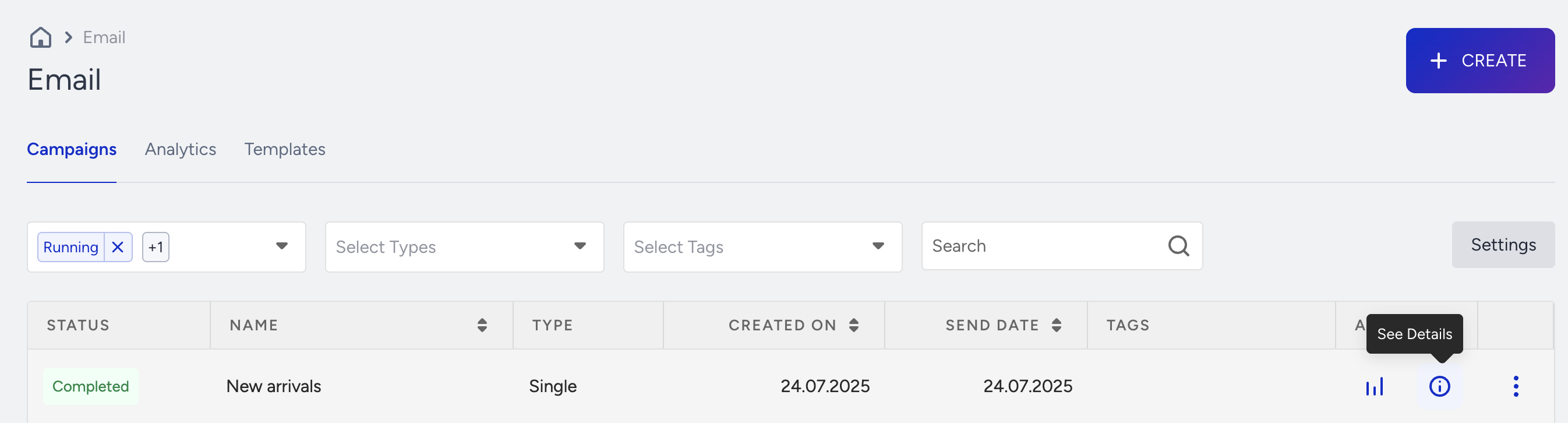
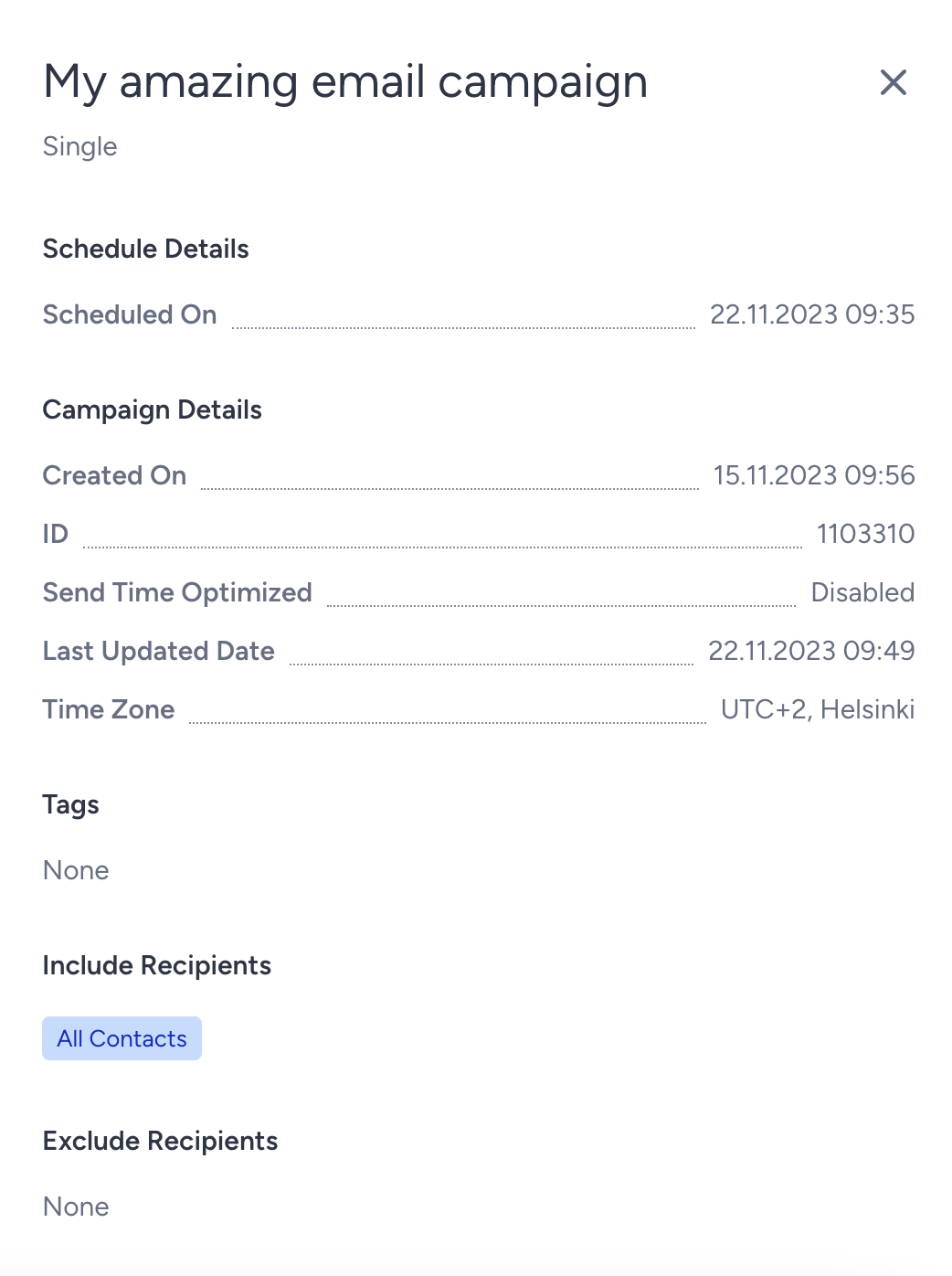
You can see the following details of your campaign: Schedule details, campaign details, time zone, tags, include/exclude recipients, segments, design, variations, email subject, and notes.
Duplicate email campaigns
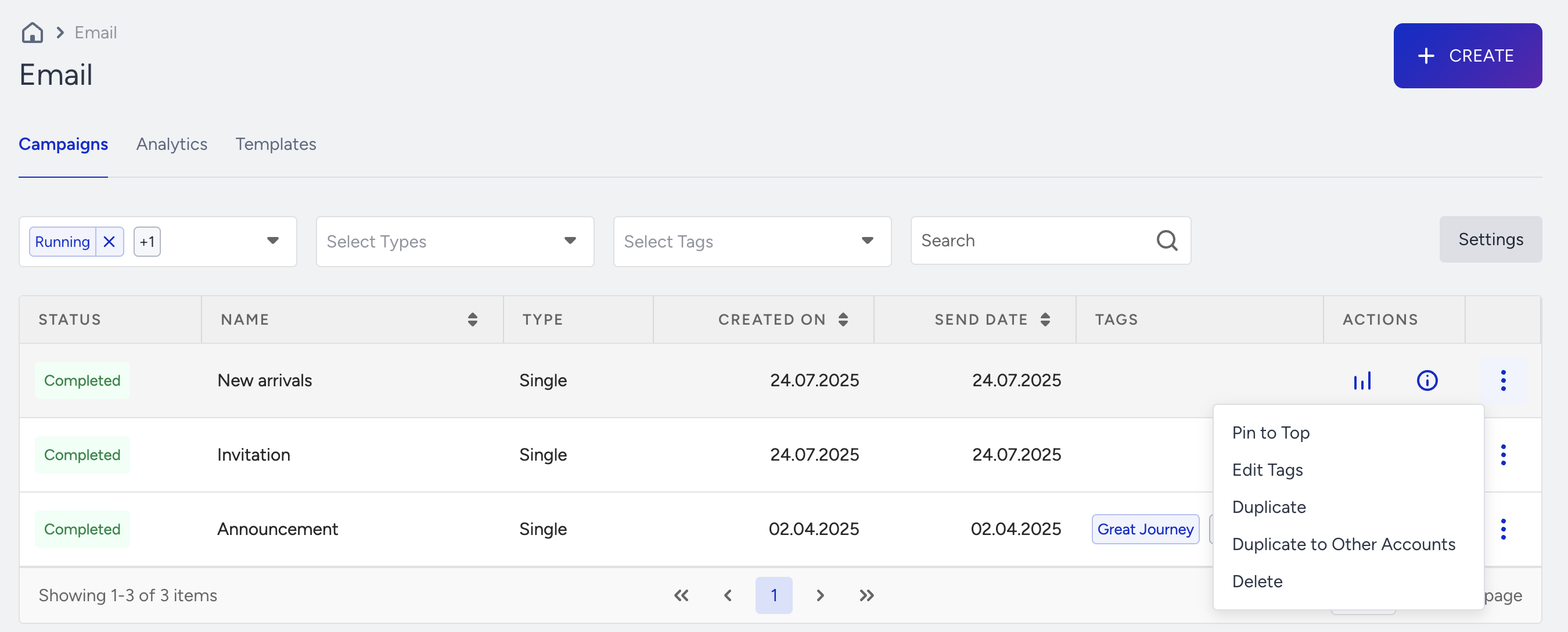
You can duplicate your email campaigns and make a copy of them to edit them to create a similar campaign.
If you duplicate a Completed campaign, the new campaign is created on the Draft status. Unlike the completed campaigns, you can edit this new duplicated draft campaign.
Pin/Unpin campaigns on top of the list
.png)
You can pin your email campaigns that you want to reach easily to the top of the campaign list. The pinned campaigns will be highlighted in yellow color.
You can click the Unpin button and unpin your pinned email campaigns.
Edit Tags
.png)
You can click the Edit Tags button and add tags to your email campaigns to categorize them.
Read more on adding tags on email campaigns.
Delete campaigns
.png)
You can click the Delete button on an existing email campaign and delete it.
See Analytics for all campaigns
You can reach the analytics page through the Analytics tab next to the Campaigns tab.
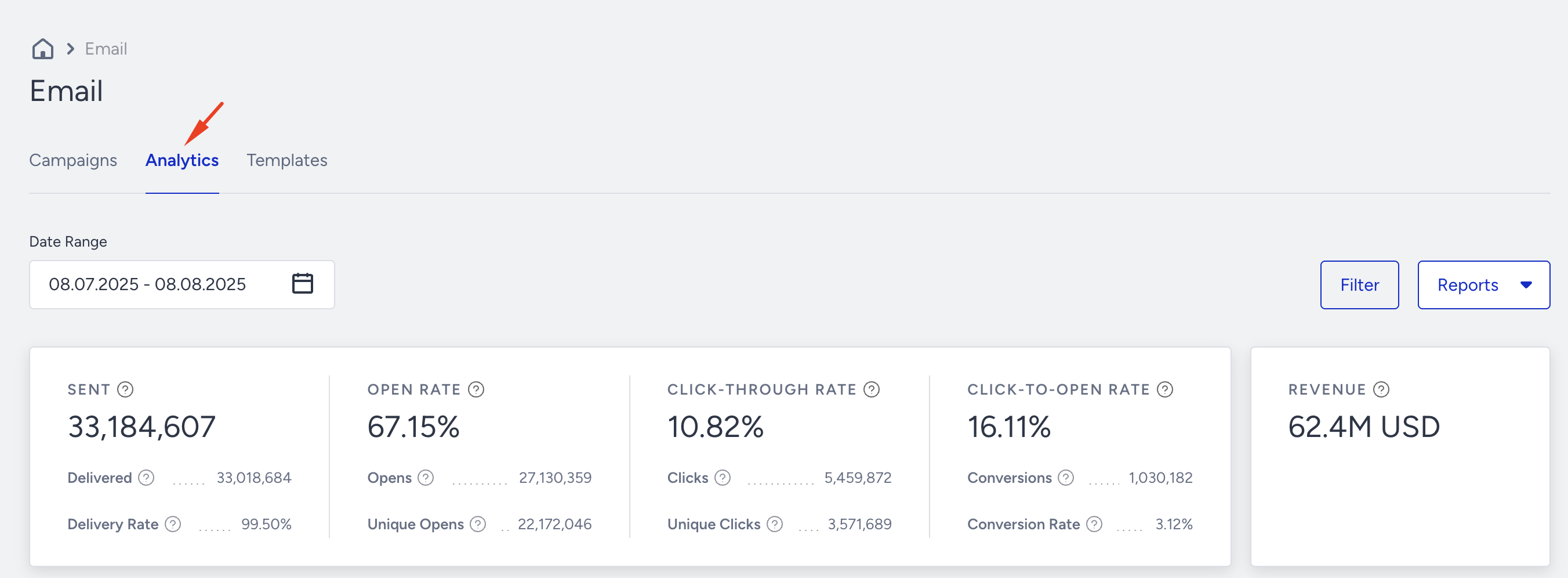
This page enables you to see the analytics for all your email campaigns.
Read more on Analytics.