Once you have finished designing your email, you can preview your content at different resolutions.
To preview your email:
1. Click the Email Preview button at the top of your email design.
2. Select the resolution you want to preview: Web, tablet, or mobile.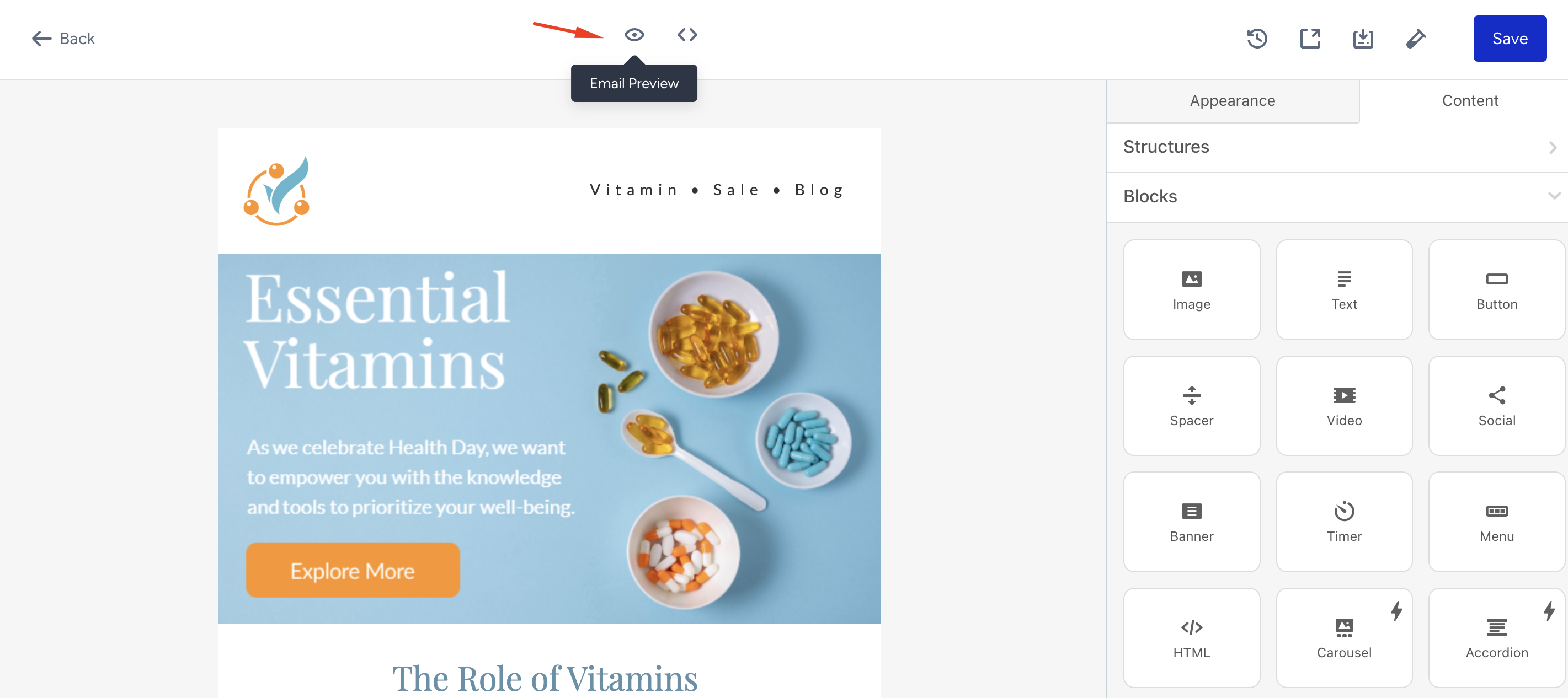 3. Click the Close Email Preview button to exit the preview.
You can go back to editing or save this step.