The Edit Items button lets you add and edit items in a template while designing it. You can change the layout and count when you click the Edit Items button.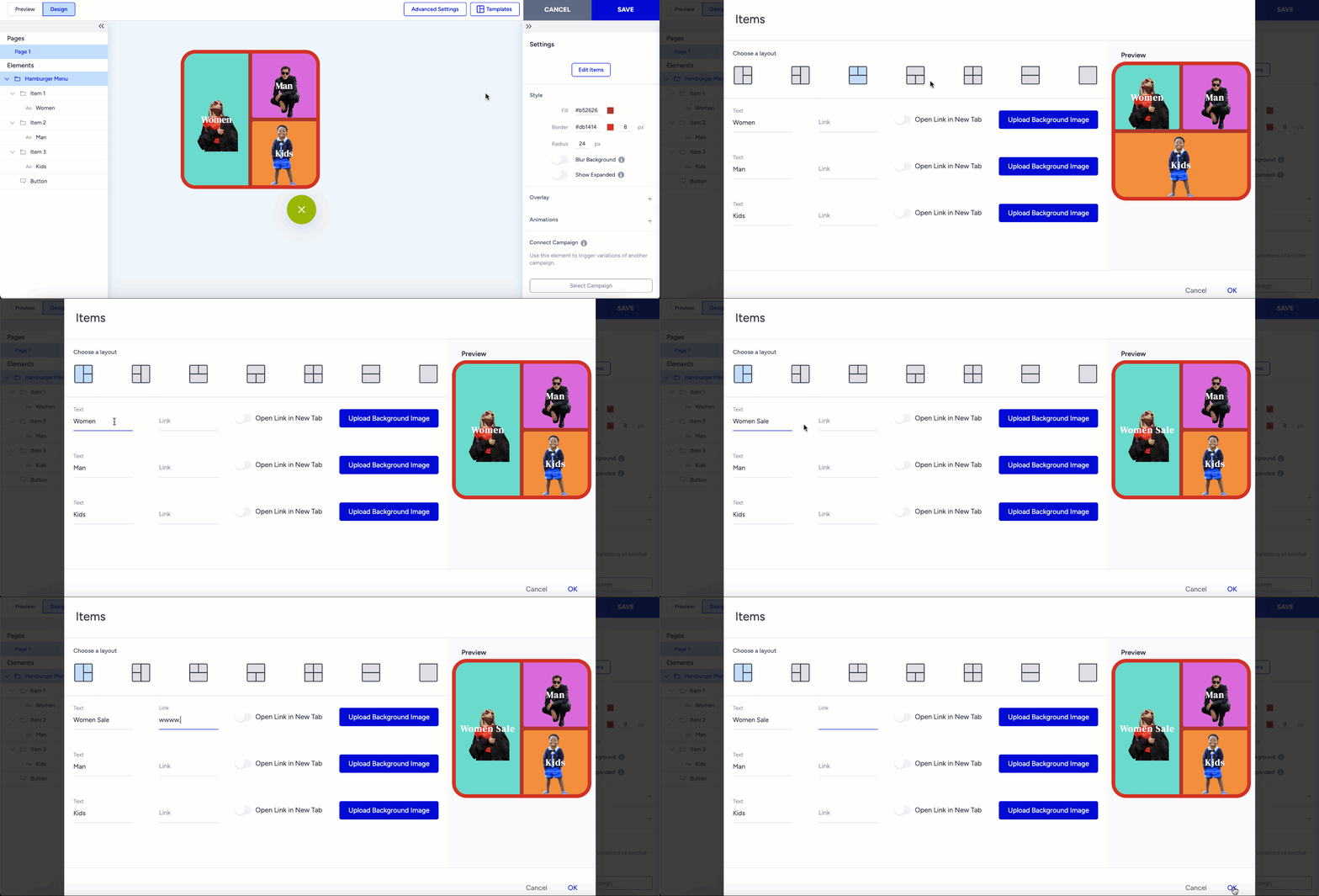
You can choose a layout, enter text and a link, and upload a background image for each part of the layout.
After customizing items via Edit items, you can personalize them in the right menu when choosing the item.