You can add an overlay to your on-page templates while designing to make them more visually prominent and draw user attention.
Overlays are only supported for on-page templates.
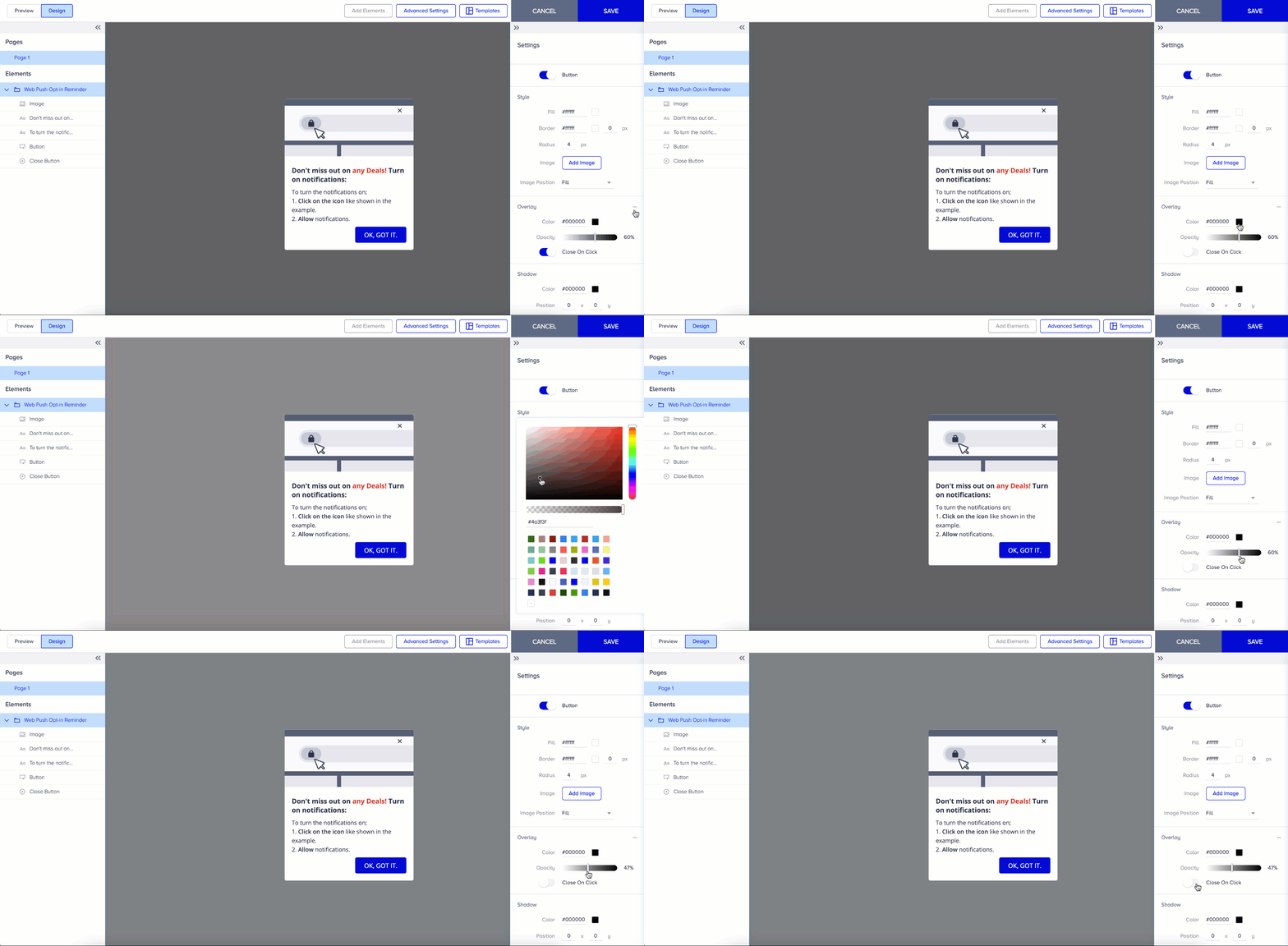
Here’s what you can do with overlays:
Enable or disable the overlay using the Add/Remove button in the sidebar settings (when available).
Customize the overlay’s color and opacity to match your design.
Add a Close on Click action so that clicking the overlay also closes the template.
This feature enhances visibility while providing users with an intuitive way to dismiss the message.