Animations add movement and personality to your templates, helping them stand out and capture user attention.
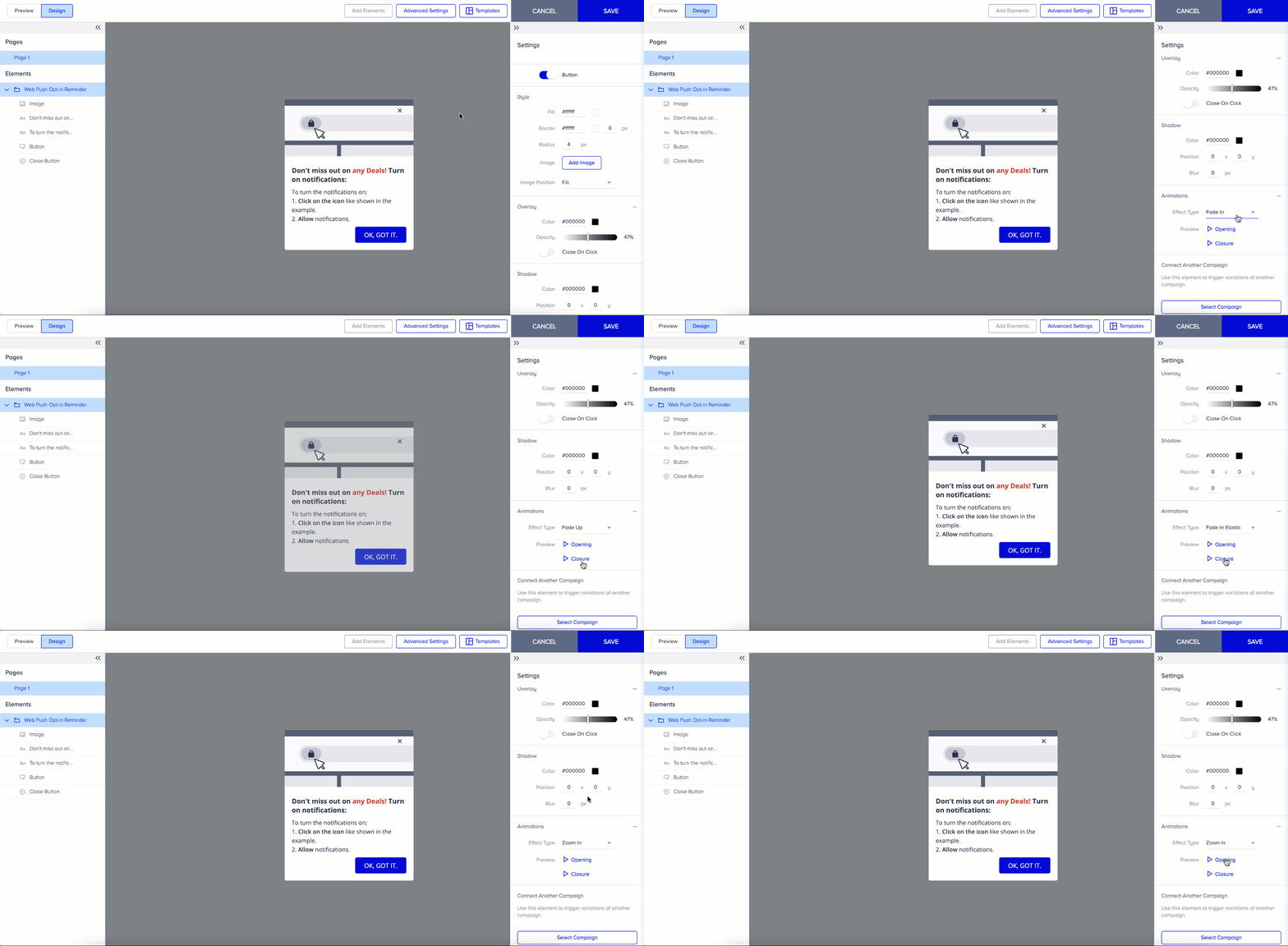
You can animate certain elements in the Design step:
Select the element you want to animate.
Click the + (plus) button next to Animations in the settings panel.
Choose an animation effect from the list.
Preview how it looks on both entry and exit.
Select your preferred effect and save.
Animations are a great way to enhance engagement without adding complexity.