You can use the Clicker Game template to:
Boost Engagement: Gamification increases session time and interaction.
Drive Conversions: Use incentives like coupons upon success.
Collect Leads: Seamlessly collect user data before gameplay.
Create Urgency: Time-based challenges push users to act quickly.
Personalize: Fully customizable – align visuals and text with your campaign theme or seasonal events.
While designing it, you can customize the key elements of the Clicker Game template in the Settings menu:
Click to Win: Set the number of times users must click the balloon within the countdown duration to win.
Countdown: Define the amount of time users have to click and win before being directed to the success page.
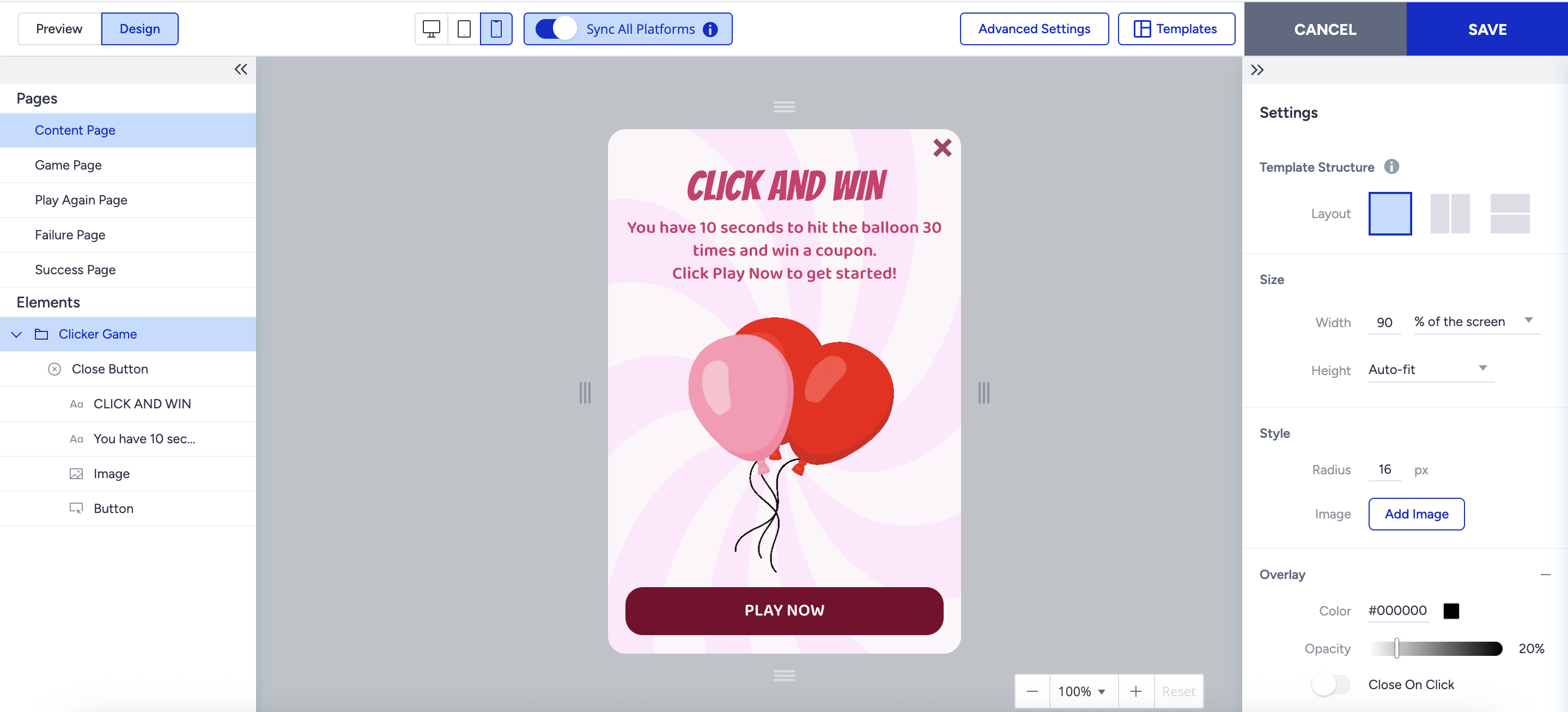
Content Page
The Content page is the only page where partners can collect user data (e.g., email, phone).
It works like a regular lead collection page.
It includes a default, mandatory button that redirects users to the Game Page.
All elements of Lead Collection templates (such as email input, text, coupon code, countdown, etc.) are supported on this page.
Game Page
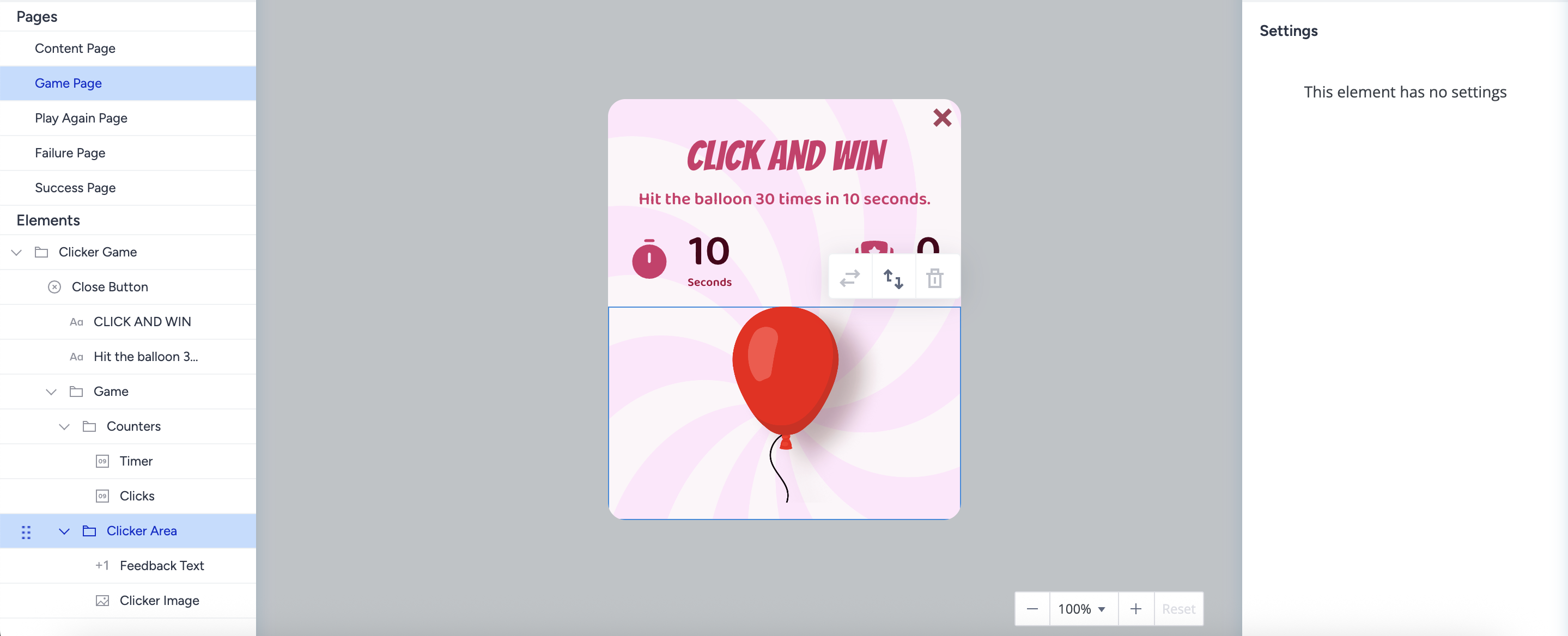
On the Game page, Users attempt to win the game by clicking the image within the set time and click target. No input elements allowed on this page.
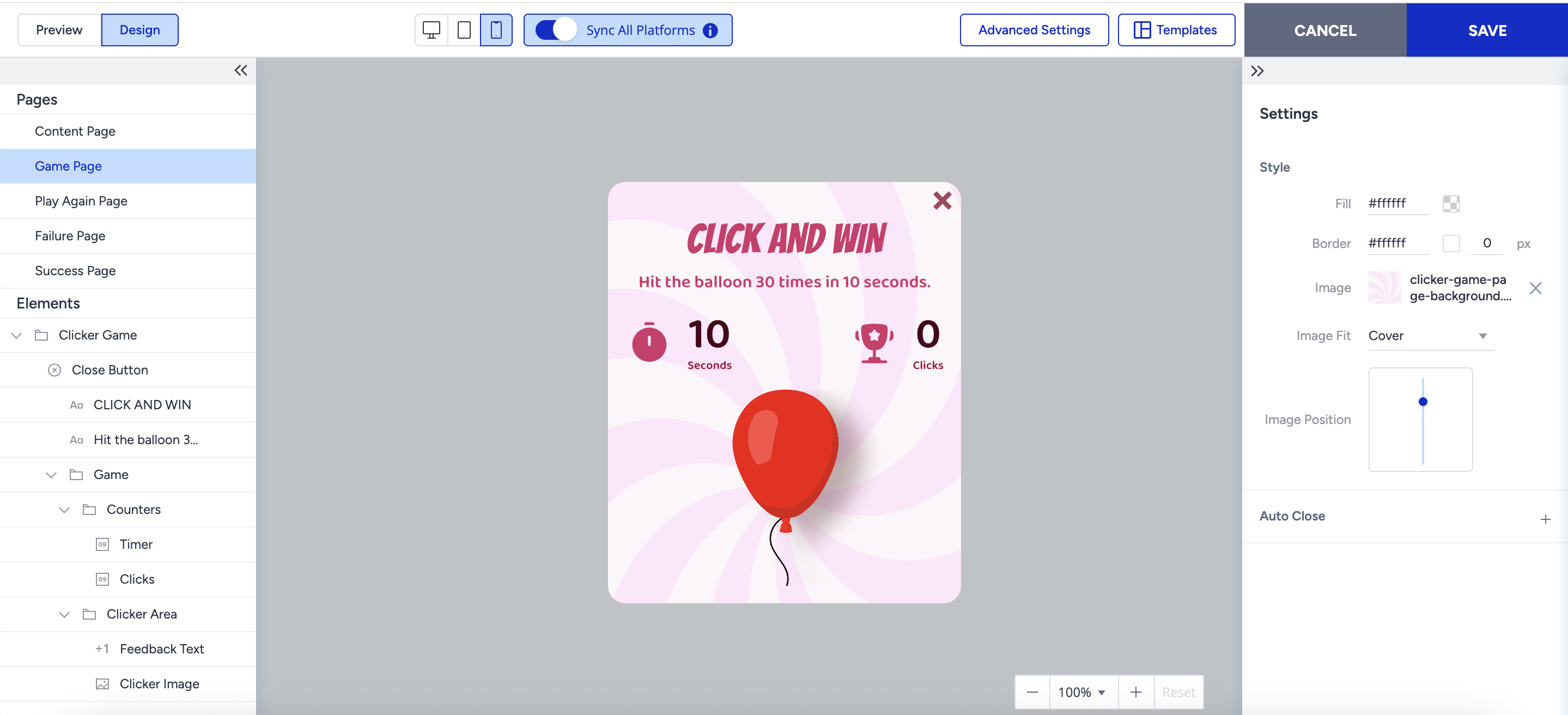
Its key components are:
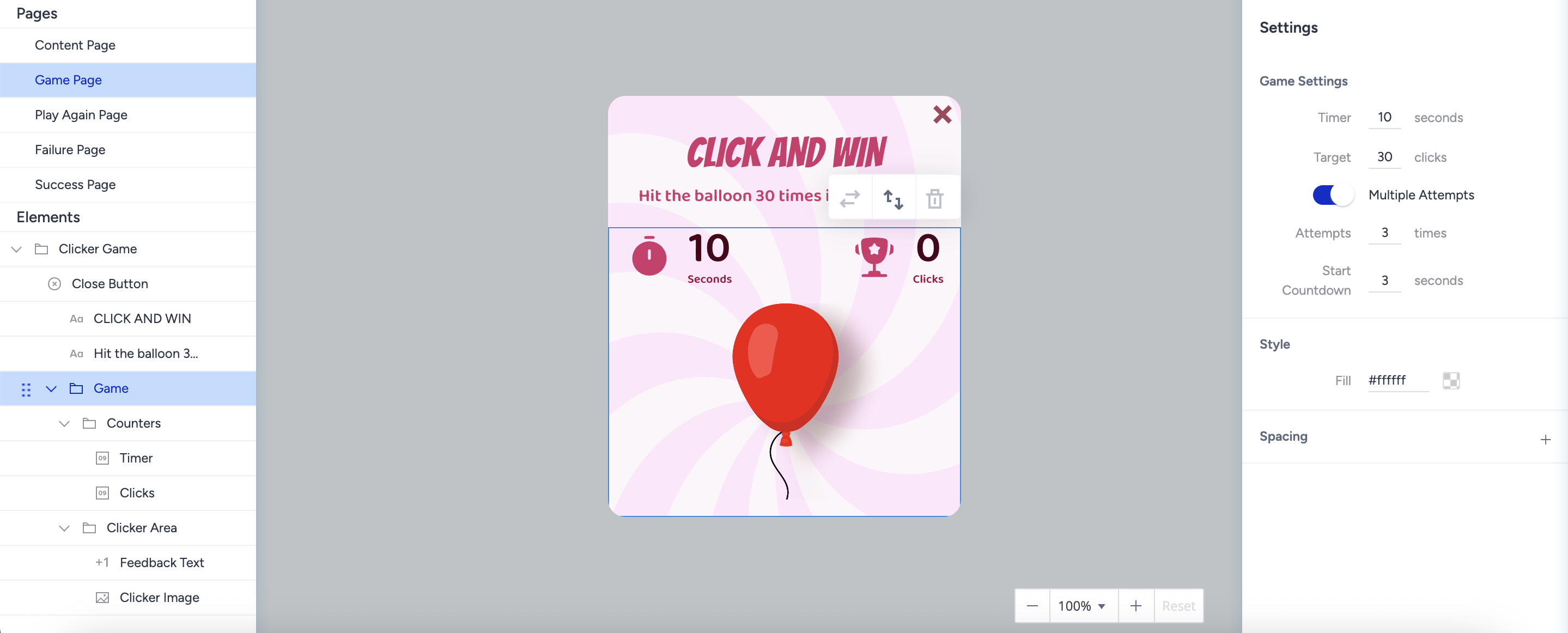
Game Folder Settings
Timer: Define how long the game lasts.
Target: Define how many clicks are needed to win.
Multiple Attempts: Define how many attempts the end user has to win the game. If it’s disabled, the user has one chance to win the game.
You can give a minimum of two attempts to users if this feature is enabled.
Start Countdown: It is a timer that is visible to end users before starting the game.
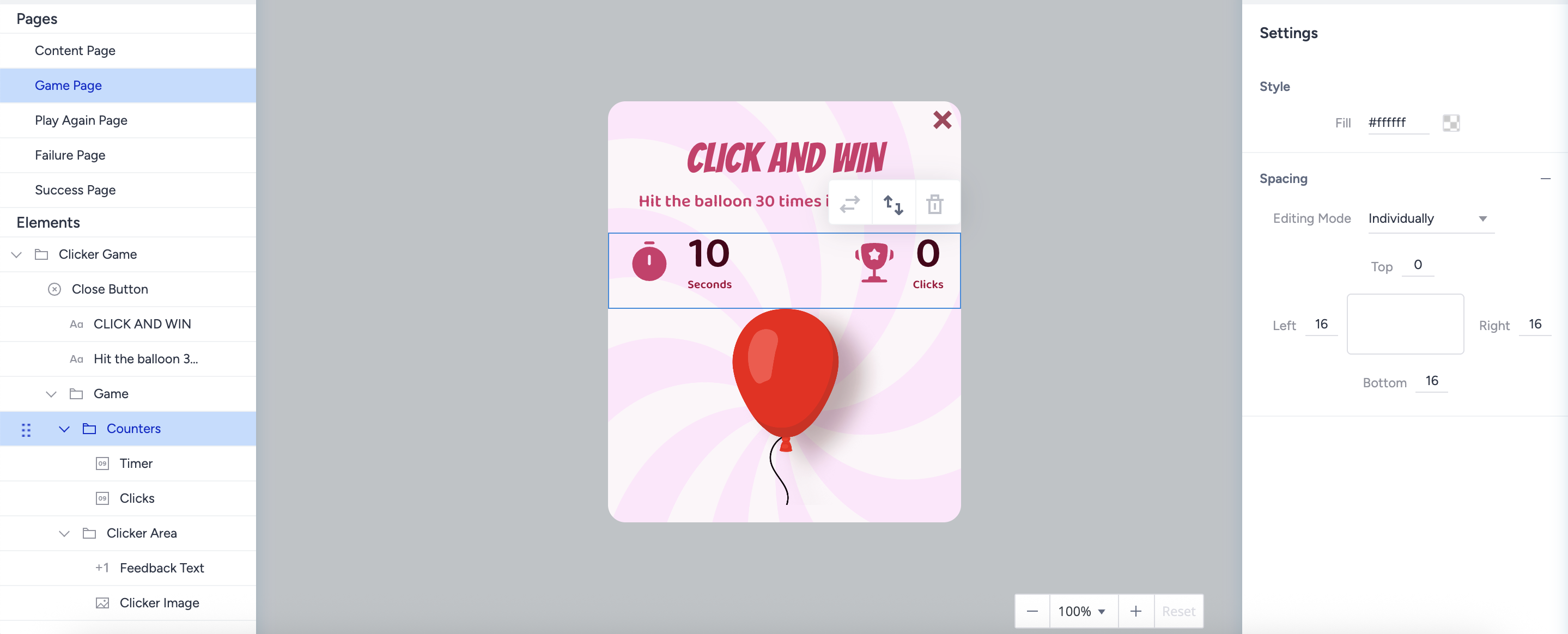
Counters Folder
Timer: Show how much time the user has to win the game
Timer settings in the right menu are synced with the settings in the Game folder.
Click: Show how many clicks the user does.
Target settings in the right menu are synced with the settings in the Game folder.
Clicker Area Folder
Feedback Text: The text shown after each click.
Clicker Image: The image users need to click on.
Play Again Page
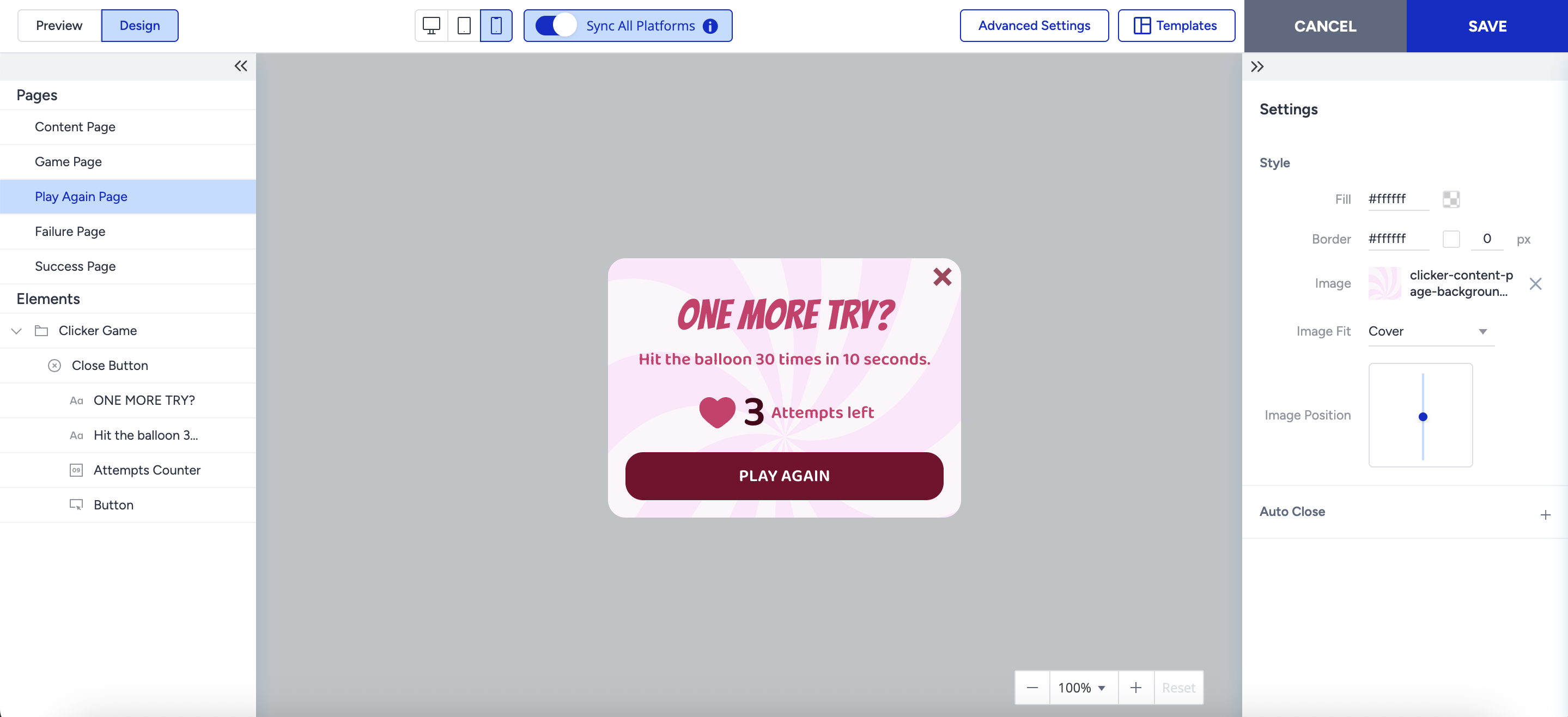
The Play Again page is only shown when Multiple Attempts is enabled on the Game Page. No input elements allowed on this page.
Attempts Counter
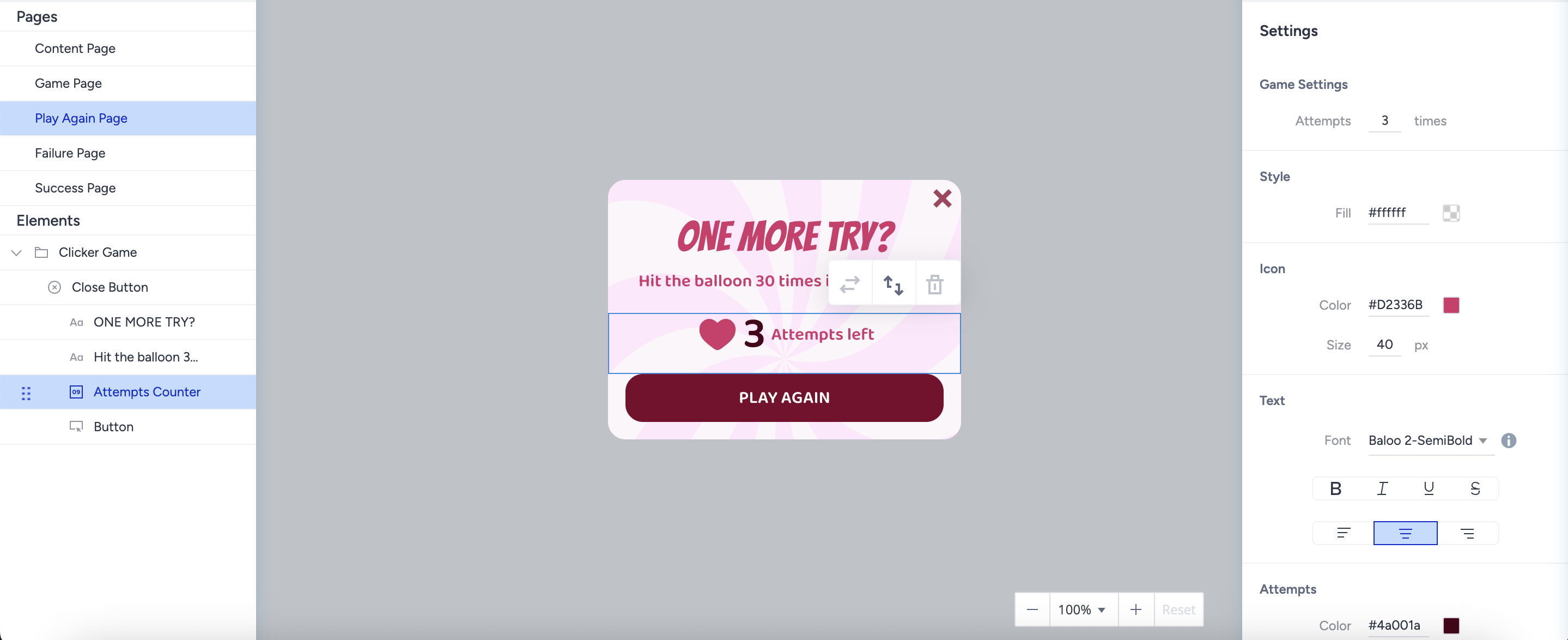
The Attempt value in the right menu syncs with the one on the Game Page.
Play Again Button
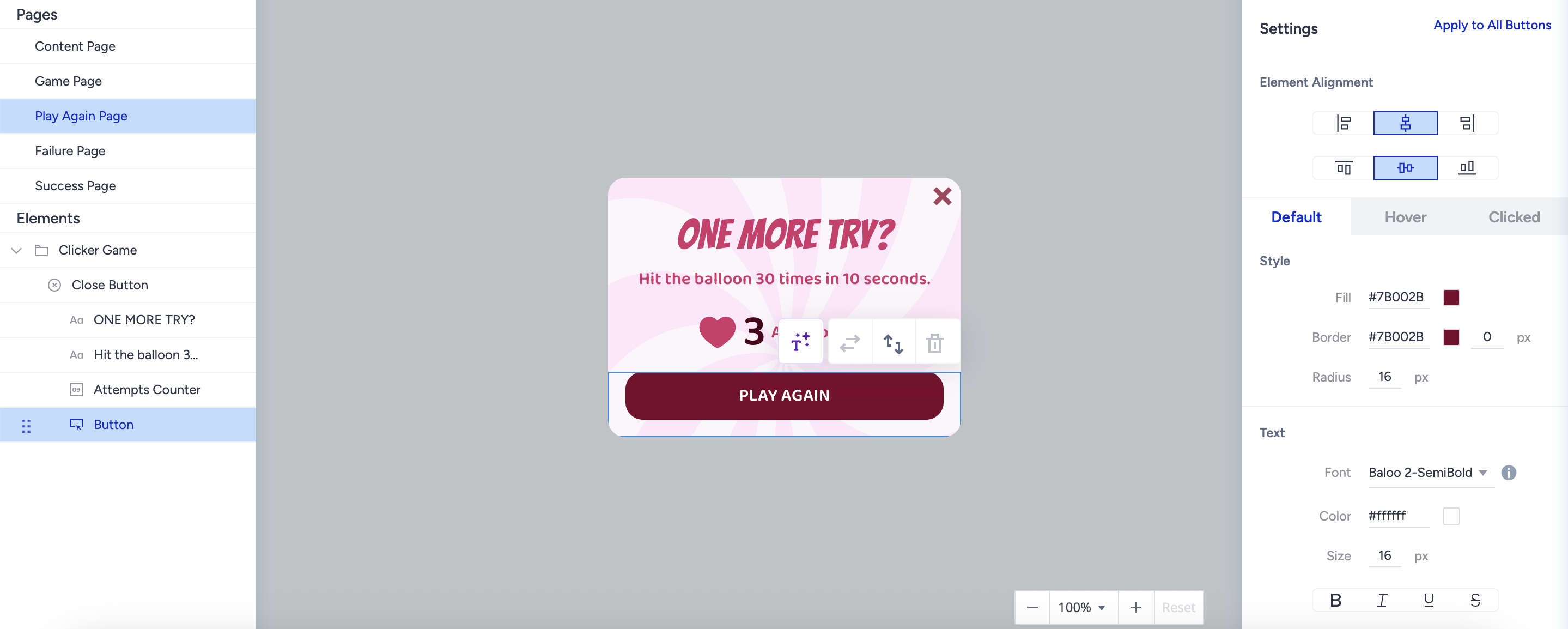
A default and mandatory button to redirect users to the Game Page.
Becomes active with a 1.5-second delay after appearing live, ensuring users don’t accidentally misclick.
Failure Page
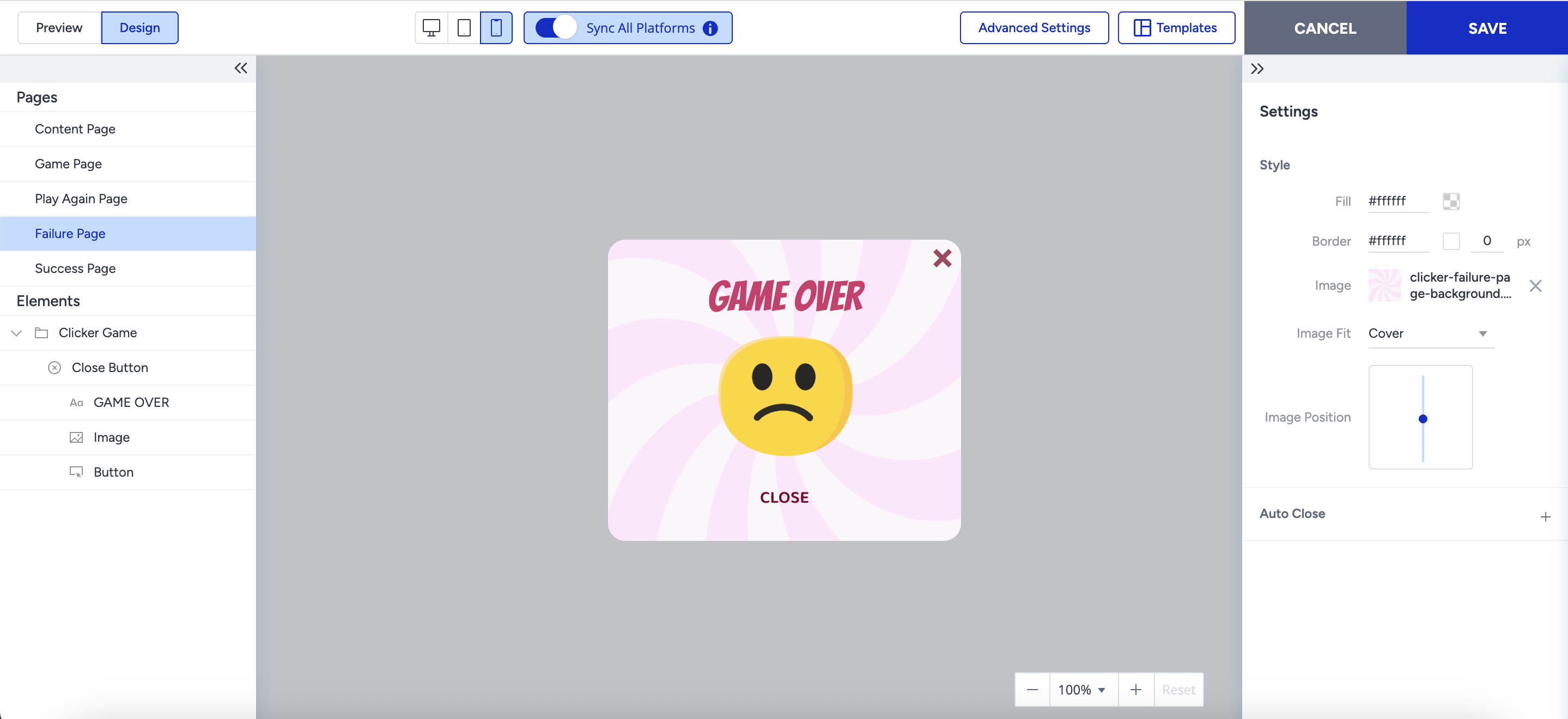
The Failure page is displayed when users fail all attempts. No input elements allowed on this page.
It is similar to the Success Page layout.
The default Close Button action is “Close,” but it can be changed to “Redirect to URL.”
Success Page
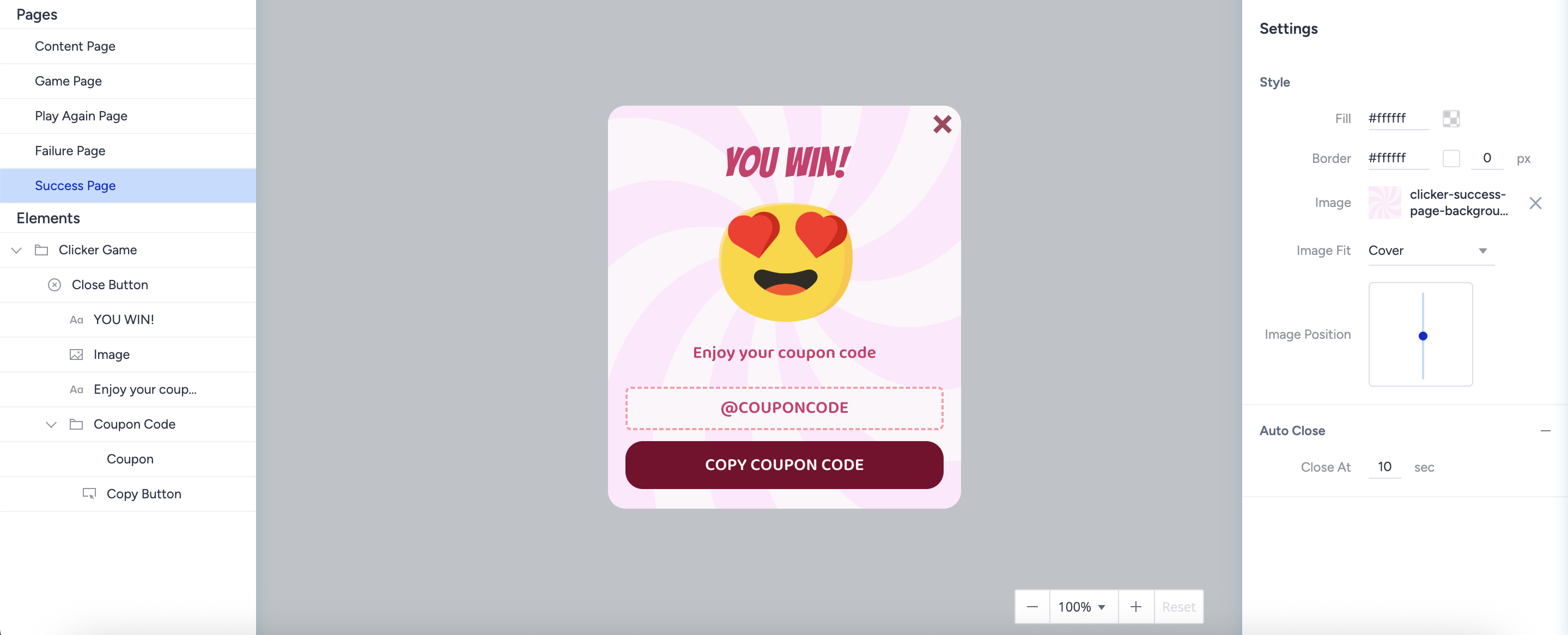
The Success page is displayed when users succeed in the game. No input elements allowed on this page.
Regular success layout with full flexibility.
No unique limitations for elements or styling.
Use Cases
Campaigns and Promotions
“Click 30 times in 10 seconds to win a 15% discount.”
Valentine’s Day (click the heart), Halloween (pop the pumpkin), New Year countdowns.
Lead Generation
Collect emails or phone numbers before the game begins.
Great for product waitlists, contests, or newsletter drives.
Product Marketing
Use your product or logo as the clicker.
Gamify engagement for launches or announcements.
Tips and Best Practices
Keep game rules and messages short and simple.
Match visuals to the campaign theme.
Show a compelling CTA on the Success Page (e.g., “Use Your Reward Now!”).
Experiment with durations and targets to find the right balance.
This game is designed solely for entertainment and promotional purposes. It does not involve any form of betting, monetary deposits, or chance-based gambling elements. Participation is entirely free, and all users who take part receive the designated rewards equally.
Rewards are distributed based on user interaction rather than a random betting mechanism. The chance to earn rewards is determined in accordance with the game rules and does not require any payments or wagers. Participation is completely voluntary and carries no risk of loss, ensuring an enjoyable and engaging experience for all users.
Please note that regulations may vary by country or state. We recommend reviewing the applicable laws in your region before launching a campaign.