The Gift Catching Game template invites users to catch falling objects, such as gifts, products, or themed icons, to earn rewards. It’s a simple yet captivating way to boost engagement, conversions, and brand recall through fun, fast-paced gameplay.
You can use the Gift Catching Game template to:
Increase Engagement: Turn passive visitors into active participants with a playful, interactive experience.
Strengthen Brand Awareness: Match visuals and rewards to your brand identity or seasonal campaigns.
Drive Conversions: Encourage immediate purchases with reward-based discounts and coupons.
Boost Retention: Users are likely to replay or revisit the campaign to take on new challenges or earn rewards.
Capture Leads Easily: Combine gameplay with lead forms before or after the game to grow your database.
While designing it, you can customize a Gift Catching Game in the Settings menu:
Content Page
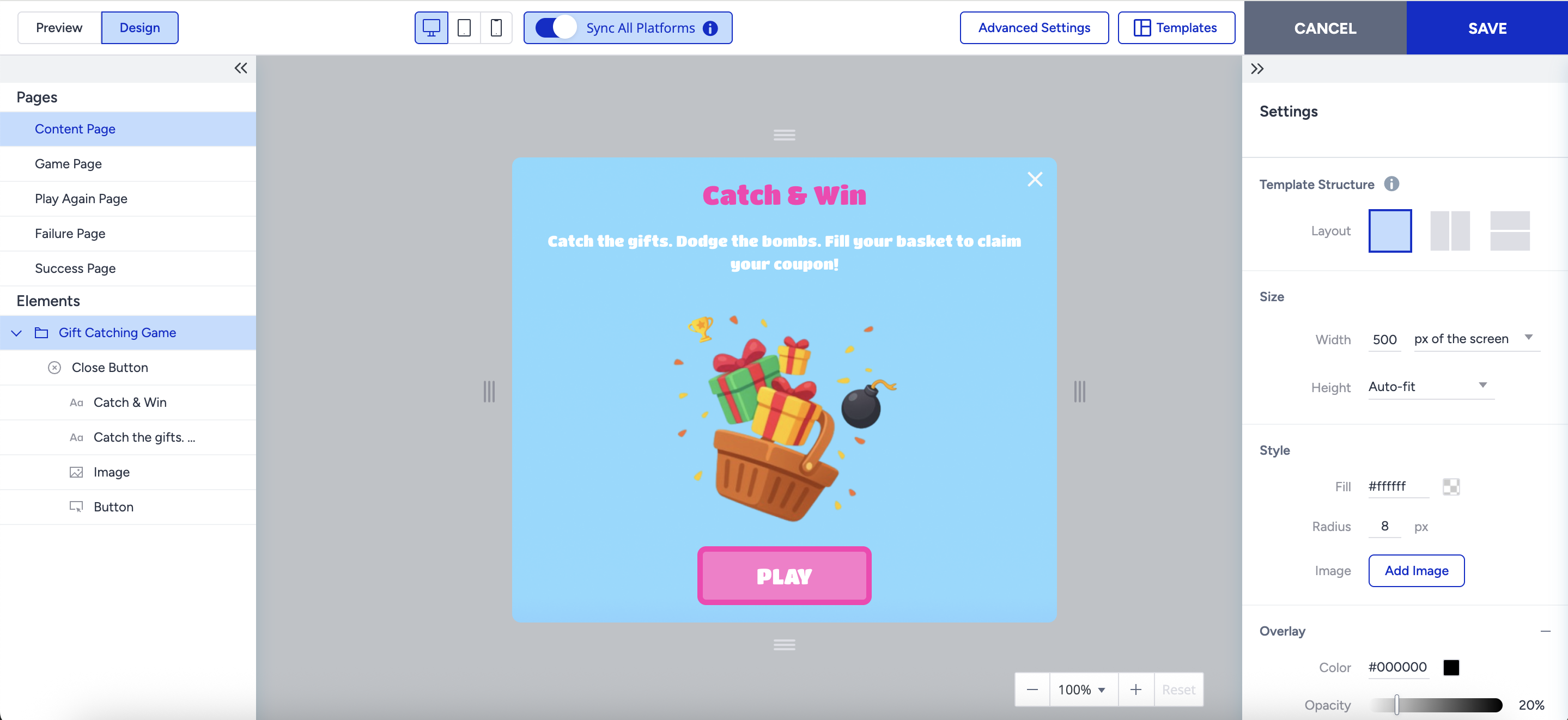
Users land on an intro screen with campaign details and a Play button.
If you enable it, a lead form appears before the game starts.
Game Page
Gifts fall from the top of the screen while users move the catcher left or right (via touch or keyboard).
Each caught item increases the score; optional negative items (like bombs or coal) can lower it or end the session.
Outcome Pages
Play Again Page: Appears if users have more attempts left.
Failure Page: Shown when all attempts are used up.
Success Page: Displayed when users reach the target score.
Content Page
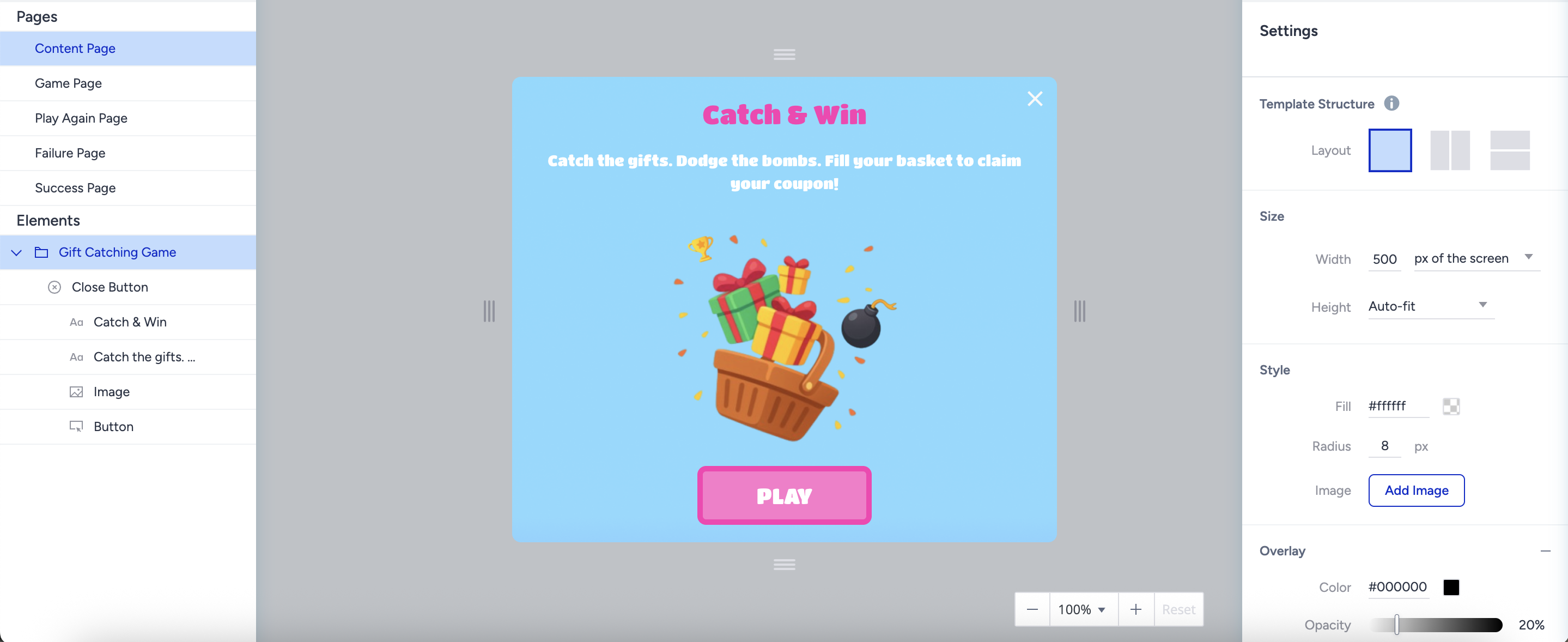
The Content page is the only page to collect user info (e.g., email, phone).
It functions like a standard Lead Collection page with a required Play button that redirects to the Game Page.
It supports all standard elements such as inputs, text, countdowns, and coupon codes.
Game Page
The Game page is the main gameplay screen where users try to catch items within the given time. No input elements allowed on this page.
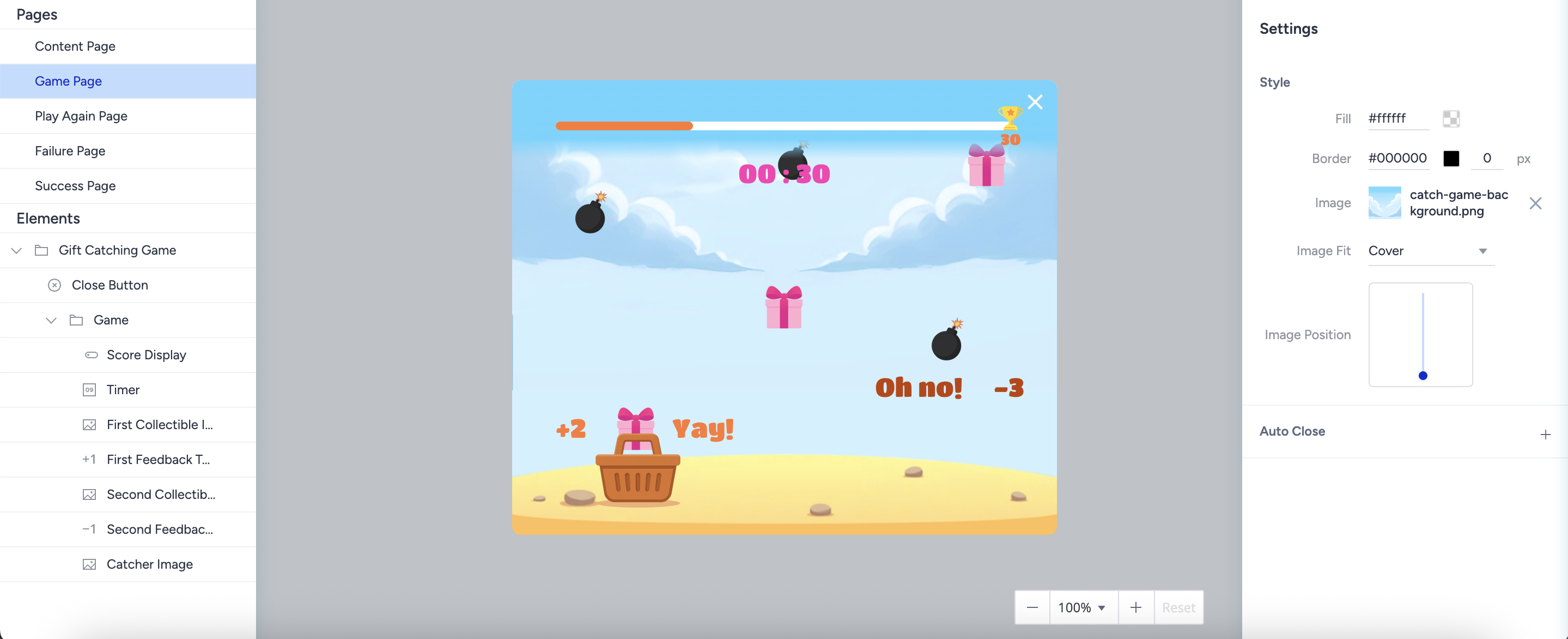
The key settings on the Game page are:
Timer: Define how long the game lasts.
Target Score: Set the points needed to win.
Multiple Attempts: Define the number of attempts the end user has to win the game. If you disable it, the user has one chance to win the game.
You can allow users a minimum of two attempts if you enable this feature.
Score Display: Customize appearance and scoring logic.
Collectible Items: Configure images and assign positive or negative points.
Feedback Text: Show messages when items are caught.
For the first item, only the positive values can be set.
For the second item, either positive or negative values can be set.
Catcher Image: Change the catcher’s visual design.
Play Again Page
The Play Again page is only shown when you enable the Multiple Attempts setting on the Game Page. No input elements allowed on this page.
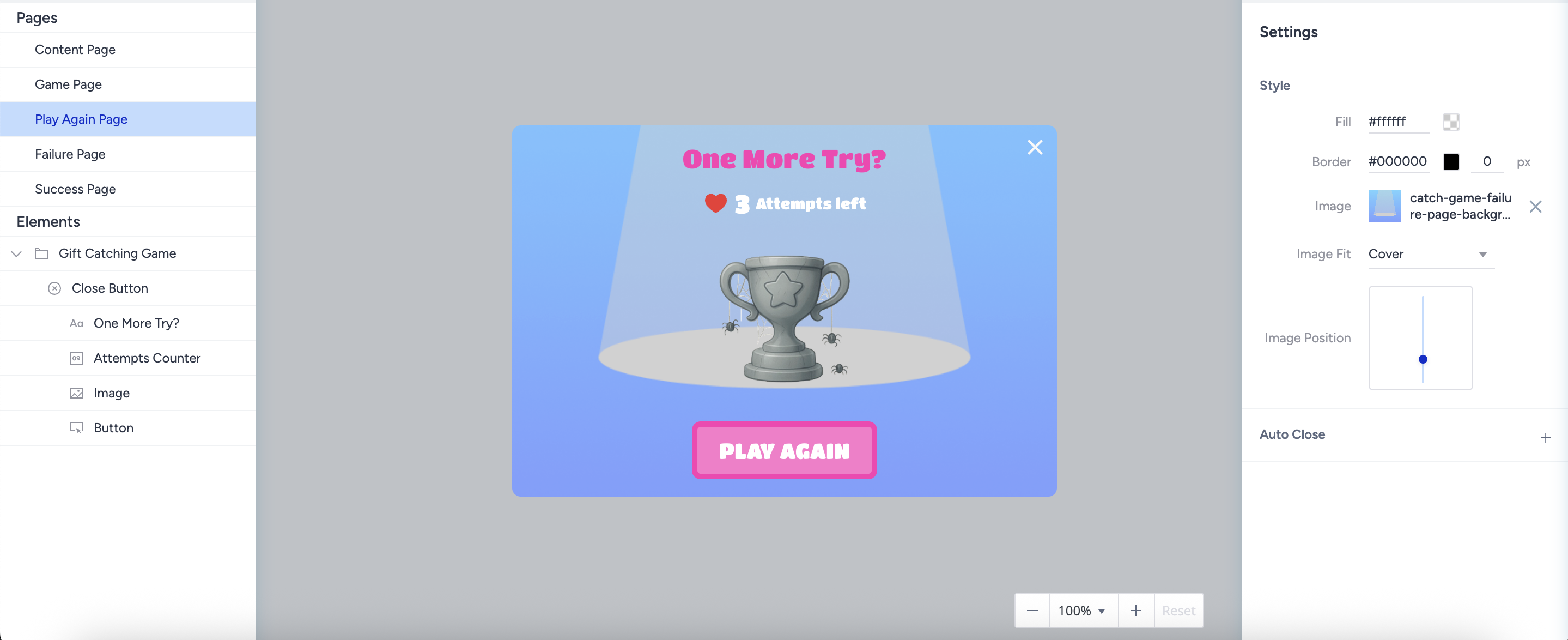
Its key components are:
Attempts Counter
The Attempts Counter shows how many tries the user has left.
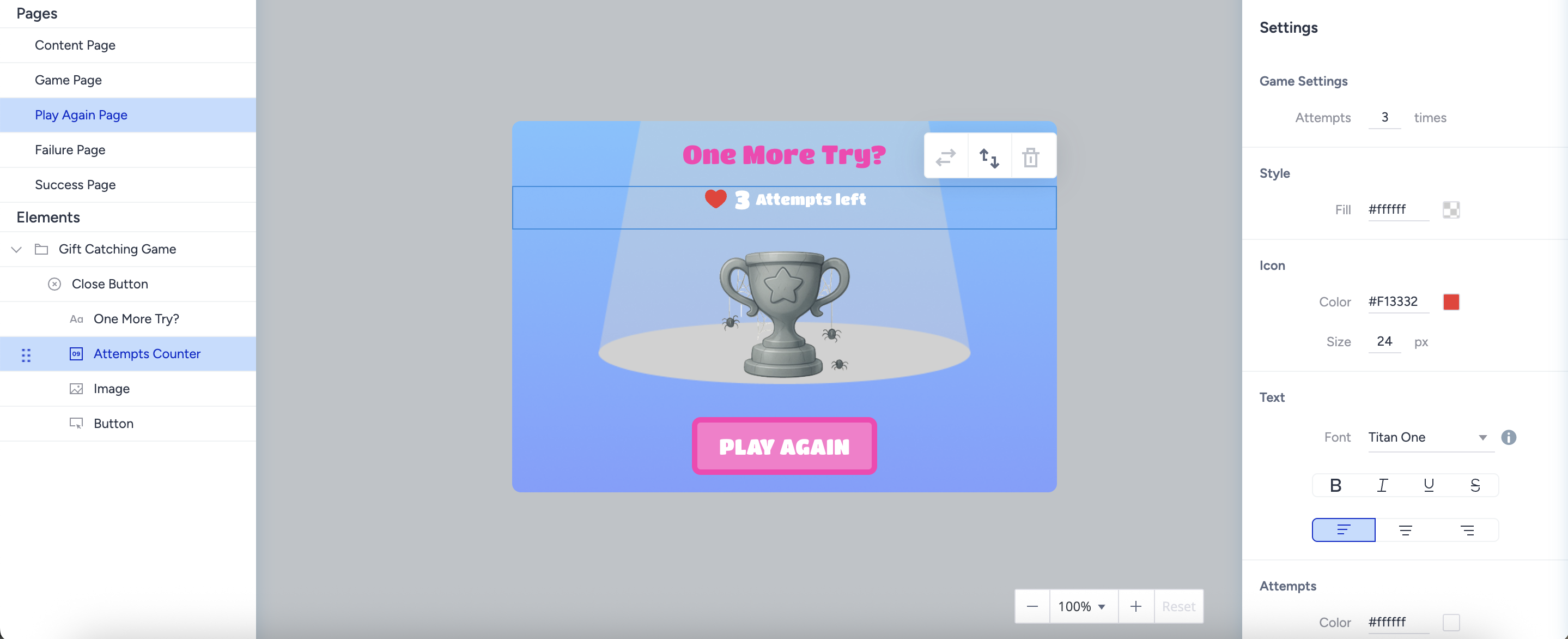
It is synced with the Attempt value on the Game Page.
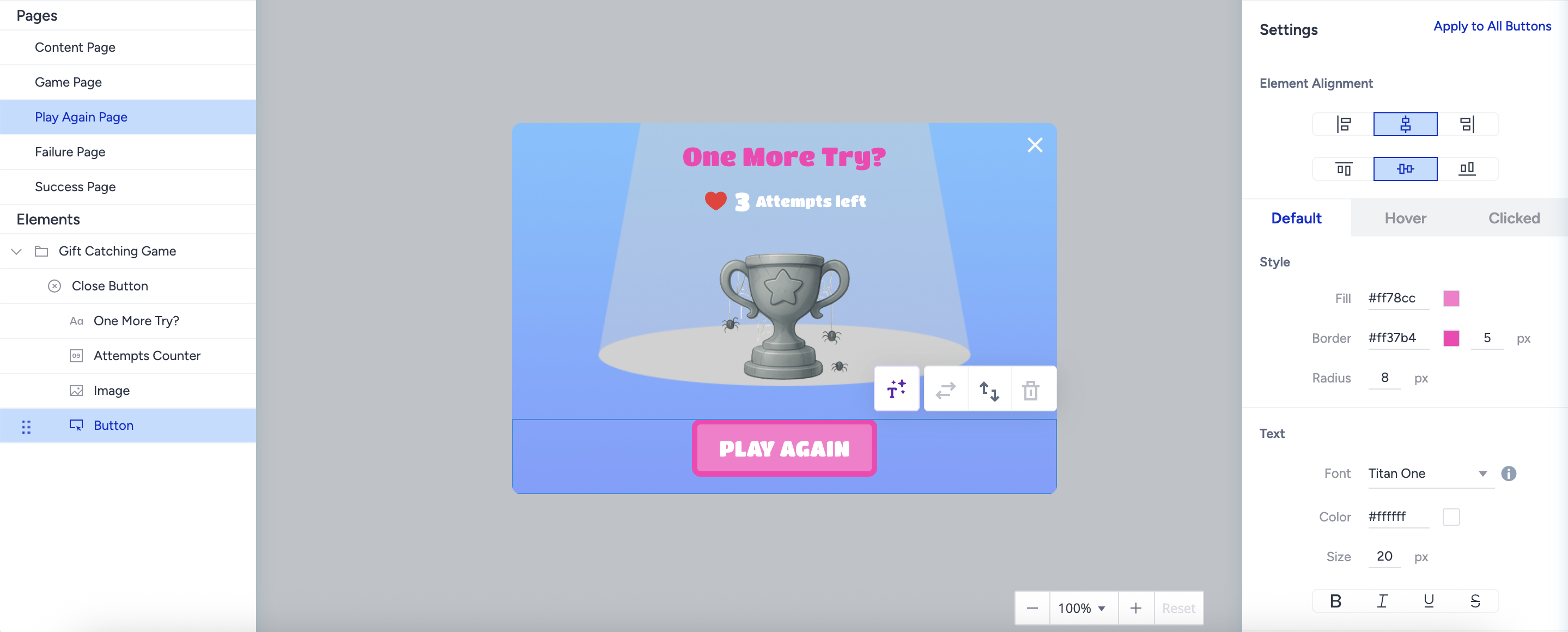
Play Again Button
The Play Again Button is a default and mandatory button to redirect users to the Game Page.
Failure Page
The Failure page is displayed when users fail all their attempts. No input elements allowed on this page.
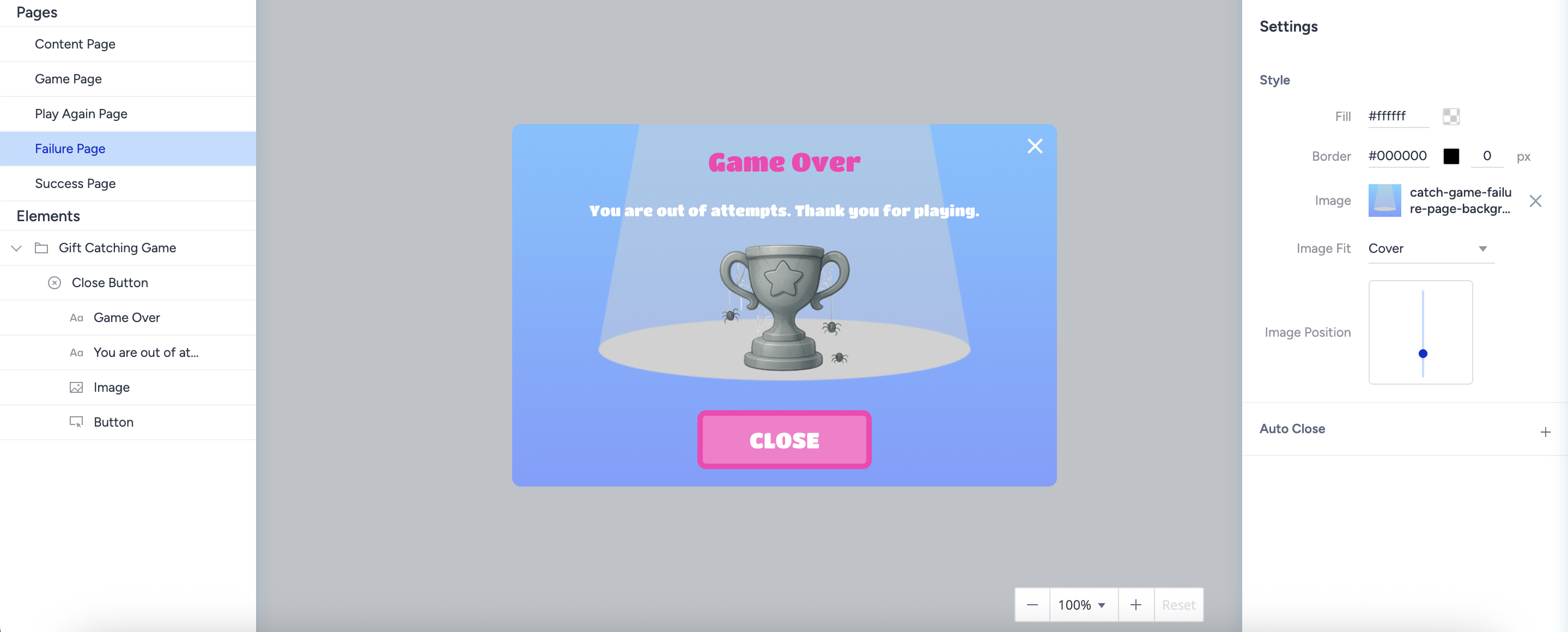
It is similar to the Success Page layout for visual consistency.
It includes a default close button with “Close” action, which you can change to “Redirect to URL.”
Success Page
The Success page is displayed when users successfully match all card pairs. No input elements allowed on this page.
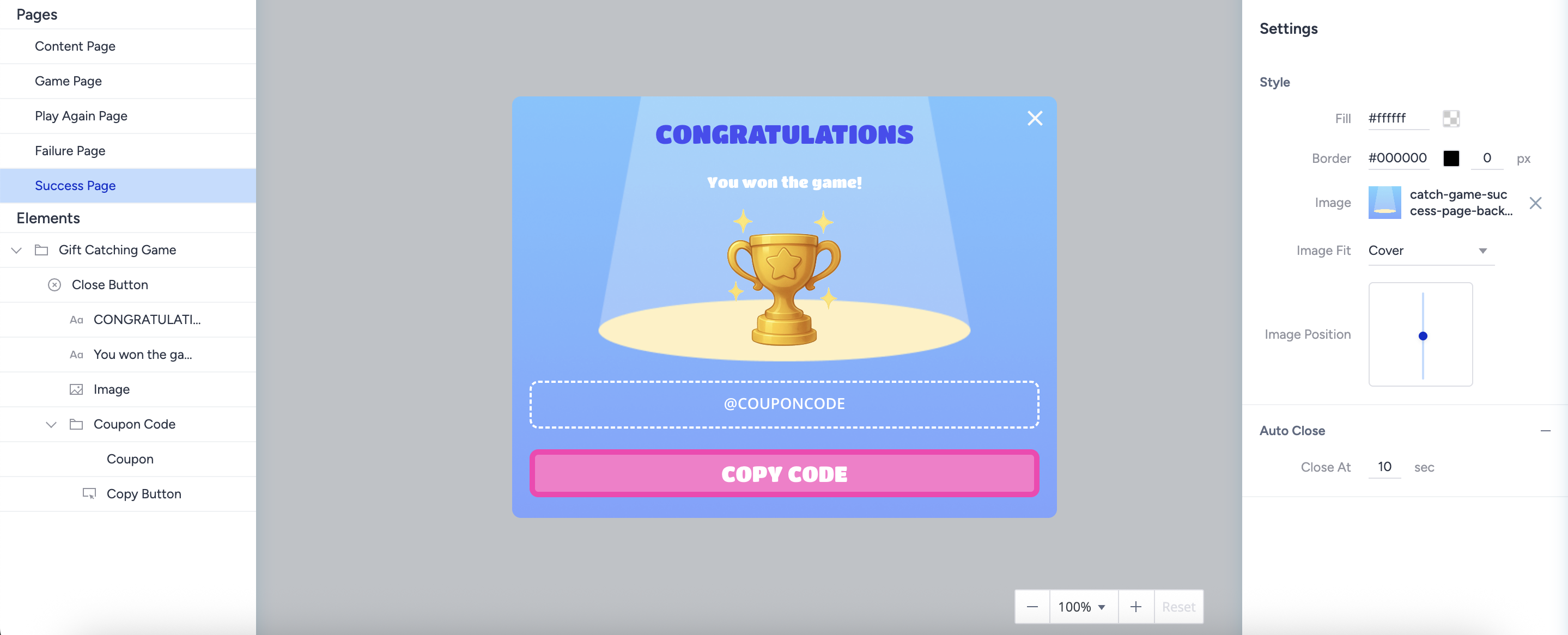
It has a fully flexible layout, similar to that of standard Success Pages.
No unique limitations are applied to elements, content, or styling.
Use Cases
Holiday Campaigns: Catch gifts for festive discounts (Christmas, New Year, Valentine’s).
Product Launches: Feature new items as falling objects to build excitement.
Seasonal Themes: Replace gifts with seasonal visuals, such as leaves or snowflakes.
Lead Generation: Require users to enter details before or after gameplay.
Upselling: Offer tiered rewards based on score performance.
Tips and Best Practices
Keep gameplay short (15–30 seconds) to maintain excitement.
Use clear, appealing visuals for the catcher and items.
Align rewards with your key campaign goals (e.g., promote a featured product).
This game is designed solely for entertainment and promotional purposes. It does not involve any form of betting, monetary deposits, or chance-based gambling elements. Participation is entirely free, and all users who take part receive the designated rewards equally.
Rewards are distributed based on user interaction rather than a random betting mechanism. The chance to earn rewards is determined in accordance with the game rules and does not require any payments or wagers. Participation is completely voluntary and carries no risk of loss, ensuring an enjoyable and engaging experience for all users.
Please note that regulations may vary by country or state. We recommend reviewing the applicable laws in your region before launching a campaign.