The drag & drop editor lets you use the custom fonts you upload to Inone in your emails as well.
Get started by reading about uploading Custom Fonts. To use these in our Email Editor, kindly bear in mind that the OTF format is not supported.
The email editor does not support OTF font files.
To use custom fonts in your emails:
1. Go to the Design step of your email campaign.
2. Select the Drag & Drop Editor to create your email.
3. Expand the Appearance > General Settings.
4. Click the Font dropdown to list the custom and standard fonts.
5. Select the custom font that you want to use in your email campaign.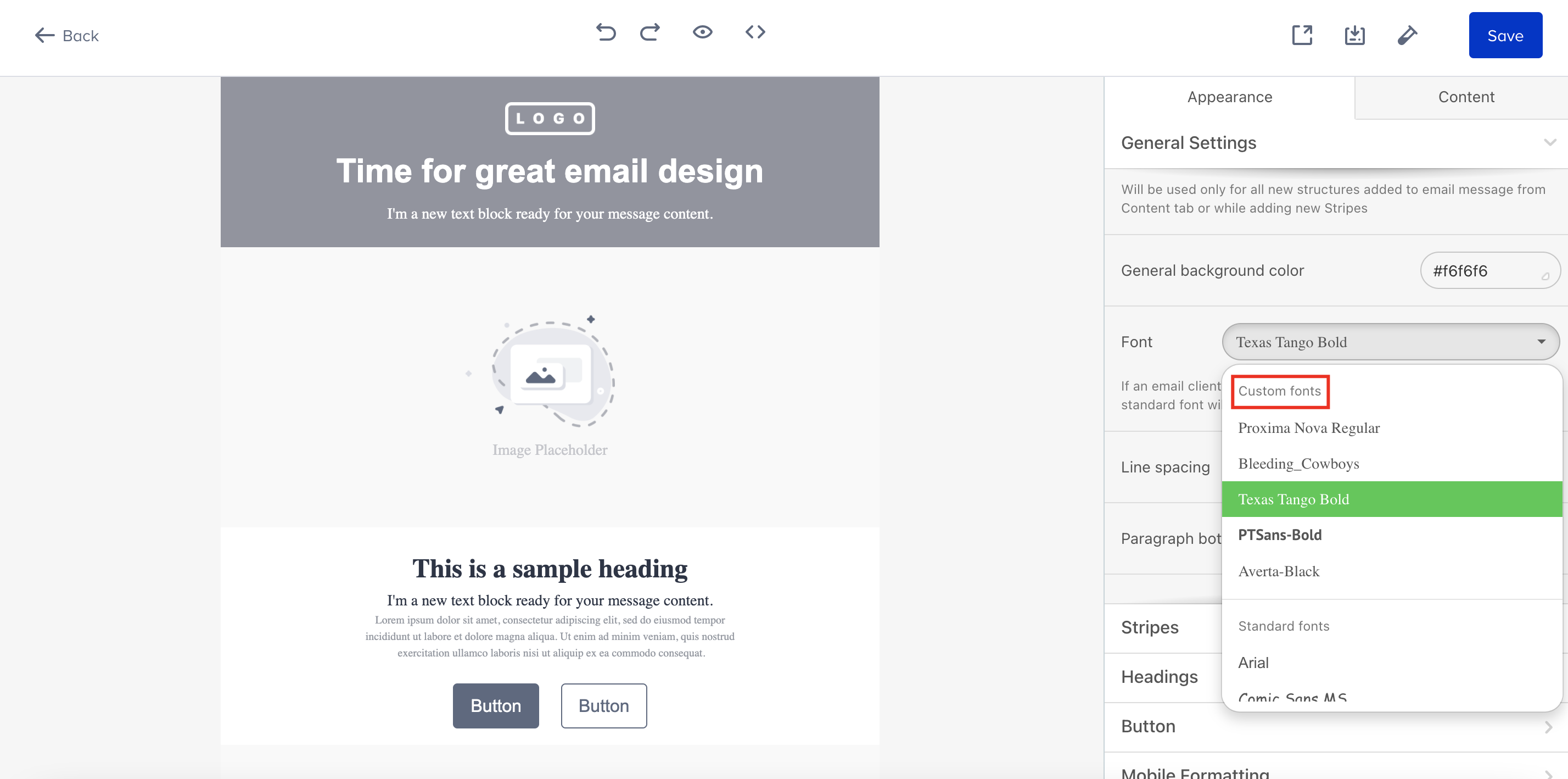
If an email client doesn't support the non-standard font, the fallback font will be used instead.
.gif)
You can select the font letterform that will be chosen as a fallback font for those recipients who don’t have the fallback font you have selected.
.png)