Suggested reading: AMP for Emails, AMP Carousel for Emails, AMP Accordion for Emails, AMP Form for Emails
To send AMP emails, first get your production-ready AMP email design approved, then register your sender to be whitelisted with clients (Gmail, Mail.ru, Yahoo) that support AMP emails.
You can register your sender via the Sender Registration Form. Below, you can see how to complete the following form steps using an example case.
- Registrar information
- Company information
- Sender email information
- Verizon Media (Yahoo Mail)
- Mail.ru
- Gmail
- Submit
1. Registrar information
Enter your email address with the same domain as your company and name.
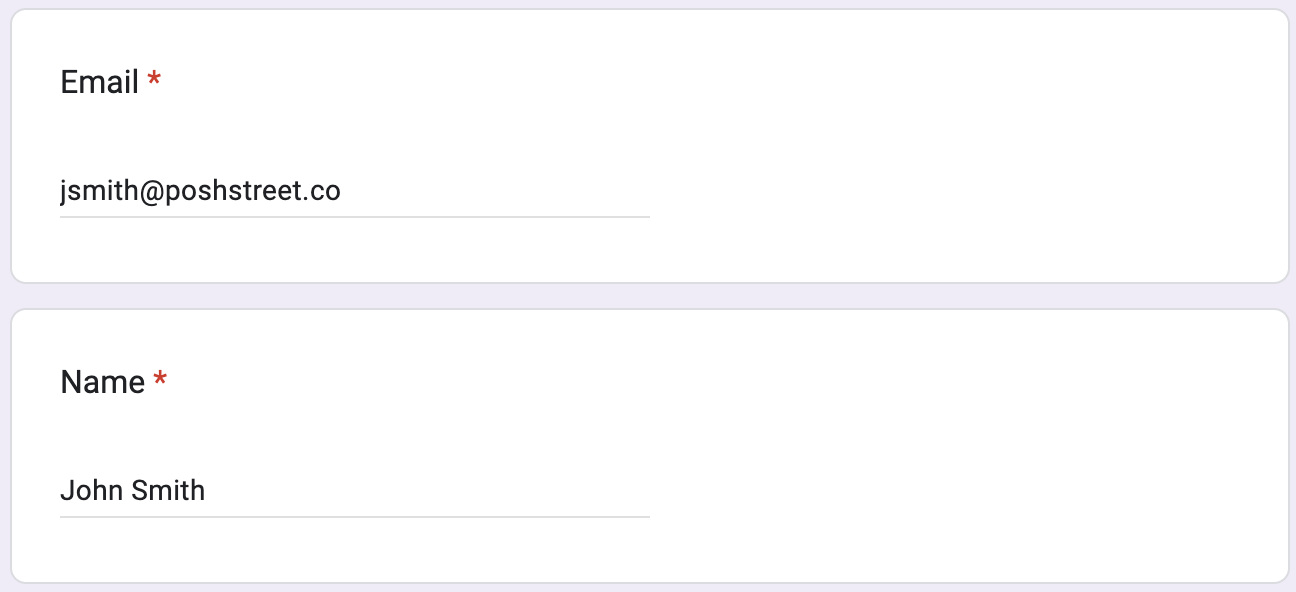
2. Company information
Enter your company’s full name, website link, privacy policy URL, and country of origin.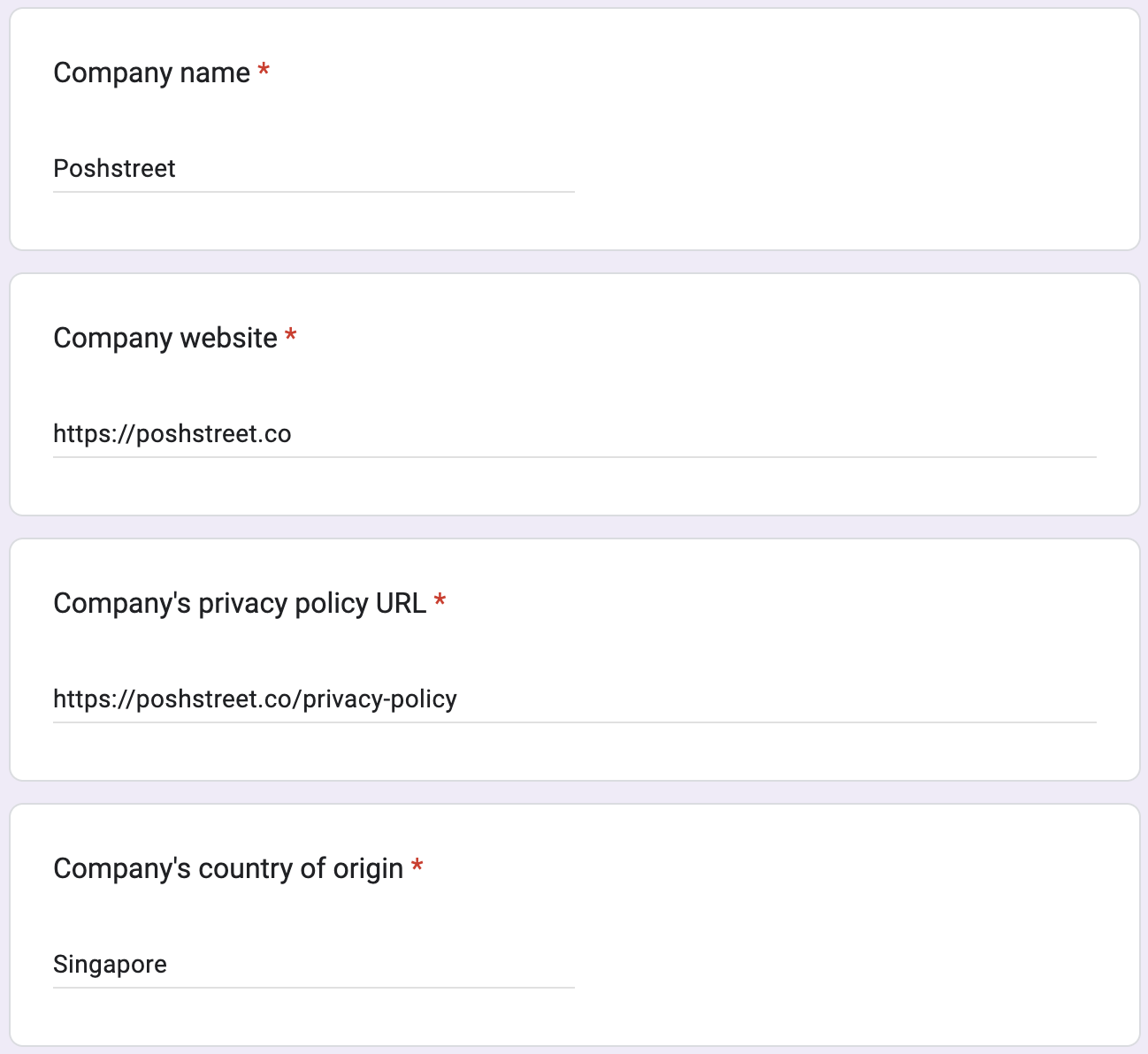
3. Sender email information
Enter the email address you want to use to send AMP emails. This should be the same address you used for your production-ready email. Write down the main purposes for which you want to use AMP.
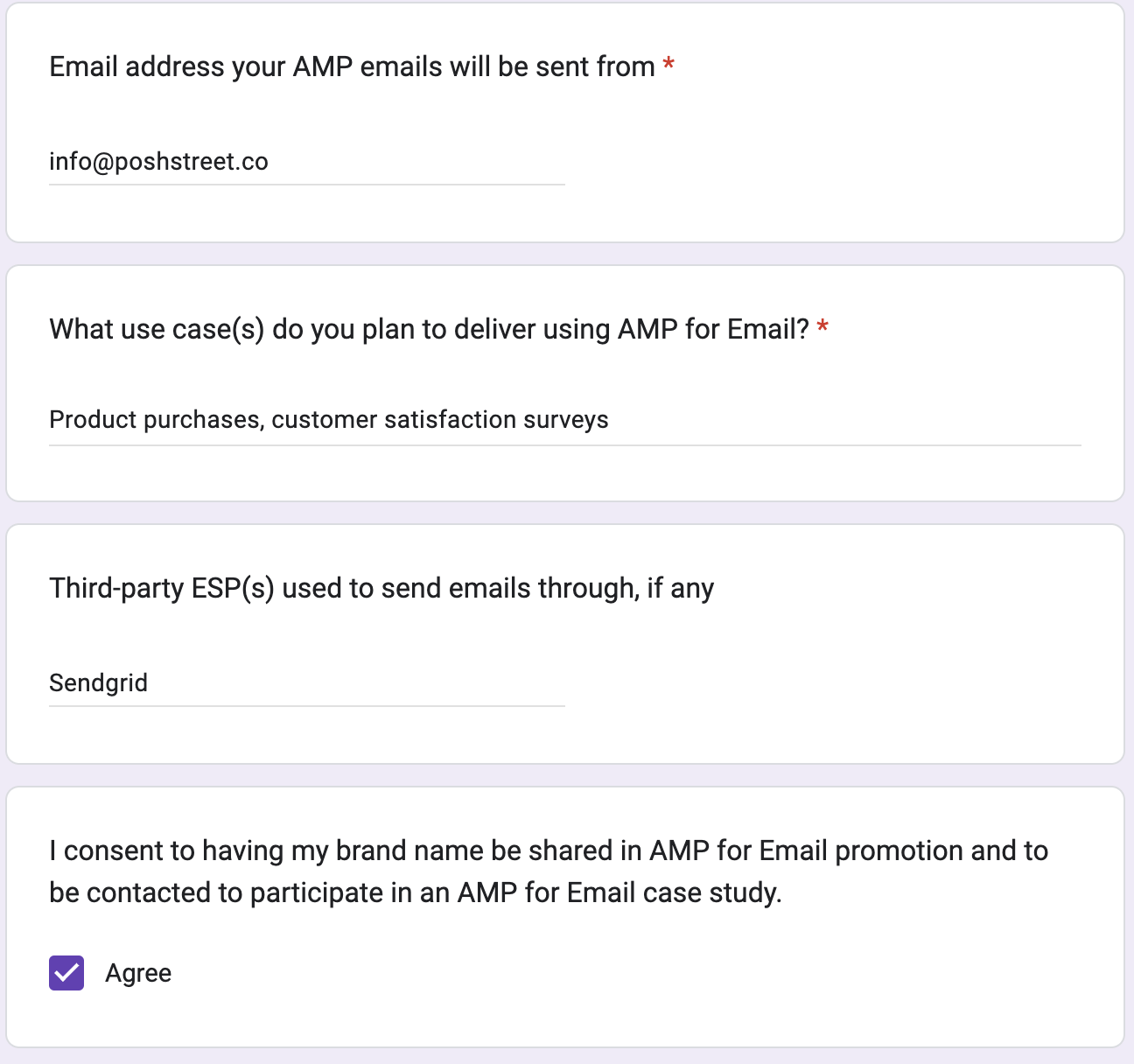
4. Verizon Media (Yahoo Mail)
This part is required if you want to get your sender domain whitelisted for Yahoo AMP emails.
For the DKIM domains, enter the sender email domain(s) you want to send the emails from, together with sendgrid.info as the default email domain.
Before checking the Yes box, make sure that you have already sent your production-ready AMP email to ampverification@yahoo.com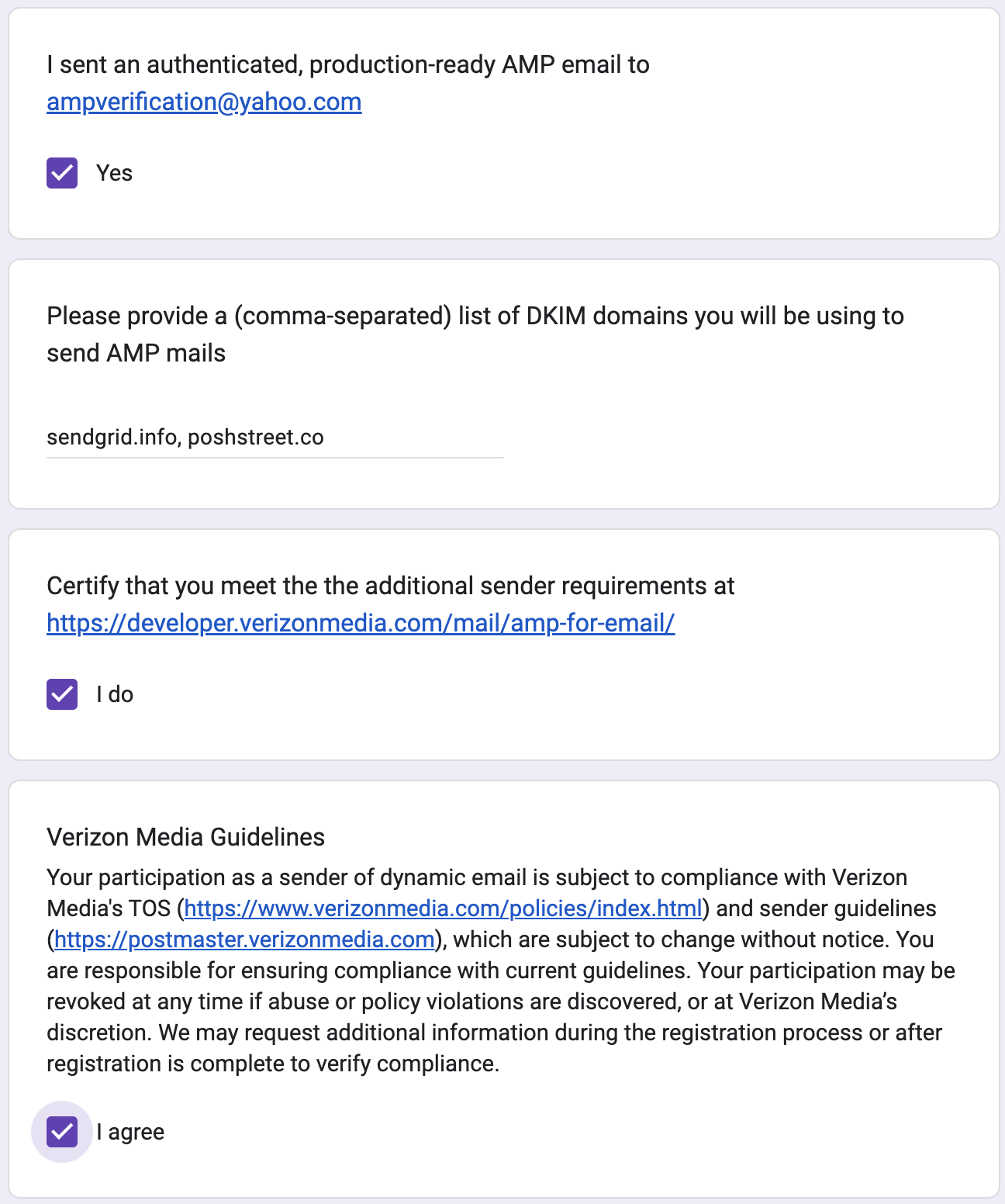
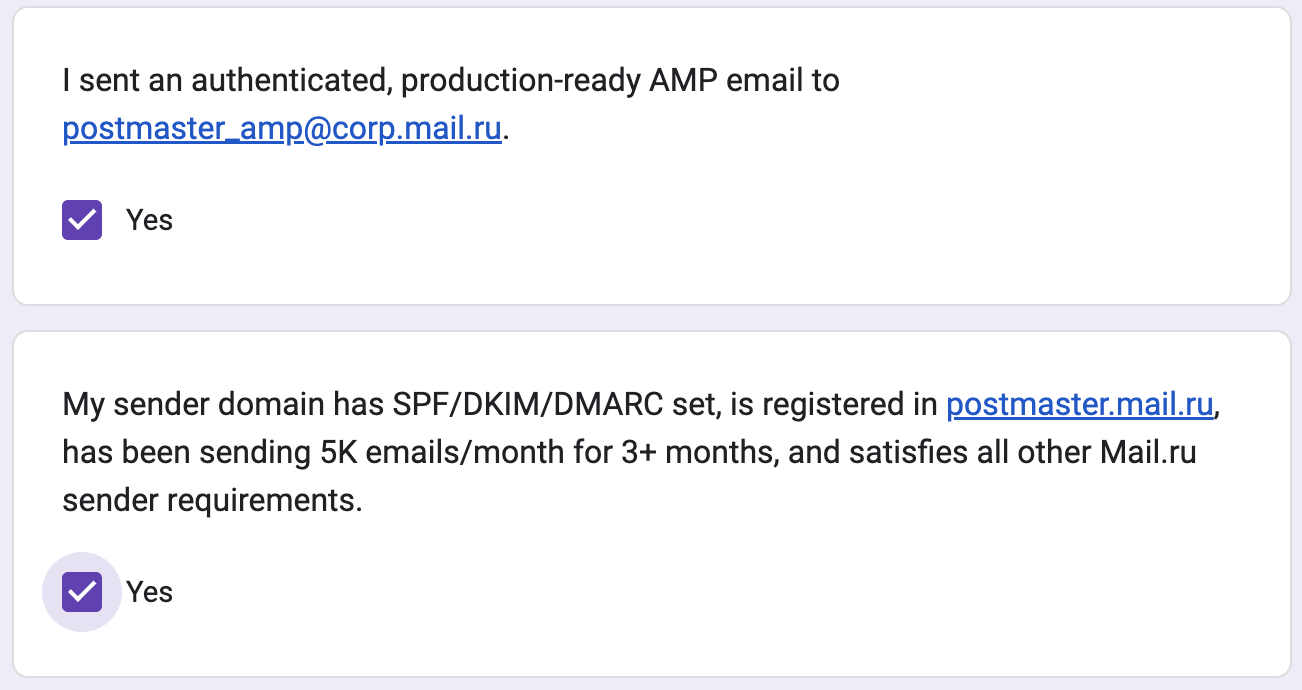
5. Mail.ru
This part is required if you want to get your sender domain whitelisted for AMP emails for Mail.ru.
Before checking the Yes box, ensure you have already sent your production-ready AMP email to postmaster_amp@corp.mail.ru.
6. Gmail
This part is required if you want to get your sender domain whitelisted for AMP emails for Gmail.
You can skip this part if you have already registered for Gmail for AMP emails.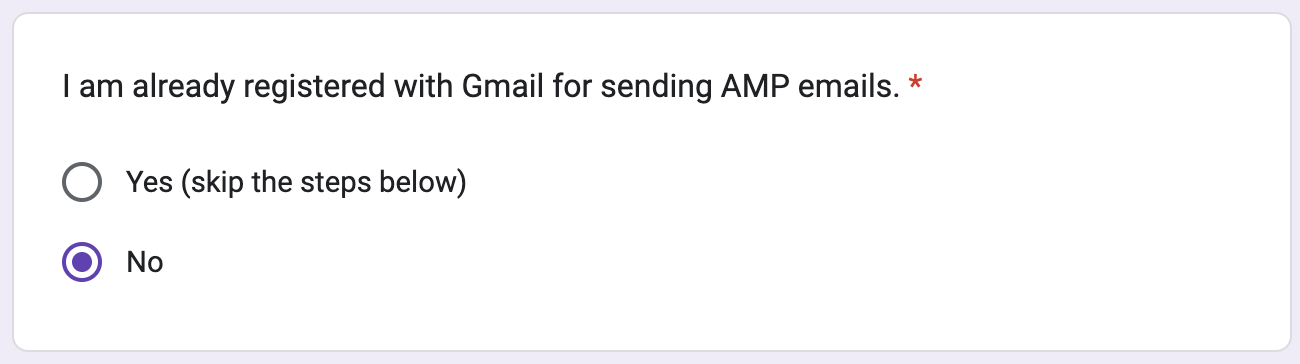
Before checking the Yes box, ensure you have already sent your production-ready AMP email to ampforemail.whitelisting@gmail.com.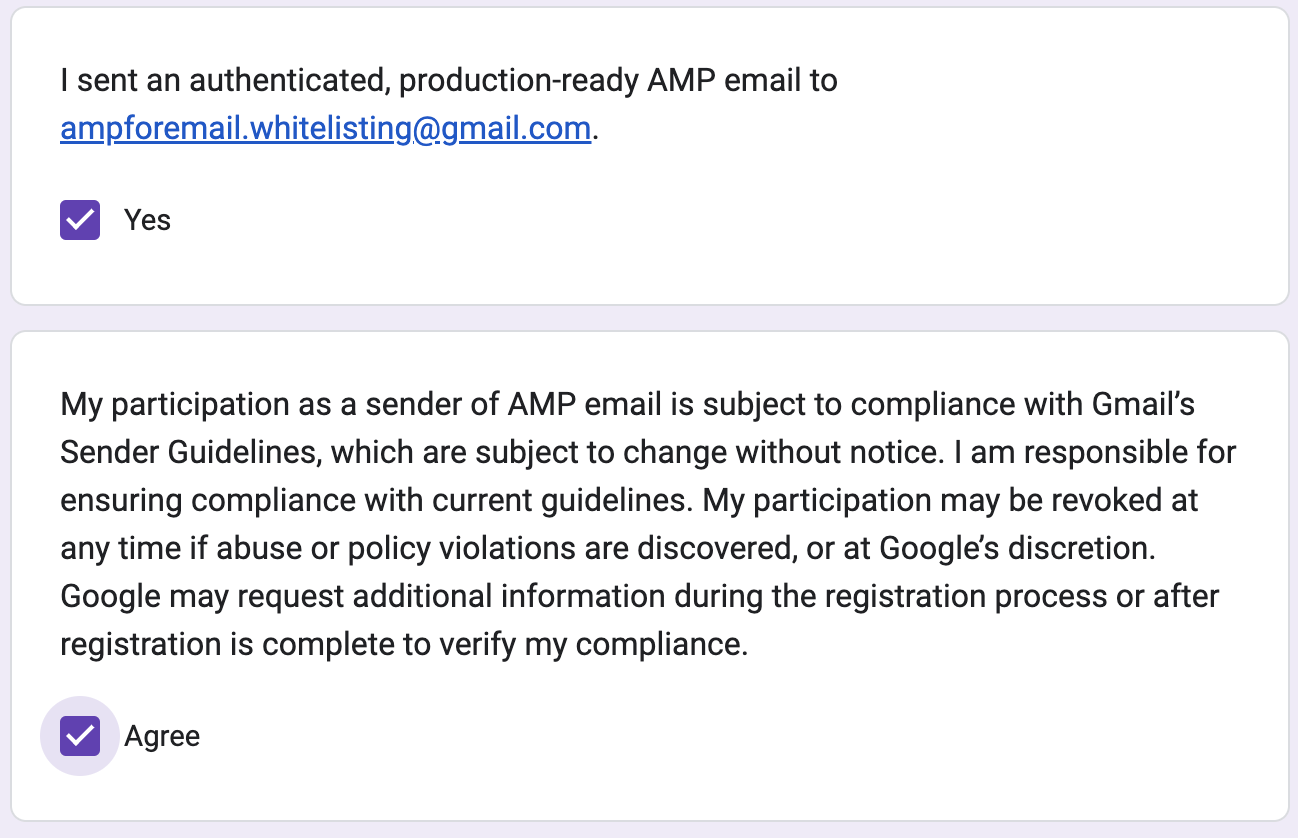
7. Submit
Please submit this registration form once you have filled out the correct information and sent your production-ready email(s).
Once your request is approved, you will receive a confirmation email. The approval process might take approximately seven days. If your request is rejected, you can create a ticket to the Insider One's Operational Excellence Team with the reasons for the rejection.