To display Web Push content in the Notification Center, you can send it using the option available in the Single Web Push campaign creation step.
On the Launch step, you will see the Show in Notification Center option, provided that Notification Center is enabled on your device.
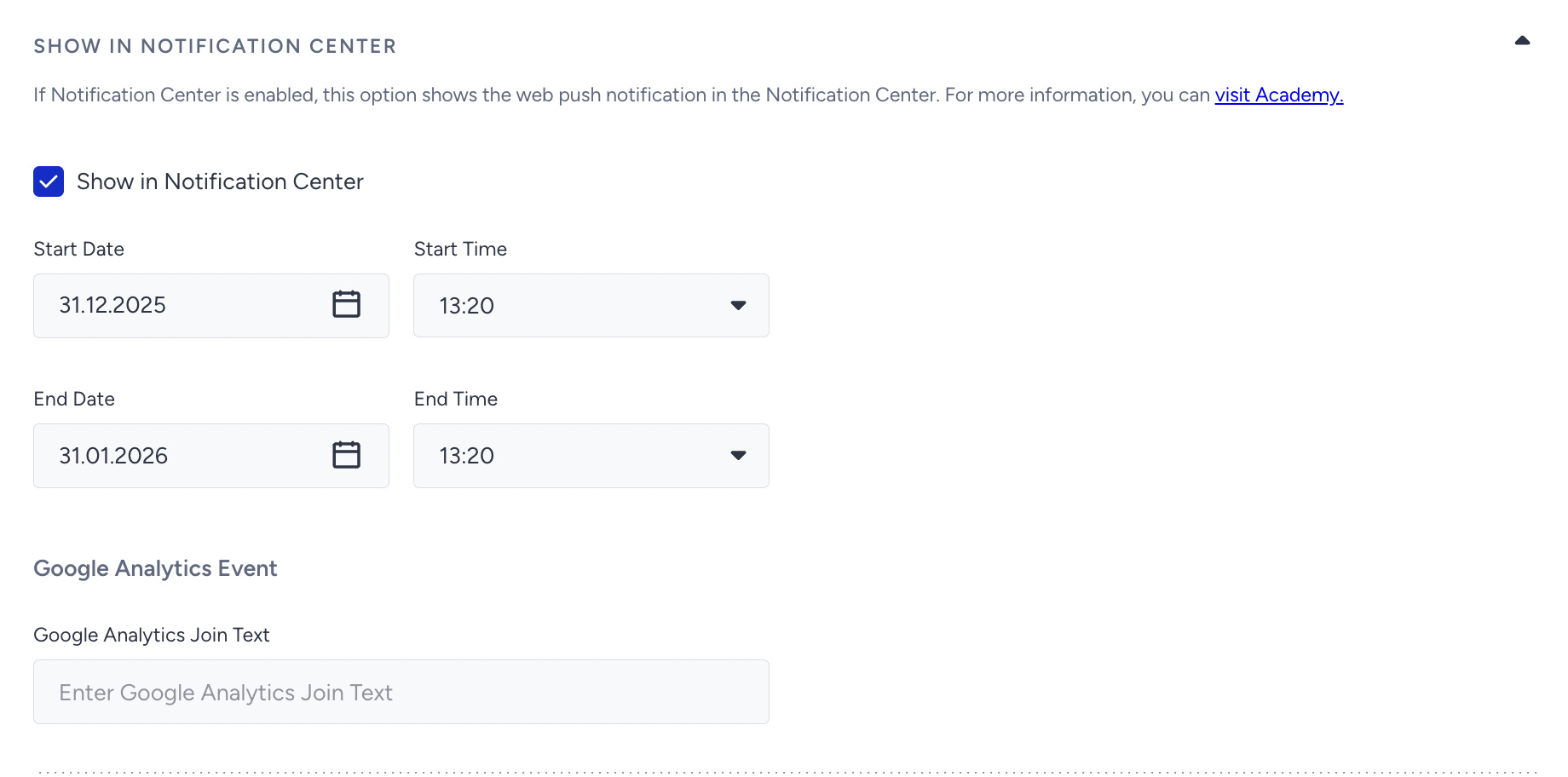
Once checked, the Web Push notification will require a start and end date to be displayed in the Notification Center. Once you select the start/end dates, a campaign will be automatically created on the Notification Center listing page.
Note that your Web Push language should match the language used in your Notification Center so it displays correctly.
You can only send Single Web Push notifications to the Notification Center by selecting the Send Now option.