Segmentation divides a broad consumer group into sub-groups based on shared characteristics such as past purchases or visit frequency.
You can select one or more user groups to show your campaign based on the following segment options: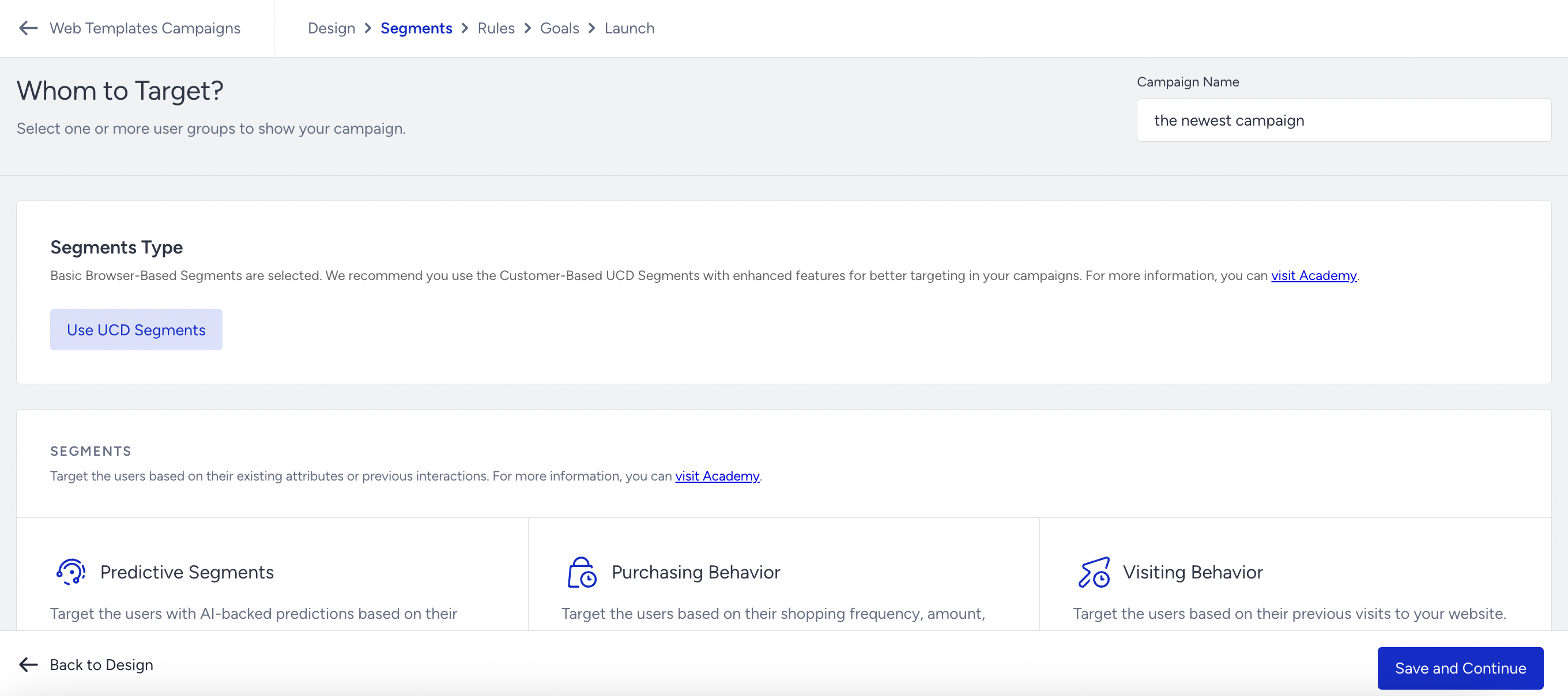
If you do not apply any segment, your campaign will be delivered to all available users.
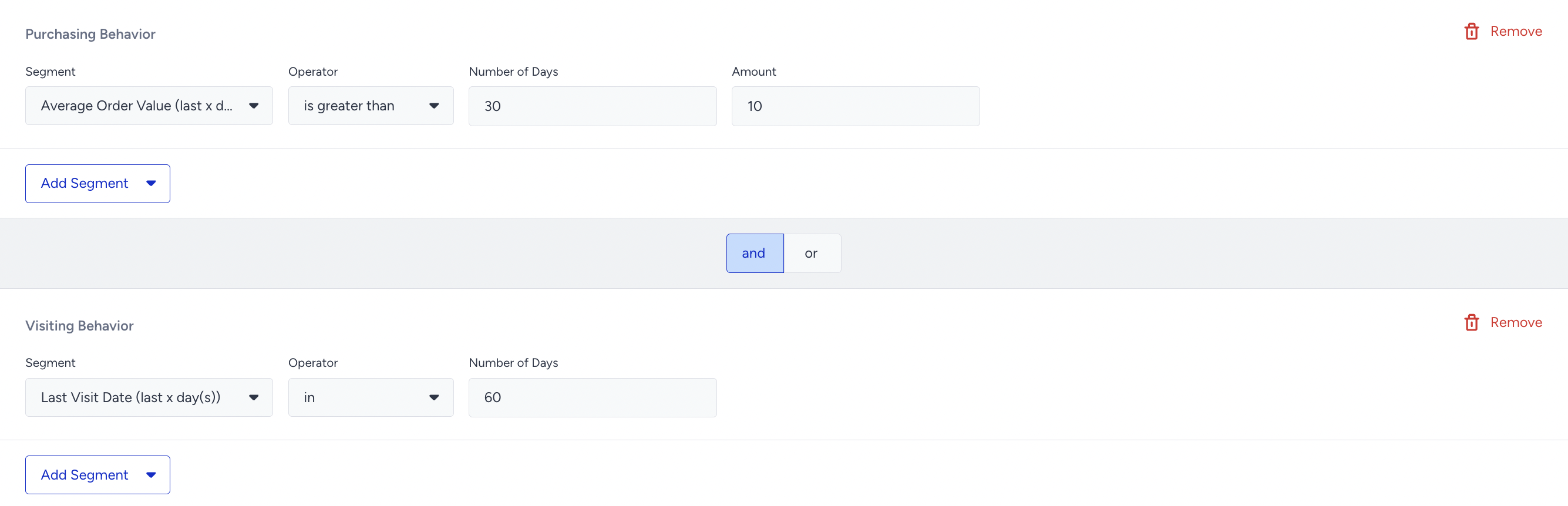
When you select a segment, you will see the properties available to that segment (e.g., segment name, operators, value). You can create segment groups and condition them using AND/OR logic.
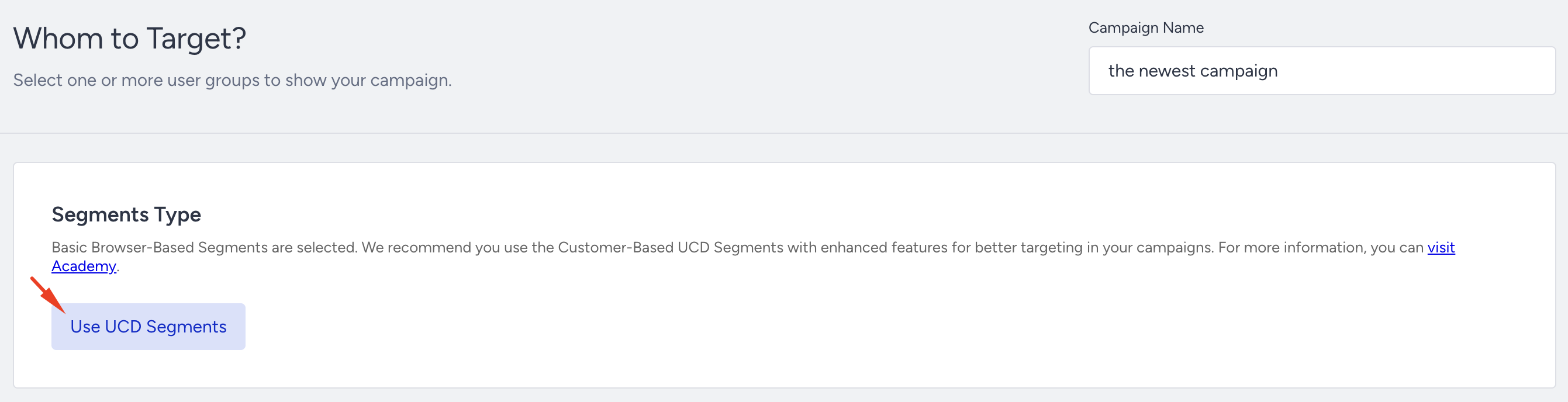
Web Templates campaigns offer dual segmentation. This allows you to choose whether to segment using browser-based data or UCD segments. That’s why the segment selection screen on these campaigns may look different compared to other campaign types.
Once you have selected your segments (or if you decide not to select any), click Save and Continue.