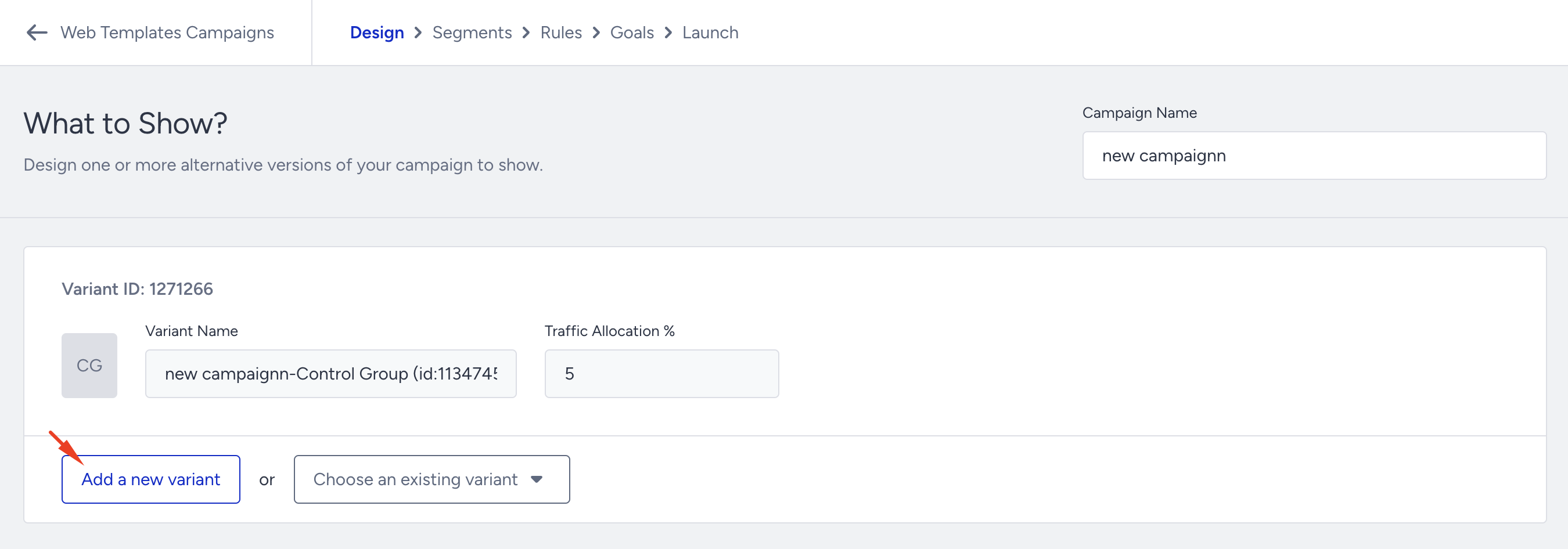
You can add a variant to your Web Templates campaign in two different ways:
Choose an existing variant
You can add an existing variant that you previously created to your campaign. Click the Choose an existing variant button and search for the variant by name in the Design step.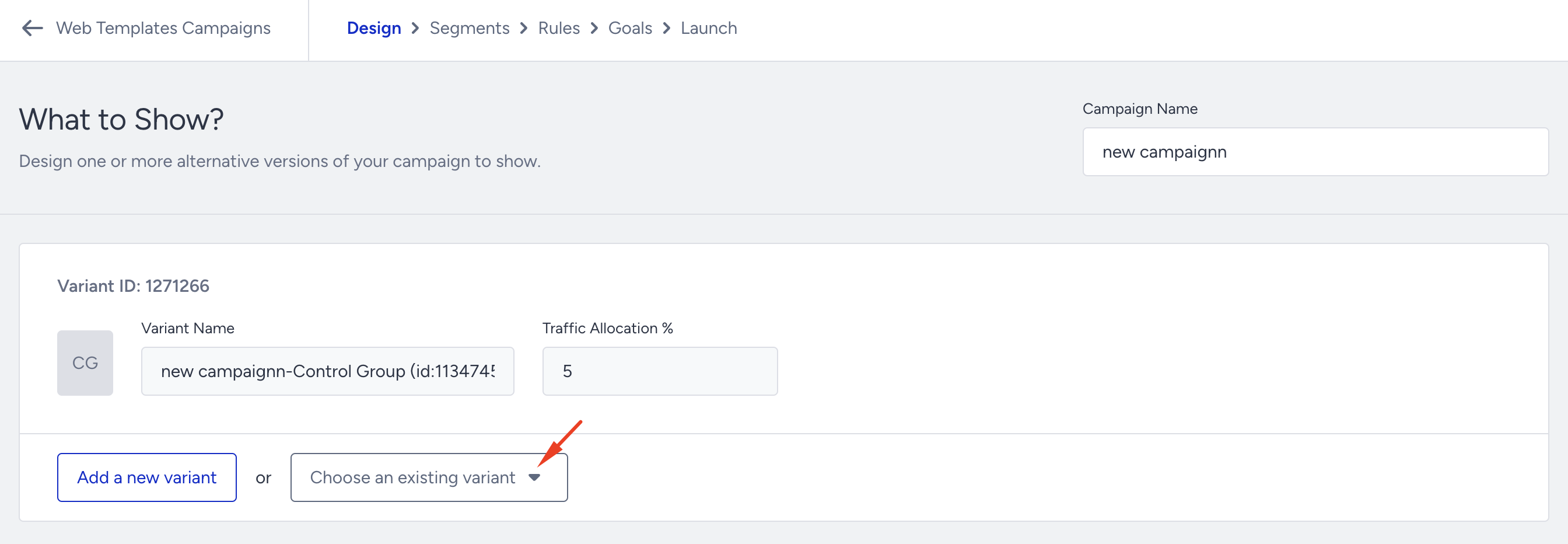
Add a new variant
You can add a new variant to your campaign. Click the Add a new variant button in the Design step.
If you want to add a new variant to your campaign, you can only use the relevant templates that are available in the Template Library. For instance, you cannot combine a Lead Collection template with a Side Coupon Menu in the same campaign.