Version History lets you track, preview, and restore previous states of your email design created with the Drag & Drop Editor. Every time Autosave saves your design, a new version is recorded automatically. You can browse these versions, compare changes, and restore any earlier state at any time.
The Version History button is located in the editor's top bar, next to the Autosave toggle.
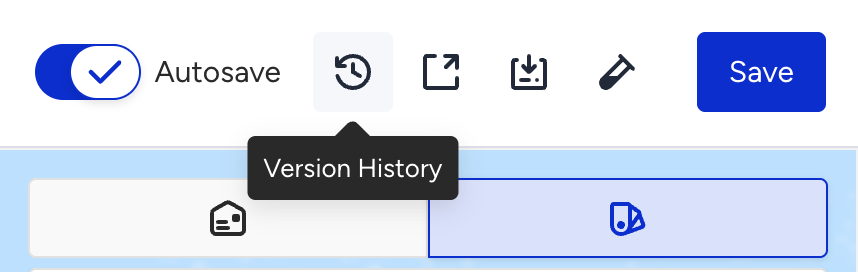
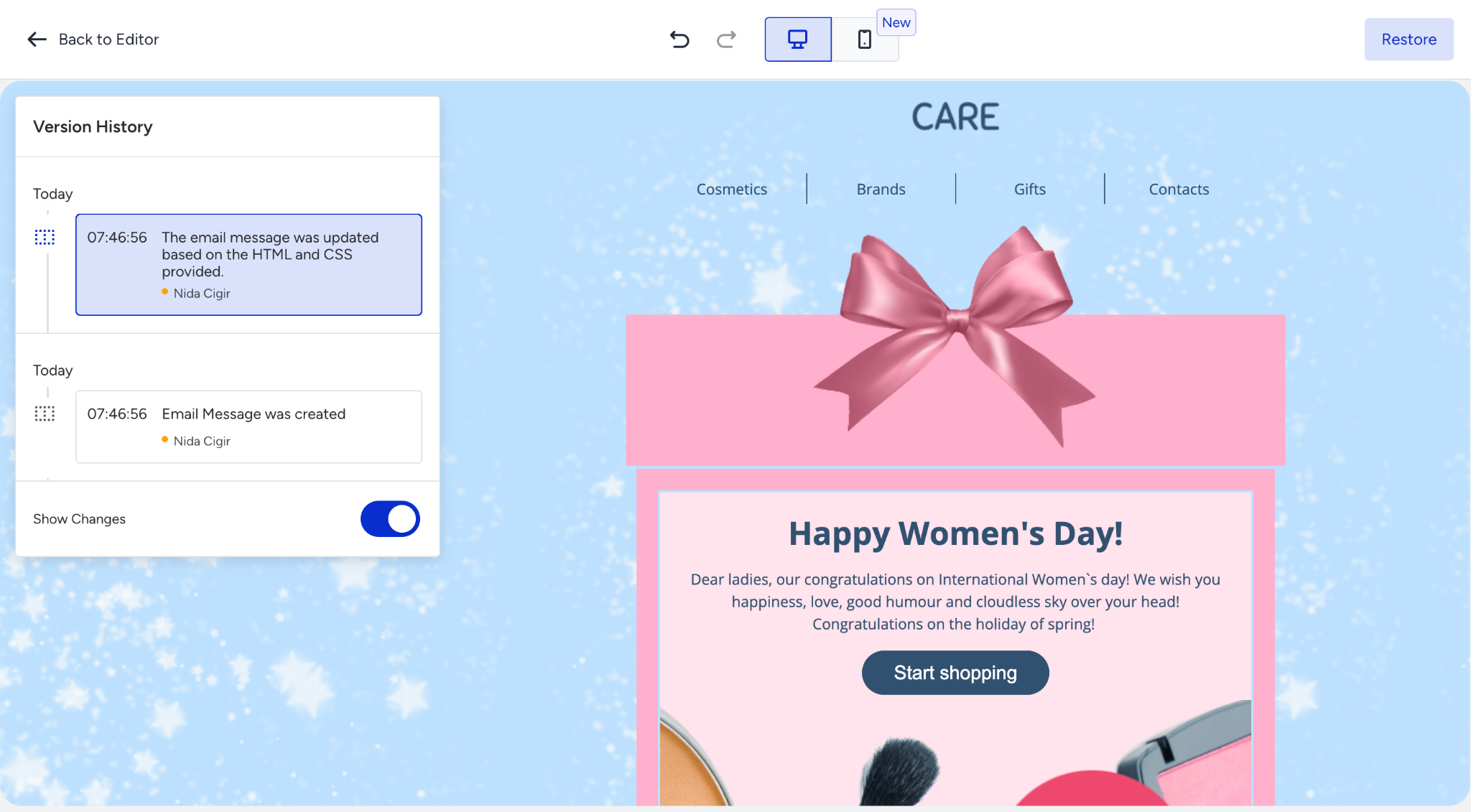
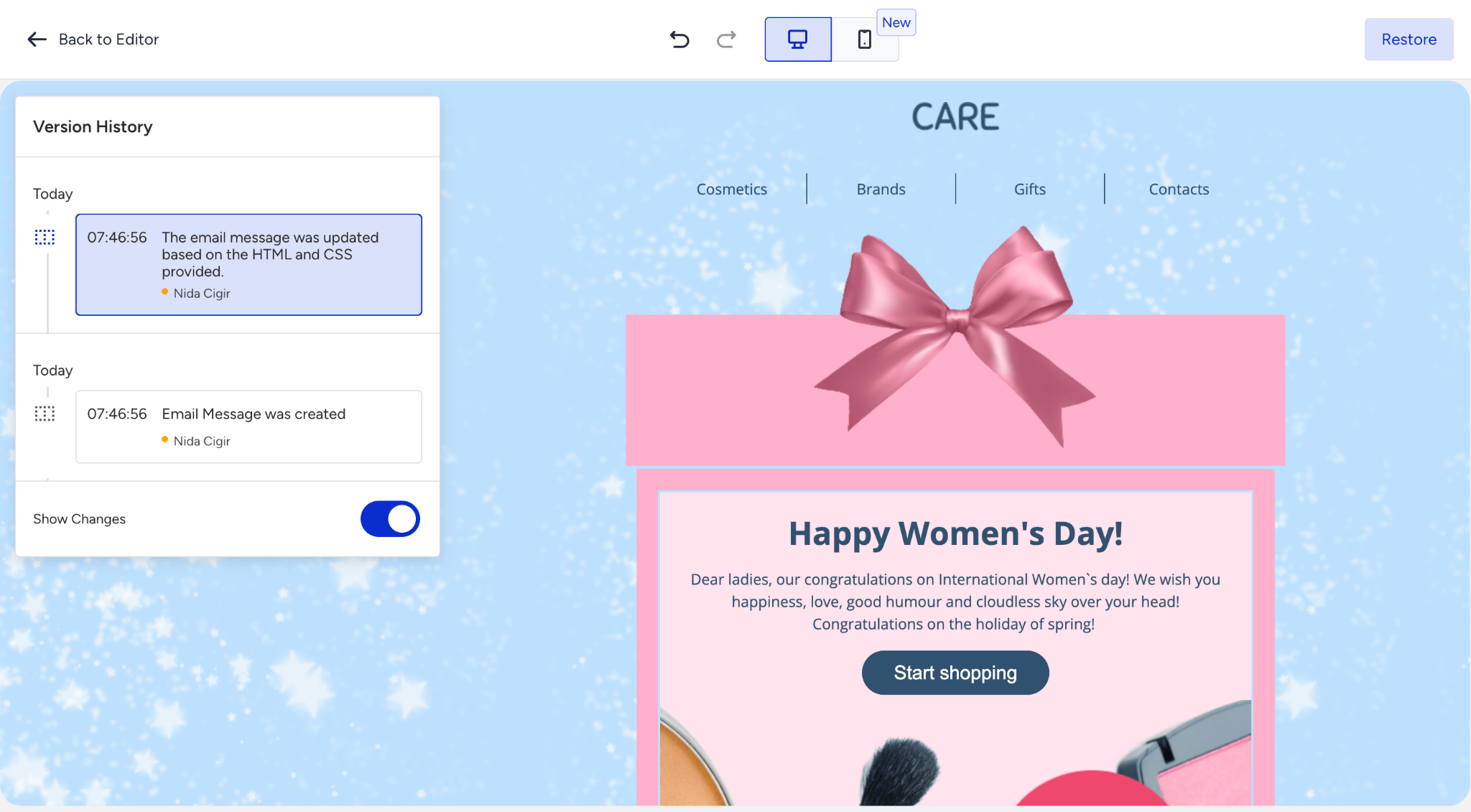
Click the Version History icon to open the Version History view. The editor switches to a dedicated version review screen with two areas:
Left panel: A chronological list of all saved versions
Right area: A live preview of the selected version
The email design is in read-only mode while Version History is open. To resume editing, click the Back to Editor button in the top left corner.
Panel
Each version entry in the panel displays the following information:
Field | Description |
|---|---|
Timestamp | The time at which the version was saved (e.g., 07:46:56). |
Change description | A brief summary of what changed in this version (e.g., "The email message was updated based on the HTML and CSS provided."). |
User | The name of the user who made the change, shown with a colored status dot. |
Date group | Versions are grouped by date (e.g., Today, Yesterday, or a specific date). |
Show Changes toggle
The Show Changes toggle at the bottom of the version panel highlights the differences between the selected version and the current version. Enable it to visually compare what changed.
Restore a version
To restore a previous version of your email design:
Click the Version History icon in the top bar.
Browse the version list and click a version entry to select it.
Review the preview on the right to confirm this is the version you want.
Click the three-dot menu on the version entry and select Restore.
Wait for the loading state to complete.
Restore states
Loading: The editor shows a loading indicator while the version is being applied.
Success: A success notification is shown. The editor returns to the default editing view, displaying the restored design. The restored version appears at the top of the version list with a timestamp indicating it was restored.
Error: An error notification is shown. Version History remains open. You can try again or select a different version.
If you restore the wrong version, open Version History again and select the previous version to revert.
The new Version History has a dedicated full-screen view, a full preview with desktop and mobile toggles, a description field, and the ability to show differences between versions. The Add a Name and Add a Tag options are visible with the Soon label in the version entry menu. These features are unavailable for now.