The Copy Coupon Code feature lets you include a coupon code variable in your WhatsApp message templates. This makes it easy for users to copy and redeem promo codes directly from the message, without typing or manual selection required.
When you add the Copy Offer Code button, recipients can copy the coupon code to their clipboard with a single tap, ensuring a fast and seamless experience.
To add a Copy Coupon Code to your WhatsApp Business Templates on InOne, follow the steps below:
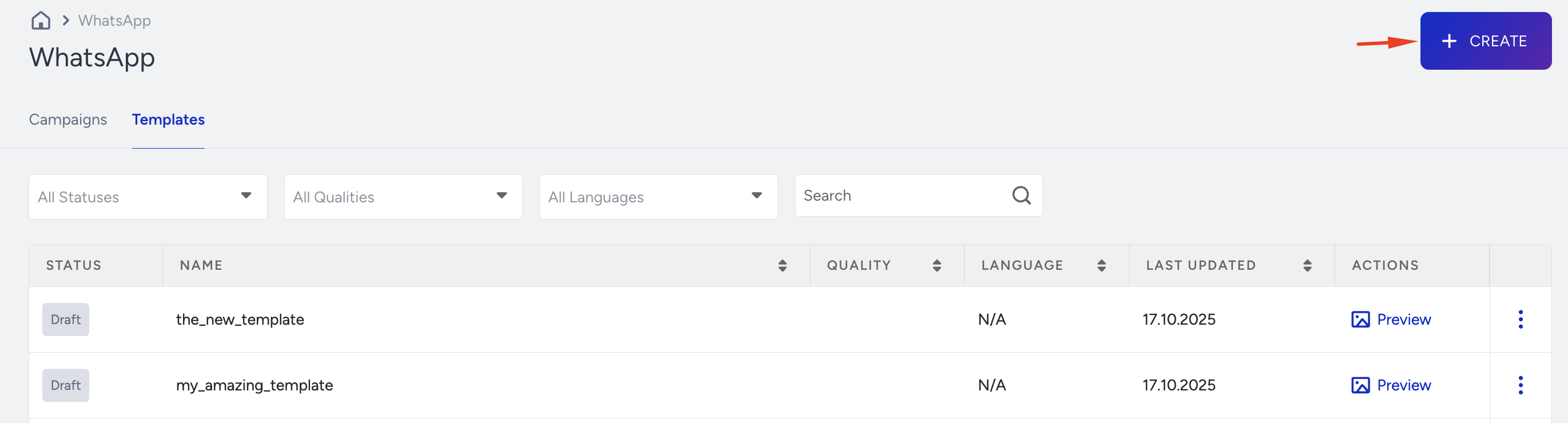
To create your WhatsApp template, navigate to InOne > Campaigns > Messaging > WhatsApp. Click the Create button.
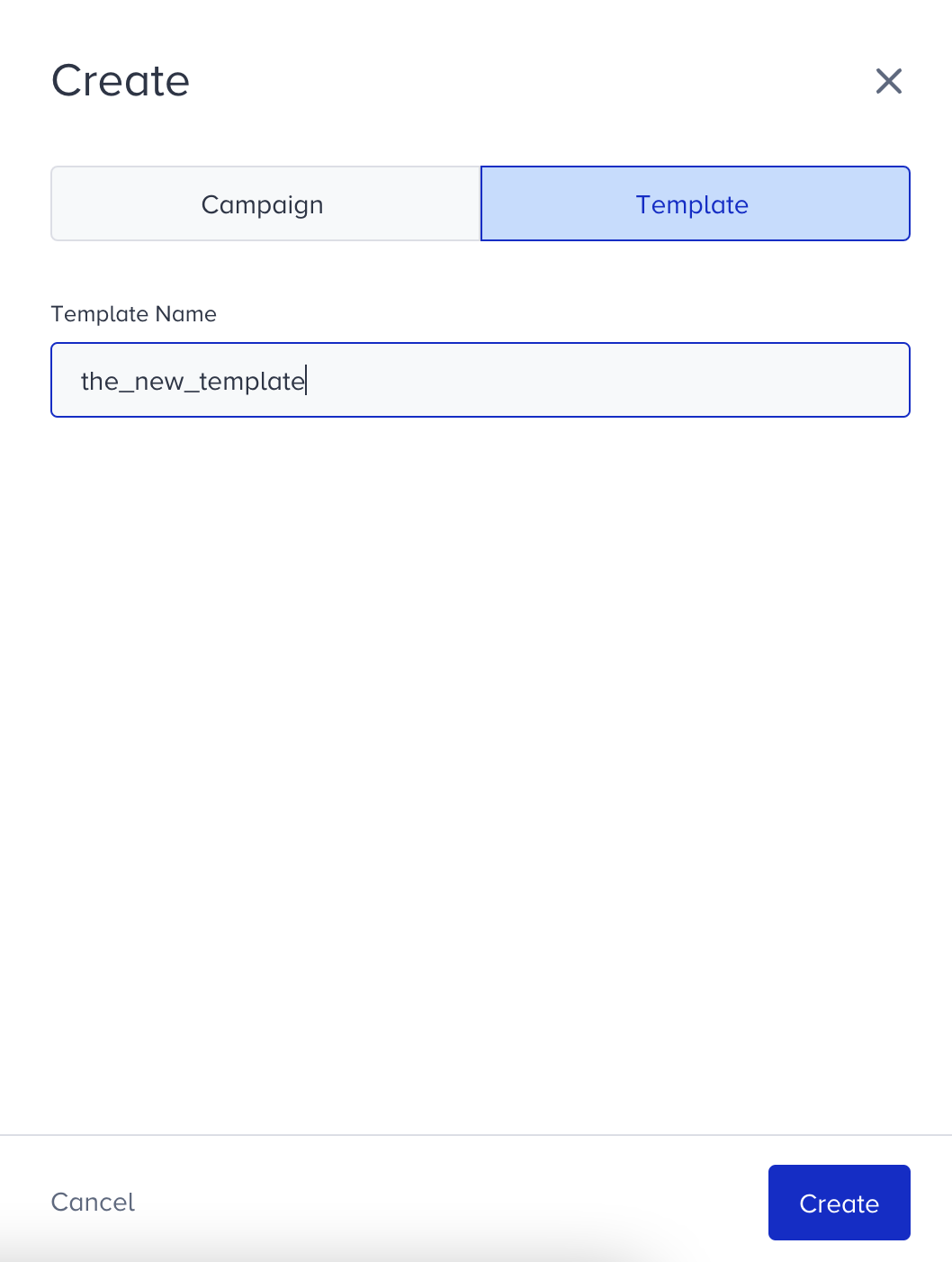
Name your template, click Create, and proceed to the template creation screen.
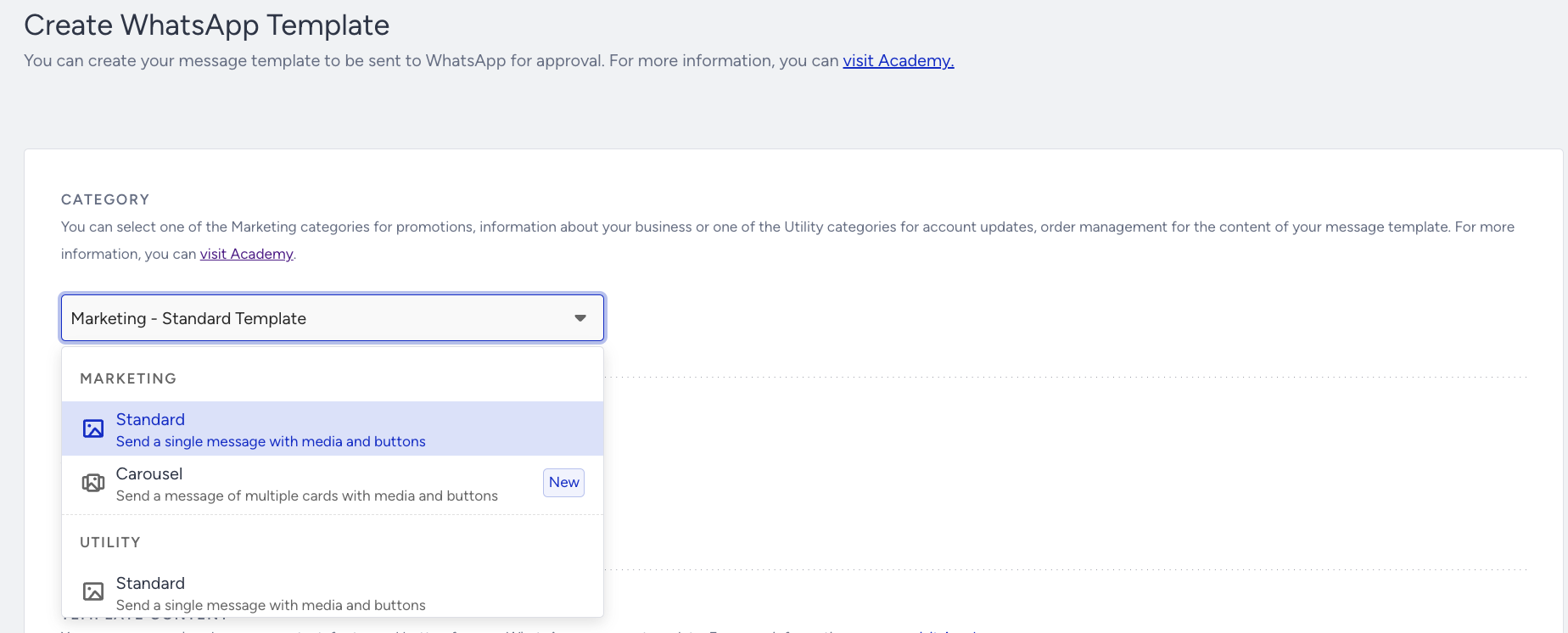
Select the Marketing template.
Select the template language. It must be in line with the language you use in the message. It will be used to match the language of the receiver base in the Segments step.
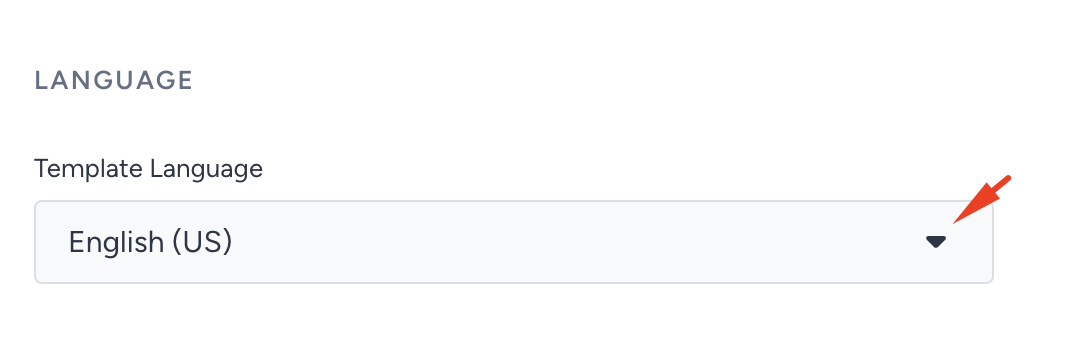
Selecting a language is mandatory for all templates.
Every language has its own default “Copy Offer Code” text, which appears automatically once the button is added.
In the Message Text field, click Add Variable and select Coupon from the dropdown.
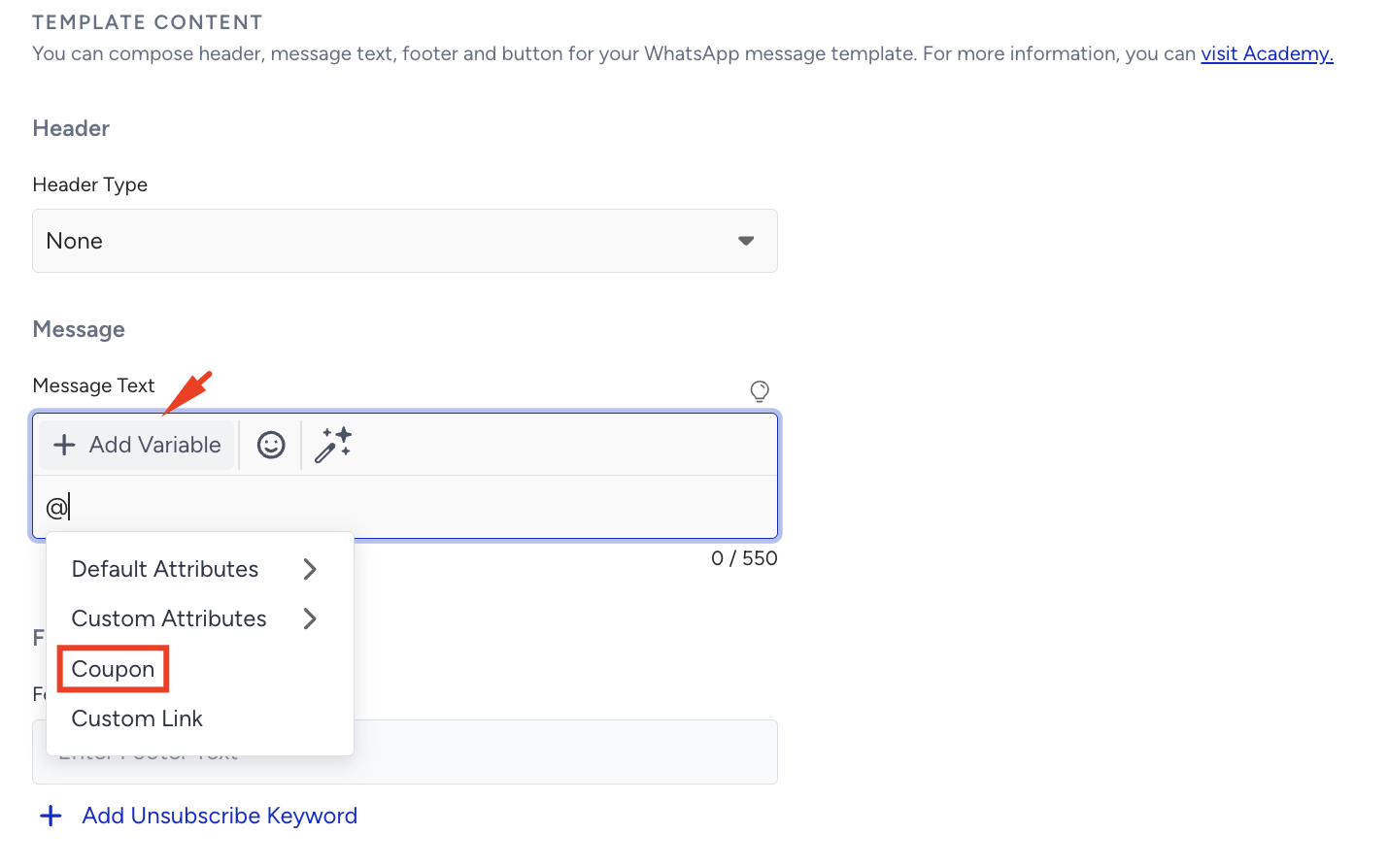
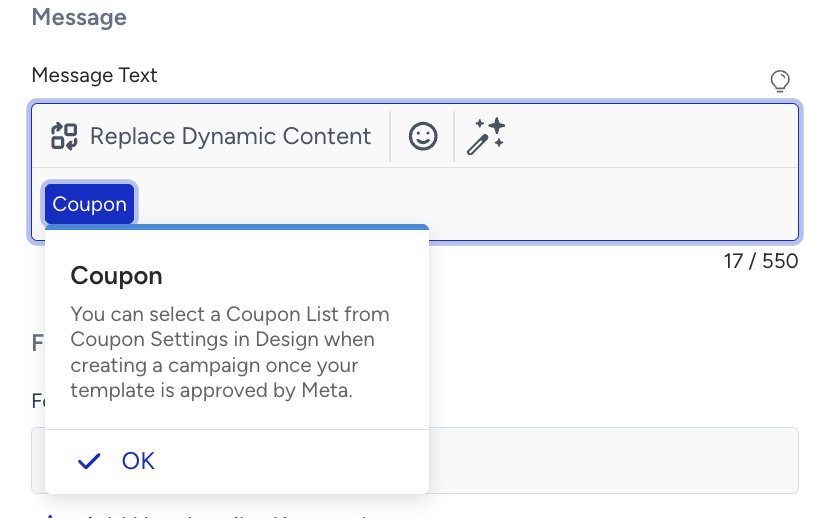
This will insert a coupon variable into your message body (e.g., where you want the code to appear).
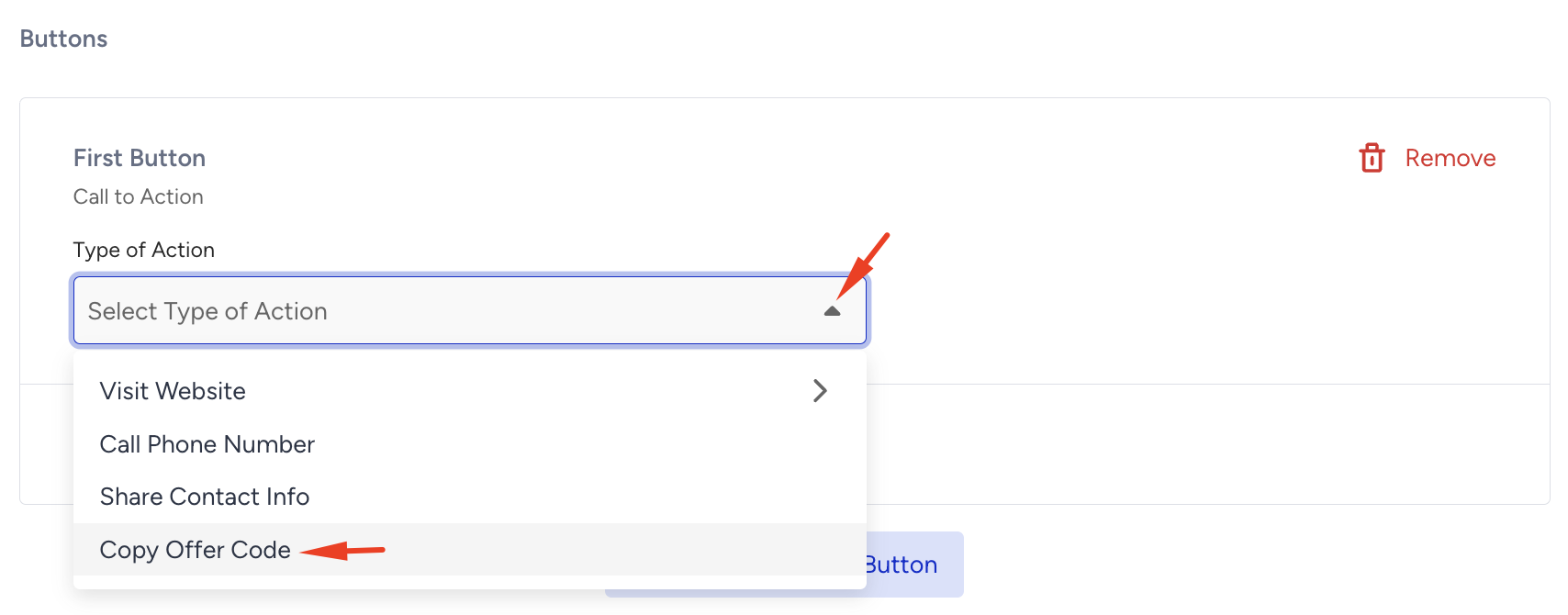
Scroll down to the Buttons section, click + Add Button, and choose Call to Action. Select the Copy Offer Code option in the dropdown.
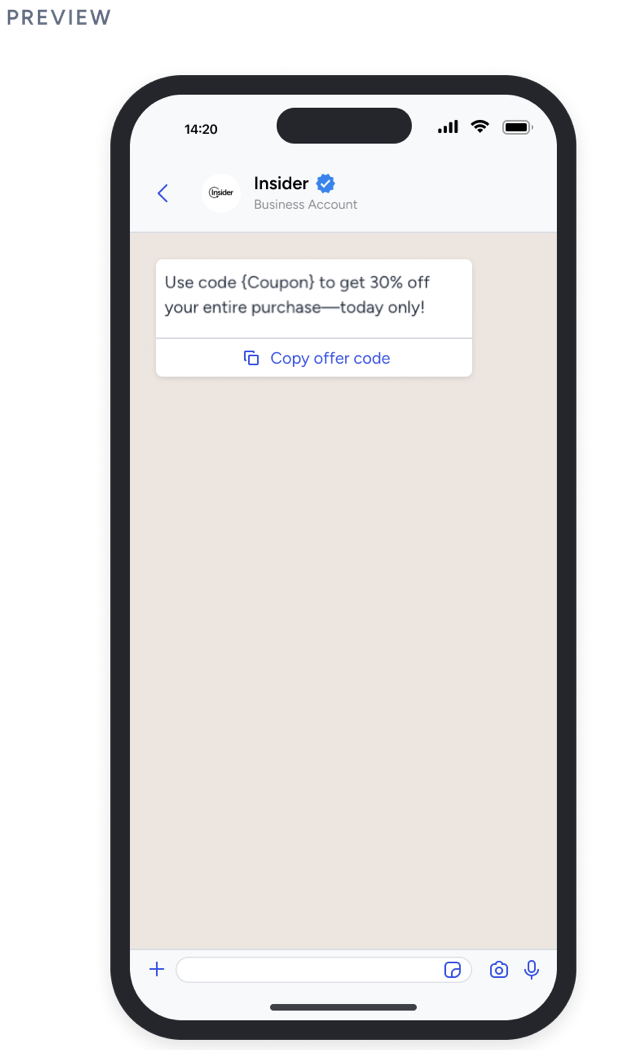
Once added, your message preview will show a Copy Code button.
Now, you can review your template and click the Submit button. After Meta approval, you can use your template in a campaign.
After your template has been approved, you can proceed with creating your WhatsApp message campaign.
In the Coupon Settings, choose your Coupon List.
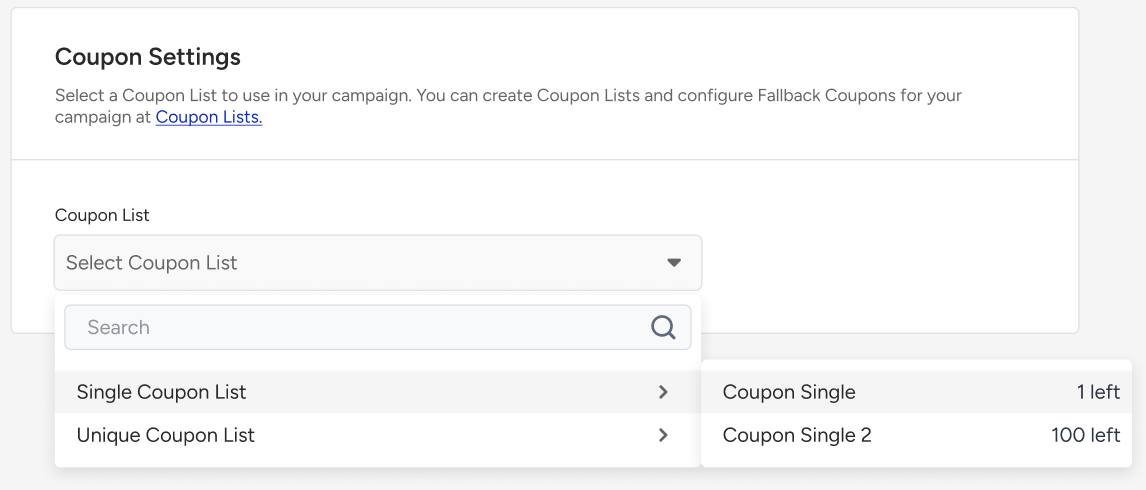
Refer to the Coupon Lists to learn how create coupons.
Once ready, click Save and Continue.
Key rules for using Copy Coupon Codes
Coupon templates are only supported for Marketing messages.
Coupon variables cannot be used inside the WhatsApp Business Carousel templates.
Coupon codes are limited to 20 characters.
Only alphanumeric values are supported.
You can’t customize the button text.
Templates support only one Copy Code button.