Suggested readings: Getting Started with Email, Email Template Library, Email Design and Editor, Recurring Email Campaigns, Experiment (A/B) Email Campaigns
Single campaigns are one-off emails you can send to notify recipients about promos, offers, and discounts. Let's say you have a new summer collection that you want to promote. Or you made a significant discount on your products for the holiday season and want to nudge your users to visit your website. You can create single campaigns and send them to a segmented recipient list for such purposes.
You can leverage Send Time Optimized, Experiment (A/B), and Email Throttling in your single campaigns.
Requirements
Complete the Email Channel Setup before starting to use Insider One's Email product.
Create single campaigns
To create single campaigns, follow these steps:
1. Go to the email listing page to click the Create button. Enter your campaign name and choose the Single type. Click the Create button to proceed. 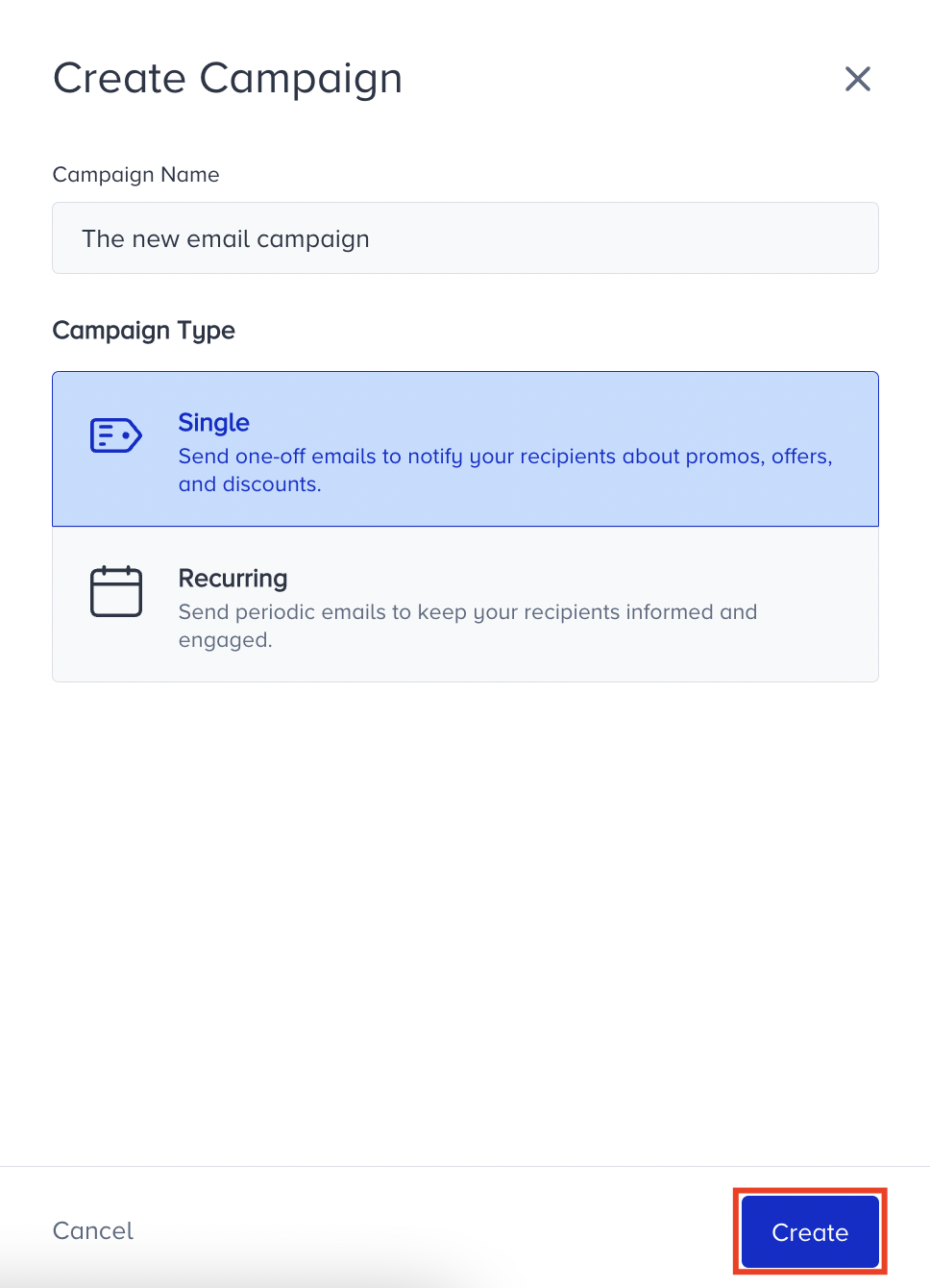 2. Select your recipient list and decide on your target group in the Recipients step.
3. Proceed to the Design step to work on your email design with the Email Design & Editor.
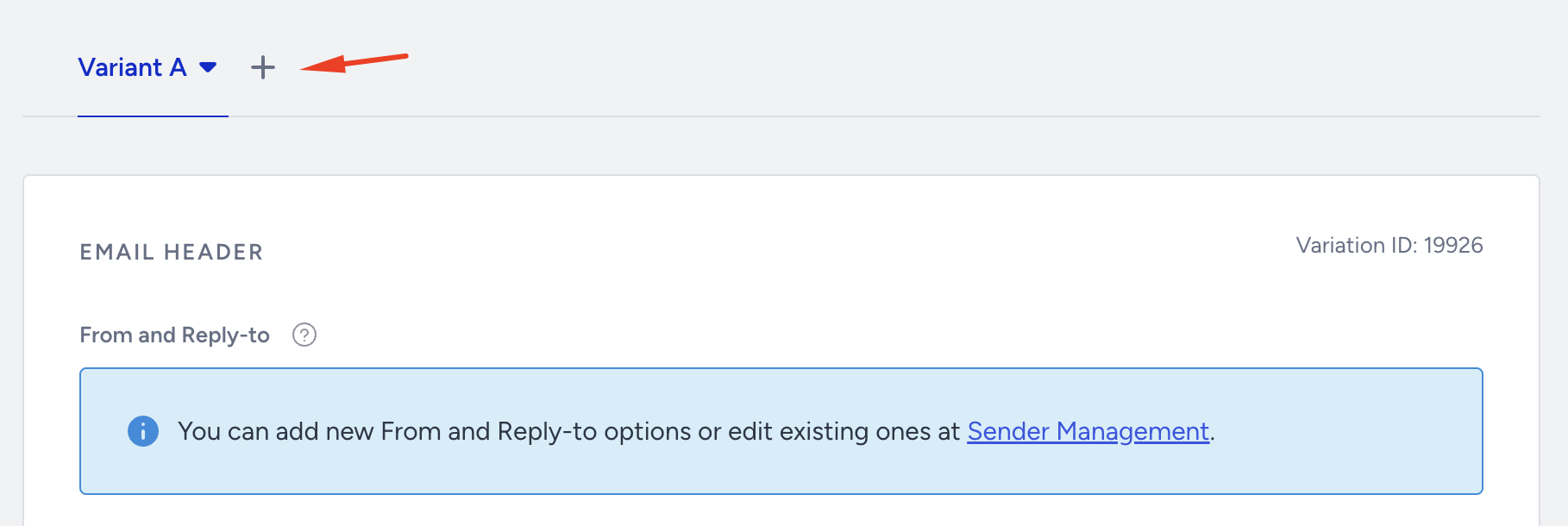
4. On the Launch step, configure your activation status. You can send your campaign now, schedule it for a future date and time, or save it as a draft.
Instead, you can send your single campaigns with the Send Time Optimized option.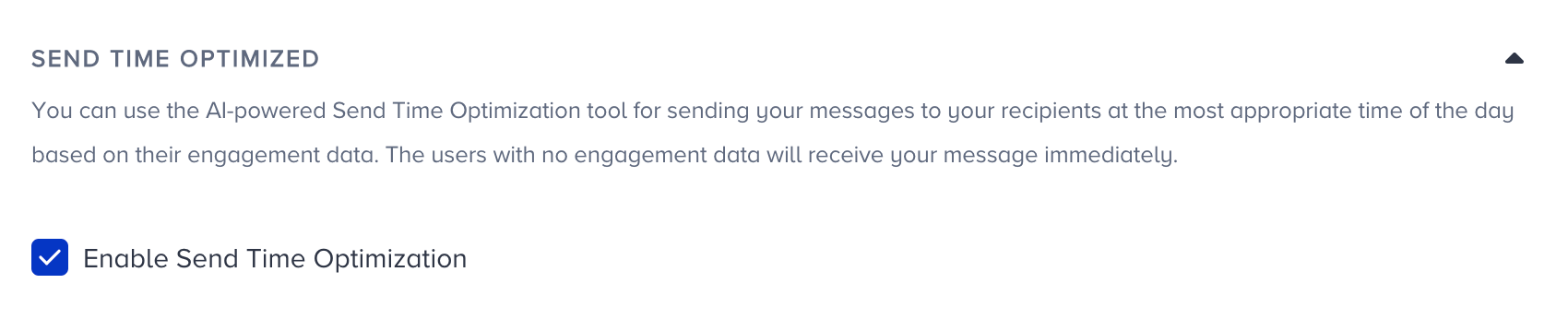 5. If you have created another variant, configure your A/B Test Settings.
6. Configure Email Throttling to limit the number of emails you send to different ISPs by a domain.
7. Configure the other Launch settings following the respective steps.
Track the status of a single campaign
You can track the status of your single campaign in the following states:
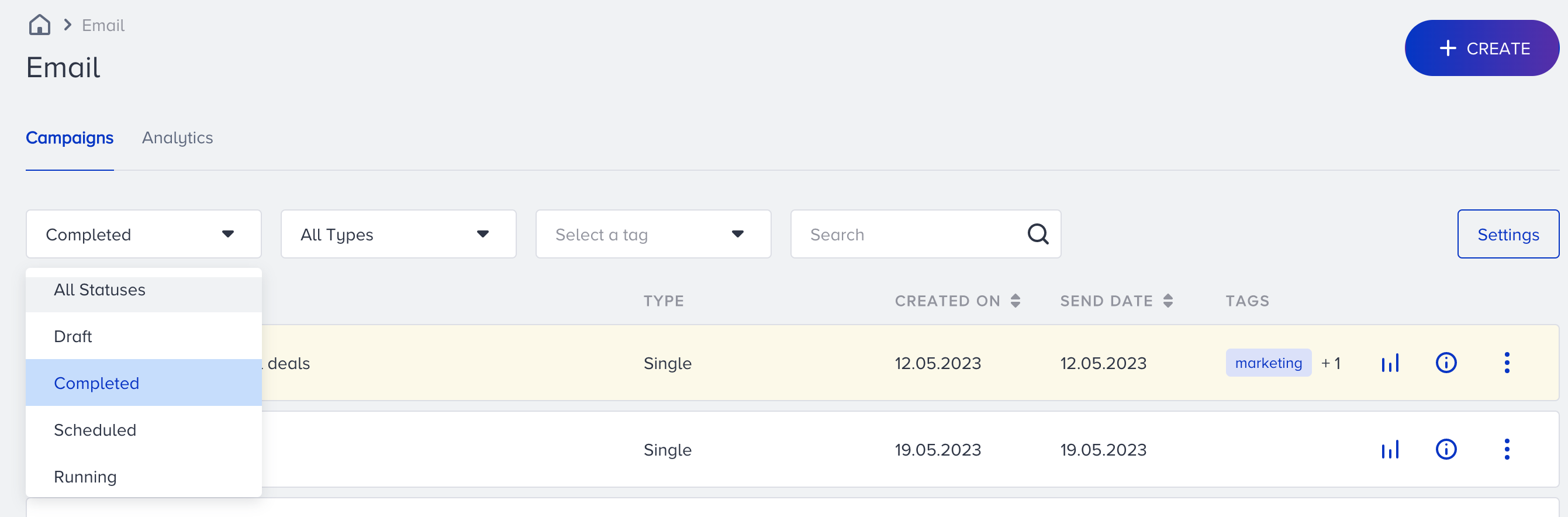
Scheduled: If your single campaign is set and scheduled for a future date, it will be listed with Scheduled status.
Draft: If your single campaign is not sent or scheduled yet or you have saved it as a draft, it will be listed with the Draft status.
Completed: If your single campaign was sent, it will be listed with the Completed status.