Thanks to Onsite Experient, you can add a badge to highlight products or content on your website.
You can add your badge in three formats:
Badge with Image
Badge with Text
Badge with Image, and Text
To edit an existing badge, click the Badge to open the Style and Dimensions menu and configure the badge.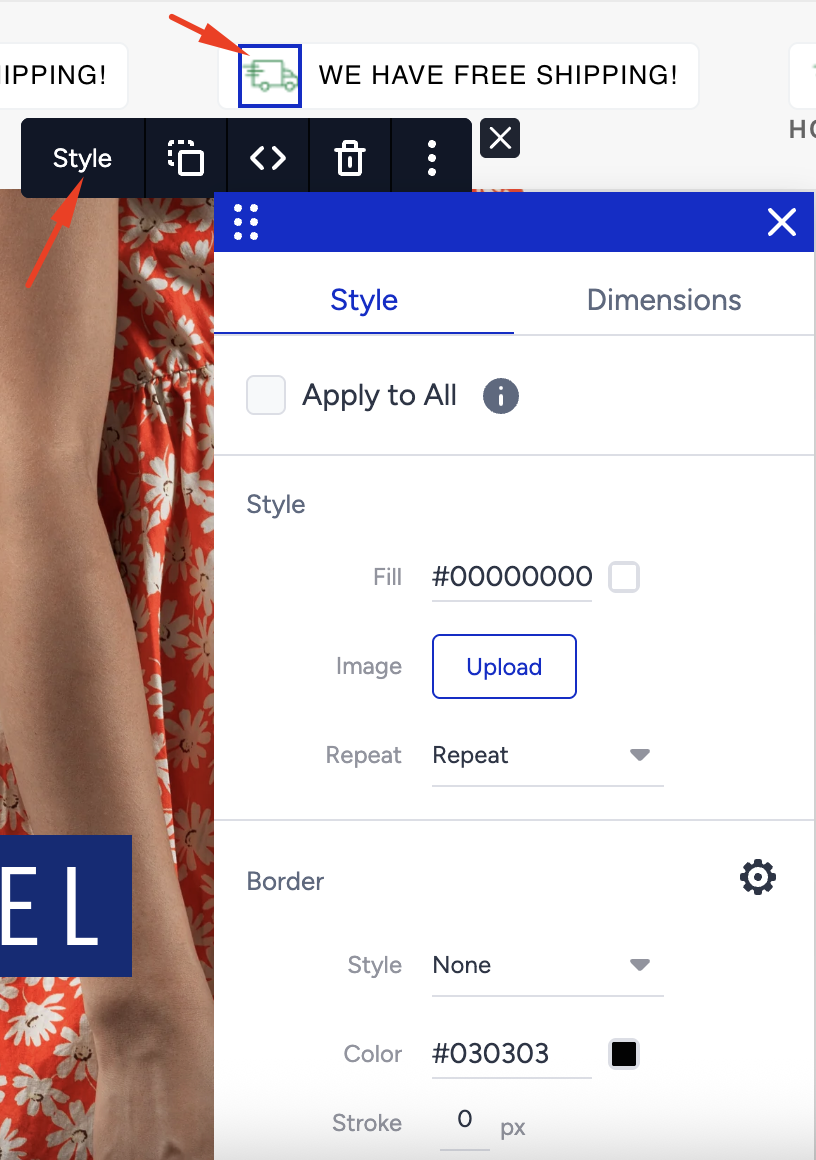
The badge is applied to all the products having the same selector.
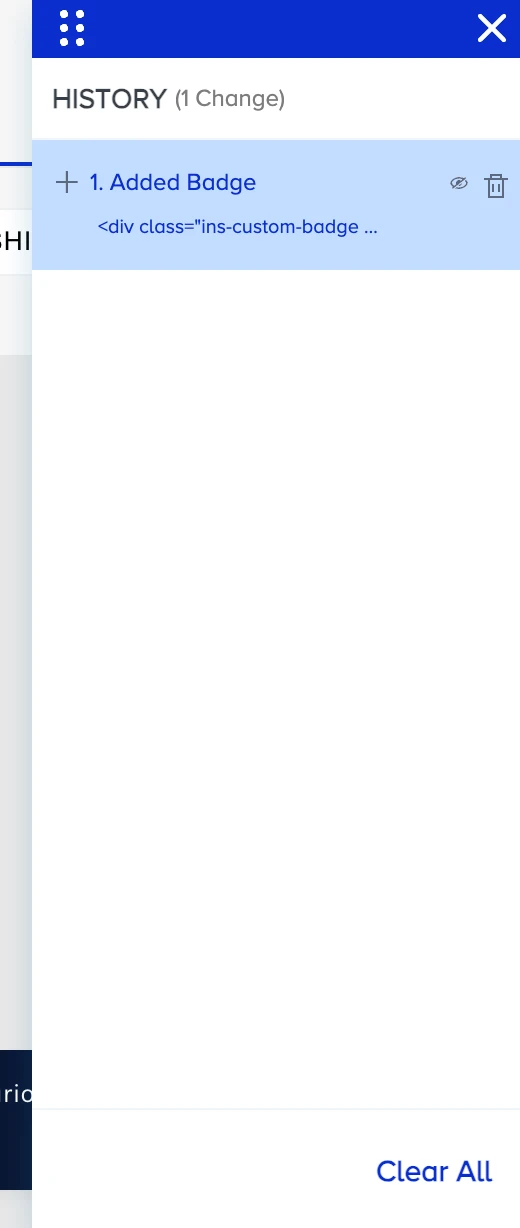
A campaign can include a maximum of one badge element. If there is a Badge log in the History menu, the “Add Badge” feature becomes invisible. In this case, you can remove this log or clear the entire history directly.