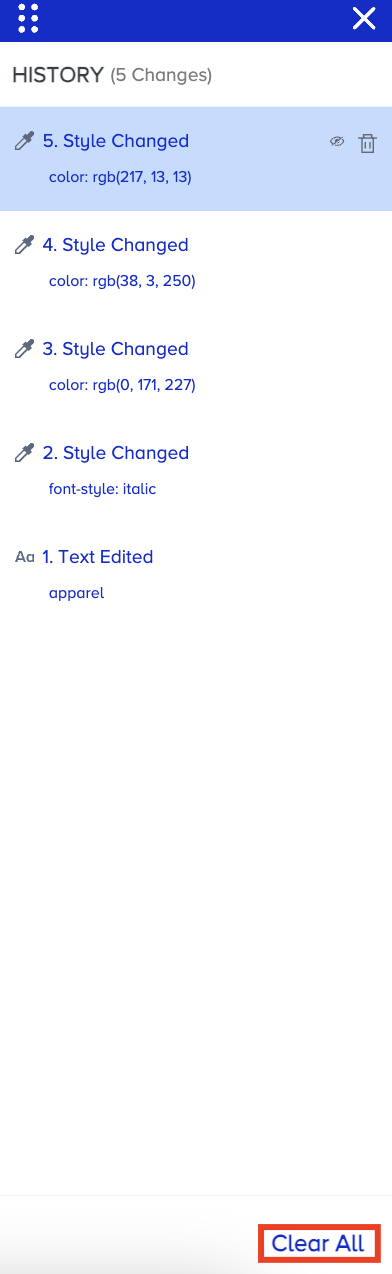
Every change you make to your website is listed in the History menu.
To see the changes you have made to your website:
Click on the History button next to the Redo button on the top left of your screen. You will see all the changes listed in the History menu.

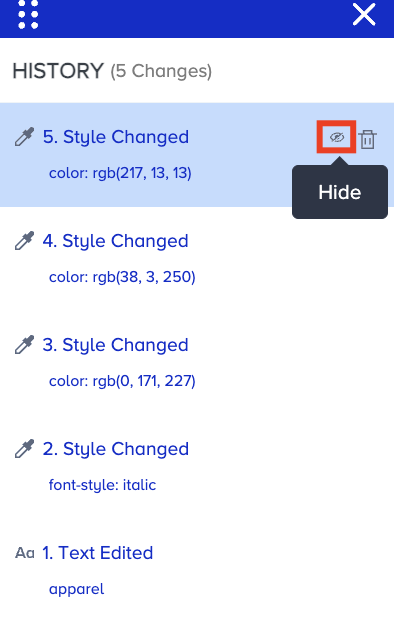
If you want to hide one of your changes, click on the relevant change and click the Hide/Show button. After you hide your change, click the same button to show it on your website.
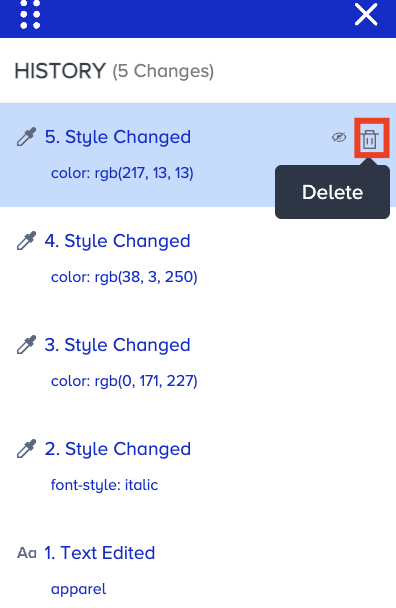
To delete one of your changes, click the Delete button.
If you want to remove all the changes, click the Clear All button at the bottom right of the page.