Really Simple Syndication (RSS) is a web feed format that allows users to access website updates in a standardized, computer-readable format. Websites generally use RSS feeds to publish frequently updated information, such as blog entries, news headlines, or episodes of audio and video series.
This article explains the following topics:
- What are the benefits of RSS?
- How can I add multiple RSS feeds to my account?
- What does RSS help you with?
What are the benefits of RSS?
An RSS feed enables you to embed your content on other websites. If you need to share your content with other sites and allow them to publish it, you can give them a link to your RSS feed, and they can easily embed it. Whenever you publish a new post, its content updates in real time.
How can I add multiple RSS feeds to my account?
You can also build your email design with multiple RSS feeds for different topics. First, add your feeds to your InOne panel; then use special tags to manage multiple feeds.
To add your feeds, follow these steps:
1. Navigate to Inone > Settings > Inone Settings > Email Settings.
2. Scroll down to RSS Feeds at the bottom of the page.
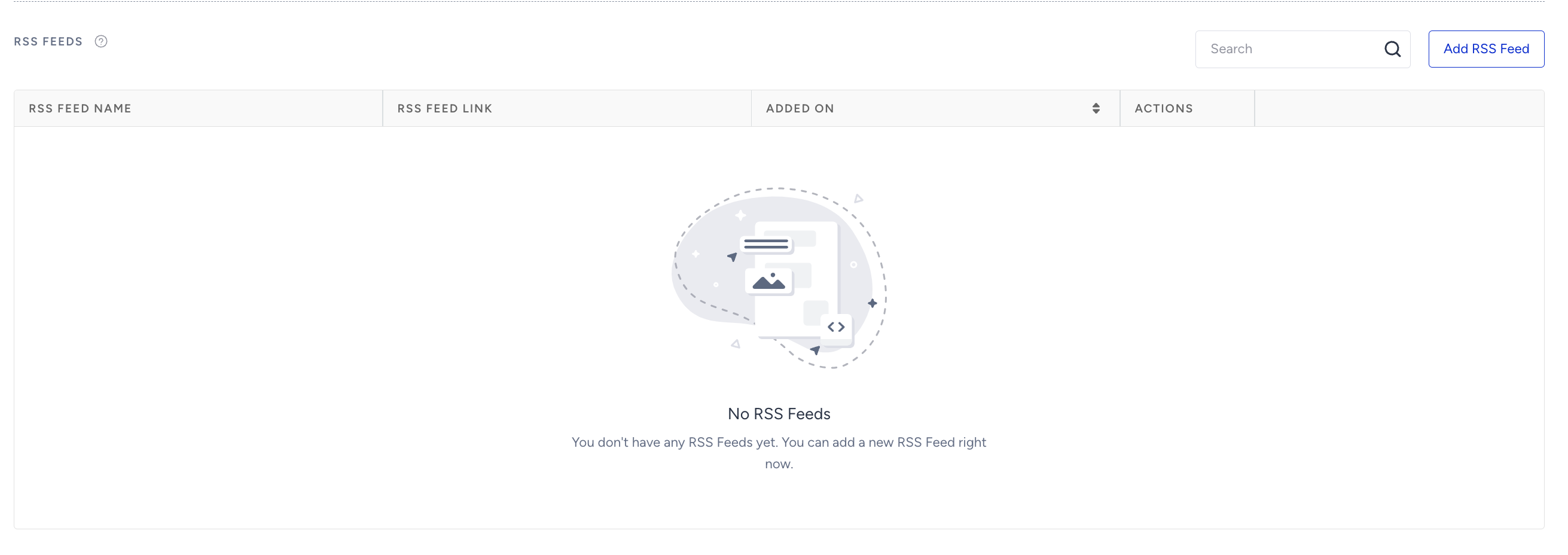
3. Click the Add RSS Feed button to see a side modal.
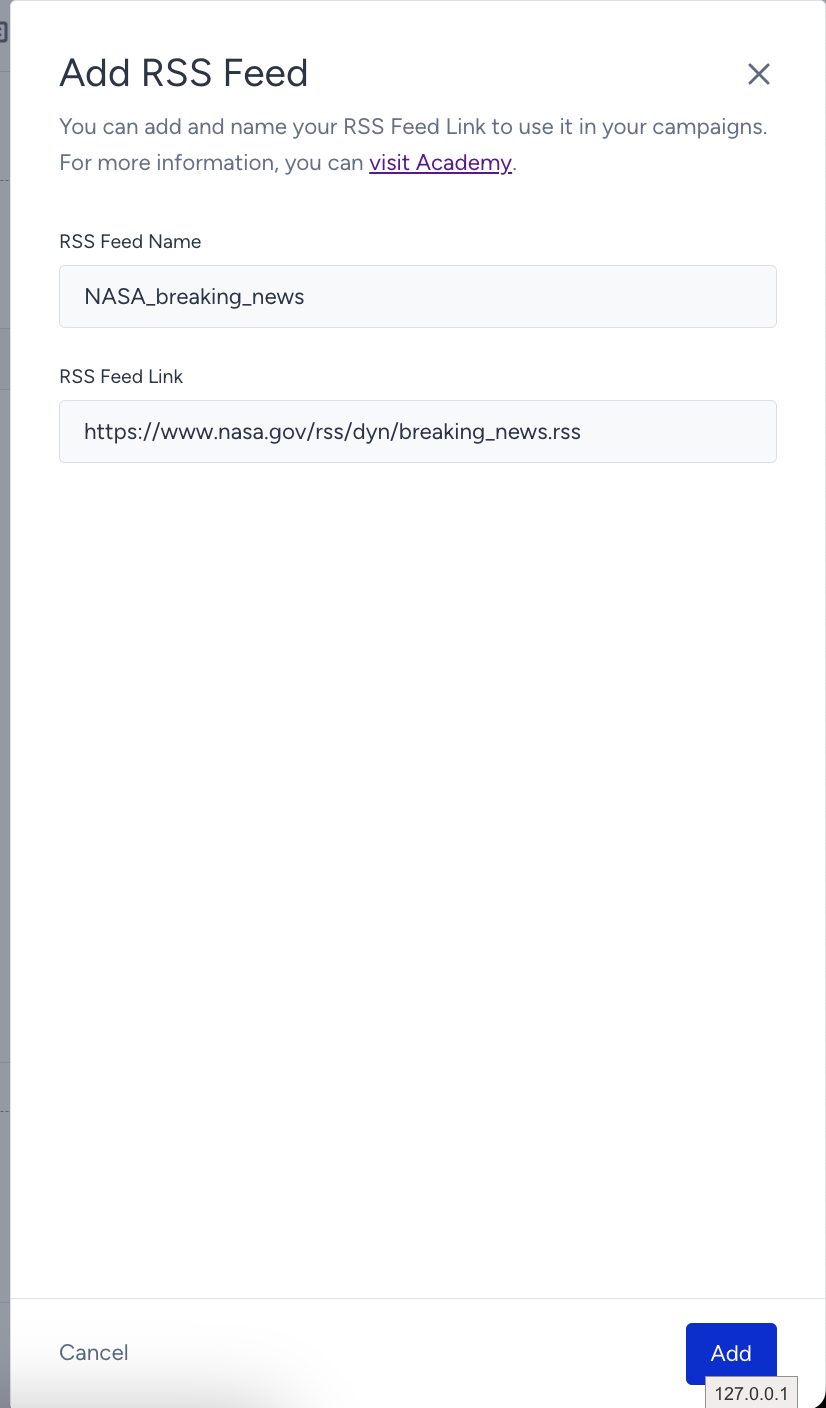
4. Enter your RSS Feed Name and RSS Feed Link. Click the Add button to validate the data in the panel.
If there are no errors in the feed, it will be stored. If there is, you will be displayed an error with the exact reason.
5. Once you add your RSS feed, it will be listed under RSS Feeds.

6. Now you need to adjust your RSS tags.
As displayed in Use RSS Feed in Email, your regular tags look as follows:
{$ channel.item.title@isPermalink $}
{$ channel.item.1.media:content.media:description $}
{$ channel.title.2@url $}
{$ channel.item.0.info.title $}
Once you add multiple RSS feeds, add the RSS feed name at the beginning of these tags to use them in your email design. For example, to get any information from the "NASA_breaking_news" feed added to the list, you should change your tags as follows:
{$ NASA_breaking_news.channel.item.title@isPermalink $}
{$ NASA_breaking_news.channel.item.1.media:content.media:description $}
{$ NASA_breaking_news.channel.title.2@url $}
{$ NASA_breaking_news.channel.item.0.info.title $}
You can add up to 20 RSS feeds, each with a unique name and URL.
How is RSS content fetched?
RSS content is fetched at the actual time of delivery, but not at the scheduled send time. This means recipients may receive slightly different content depending on when their individual email is processed.
If the content cannot be retrieved at send time, the following cases might happen:
- If a specific RSS tag cannot be resolved (e.g., {$ channel.item.0.title $} returns no value), that element is skipped and left empty. The rest of the email is sent successfully. This behavior applies to both the old and new RSS systems.
- If the RSS feed itself cannot be fetched or parsed (e.g., the feed URL is unreachable or returns invalid content), the campaign is moved to Draft status, and a notification is sent to the campaign owner. The campaign will not be sent until the issue is resolved and the campaign is re-launched.
What does RSS help you with?
RSS allows you to deliver fresh content frequently with less effort. In fact, creating content and scheduling emails manually take more time than we think. The RSS feature automatically adds new content to your campaign and sends it on a scheduled date, requiring only an RSS feed URL and tags.
More on RSS:
- When a campaign is set to RSS type, the send time should be scheduled one hour after the RSS is updated in the source.
- Overall statistics for all RSS campaigns are displayed in the campaign analytics.
- Comment lines in the feed will not be displayed in the content. E.g. <![CDATA[yourcomment]]>