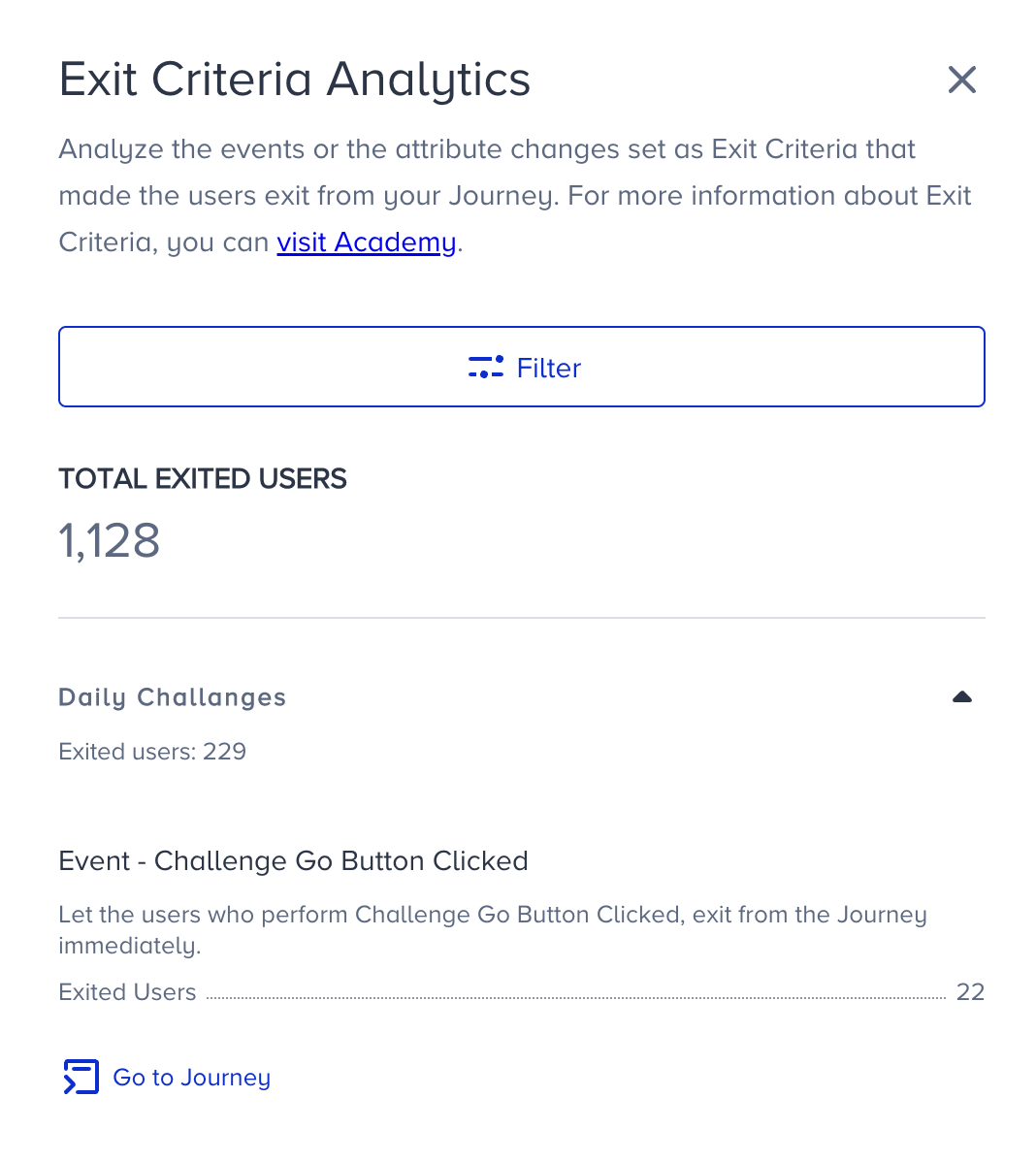
You can see the number of Exited users on the canvas, Journey Analytics and Analytics Dashboard. You can see the selected attribute or event as a tag on the canvas Live Stats bar.
This article explains how to view the exit criteria results on:
Live stats
You can see the selected attribute or events as a tag on the canvas Live Stats bar.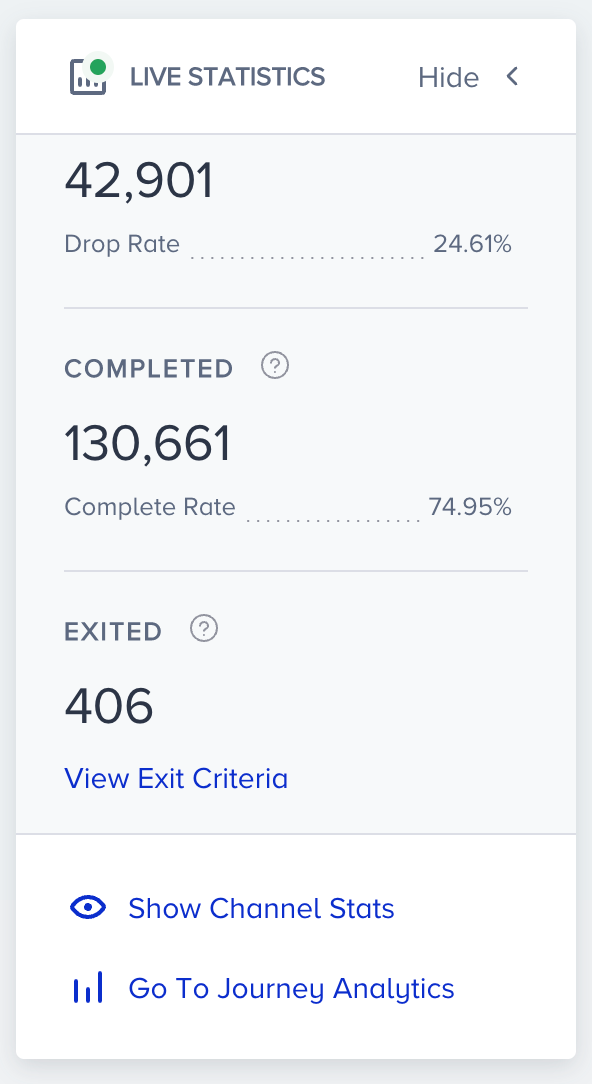
Click the View Exit Criteria button to see the number of users who exited based on each condition.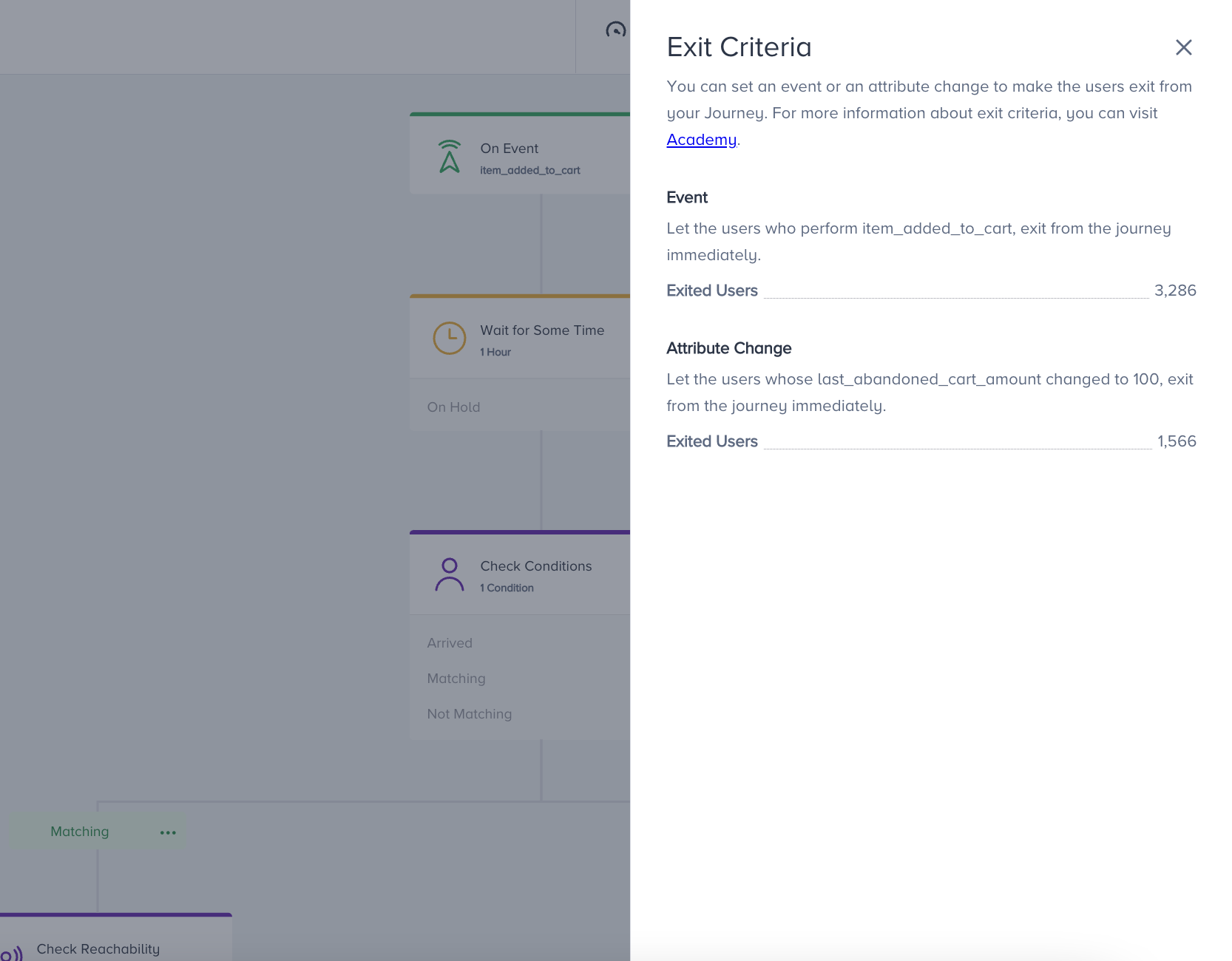
Journey analytics
In the journey analytics, you can see the users who exited the journey and entered, dropped, completed, and sent metrics. 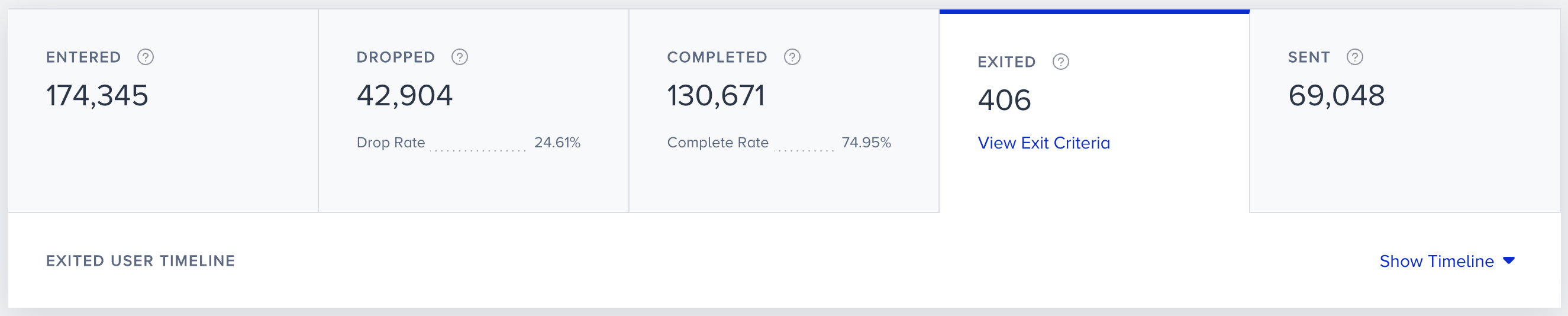
When you click the View Exit Criteria button, you will see the number of users who exited from each condition.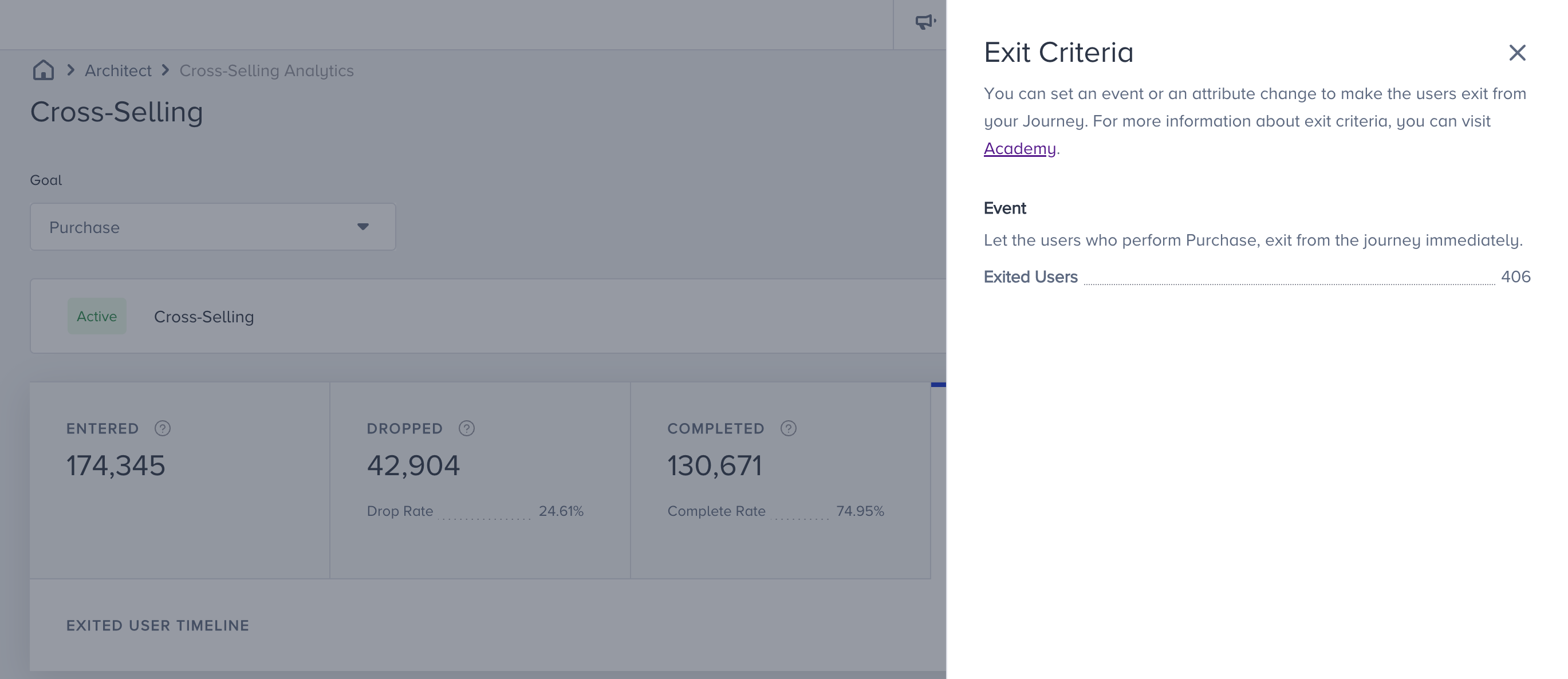
Analytics dashboard
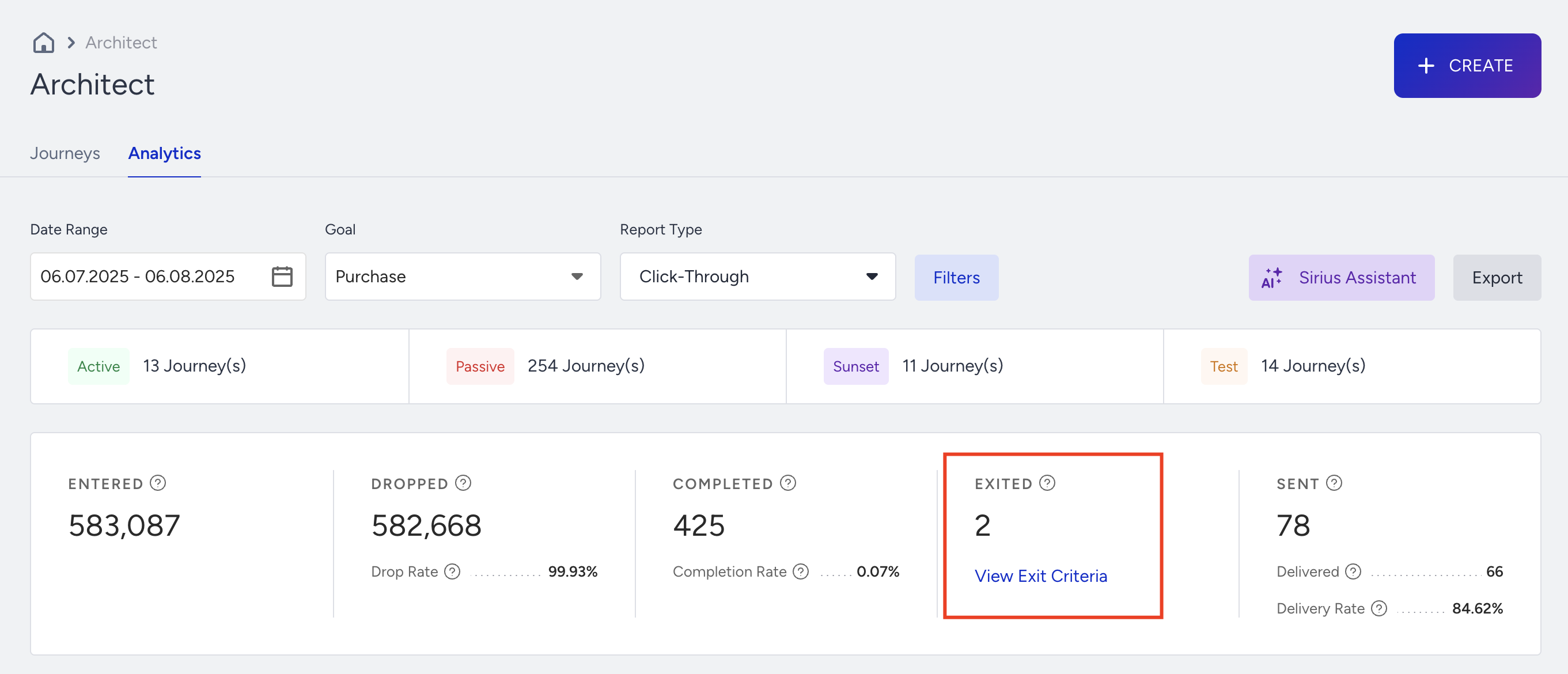
When you click on the View Exit Criteria button, you will see the number of users who exited from each journey.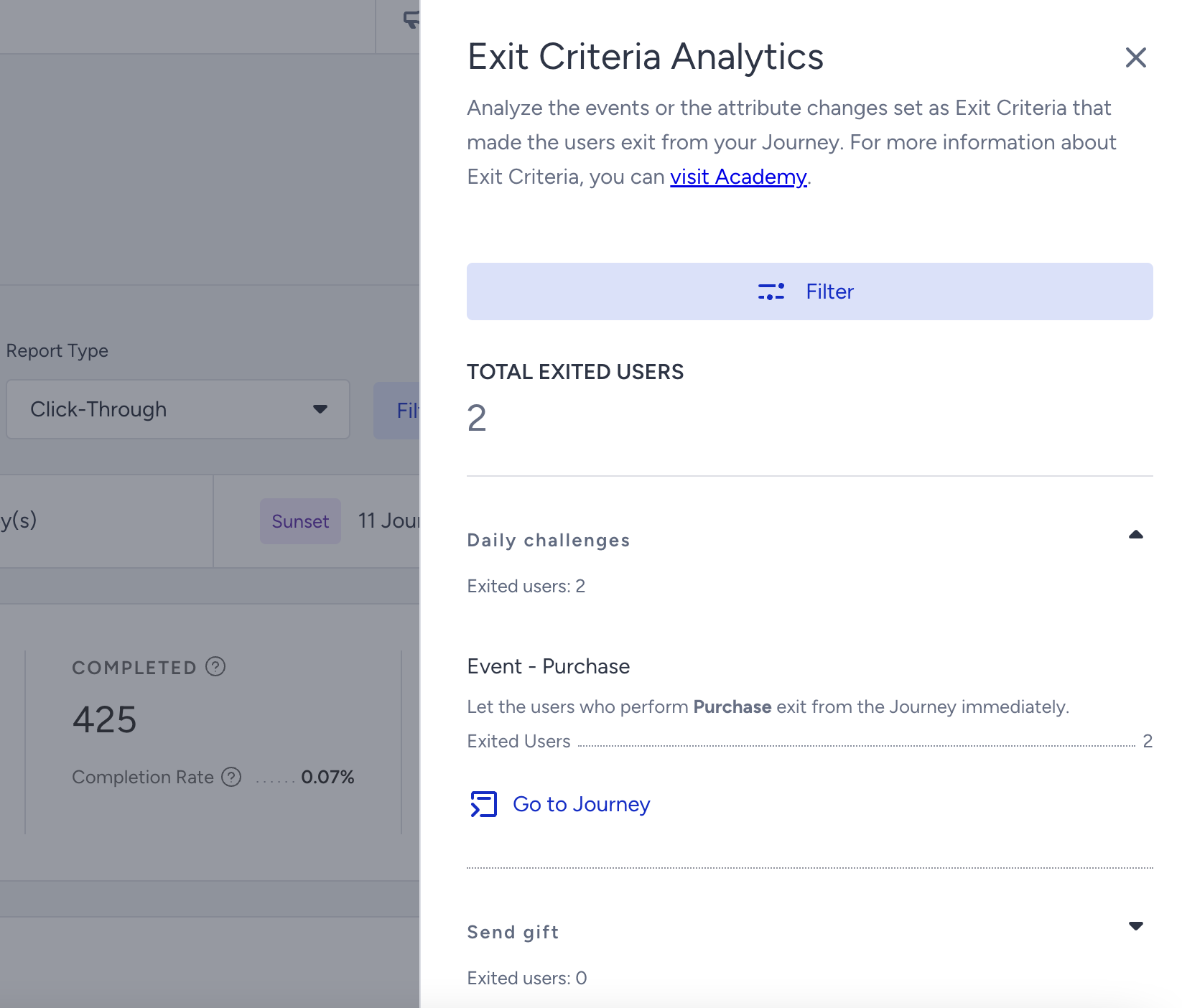
You can click on journey names and see the details of Exit Criteria conditions and the number of users who exited from each condition. You can also click the Go to Journey button to reach the respective journey.