You cannot make any changes to External Platform Integrations without having either an Administrator or an Editor with PII access in InOne. Refer to User Roles for further information.
Our tag for Tealium allows you to integrate Insider One's Growth Management Platform into your website in just a few clicks:
Add Insider Tag
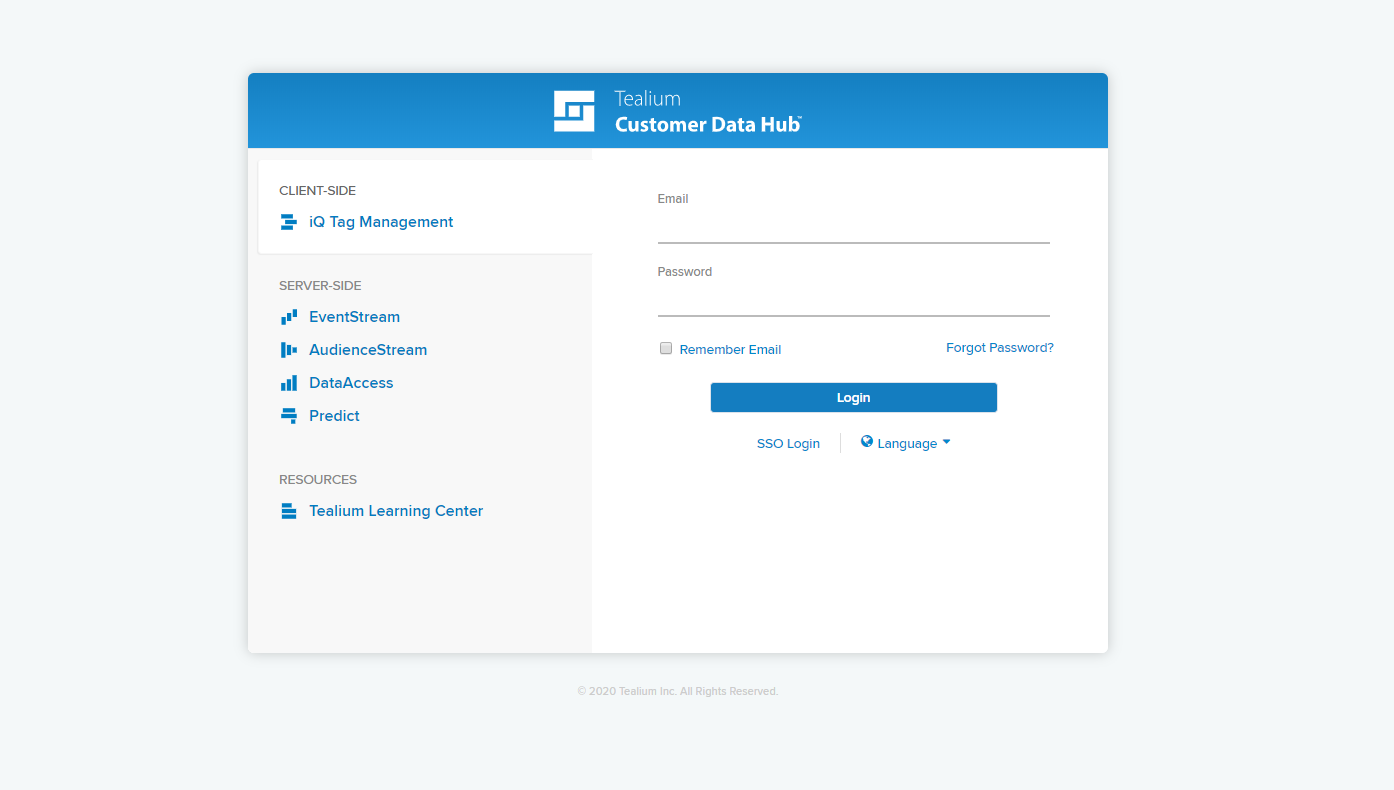
To add the Insider tag, visit https://my.tealiumiq.com/ and log in to your Tealium account.
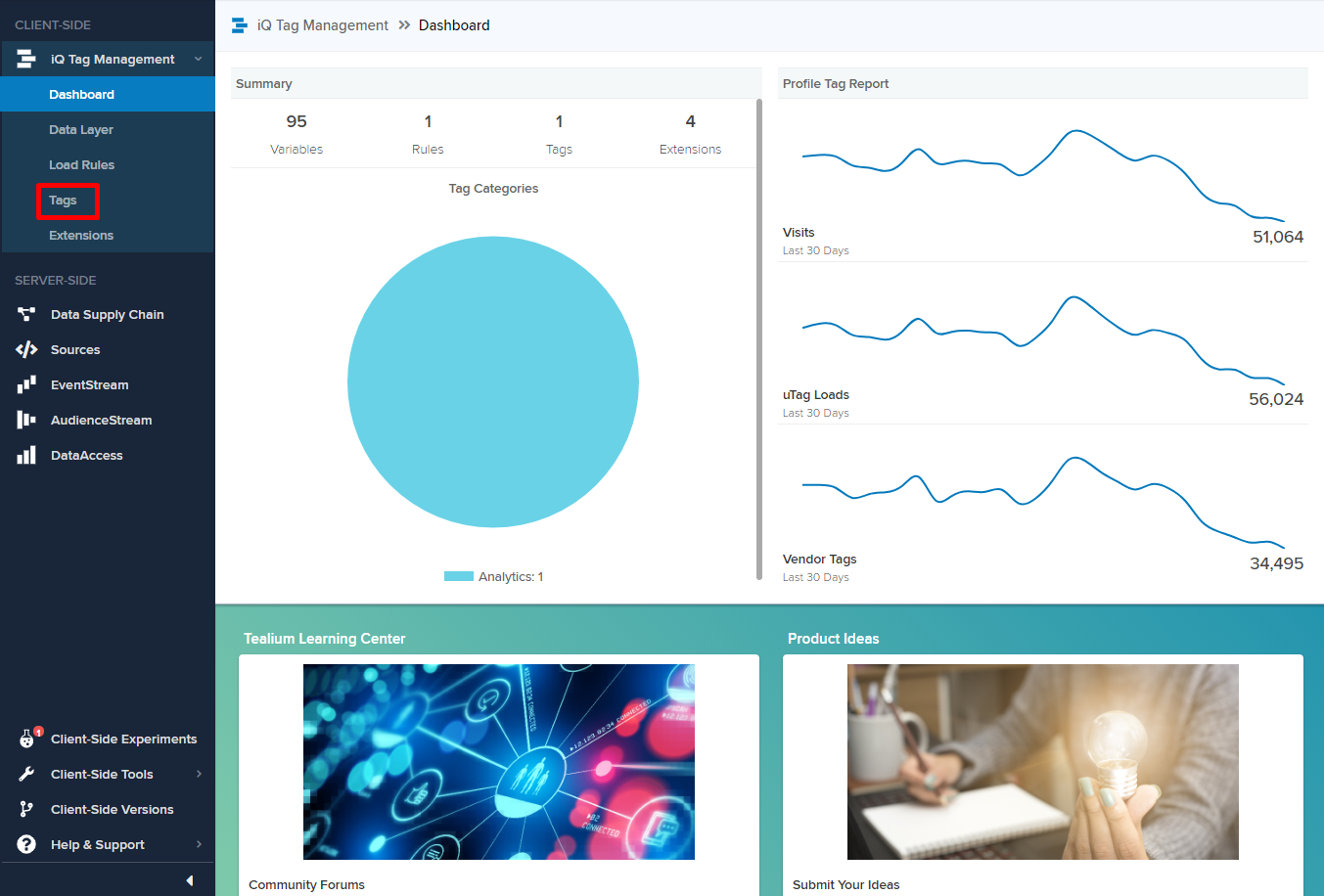
After logging in, select Tags under iQ Tag Management on the left panel.
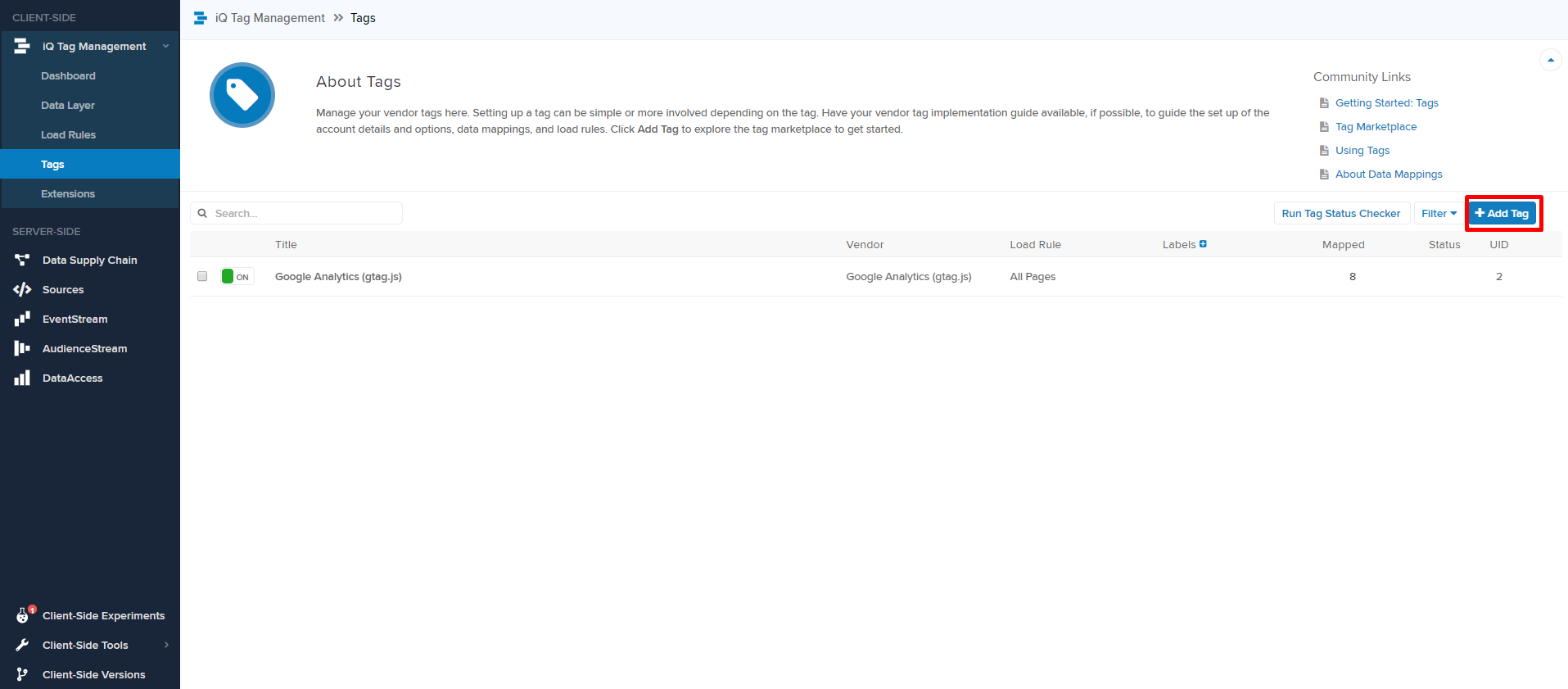
Click Add Tag to add Insider Tag under Tags.
Click +Add to configure Insider Tag.
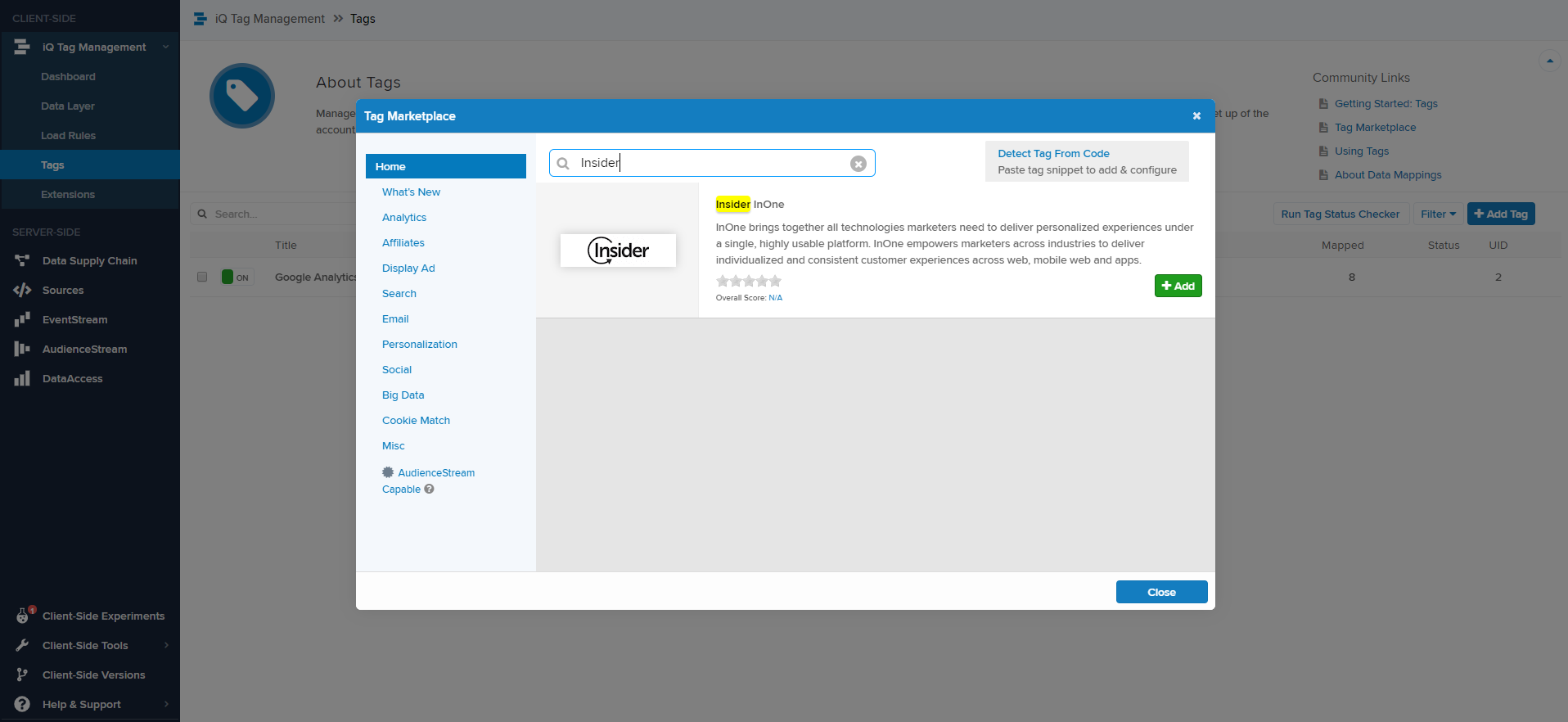
Configure Insider Tag
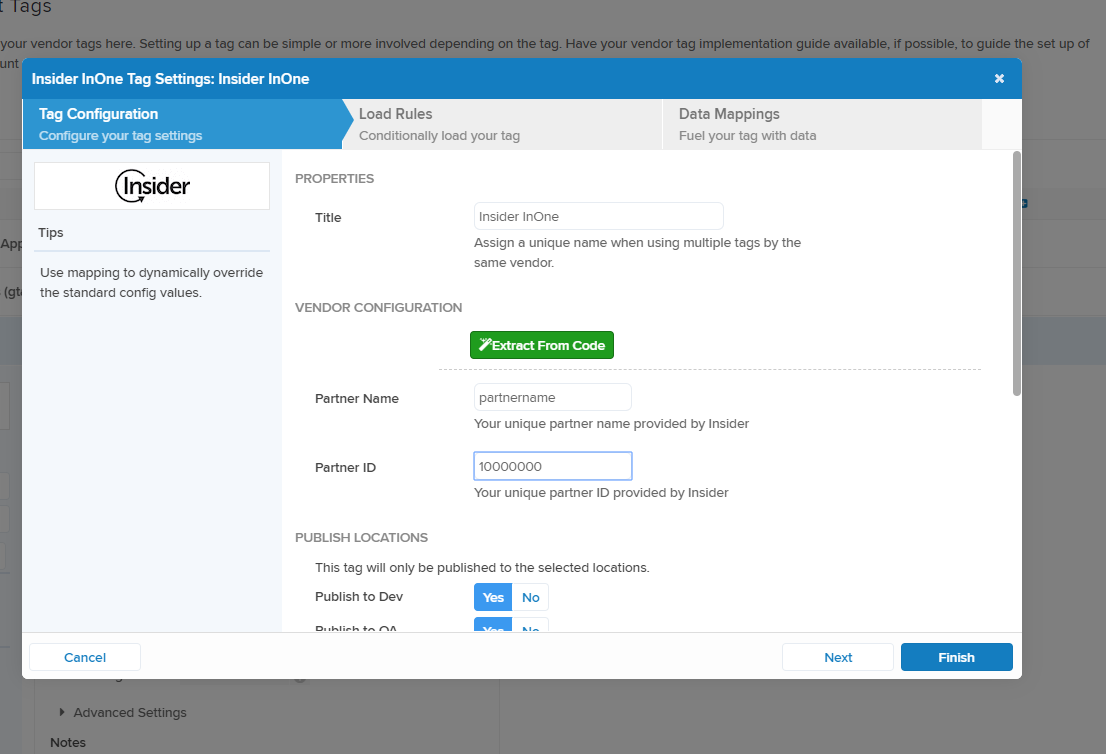
After adding the Tag, you can now add the values for Partner Name and Partner ID.
You can ask the Insider One team for these credentials or find them in the Settings tab of your account.
Set the Publish Locations based on the environment in which the tag will be published.
If needed, set Load Rules to load the tag conditionally.
If needed, configure Data Mappings with the variables you already have.
Click Finish to complete this step.
Publish Insider Tag
Once you click Finish, you will be redirected to Tags.
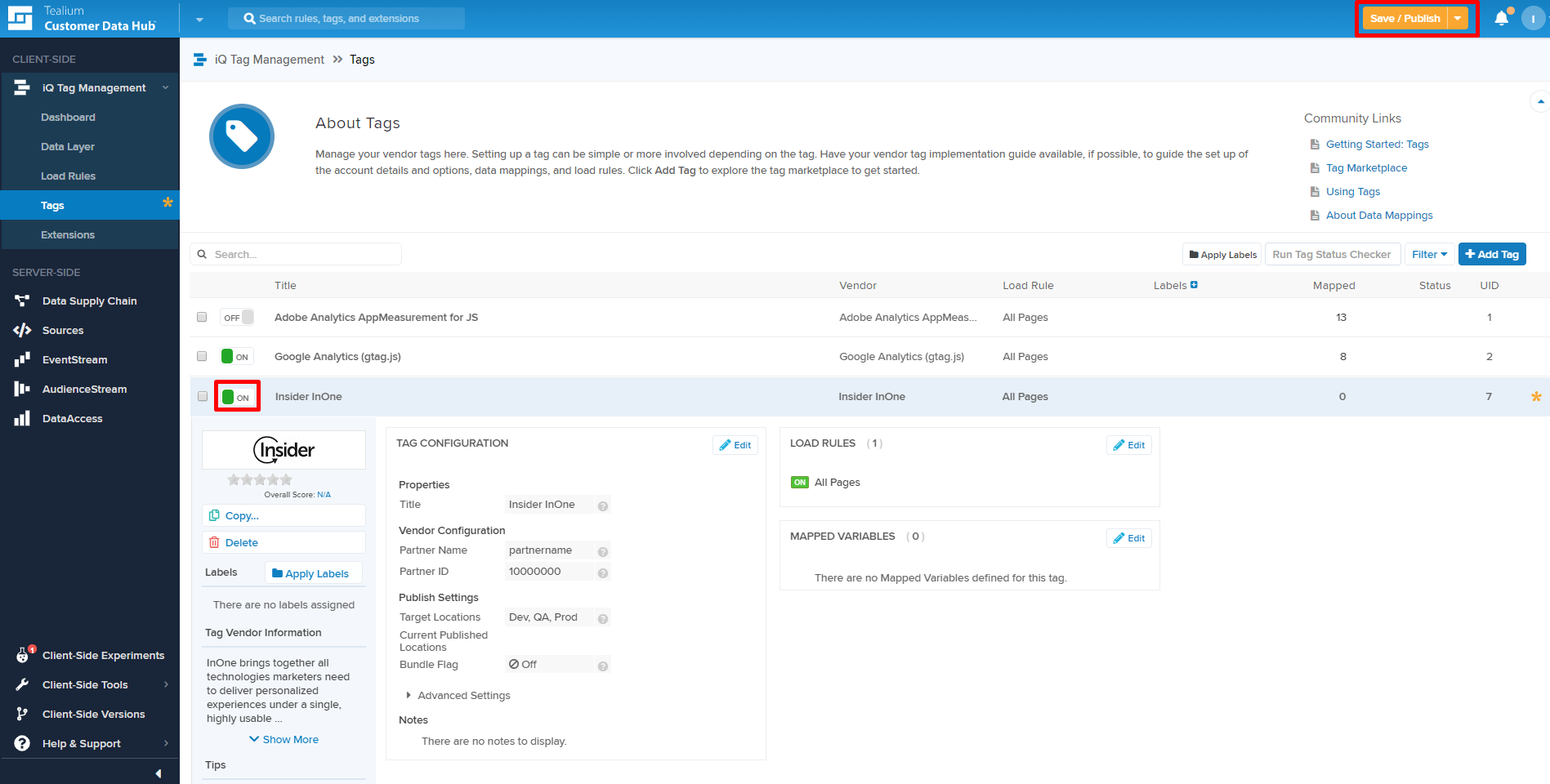
You will see the Insider Tag is now switched on and configured to the settings you just set.
Add any notes and configure any publish settings.
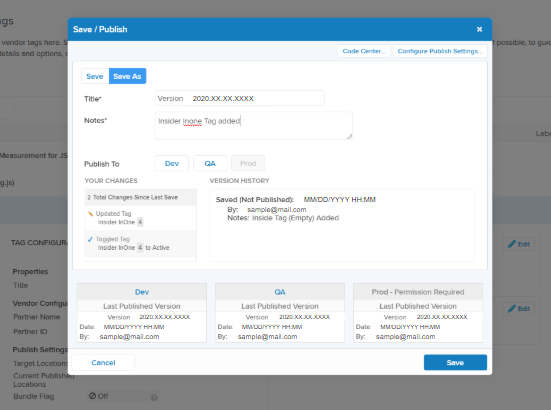
Click Save/Publish to publish the tag, and you will be ready to go.